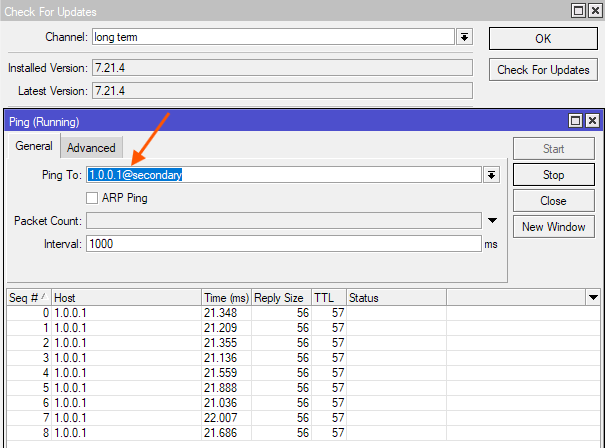
You need to use WinBox 4 to have the UI drop-down controls for VRF and Interface.
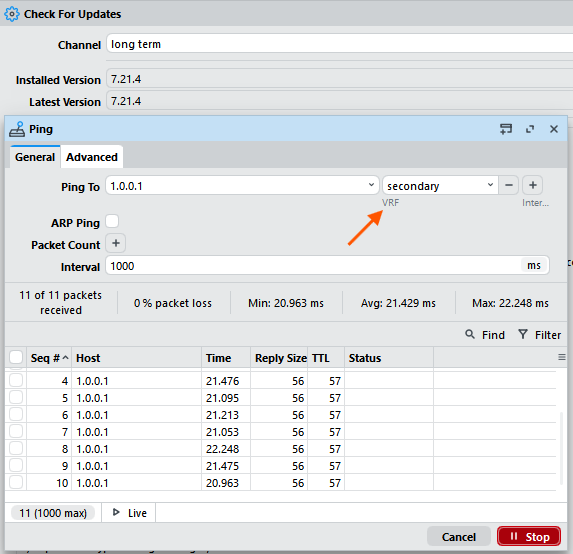
If you use WinBox 3, add the %interface@vrf suffix to the address:
Last week upgraded a Chateau Pro ax and a wAP ax from version 7.20.4 to 7.21.4.
So far no issues.
I'm using a standard configuration:
Version 7.21.5 has been released:
Good day,
upgraded a couple of devices to 7.21.5 LT and experiencing problerms with VPLS tunnels, etc
not sure if related, but investigated above and see high number of tx drops on interfaces. Connected 2 CCR2116 devices directly with no configs on these interfaces, only traffic between the 2116's should be discovery, etc packets.
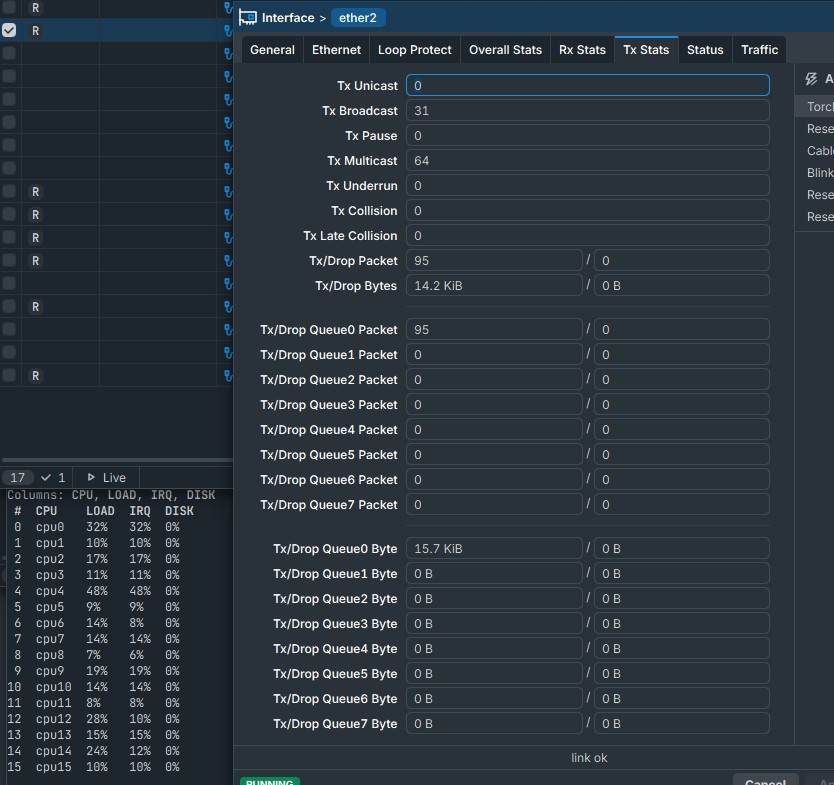
see tx drops screenshot attached of about a 10 minute period, interfaces with higher traffic has a much much higher tx drop rate...
CPU utilization also does not seem to be an issue as per screenshot
Screenshot shows exactly 0 drops ... note that each line contains two numbers, one is total and the other is drops. E.g. line Tx/Drop Packet shows 95/0 ... so total 95 packets transmitted, of those 0 dropped.
ahhh, ofcourse, thx @mkx
read it wrong, so one is actual sent and other is drops...
note to self... calm down and read things again .......
No worries. I'm 100% sure you're not the first one who "misread" this WinBox "/" layout.
Perhaps these previous release threads get closed, as it confusing...