No certificate … that was exactly my problem also! http://forum.mikrotik.com/t/new-user-manager-in-routeros-v7/135338/1
And I also only used PEAP and MSCHAPv2, not EAP-TLS. Creating the certificate for Userman was the solution.
Code/exemple is in the MT HELP: https://help.mikrotik.com/docs/display/ROS/Enterprise+wireless+security+with+User+Manager+v5
There is no need to install certificates on devices. Only the certificate on the Userman host , if you choose “don’t verify certificate” in the AP, and accept the certificate as trusted on the device when authenticating. (This “accepting” is only needed once).
Client certificate was not needed, and as such was not created.
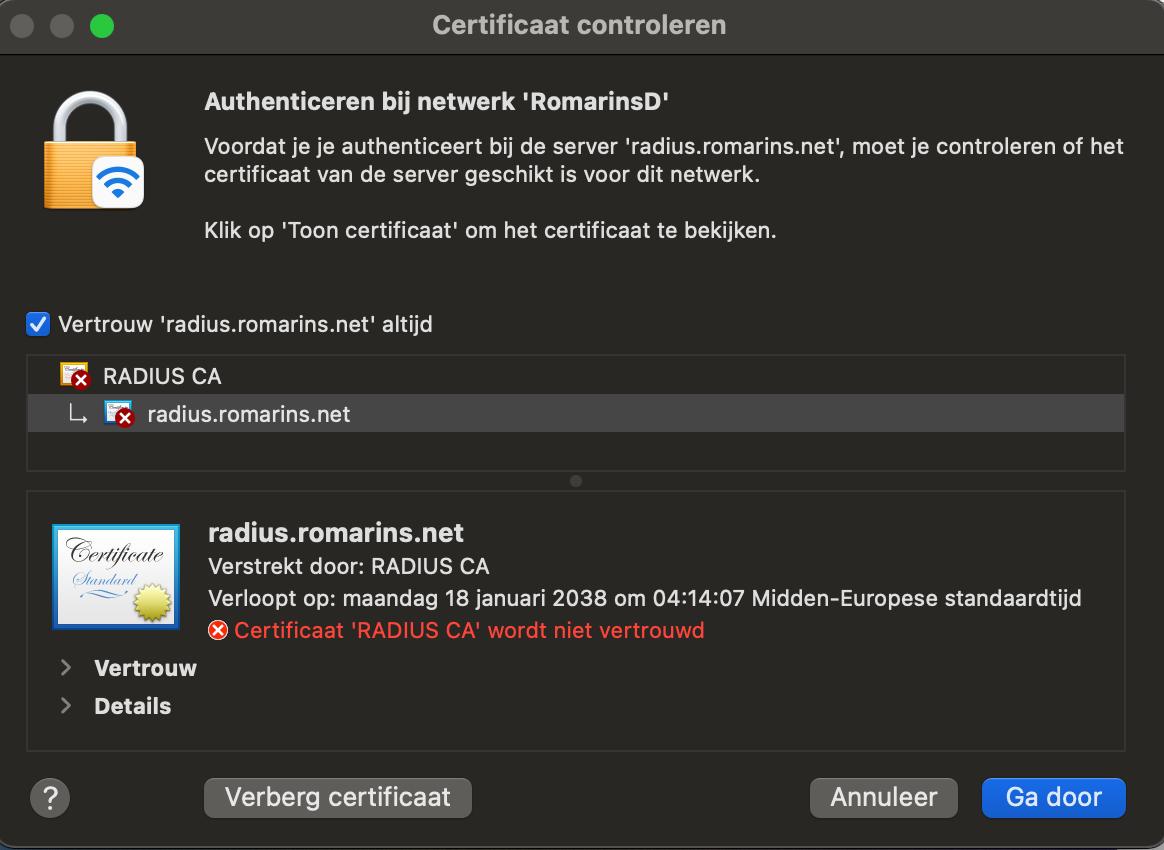
A test user today told me, that the accept request is very clearly stated on a MacBook, Windows doesn’t give such information. (sorry test in Dutch, I have no MacBook)
Request is to trust (“vertrouw”) the self created CA, following the MT Help exemple code.