Thanks so very much for your help.
Is this correct now?
/ip firewall filter
add action=accept chain=forward comment=\
    "Accept established,related, untracked" \
    connection-state=established,related,untracked
add action=drop chain=forward comment="Drop invalid" \
    connection-state=invalid
add action=accept chain=input comment=\
    "Accept established, related, untracked" \
    connection-state=established,related,untracked
add action=accept chain=input comment="Accept ICMP" \
    protocol=icmp
add action=drop chain=input comment="Drop invalid" \
    connection-state=invalid
add action=drop chain=forward comment=\
    "Drop all not coming from LAN and not DSTNATed" \
    connection-nat-state=!dstnat in-interface-list=!LAN
(I think the “connection-nat-state” is not in the default, but it doesn’t hurt. Some people - including me - do input port remapping with dst-nat. You don’t have to do it this way - it doesn’t lead to anything unexpected either way.)
It was the friend’s recommendation, so I did it. 
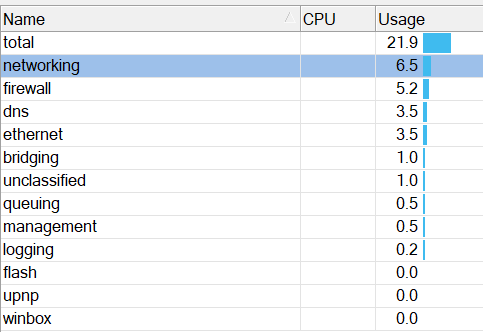
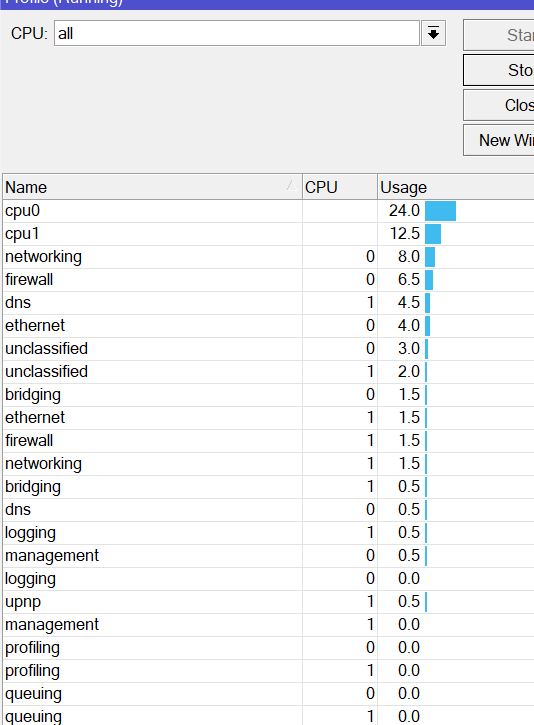
But it still shows CPU 21%
I am working remotely, and have three connections via remote utilities (three remote screens open at the moment). Perhaps NETWORKING 8% come from that???
PS May I remove complete config export that I posted earlier?