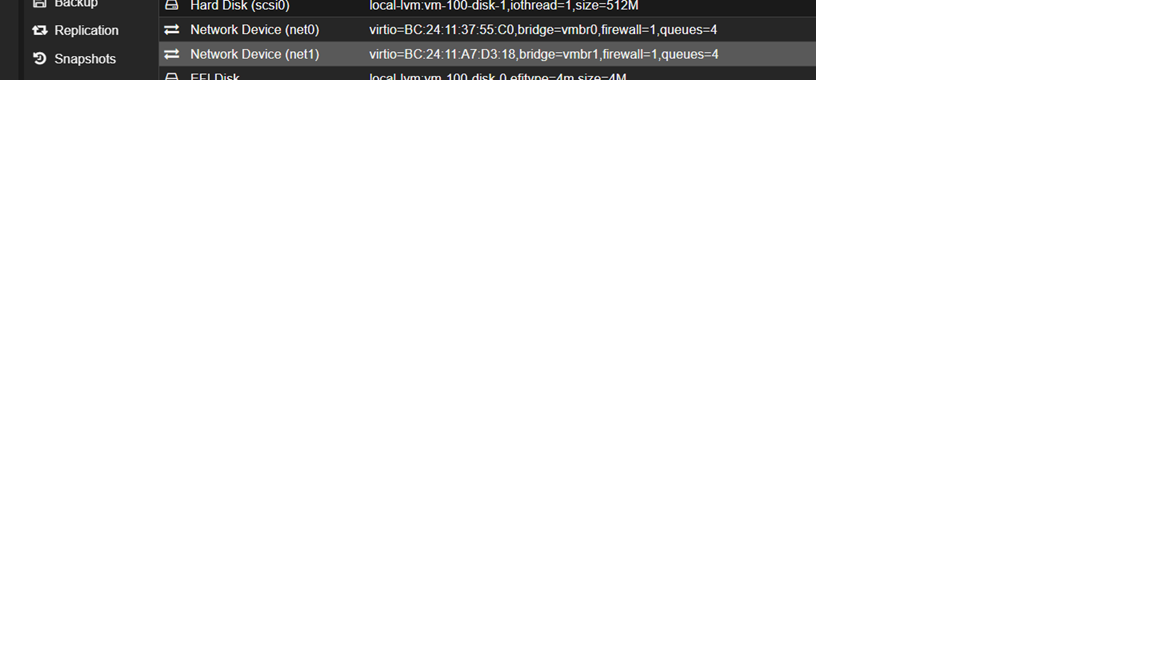
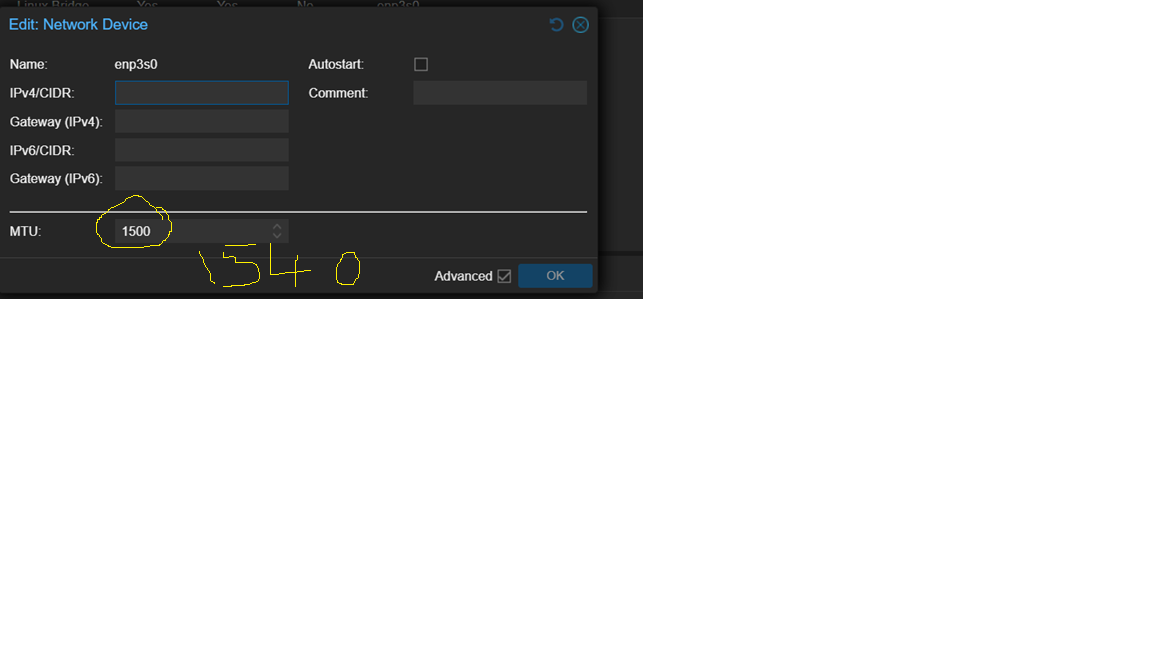
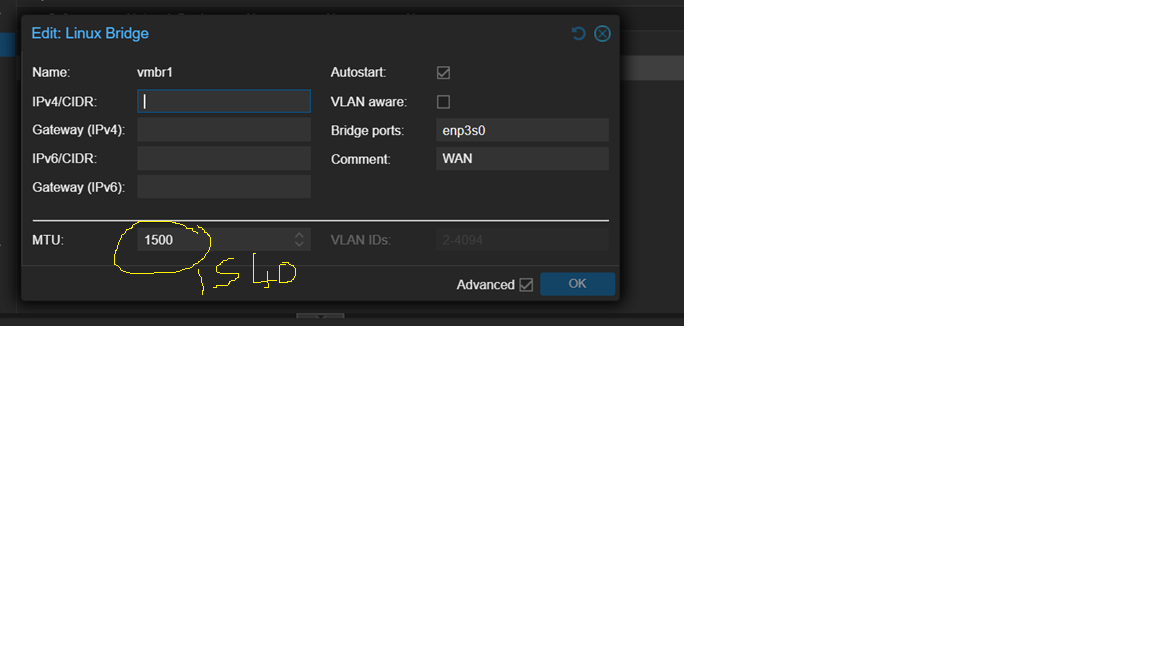
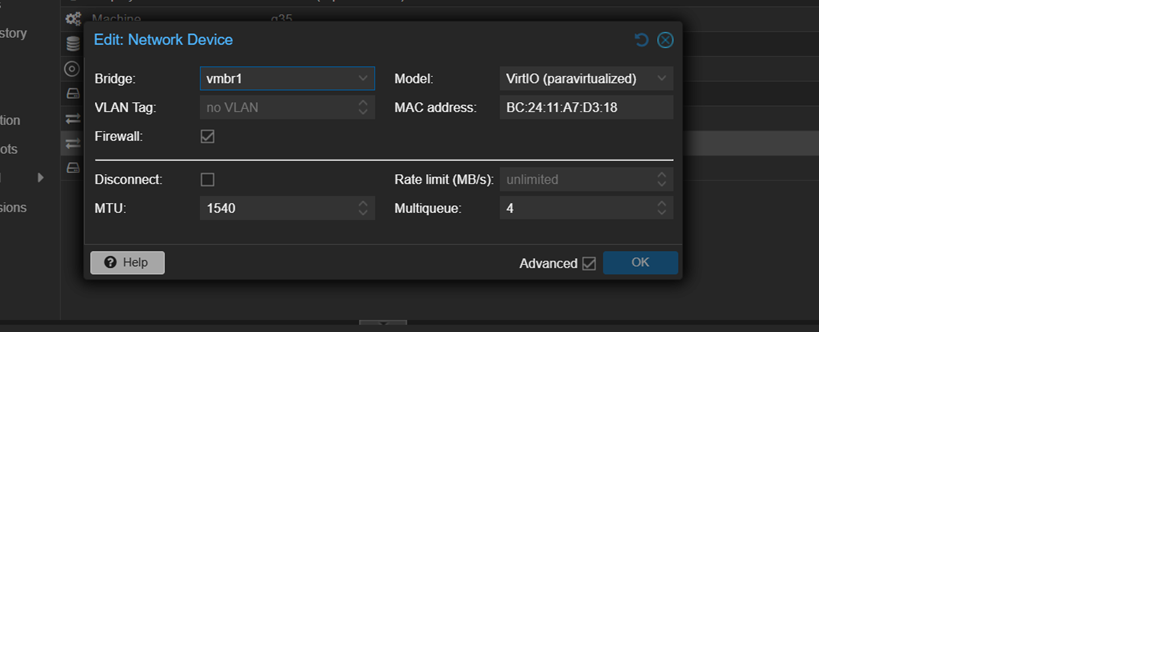
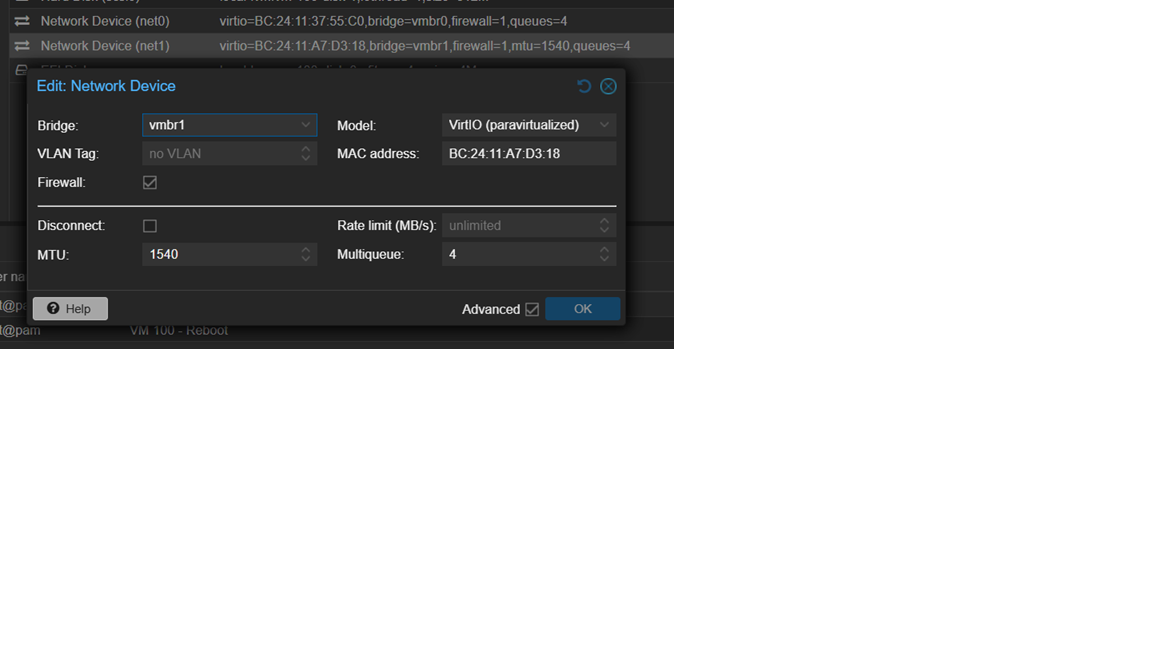
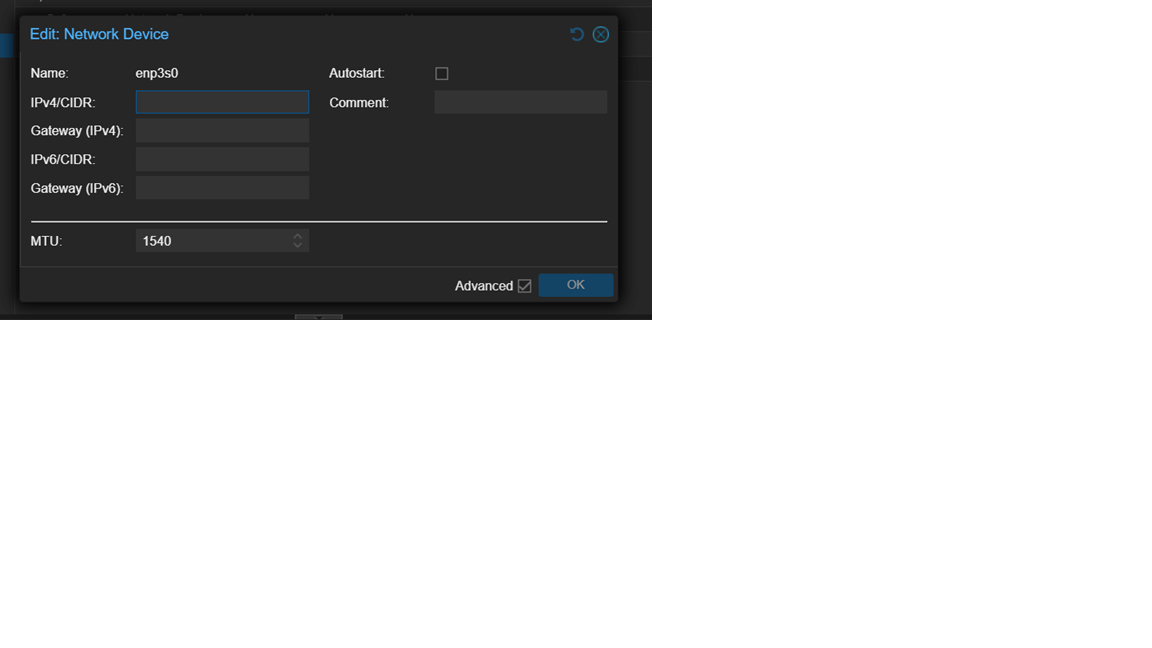
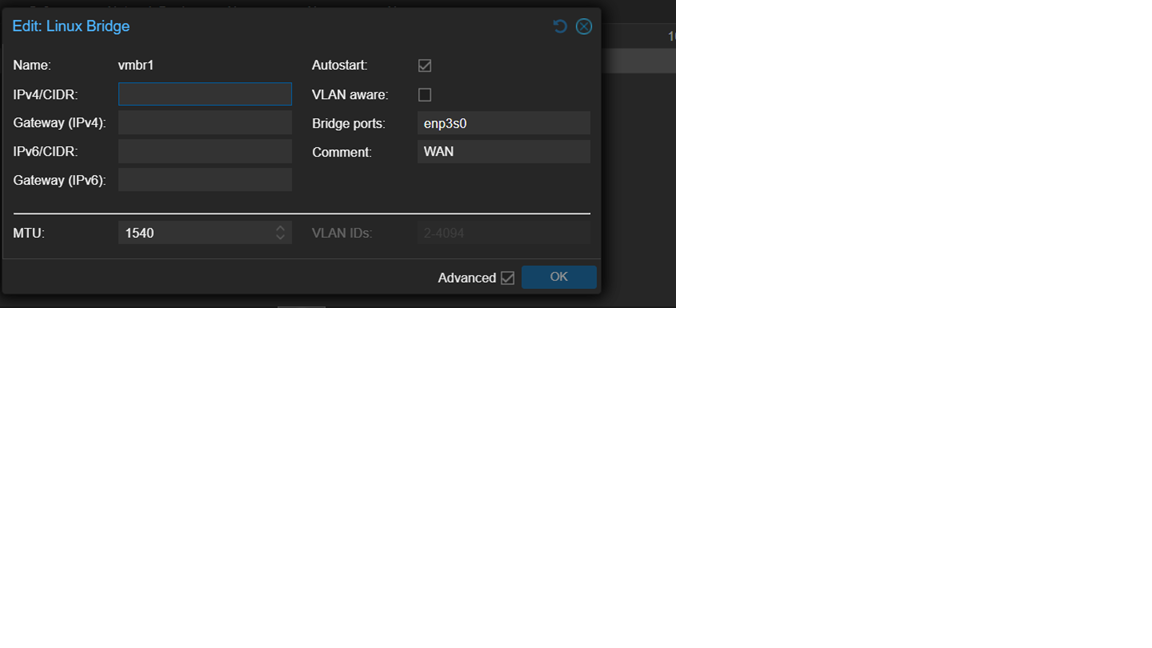
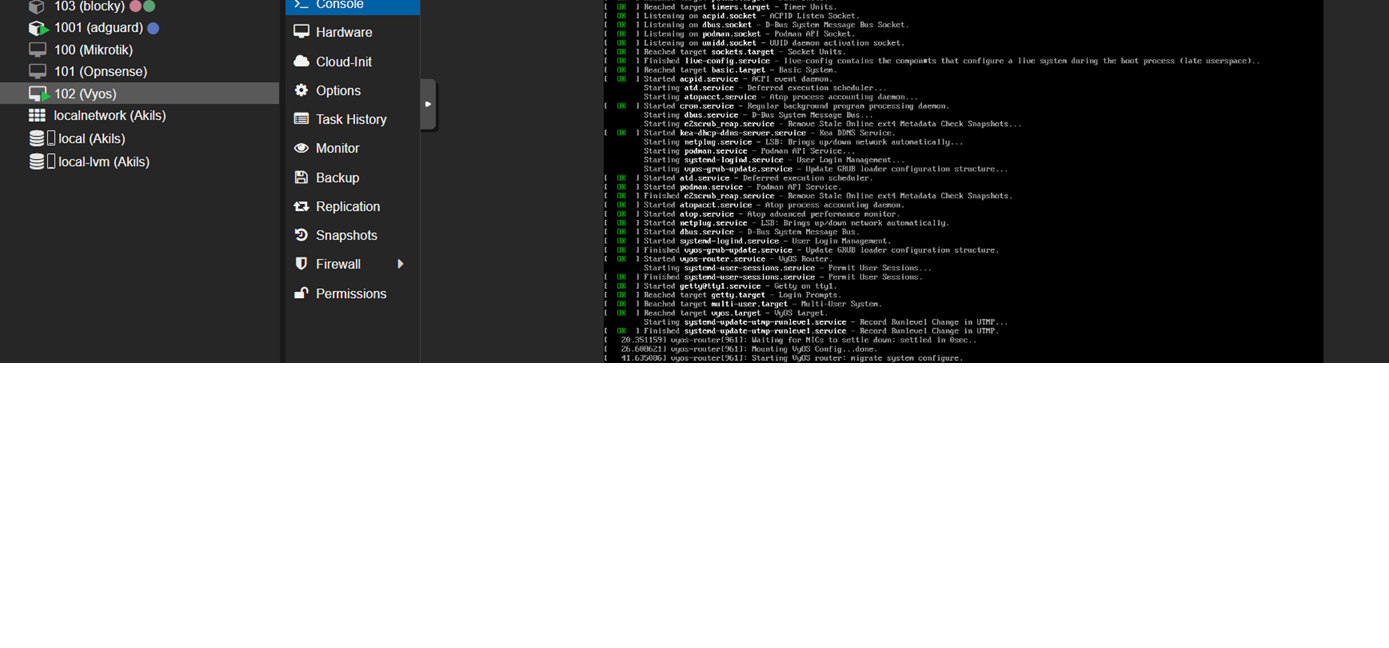
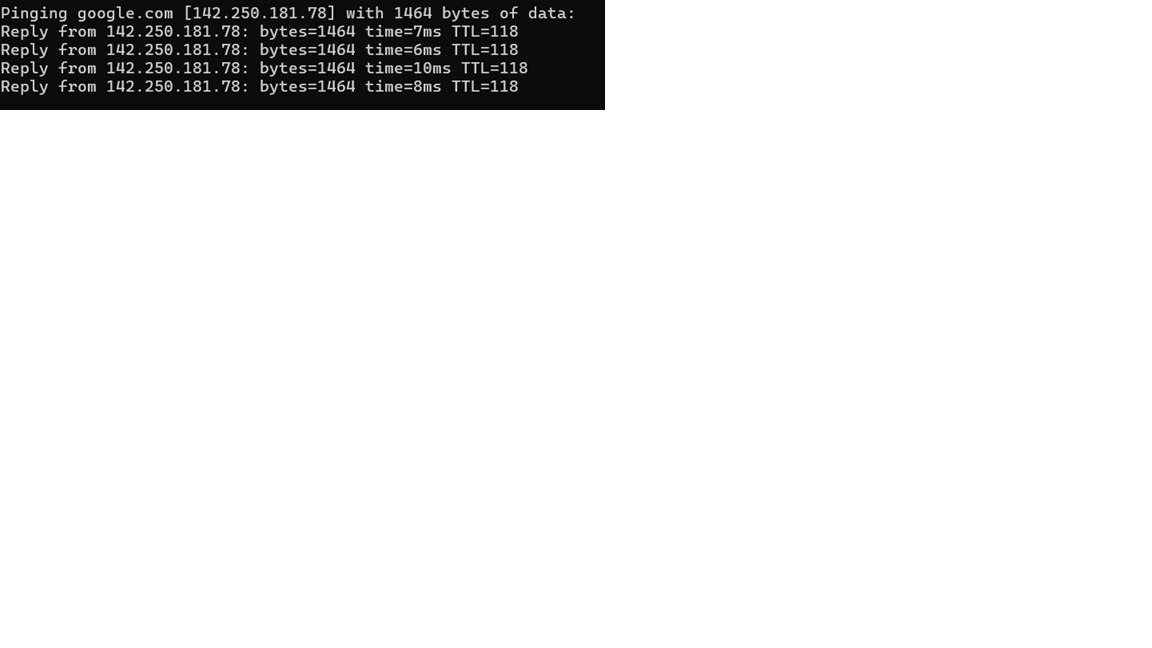
If you use Proxmox, can you try in Proxmox to increase the MTU value of:
The network device (ensXXXX) corresponding to the port connecting to the ISP
The corresponding Linux bridge over that port
to, let’s say 1540 (assuming the network adapter support jumbo frames)? Or are you using NIC passthrough (if this is the case try switching to virtio)?
I changed mtu to 1540 in 3 places parent interface ,bridge port and also in mikrotik network interface,but nothing changed for me pppoe mtu is still 1488 ,also it breaks internet everytime i change parent interface mtu (son has his board exams going on ) so i will try again tomorrow when he is off to school,but didnt see much difference.
But i am not losing hope will try ,my main question is when other software vendors can achieve why cant mikrotik ,so definitely they are locking down something…
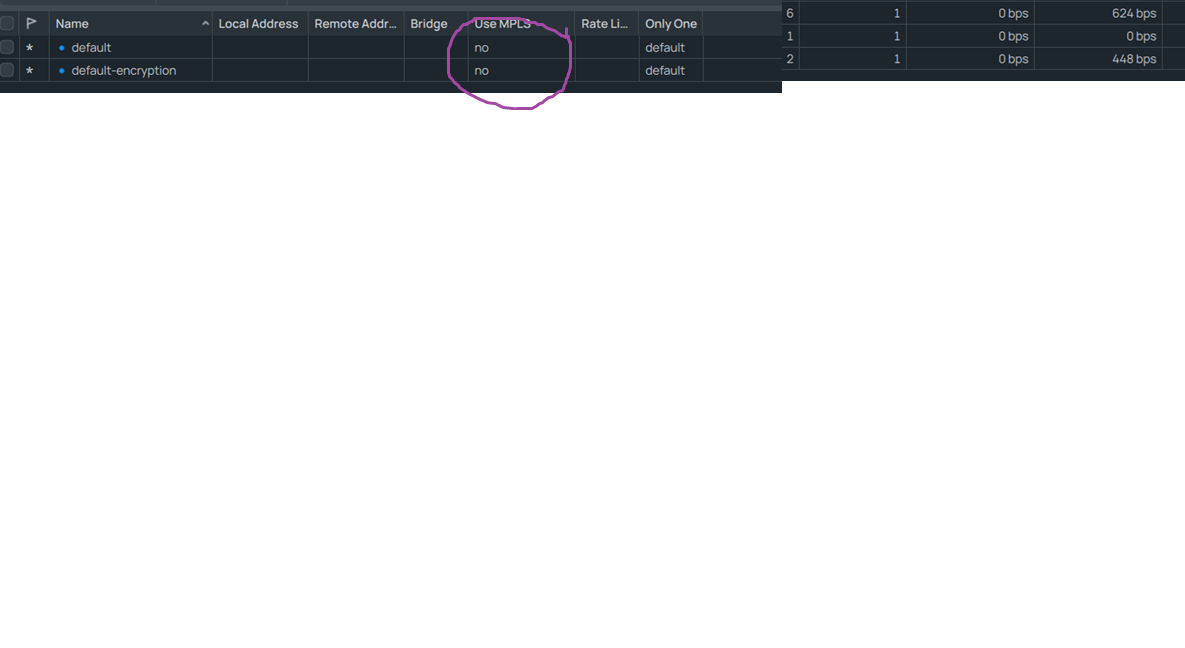
This is kind of a shot in the dark, but the default PPP profile has MPLS enabled (it actually says “default”, which explains nothing, but in reality this “default” acts like “enabled”). Try to either create a new PPP profile with MPLS disabled or disable MPLS on the default PPP profile.
This is nothing more than wild speculation from my part (and I’m not proud), but it could be that that’s where those 4 extra bytes come from.
i tried again this morning with 1540 mtu on wan interfaces across the board also in mk pppoe tried to play with mtu but only 1488 works any other value it defaults to 1480 …
I guess another thing that you can try is to turn on the VLAN Aware checkbox in Proxmox on the Linux Bridge matching the interface used to dial PPPoE? It probably won’t help much though.
Another attempt that requires more work is to passthrough the network adapter (NIC Passthrough) instead of using the virtual adapter. But it probably won’t help because like you wrote you’ve already installed RouterOS on the bare metal hardware before.
@CGG great analysis, you are indeed knowledgeable in networking on many fronts!!
The interesting thing is that you seem to indicate that the problem is that the OP is to cheap to buy MT products and is using an X86 machine to hose RoS.
In other words the RoS is is working fine and the limitation is caused by the hardware.
The OP is pointing out that the issue does not exist when the OP uses a different RoS, namely VYOS.
So which is it
a. MT RoS cannot handle the MTU properly and needs fixing.
b. VYOS somehow reads the NiC card parameters and adjusts on the fly ( again MT RoS is deficient in comparison and needs work )
c. ???
I had to reply to a user in another topic and I found yet another post resurrected to draw attention to his problem with 1492 / 1480 MTU.
But the user still doesn’t understand the difference between L2 and L3 MTU,
and RouterOS doesn’t support all the functions on non-RouterBOARD hardware or that doesn’t have fully compatible drivers inside RouterOS…
Strange logic !!
Cloud Hosted Router (CHR) is a RouterOS version intended for running as a virtual machine. It supports the x86 64-bit architecture so it must support intel nics ,i think its a bug that needs to be fixed.
That is really strange logic!!!
Are you suggesting that emulator HAS to be Intel based? Are you aware of x64 emulators on ARM processors or ARM emulators on Intel platforms?
Or maybe you suggest that CHR should have support for any Intel based product?
Dont you think that CHR should have support just for that devices that are exposed by virtualization system?
What they’re trying to explain to you, is that CHR is a virtual machine.
It doesn’t see the Intel, Broadcom, Mellanox, or whatever NICs you have. It sees the virtual-simulated basic NIC provided by the virtualization platform.
It (for now) does not support passthrough-real-hardware-to-VM setups. (Its main target market is cloud hosting which doesn’t offer such features anyway.)
Any tuning of the hardware NICs must happen on the hypervisor.