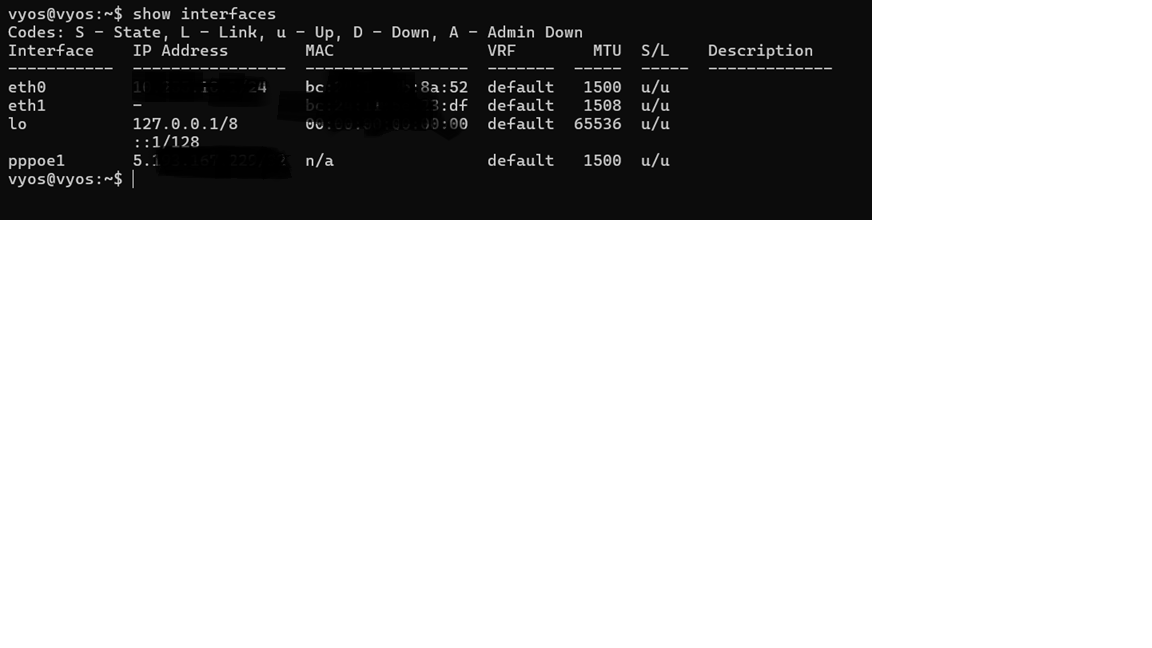
If you don’t show (the export) how you configured the device, what do you expect?
I have hAPs from dozens of customers, and they all work fine with PPPoE at 1500.
If you don’t show (the export) how you configured the device, what do you expect?
I have hAPs from dozens of customers, and they all work fine with PPPoE at 1500.
Hope you find the underlying issue soon best of luck!!
@CGGXANNX UR THE MAN!!!!!!! vyos pppoe is now 1500
Edit i noticed streaming/utube/iptv is fine but web pages were loading slower than before ,i think its a mtu issue.. 1492 is faster for me
@Larsa
i did further tests using pci passthrough its still mtu is behaving exactly same as before mtu wont go 1492 no matter what, so it must be the driver issue then…
Not to insist, but I’ve been writing this since the beginning I wrore about compatibility…
yes your inputs have been very valuable my friend ,you are a senior member in this forum if possible send this information to the team..
As already written, I’m an ordinary user (and not even a moderator as you thought),
you have to write directly to support@mikrotik.com if you want to contact the staff, this is a user forum where sometime staff appear here.
But, as already written, RouterOS uses an old kernel
and I don’t know if they can put an updated driver just for your device (and other similar) (there is a list of supported cards a few posts ago)
Moderator hah, if only we could be so lucky!
As for ordinary, one of the last words I would have used…
This may be useful to you:
http://forum.mikrotik.com/t/pppoe-compatibility-issues-with-vbras-nfv/182546/1
Yes!!! Finally someone has found out the real issue @Flannels wonderful work man so as per you deployment of RFC4638 test is the reason for this issue in particular
Just for the records: Mikrotik ↔ Mikrotik gives 1492 with no additional settings except identity
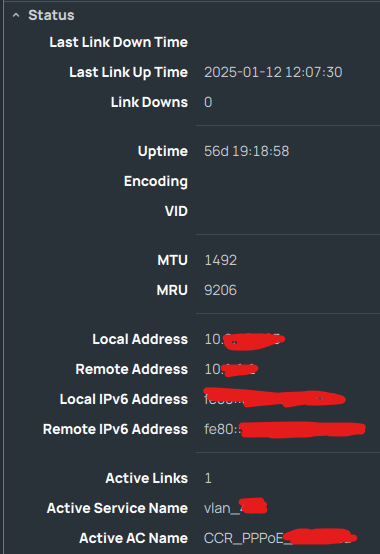
This is not the same since pppoe server is from Mikrotik not outside, look in this post for actual reason
http://forum.mikrotik.com/t/pppoe-compatibility-issues-with-vbras-nfv/182546/1
A suggestion to the Topic Author and other interested on it:
Wireshark is the way, the truth, and the life!
If you are on a lab scenario with no sensitive information (IP address, Mac Address, PPP user and password.), you could even share those PCAPs here and other guys could help in the comparison and analysis.
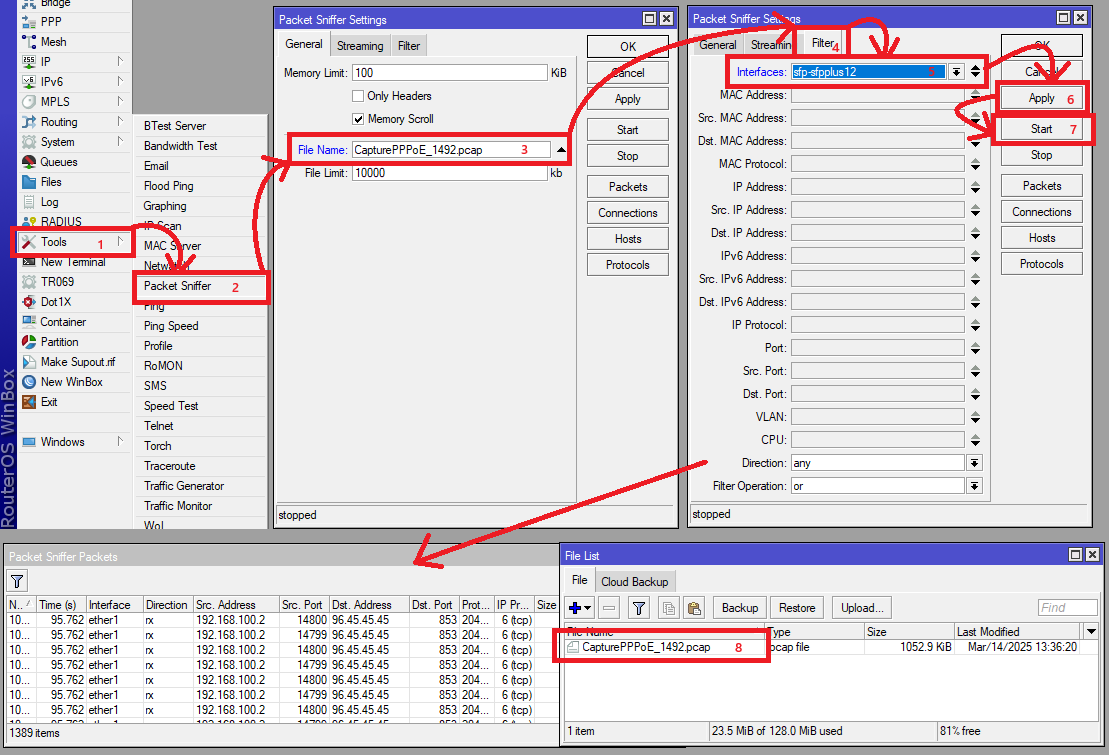
I could provide that if could you guide me how to do a packet capture in chr in a easy way ?
Hey… This “the one” of the few things I really like in MikroTik.
It works like a charm.
Edit:
these are some packets with mtu as 1492,hope you see something..

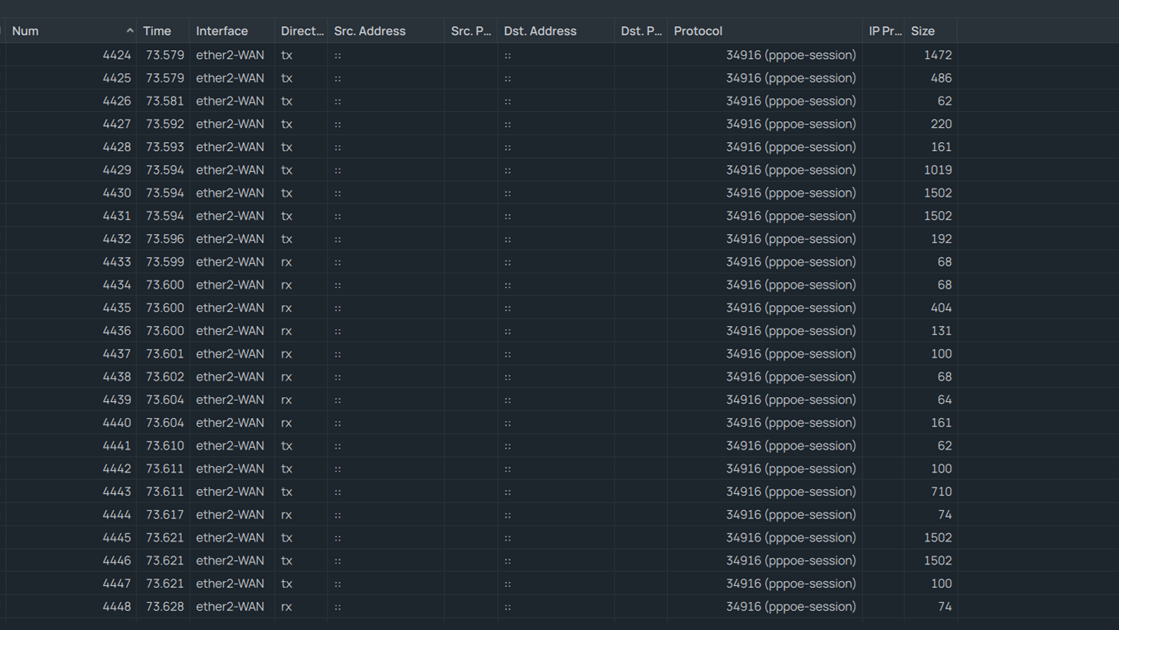
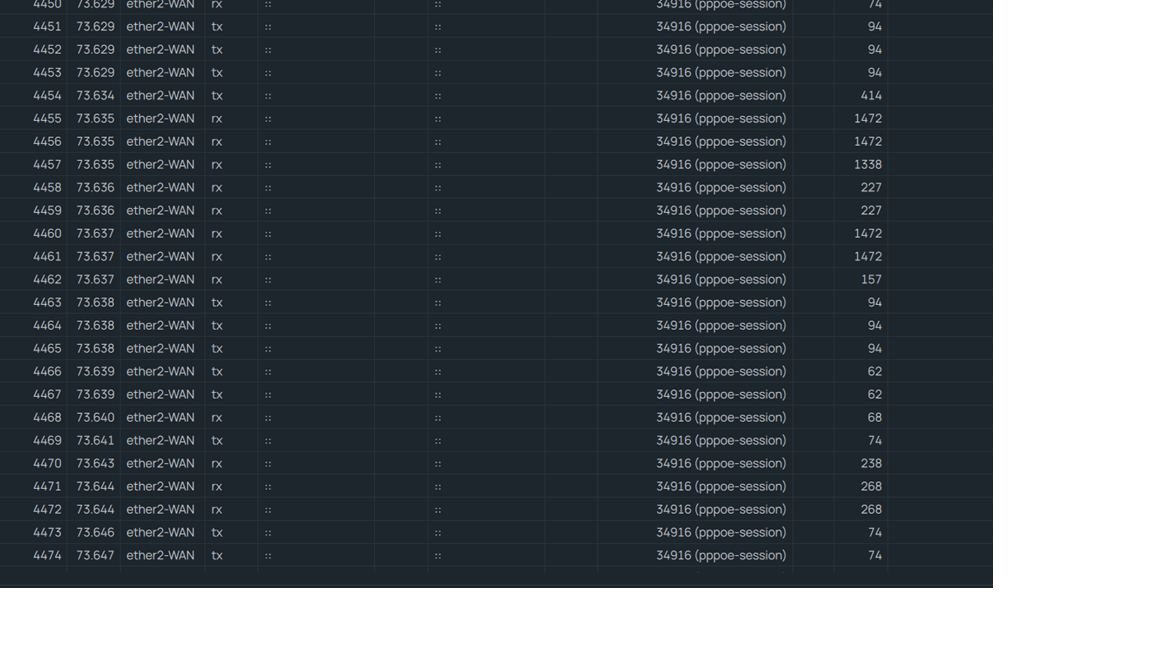
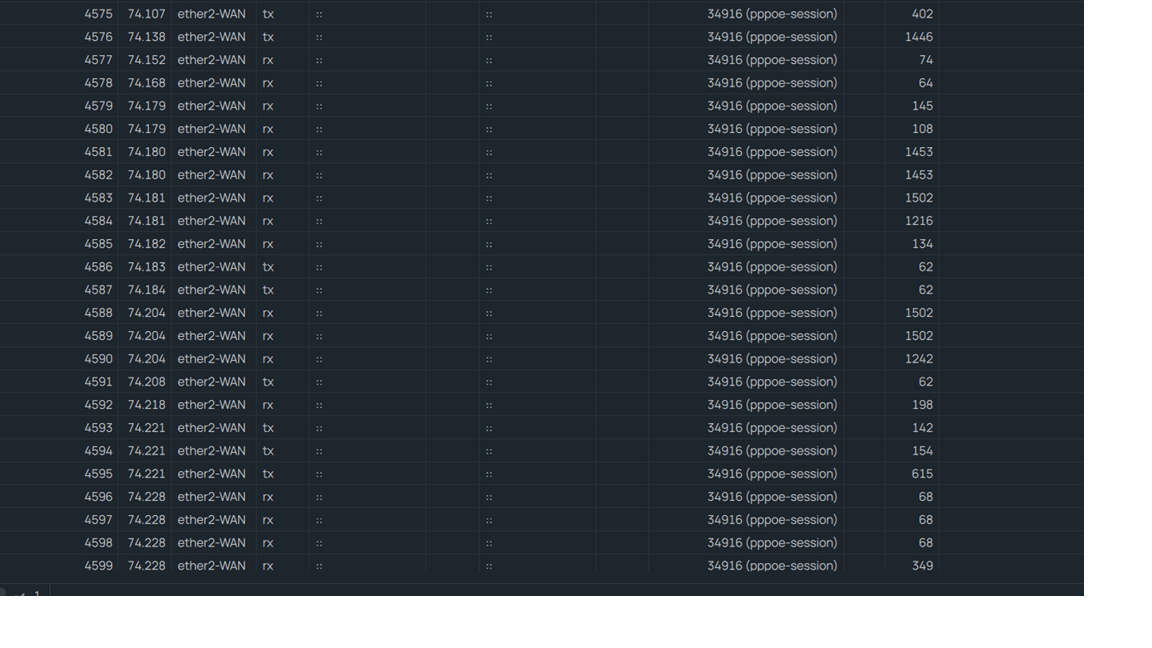
Hey dude…
You need to download the PCAP file from files in your router to you computer, and then send it here.
Ok will send you a message
ok there has been response from support@ mikrotik they have made some changes for pppoe Finally!!!
But i have a x86 box and there is no chr/iso image in this can someone test it and give feedback!!
Normally the file without platform suffix, the one named routeros-7.18_ab244.npk is for x86 (same naming convention as on https://mikrotik.com/download).