WireGuard is a part of the kernel since 5.6 and IPsec has been around since 2.6. Depending on the architecture, WireGuard (wireguard.ko) is about 100–150 KB, while IPsec, with its ~20 modules (xfrm_.ko, esp.ko, ah*.ko, etc.) handling tunneling, authentication, encryption, and compression, adds up to over 1 MB.
For a single tunnel and software-based IPsec, WireGuard is always faster and easier on the CPU. IPsec with hardware acceleration is an order of magnitude faster and more efficient, especially when running multiple tunnels, where WireGuard would likely max out a CPU with just one.
They have also made subtle changes over several version… so whether you use a “fully qualified” path, with/without - like adding :latest or :stable yourself – can also effect whether it pulls an image, not just registry-url=. Hopefully there trying to clean up /container’s pull because it often very picky (and/or appears not to work as a result). I don’t know if changing to lscr.io will help, since never used their images — but DockerHub is full of containers not well suited to running in /container.
I think that refers to updates made to the software that came with the device. E.g. last week there was another v6 update.
You are presumed to run the (updated version of) the firmware that came with the device, which apparently is v6 for the wAP, and upgrades to v7 and more so to wifi-qcom-ac are “at your own risk”.
(I think Normis specifically mentioned the latter here on the forum in one of the recent v7 release topics where people were complaining about hAP ac2 space shortage after they installed wifi-qcom-ac)
Around the time when “wireless” was split off from the main package, I had serious space issues on the hAP ac2 as well, but they were resolved. Apparently the memory map was changed, maybe a reserved area for the boot code was made smaller, or something like that. They apparently still spend considerable effort to keep everything in 16MB.
(we can only imagine when back in the days when 128MB was the normal flash size, they would have evolved to 512MB or 1GB on all devices… it would have been easy to provide a lot more functionality at a lot less developer effort)
IPSEC is a real configuration / maintanance PITA anyway, and as such should be eradicated from the planet Earth. All of our branches are WG based nowadays, apart from central connection.The route to future is given and inevitable anyway. On the client side, our admins use WG tunnels as opposed to the Azure VPN ones based upon the OpenVPN protocol. The response latency is almos halved, ditto for loading times of a comples forms with under the 200 requests. WG is simply set-and-forget.
Genereally, MT should put sufficient resources into their HW. Then significant part of this thread would not be by full of complaints about the hw insufficient resources. How much more would the device cost doubling the resources anyway?
WireGuard works well for monitoring and management, but it’s not the best choice for large-scale operations that require many connections and high throughput. In these cases, IPSec is the only real option.
If someone finds IPSec tricky to set up, it’s likely more a matter of experience and expertise.
@pekt: There is no hardware support for WireGuard (ChaCha20) on any platform or brand.
That isn’t surprising since the hap lite doesn’t have ipsec hw acceleration. I think it’s been well established that, in those cases, wireguard is better (at least for a single tunnel) since chacha20 is easier on the CPU than traditional AES. The hap lite is also anemic and wouldn’t be the device one would use in a situation where you needed many tunnels.
Edit: you forgot to include the percent of CPU use during those tests.
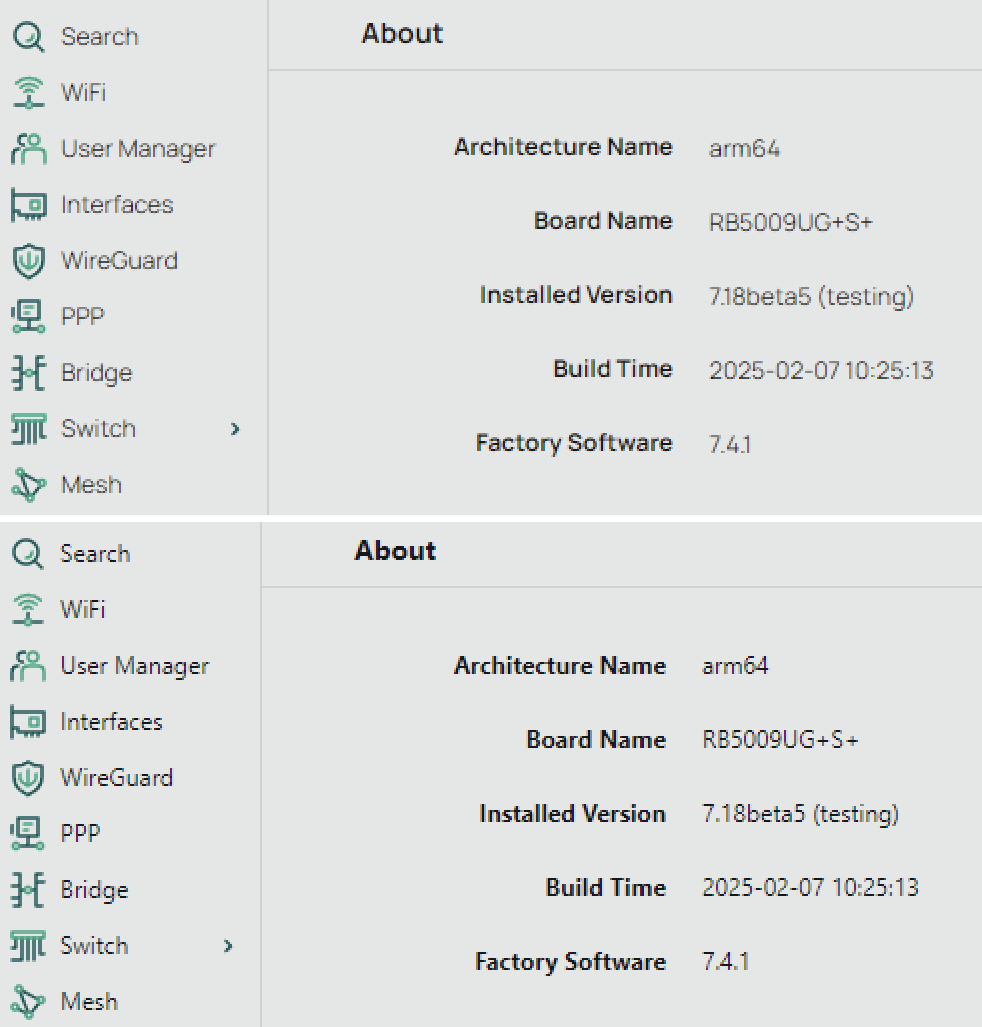
The main idea was to show the difference in throughput between WG and IPSec, and that v7 is heavier for this router than v6.
BTW, MT once said that they don’t recommend to use v7 on devices with <64 MB RAM…
CPU usage was 100% in every test, I thought it’s obvious for such a weak router. And it seems to be the main limiting factor.
Sadly for MikroTik, the linked above wAP ac LTE kit (2024) is marked as having “RouterOS v7” for OS, so at least these refresh devices do come with v7 and so must support v7 for 5 years. It’s also worth to note here that the refresh kit does not change base hardware. The wAPGR-5HacD2HnD (newest revision being r3) that was at some point sold standalone and is still being sold with v6 in legacy R11e-LTE6 kit variant, just the modem was replaced from R11e-LTE to R11eL-EC200A-EU.
Regarding wifi-qcom-ac: I don’t understand why they don’t split it into two separate versions:
One for IPQ4018/4019-only devices (like the hAP ac²/ac³, wAP ac, cAP ac, Chateau, etc…), most of them with only 16MB flash.
And the current package for devices like the Audience which has both chips (but that device has 128MB storage) or devices with only QCA9984 like RB4011iGS+5HacQ2HnD-IN (512MB NAND).
Not shipping the firmware for QCA9984 in a package built for the IPQ 401x-only devices would reduce the package’s size by 530KB (compressed size):
That’s a lot for the hAP ac²! And maybe even more can be removed from the other folders.
I don’t see it as a viable solution currently. Complicates which package is supported by which platform even more than current situation. Maybe some system where wireless package is .xnpk container with lot of smaller .npk which get automatically extracted in memory and only specific necessary ones are installed? That way user (and package update) only ever downloads one package and all hard stuff is abstracted away. This also doesn’t break the fact current system relies on .npk and their signatures.
More than anything though, splitting base system feels like a requirement either way. I’m not talking about serious splitting like in v6 era, but the cloud and file management features should be separate, just like rose-storage, gps or iot already is.
I mean MikroTik creates an additional package wifi-ipq-ac.npk for instance, which they can generate automatically from wifi-qcom-ac, because it’s just a SquashFS file with one directory content removed.
Currently when you upgrade from 7.12.x to 7.13+, the main routeros package is upgraded to routeros and wireless.npk. You have to read the documentation (or the forum) to know to remove wireless and install wifi-qcom-ac instead. It’s not done automatically at all. Which means the documentation only needs to be updated to mention wifi-qcom-ac for Audience and RB4011, and wifi-ipq-ac for all the other devices. From now on, owners of hAP ac² after upgrading from 7.12.x will install wifi-ipq-ac after reading the docs (and don’t need to care about wifi-qcom-ac at all).
For the users who already did the manual upgrade to wifi-qcom-ac. If they do nothing, upgrades to future versions will still pull the upgraded version of wifi-qcom-ac, and it’s still compatible, until the point when they are no longer able to (because routeros or wifi-qcom-ac have become too bloated). Those users will then look in the docs or ask the forum and will be told to replace wifi-qcom-ac with wifi-ipq-ac and regain 530KB.
v7.18 introduced “automagic” package fetch from “cloud / remote server”
All available packages appear “greyed”, and “enable” auto-fetches and installs .npk
So we are not that far off (technically), from being capable of further dismembering big packages into more platform-specific
Mainly, Mikrotik would have to decide how much granularity they’re willing to support, versus support calls from confused users
That second part could be mitigated by only showing compatible drivers for that specific arch/board
Another further optimisation, would be to not carry all routerboot updates, for all $boards in $arch, every version
we could have designated bootloader-updating “golden releases”, and other “general releases”, where bootloader upate could be still done via a manual .fwf download
or even a new “booatloader” .nps, with dynamic “decompress-use-delete” in RAM
And 38KB in the main package can be freed by getting rid of the two .woff2 font files that came with the new webfig interface in 7.17. The fonts are low quality and blurry (bad/no hinting) anyway, Here is a screenshot comparison between the MT font (the .woff2 files) and the system fonts (frees up 38KB from routeros.npk):
From user’s perspective, seeing list of available optional packages on device itself is huge step in right direction. The way it was done until now (downloading separate ZIP file, extracting wanted package, uploading it to device, rebooting) was very error prone … one had to select correct architecture and exactly correct version (matching installed version).
IMO the only remaining reason not to have pretty granular packaging is the package overhead … which is only relevant on devices with tight flash space where higher granularity is actually required due to inadequate flash space in the first place and those devices wouldn’t have many packages installed anyway.
So I’m optimistic to see packaging go in direction of high granularity, the same as we’ve seen in v6.
That already happened. We now have wifi-qcom and wifi-qcom-ac. Before that, there was no chance to install on 16MB devices.
But maybe the wifi-qcom-ac should instead be two other packages.
Unfortunately each such step makes the upgrade/downgrade situation more tricky, we have seen this in the past as well when optional wireless packages were introduced and later renamed or dropped.
 All of our branches are WG based nowadays, apart from central connection.The route to future is given and inevitable anyway. On the client side, our admins use WG tunnels as opposed to the Azure VPN ones based upon the OpenVPN protocol. The response latency is almos halved, ditto for loading times of a comples forms with under the 200 requests. WG is simply set-and-forget.