Hi,
my setup is as follows:
ISP fiberlink (media converter) <(1G Copper SFP)> CRS317 <(SFP+ AOC)> RB5009 (was RB4011)
The ISP expects pppoe on VL1002, so I configured the CRS317 to have VL1002 tagged on both links, towards ISP and the Router). Now the strange issue:
IPv4 does work through the pppoe session without any problems. But to get IPv6 connectivity I need to issue a DHCPv6-PD request. This does work reliably with the RB4011. Now I replaced the RB4011 with an RB5009, same OS version, basically same config.
With the RB5009, which I connected to the same AOC through the SFP+ interface it doesn’t. I did some sniffing and mirroring on the RB and the CRS. What I see is that the RB5009 issues the request and I do see the answer at the CRS as expected. Sniffing on the RB5009 I do not see that answer anymore.
As last attempt I removed the tagging of VL1002 between the RB5009 and the CRS. Now it started working and has been stable ever since.
Could confirm that in 7.1rc6 issue is not fixed. DHCPv6-PD works on untagged interface, but not on tagged.
P.S. KPN uses PPPoE on vlan 6 for internet connectivity
This cannot be done as the pppoe client need to be attached to the vlan. If the vlan is put under a bridge, how can the pppoe client connect to its pppoe server?
Create (another) bridge, add physical interface to it as tagged bridge port, set bridge interface as tagged member of same VLAN, create corresponding VLAN interface and set pppoe client to use this VLAN interface. Or set bridge interface with PVID set to VLAN ID, set bridge interface as untagged member port of said VLAN and set pppoe client to use bridge interface (as it’s untagged already).
Make sure you explicitly disable HW offloading for this bridge … there’s nothing to offload in this case since all traffic will have to pass (slow) CPU anyway.
I tried your setup but it didn’t work. How come you only put a vlan under a bridge interface without any ether interface for the bridge? The bridge itself not physical interface, I am so confuse now.
Question, is this only a problem when pppoe is involved or every time when DHCPv6-PD goes over a VLAN-tagged interface?
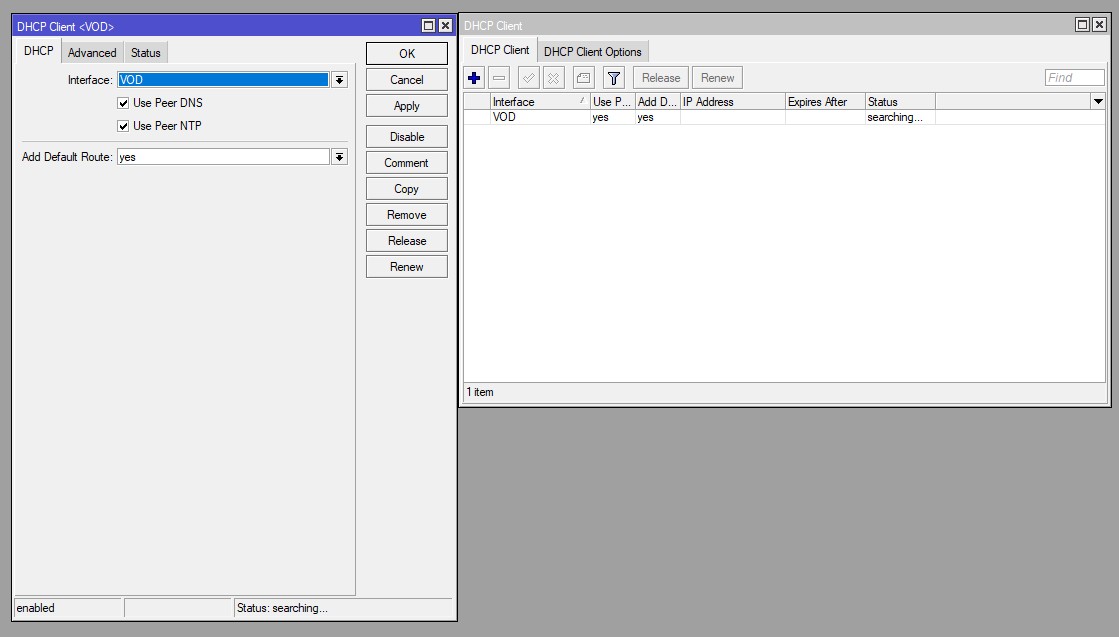
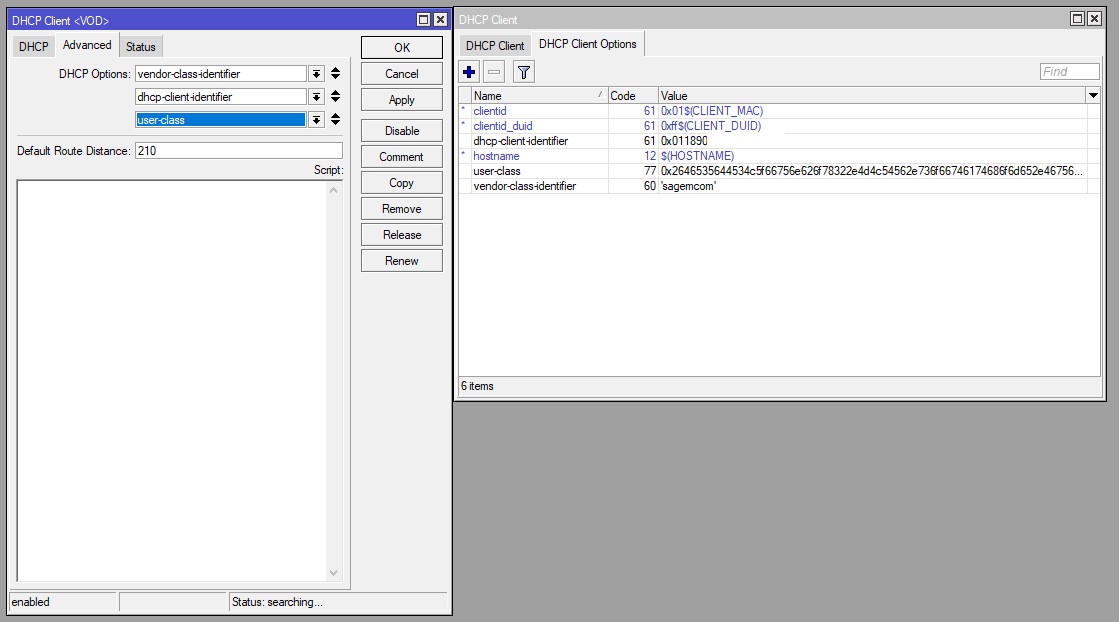
I have to set on the WAN Interface VLAN 7, IPv4 DHCP-Client get the IP. Starting the v6 DHCP client, it search forever. I currently investigating, if it’s a problem on my side, or on the ISP.
Dear joedoelv do you mind sharing your setup for KPN or any hint for fixing MTU? It has been 3 days pulling my hair out to setup dhcp-pd for KPN with no luck..
Just received a reply on my open ticket SUP-63430. This ticket relates to DSCP marked traffic not passing through in the PPPoE/VLAN tagged scenario.
Support asked to me to test something and it looks as though I was able to confirm a possible bug they are seeing in their lab now as well.
It seems that somehow if a packet inside the PPPoE connection has a DSCP mark a VLAN priority mark is attached to the packet. DHCPv6-PD packets (and DHCP packets in general) usually have a DSCP value set.
I do not see this behaviour when configuring the PPPoE link on a bridge which has the required tagged VLAN as it’s PVID and the WAN interface as it’s only tagged member on that VLAN ID. That’s why that workaround seems to be working.
Now with v7.1 it just shows “Status: searching…” whereas it used to always grab a prefix immediately. I’m not using any VLANs or anything like that, just a very simple setup. What has changed? I’ve tried all the prefix lengths that I can think of, 56, 60, 62, not sure if that’s the problem? I never used to have to enter it before.
Have the similar issue on RB5009 - IPv4 dhcp client over bridge over vlan of pppoe. It is a bug of RB5009 I used to test same configuration on software 7.x on hEX S and everything works fine. But on RB5009 is simply not working. How to efficiently create support ticket to mikrotik?