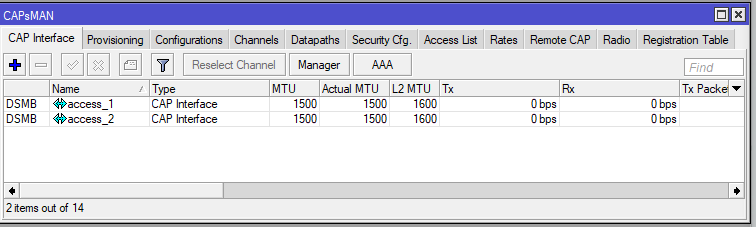
I want to use CAPsMAN from RB493G. All good on 2.4Ghz but no joy on 5GHz. If I setup the cAP ac stand alone, same channel, same country, same antenna gain, same Ceee, then it works with my iphone and android.
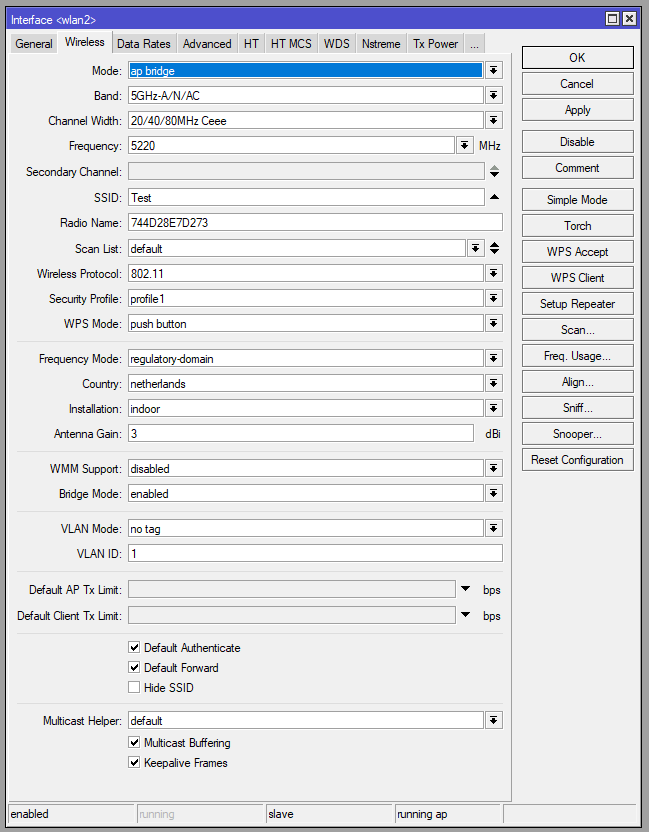
Herewith the standalone settings.
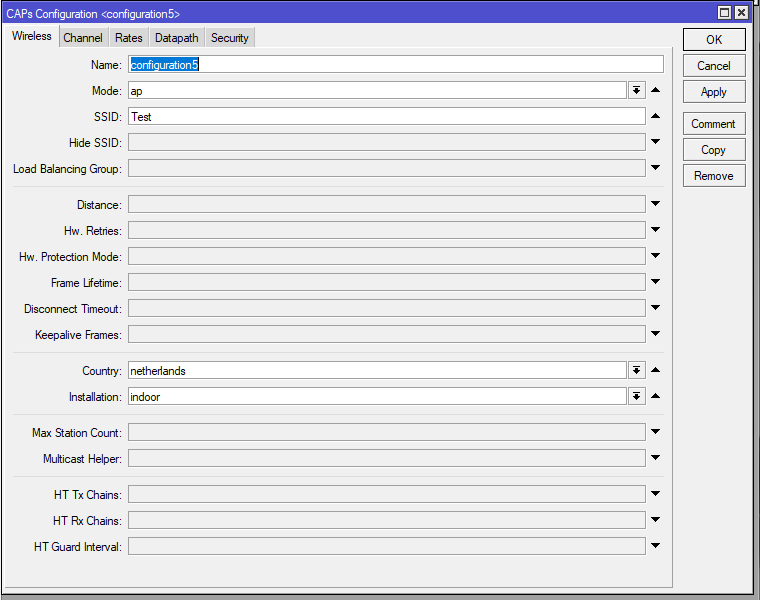
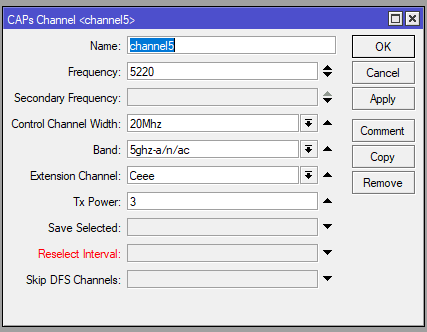
And through CAPsMAN:
What else can I try? I went through channels, extensions, antenna gains, all I could think of.
Most probable is that you have a mistake somewhere in your config that prevents the clients to connect on the 5GHz band…
The 5GHz band is not visible at all ?
But before that, is your device updated to the latest ROS ?
I think you have something wrong in your config. Each country has a limit related to how much power an AP can put out. This power output level can be influenced in the config by the following:
antenna gain
tx power
what ROS does, according to what I read on the forums:
it checks country max limit - let’s say that for NL,for 5Ghz, is 20 dBm (don’t know the exact value)
it checks configured antenna gain
it adjusts the tx power so that when used with the antenna it will not go pass the country limit
What you did is put :
3 dbi for the antenna
3 dbm for the TX power
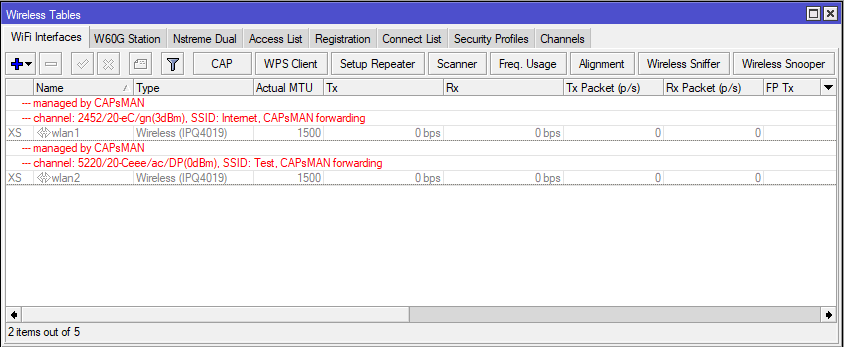
This effectively made ROS transmit on 5Ghz with 0dbm, you can see that on the CAP itself, in that page were it says “managed by capsman”. 0dbm is too low to be seen by clients. I think the 3dbm on the 2.4 is also too low. My values there range from 17 to 22 dbm.
Remove TX power setting and everything should be fine!
I run the latest version always (no beta). What did the trick was indeed the Tx Power. I got confused with antenna gain. Yes, on 2.4 GHz I want to run low powers, as I have two AP in the house and want to keep each one with own area.
I changed 5GHz channel to 5180, 20 Mhz width, Ceee, but works with Ce as well, Tx Power default. It became visible in an instant. Thanks again.
TX power setting in the Mikrotik is complicated, even more for the 5 GHz , as there is little feedback.
Suggestions in this forum are not to set the tx power manually for the 5 GHz, but to increase the antenna gain in the interface settings above the real value.
E.g. setting 7dbi for antenna gain , in a device with a 3 dbi antenna , will reduce the transmit power with 4 dbi compared to the max allowed.
2.4 GHz gives good feedback. Max allowed in Europe is 20 dBm. Minimal antenna gain is 2 for hAP. So it will set 18 dBm. There are 2 antenna, so it will be 15 dBm per antenna.
Max power or not … max power gives good reading on your device indicator … lower power can give better wifi performance
I’ve played with Tx Power because I haven’t seen the Antenna Gain. What a pain from user point of view to enable disable the wifi, just to try things out. But thanks for the tip.