Still it makes one think why https://mikrotik.com/supportsec has not had any updates for almost a year already. There was another "panic-release-day" in July and that has no mentions anywhere either.
Have they fired people who maintained that part of their homepage?
I remember when Fortinet had serious SSL-VPN bug and how their servers were overwhelmed when update came out.
It took us hours of repeated attempts from 2 countries (situation was as bad from both countries obviously) to get that 88 MB of firmware update downloaded. This here was not so bad after all.
This is strange, I have multiple ROS7 devices inc several RB5009's which all run PPPoE over a VLAN to the ONT for internet. All of these are fine running 7.24.2.
See if theres anything in the logs which may shead some light.
Me too, several routes with PPPoE client. However, in the past I had a script that disabled the PPPoE interface for 5 minutes whenever it went down, otherwise it would often fail to re-establish. It seems to have been fixed here, but who knows how it is in other places.
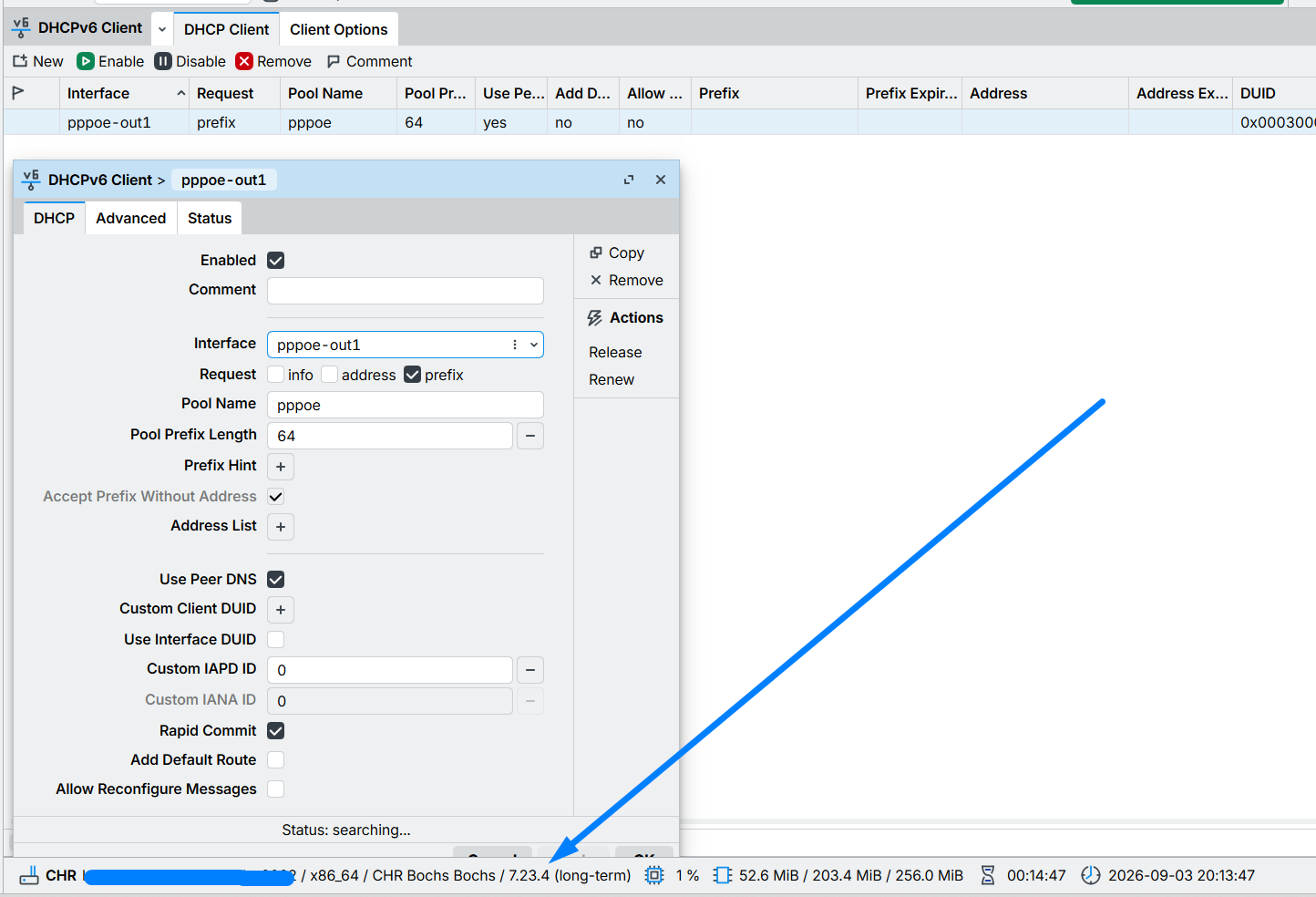
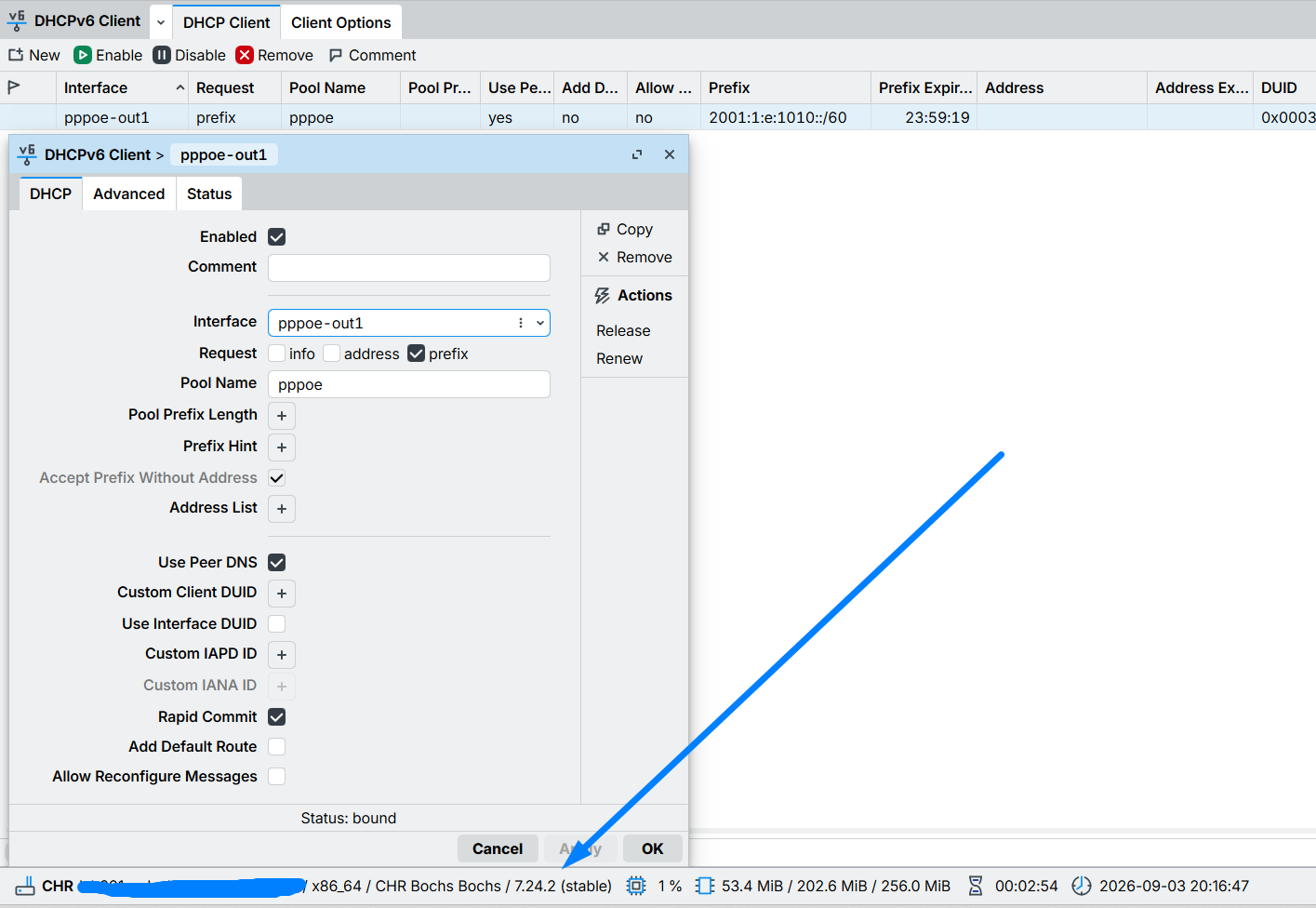
This screenshots i's from a lab with IPv6. But if emulation is a problem, i have a physical device with the same problem (and some friend with the exactly same problem in devices).
The update to rb5009, cAPax, wAPax and LtAP mini worked very well. I only had to tweak a script on the LtAP.
It changed from /interface lte monitor $lteID once do={:set LteInfoNOW $"access-technology"}
to /interface lte monitor $lteID once do={:set LteInfoNOW $"data-class"}
"factory-version" could be bumped up/down on some devices using universal package.. so this "factory" version could be in fact updated elsewhere (outside of factory)
Right, I understand now. I hadn't read everything when I first posted, but I think I can provide more details about the issue. I believe it’s a version-related issue, as the same configuration works on versions prior to or later than 7.23.4.
So, we need a permanent fix for this now.
Just a reminder: the problem occurred on the PPPoE and Ethernet interfaces.
That‘s the security issues, which mikrotik is not communicating at the moment.
Attacker can create a user with full rights without the need of any access to existing user. Only open admin ports are required.
update looks for it and flaggs the installation if user exists. Mostly all instances with open admin ports are already infected. Just look for the user ops if present.
You should inspect all config for stuff you do not recognize, or if possible, even do a reset. Hard to say what unrecognized user has done in your device.