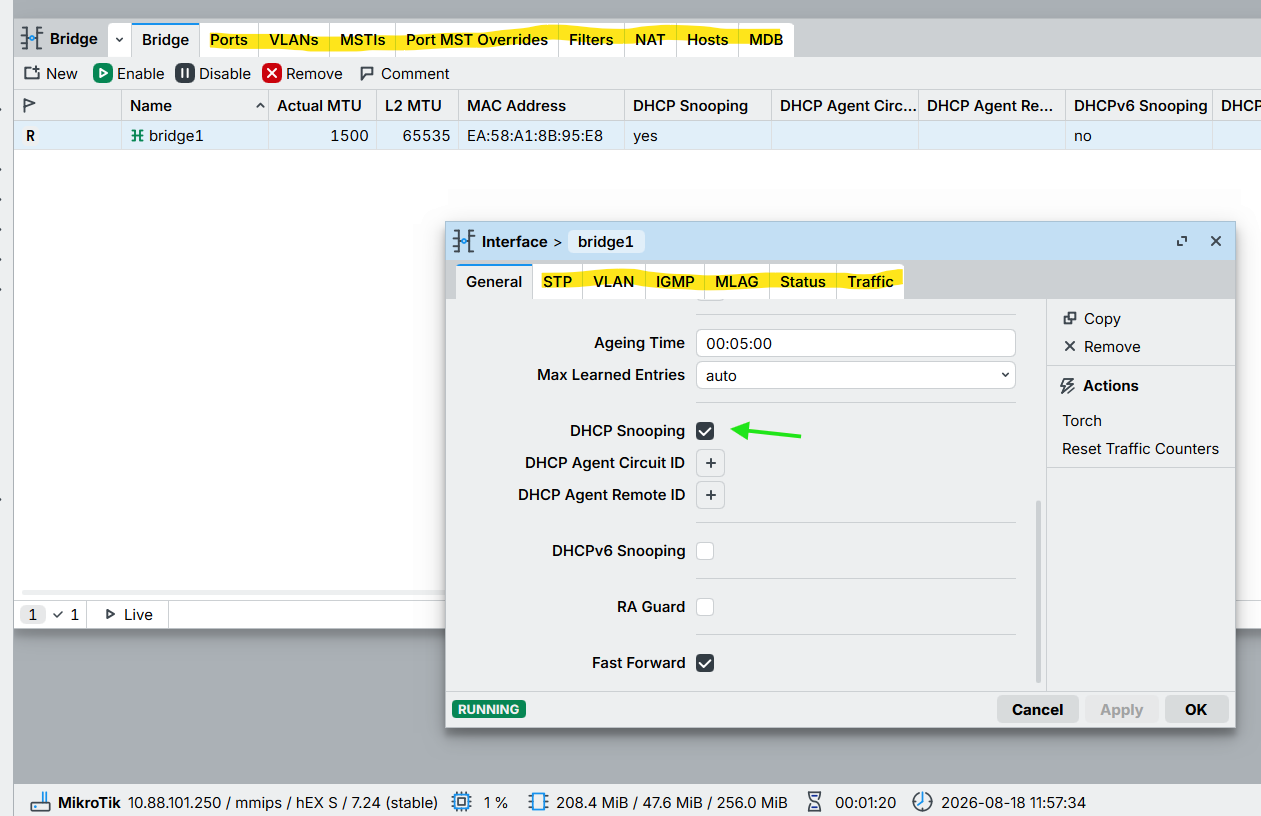
after downgrade to 7.23.3 and set a static route traffic to internet is ookay, then update to 7.24 and delte the static route and now internet is running, after a reboot internet is back.
i don't now where was the probem but now it is okay.
after downgrade to 7.23.3 and set a static route traffic to internet is ookay, then update to 7.24 and delte the static route and now internet is running, after a reboot internet is back.
i don't now where was the probem but now it is okay.
Hello, @normis it would be helpful to update the documentation on VLAN tagging over VXLAN. Similarly, it would be helpful to update the BGP documentation: EVPN tag corruption and EVPN type 5 output have been corrected.
Thank you very much.
Loaded on my "supplemental" hap-ax2 with multiple SSID's under CapsMan from 7.23.3 without incident. Waiting a bit longer to deploy to mainstream devices.
Updated my whole home setup without issues (rb5009upr, crs310, 3x cap ax with 3 ssid's managed by capsman).
Routerboot included absolutely no issues.
wireguard - broken. Works after reboot, but after auto script which enables\disables peer to generate some bytes to make obfuscation as amnezia - peer gets frozen. Had to revert to 7.23.3 - works fine.
ps - 7.24rc1 works fine as well
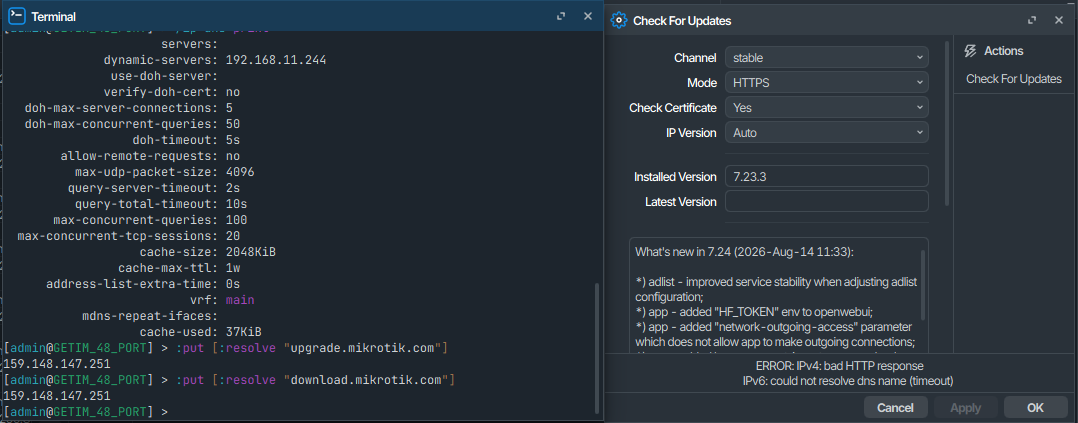
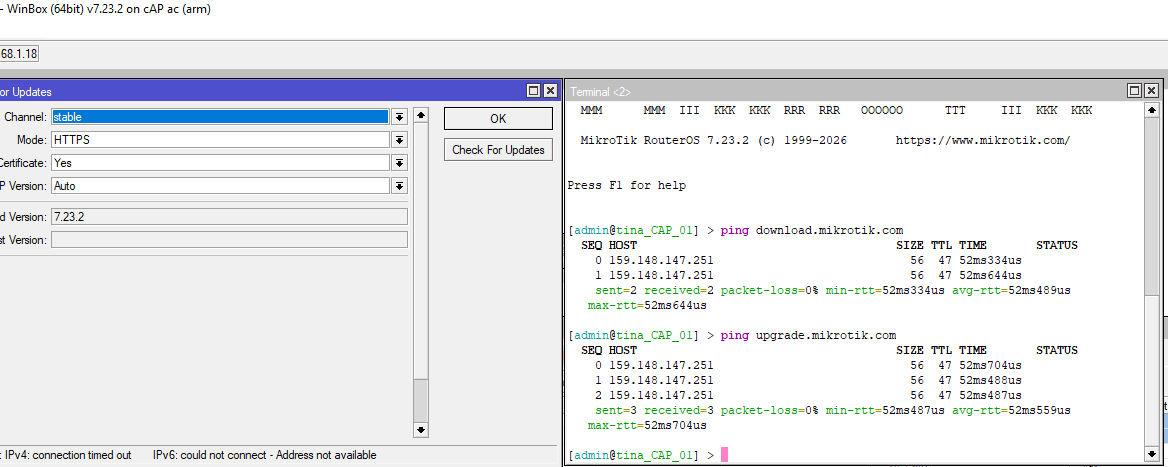
I dont understnad why i cant update this switch, other switch, 2 aps and main router on this location updated just fine, all use same DNS server, resolve works, ping works, i dont get it where is the problem?
Have such cases also on other locations where single one cant update among few who update just fine.
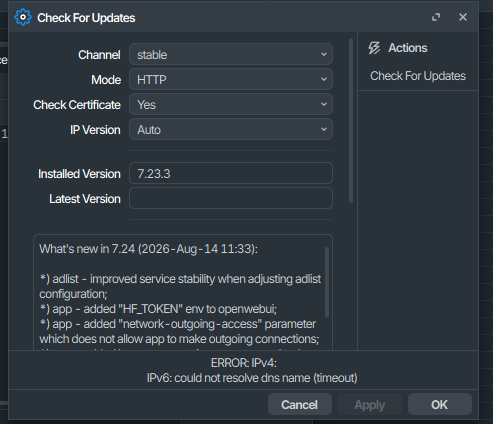
tried HTTP (instead of HTTPS)?
Have you tried to change to IP Version from Auto to IPv4?
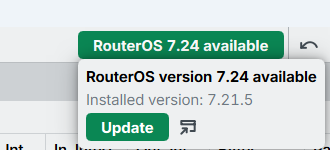
Yeah this is some weird stuff happening, it says also here 7.24 available, but i cant update via GUI or CLI. I cant restart now ill do after work hours.
Upload package besides reboot 
read around a bit on the internet, reboot, then recheck->install updates seem to work for most just fine, update us how it went.
Yeah, i can reboot, yes i can manually upload package file, but i wonder where the bug is about so they fix it for future versions so it doesnt happen again...(i have 200 devices to update and maintain)
Now that multimedia and AI are nicely packaged, please package tayga to make moving to NAT64 just a matter of doubleclick.
Create supout.rif before checking. check for updates. create another supout.rif. Send both files to Mikrotik support. Explain the issue, include your screenshots as well.
It looks like changing setings of a peer (like toggling "responder" option) re-initializes the peer to normal state. If I remember correctly, then somewhere in 7.24rc releases there was a problem where editing peer settings caused it to froze. Now it is other way around.
I made support ticket for rc and it was closed as "known issue". Now it looks like it is a new problem. I submitted new ticket as well...
The package is more intended for devices like RB4011iGS+5HacQ2HnD-IN (which in that case looses 2.4Ghz radio) and Audience (already discontinued) that have much more storage space and do not have issues...
On the other hand removing QCA9984 from wifi-qcom-ac which is needed for these 2 devices only would make it much smaller and better fit for devices with 16MB storage. MT can make wifi-qca-ac if they also want to support RB4011iGS and Audience (for the second 5Ghz radio)...
What this does?