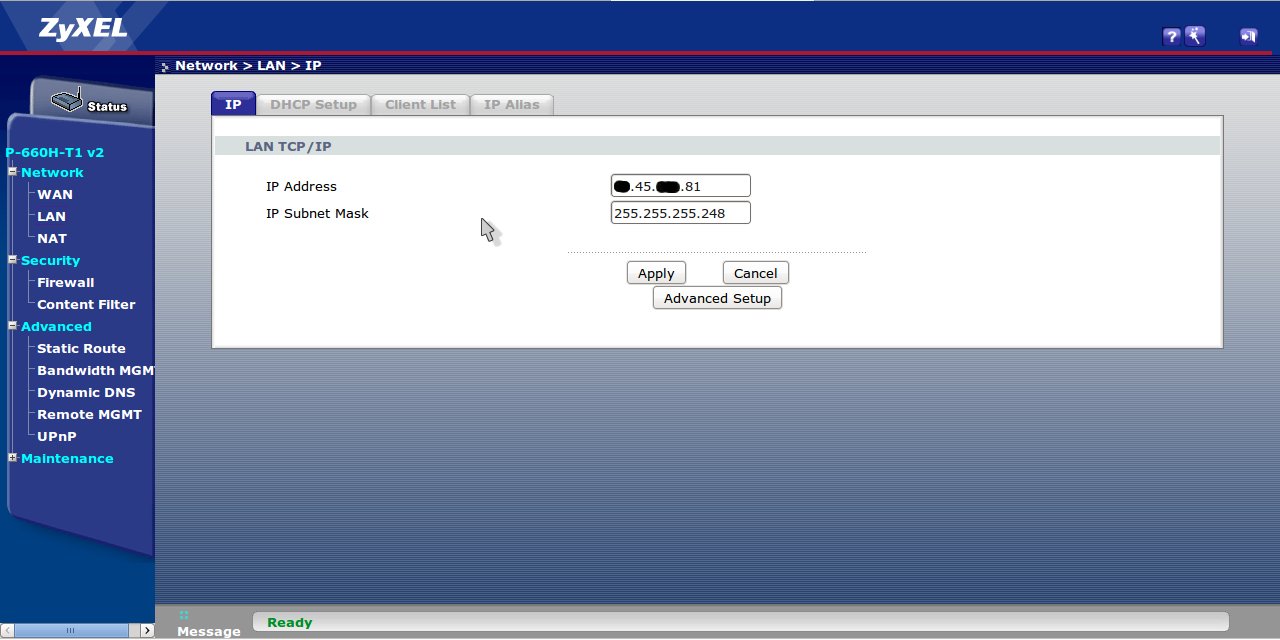
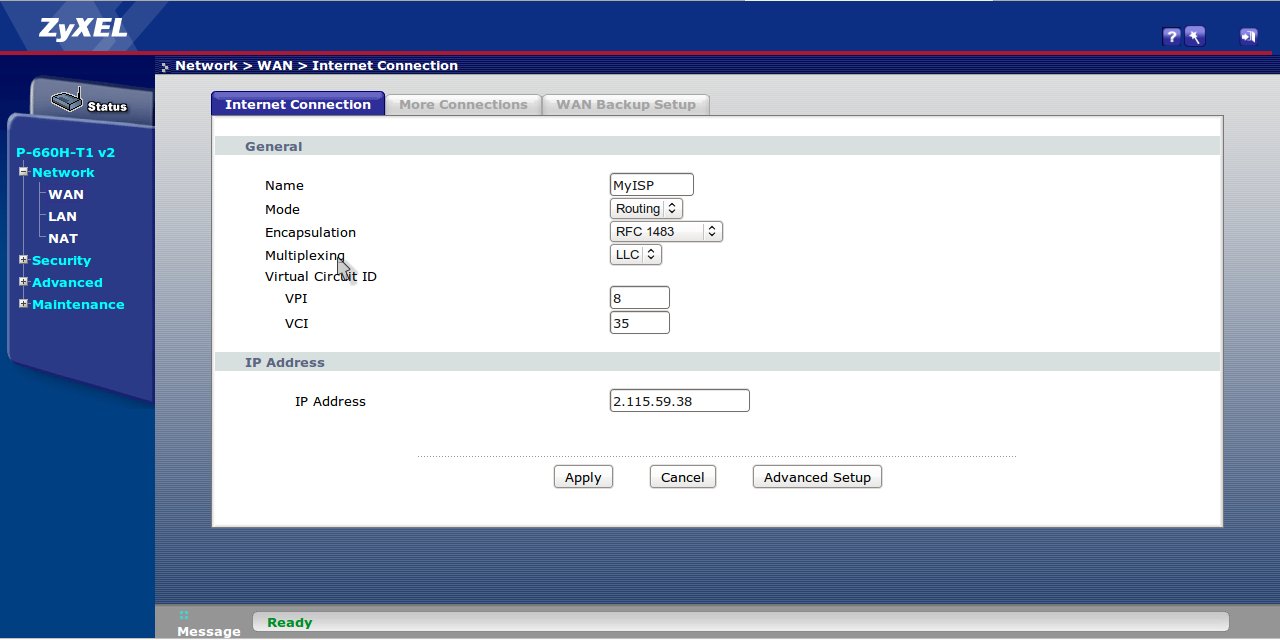
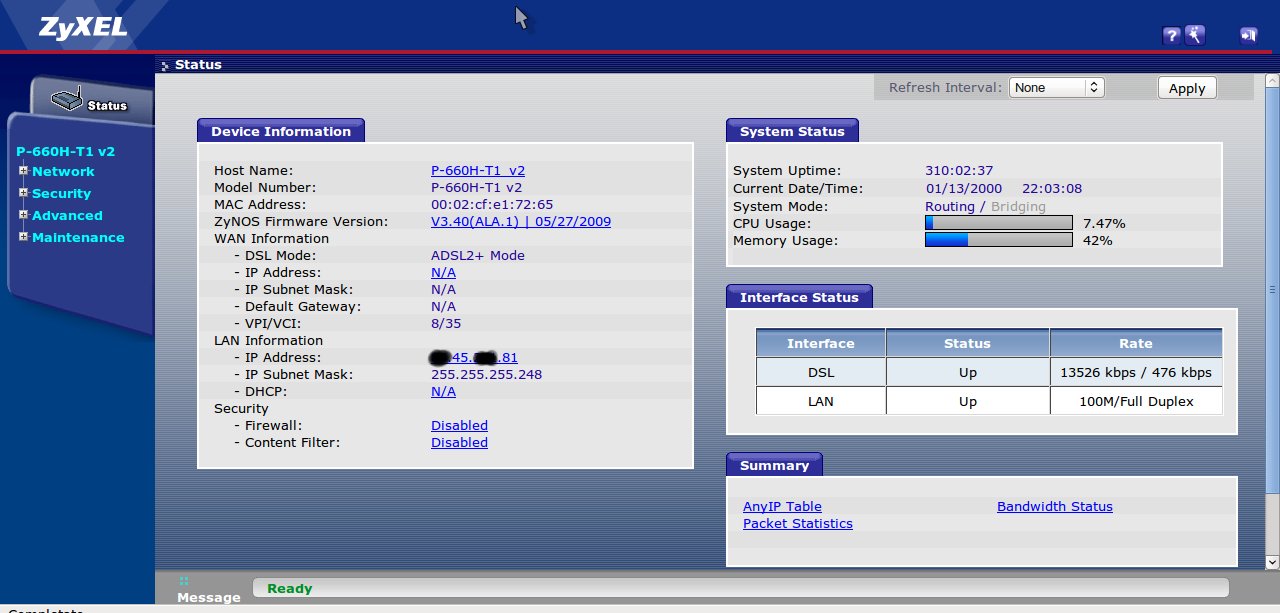
Now I want to change “routing mode” to “bridge mode” because I want to use my RB1100 with direct public IP and I want to use the Zyxel modem like a trasparent modem. How can I configure my RB1100.
RFC 1483 is ATM encapsulation!
hi my rb450g behind zyzel and bridge mode and work like fine without any issue, just change bridge mode from routing mode and assigned IP in your RB if you need some help message this guy his an expert in DSLAM >>> x187
Also, after configuring your Zyxel modem to Bridge, you will have to enable PPPoE Passthrough on the Zyxel if your ISP requires PPPoE - otherwise you will not be able to connect with the RB1100. This option can be found in both the webinterface and the telnet interface.
I try again, but nothing. I set the modem in bridge mode and the pubblic ip in teh RB , PPPoE I can’t know the username and password.
I find a partial solution, I leave the zyxel in routing mode but I disable the NAT so I put 1 public IP to the ETH1 on the RB1100, in this way I is ok.
reset the modem to factory default…set WAN=bridge,rfc1483,llc,8,35 LAN=default(192.168.1.1/24)…put that x.x.x.81 255.255.255.248 or whatever public i.p in your mikrotik router, or test the i.p in pc/laptop
That is a solution. not the best but… if it works.
Try to seperate the line parameters from the IP parameters. Think step-by-step! Line is working - good → How many IP adreses do you get from the ISP?
1? Be sure that Zyxel doesn’t use it himself, then use it in Mikrotik.
2? even BETER! 1 for Zyxel (3 ports and wireless) lets say 192.168.0.0/24 for guests wireless, and another IP for Mikrotik (192.168.1.0/24?) for internal use.
Question: Why don’t you ask your ISP for the parameters and solutions? Are there no other/normal ISP in that location?
I myself configured those Zyxels and they worked fine, other solutions (like VPN, etc.) were made inside companies network on a Ubuntu or BSD server (which is needed anyway)
It is hard to tell the best solution if you don’t say what do you need to accomplish.
 if you need some help message this guy his an expert in DSLAM >>> x187