Dear all,
Please advise how to allow teamviewer traffic to be passed out via the routerboard, because I have already made some configurations through winbox (check attached screenshots) but without result.
Awaiting your reply.
Thank you in advance.
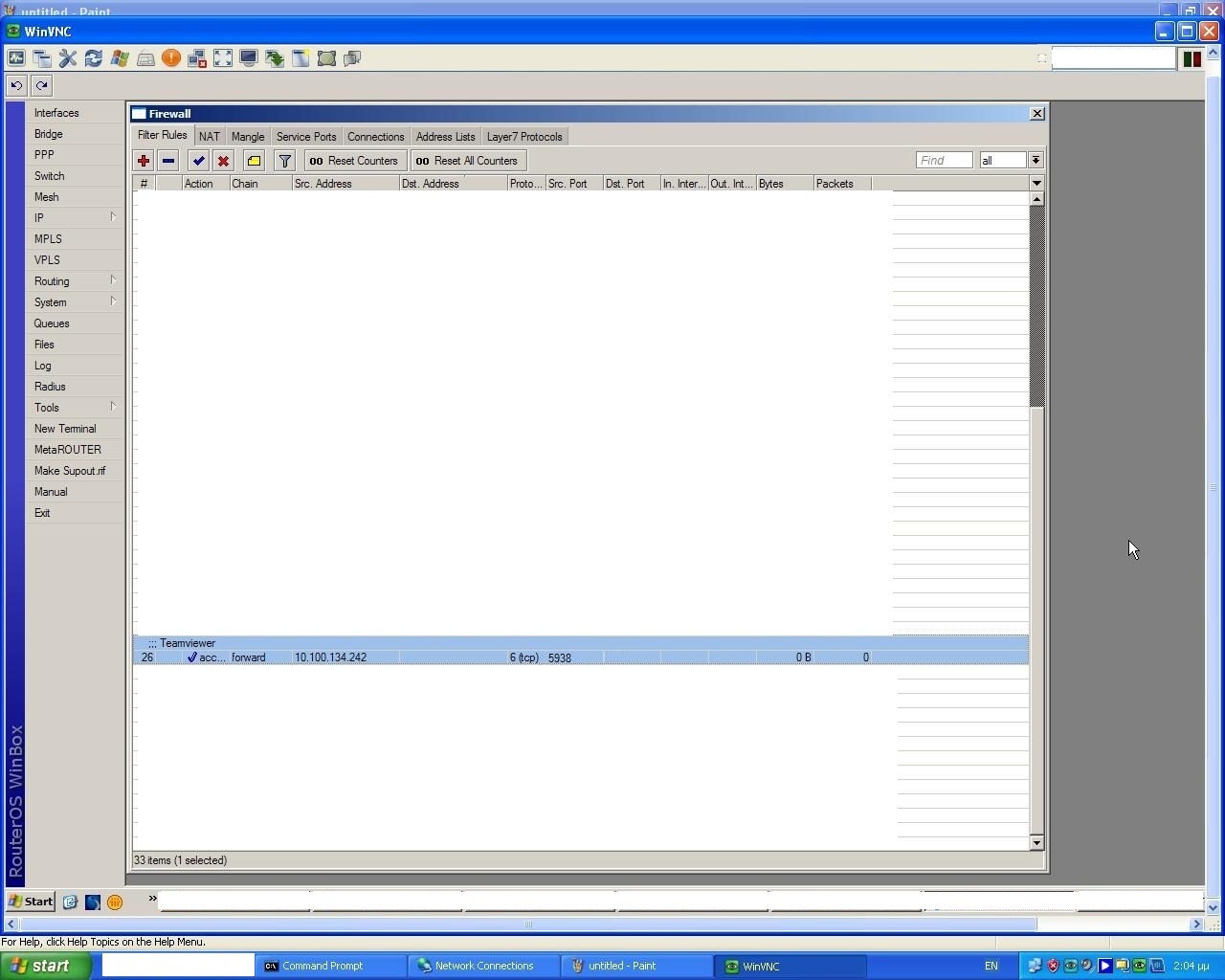
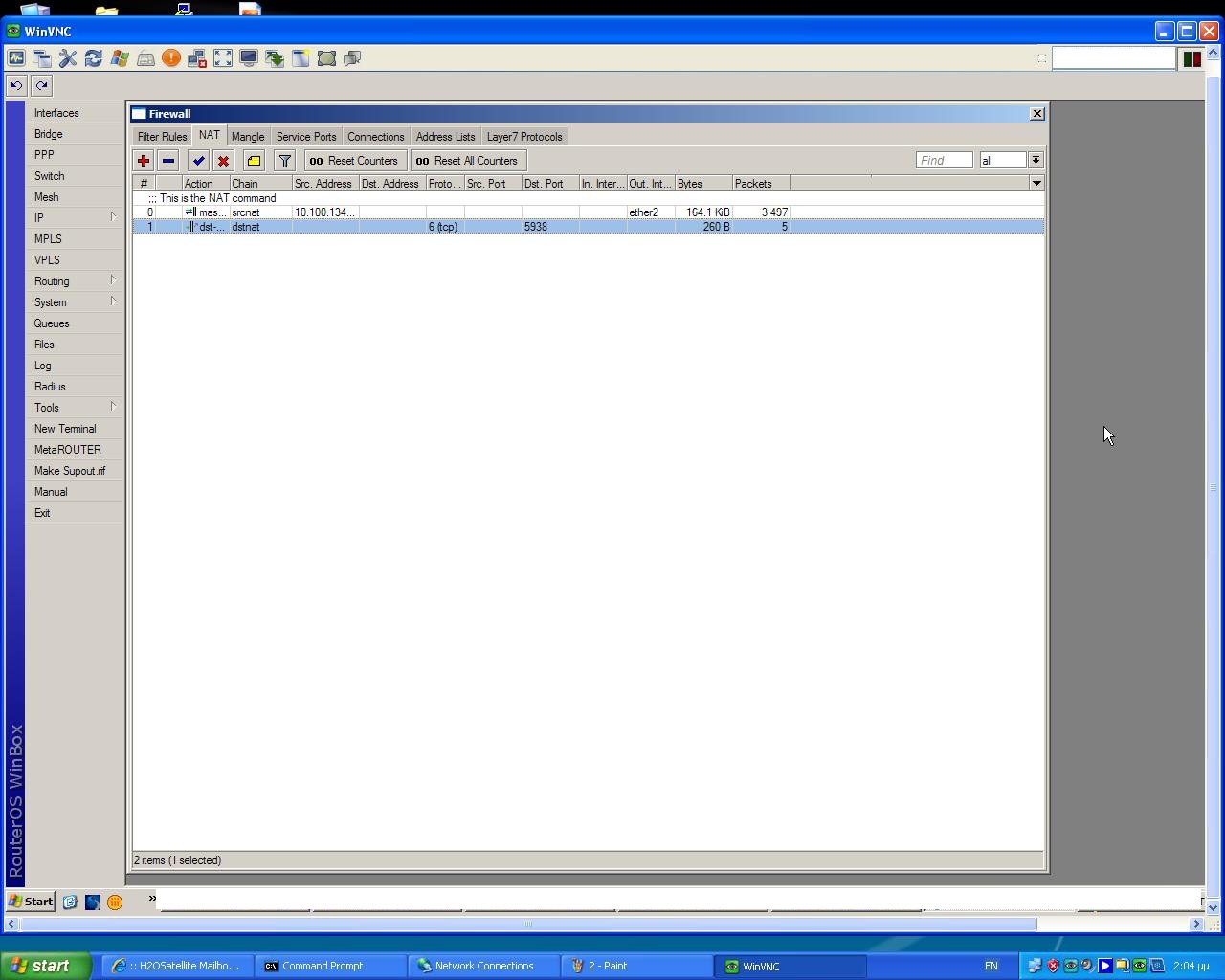
Dear all,
Please advise how to allow teamviewer traffic to be passed out via the routerboard, because I have already made some configurations through winbox (check attached screenshots) but without result.
Awaiting your reply.
Thank you in advance.
Set dst-address to IP address of router, teamviewer is using for connecion.
Set local IP address of computer running Teamviewer server to to-addresses.
Dear Sir,
Thank you for the aforementioned information. However, I am still not able to use Teamviewer. My current configuration is a Mikrotik RouterBOARD 750 connected directly to a PC. The IPCONFIG gives the below:
Ip address: 192.168.10.20
Default GW:192.168.10.1
As per your instruction, I have set the dst-address column of the firewall rules to 192.168.10.1 (router’s IP) and I have also created a NAT Rule <5938> with the following details:
General Tab
Chain: dstnat
Protocol: 6(tcp)
Dst. Port: 5938
Action
Action: dstnat
To Addresses: 192.168.10.20
To Ports: 5938
Please advise.
Do you have public IP address on RouterBOARD750G?