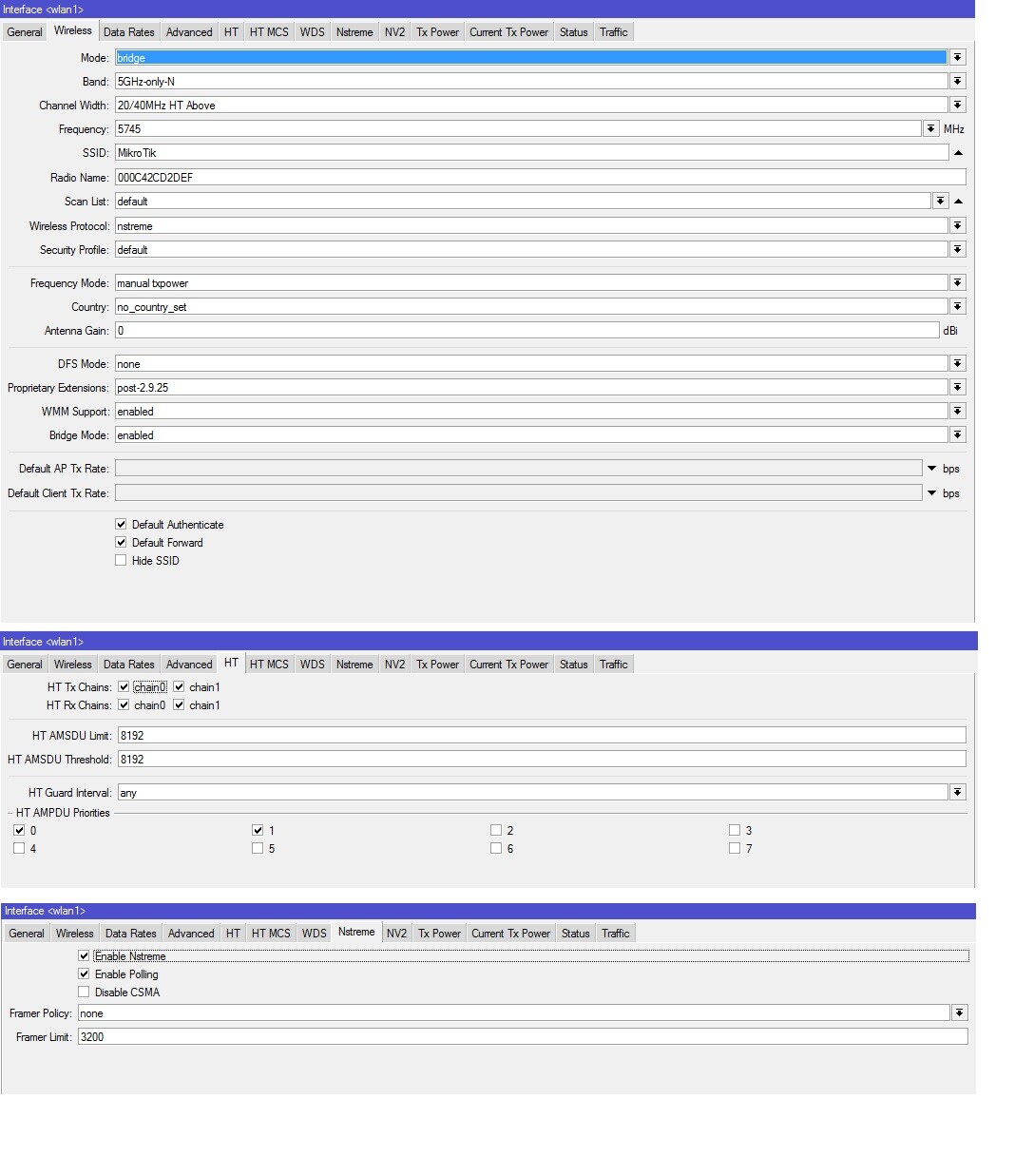
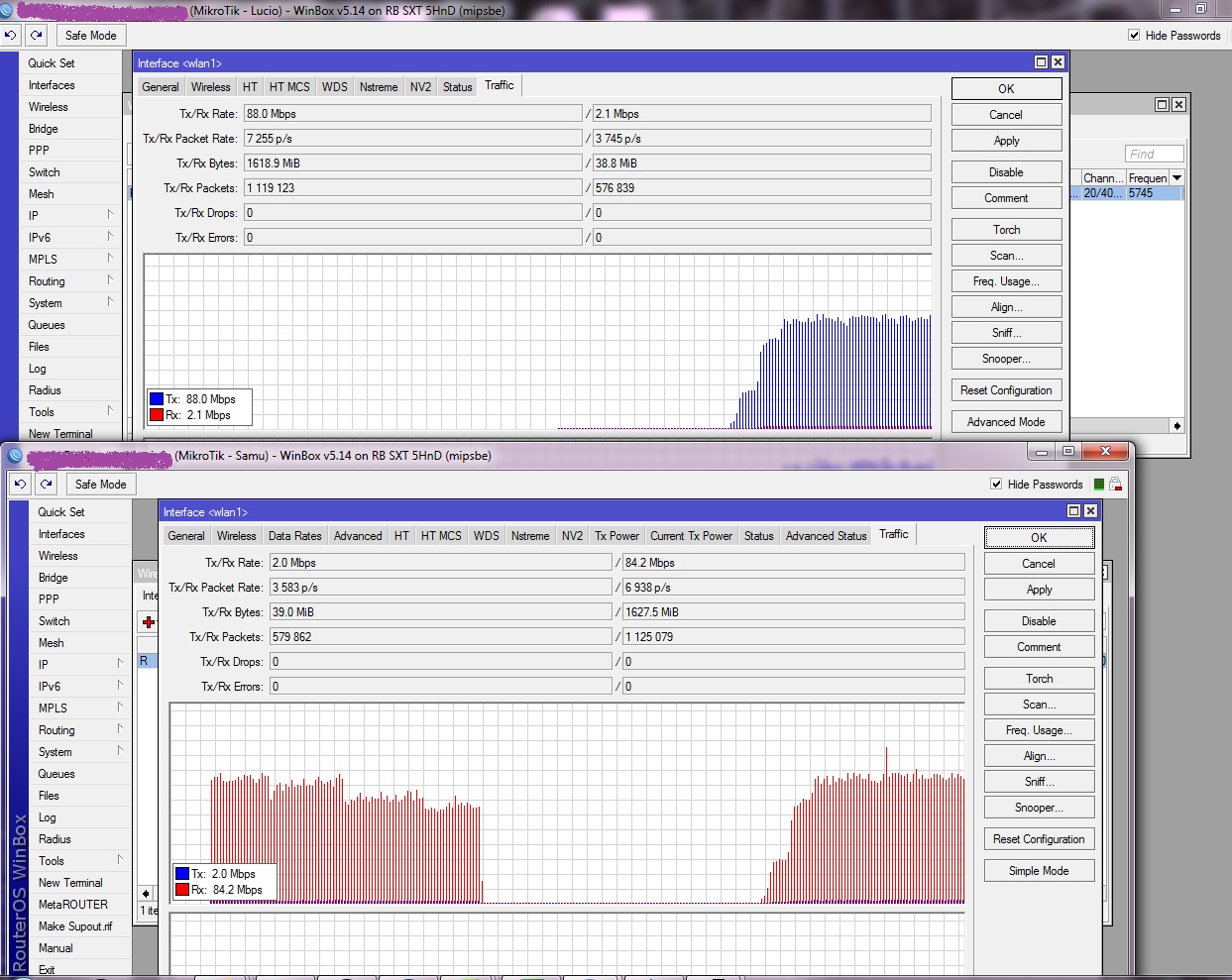
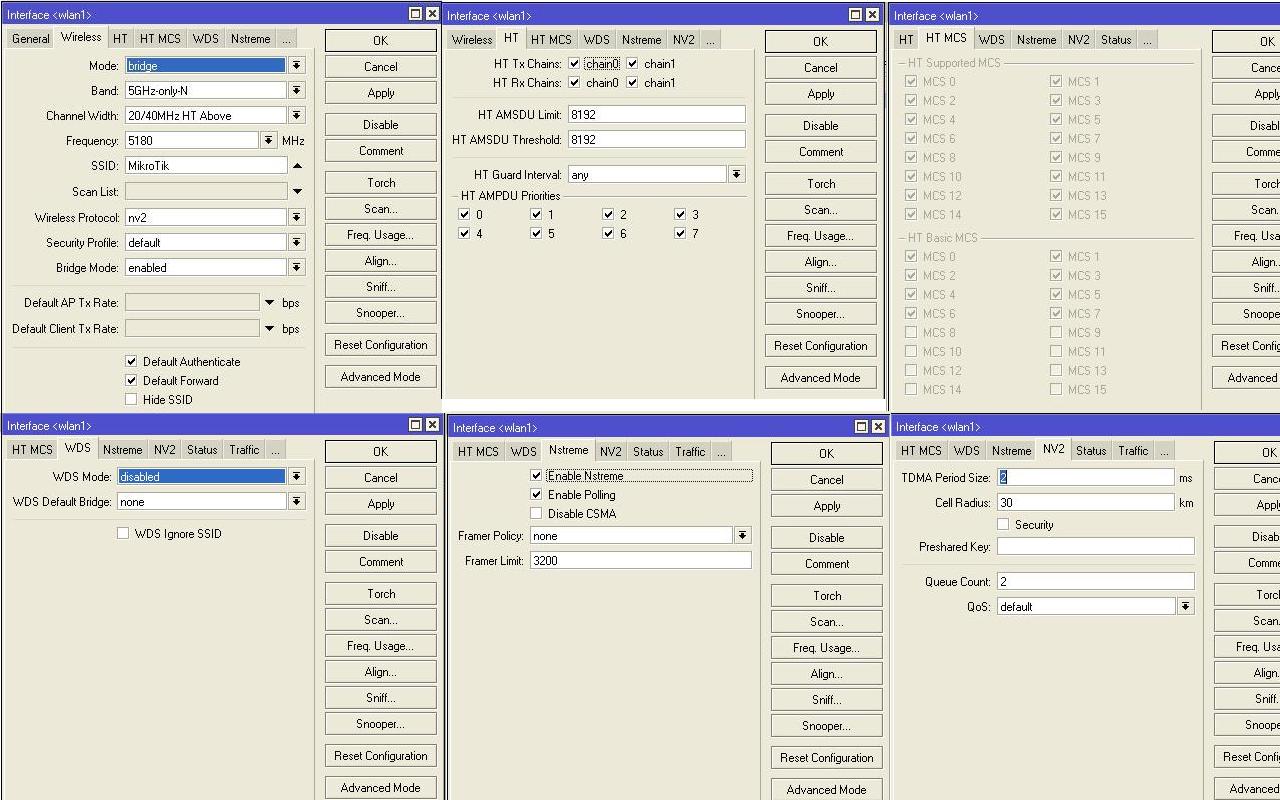
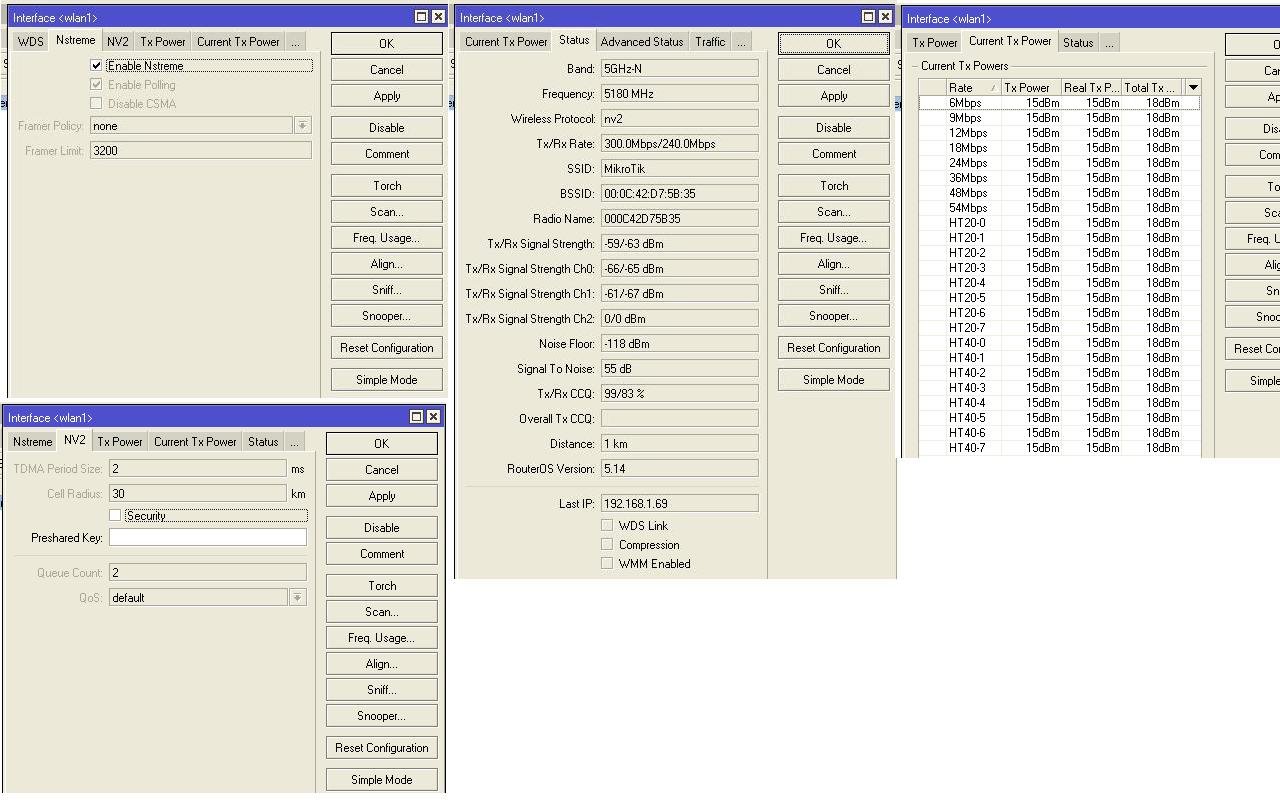
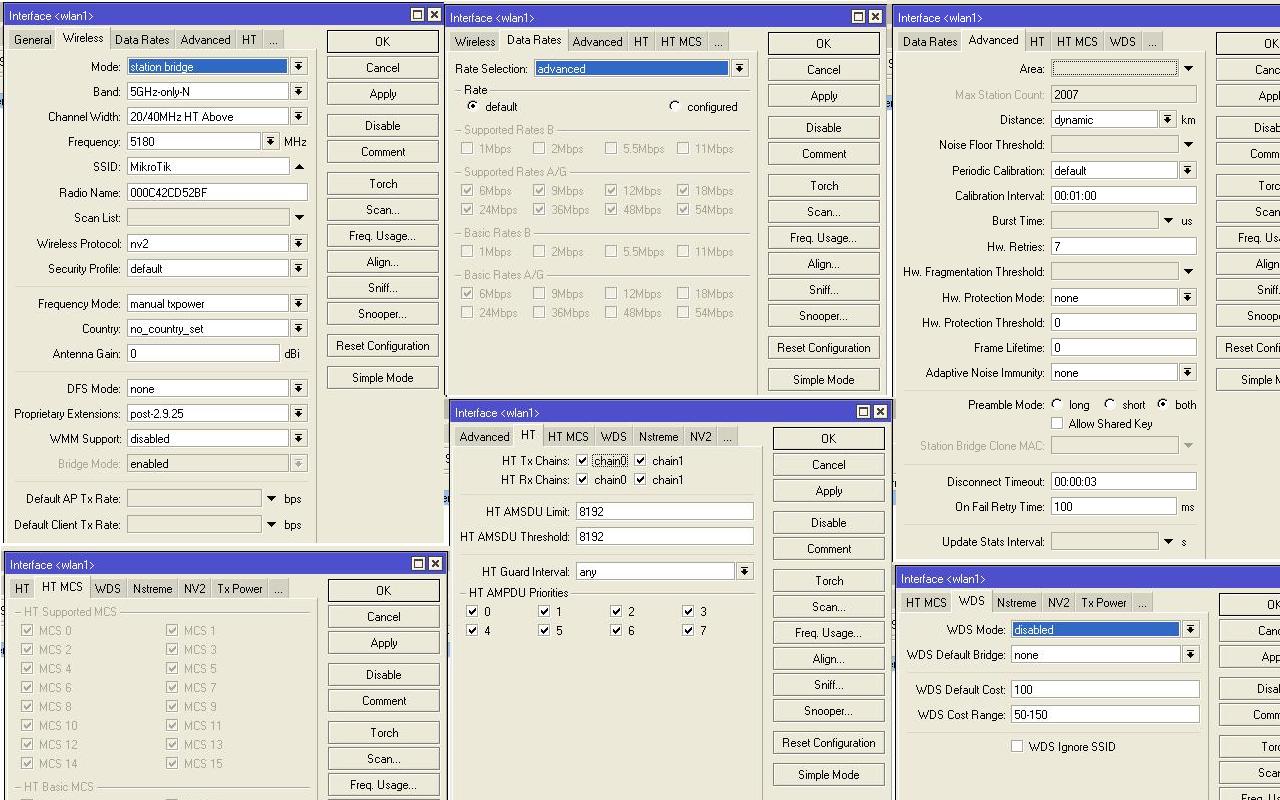
we have a PTP Link (nv2) with two RB SXTs. Distance is about 400m, LOS, CCQ 99-100%. (Total) Signal strenght is -57dB (chain0 is ~4-5dB better than chain1). The link is working great. We run a (limited to 95M in both directions) bandwidth test thru the two SXTs and everything is working fine. We reach 100% of the bandwith (95Mbps). Then suddenly (after some hours) the link dropped (the AP shows a “control frame timeout” and the Client also shows a “control frame timeout”). The noisefloor is -115dB, there are only 3 5Ghz networks in our area but on other channels. There is no overlapping in the frequency).
I have no idea what is causing this disconnect that is only happening (as i can see) during high load on the link.
we note this beavior when the signal is better than -60. Infact in some cases when you use nstreme or nv2 with 2 chain we get the links disconnecting time to time.
Using only one chain woraround the problem (if you don’t need high bandwidth).
or lower the power on both side to have -65.
i’m testing two rb sxt and i can reach 95/100 mbit in UDP…
But what is the real throughput in tcp?
I’m testing a wireless p2p link of 250/300 meter( bridge–>station bridge ) but i can’t reach more than 40 Mbit in tcp. ( transfering files from a pc directly connected to SXT 1 and another one conneccted to SXT 2 )
The link quality is very good, it’s about -44/48 db
Both chain are aligned to 300Mbit…
200 mbit reported from mikrotik are in udp ? ( 100 up and 100 down ? )
i have tested only transfering large single files ( dvd.iso or .mkv files ) in one direction a time and i can’t reach more than 35/40 mbit of tcp throughput.
also if you experience the control frame timeout problem, please contact support@mikrotik.com, we could provide you with a test package that might solve your problem.
I had two RB SXT using nv2. I can reach any singal strength playing w/ Tx power. From -50 to -65. It works the same way whatever i set, “control frame timeout” is still w/ me.
Now i have OmniTik w/ SXT but the same thing in client SXT log “control frame timeout”.
Please help me! It’s killing me. I tryed all i can think. May be use nstream like pizzulicchio did? There are no disconnect anymore?
Station bridge is OmniTik.
Client bridge is SXT.
Both runing OS v 5.14.
I have average tcp bandwidth 45Mbps using nv2 both send/recieve.
The same i had using two SXTs.
Try the following: Set rates to “configued” and check MCS only till 12 and do not use MCS 13, 14 and/or 15 .. this will reduce bandwidth to 180Mbit/s air-rate .. but just test if this will fix the problems.
Thanks, done, however i don’t believe this helps… Will monitor for few days. And my Tx/Rx rate is still 300/300 Mbps. What really MCS do? I google a bit, but don’t found any descriptions how MCS checked values affect microtik work…