Hi,
Can the ATL 5G R16 run as CAPsMAN even though it does not have it's own WiFi radios?
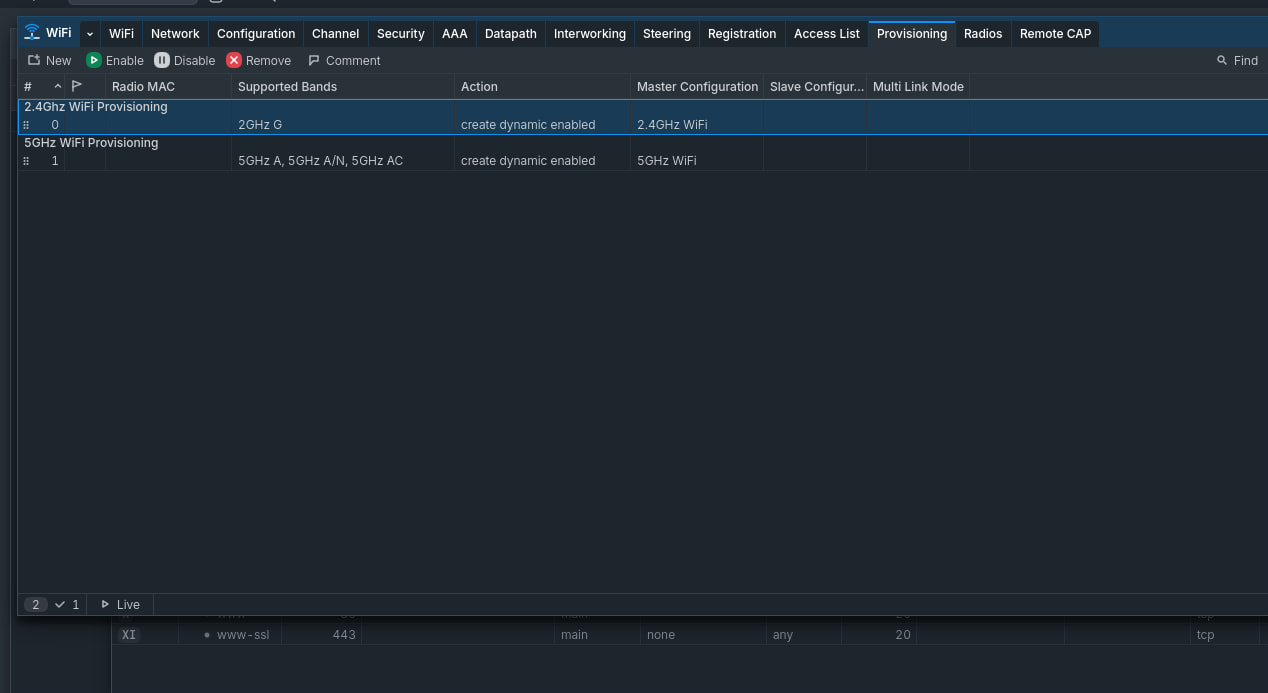
I have just purchased some cAP AC to improve the WiFi in our old stone farmhouse and the cAP AC tells me it is managed by CAPsMAN, so it looks like provisioning has happened, but I seem to be unable to enable the radios.
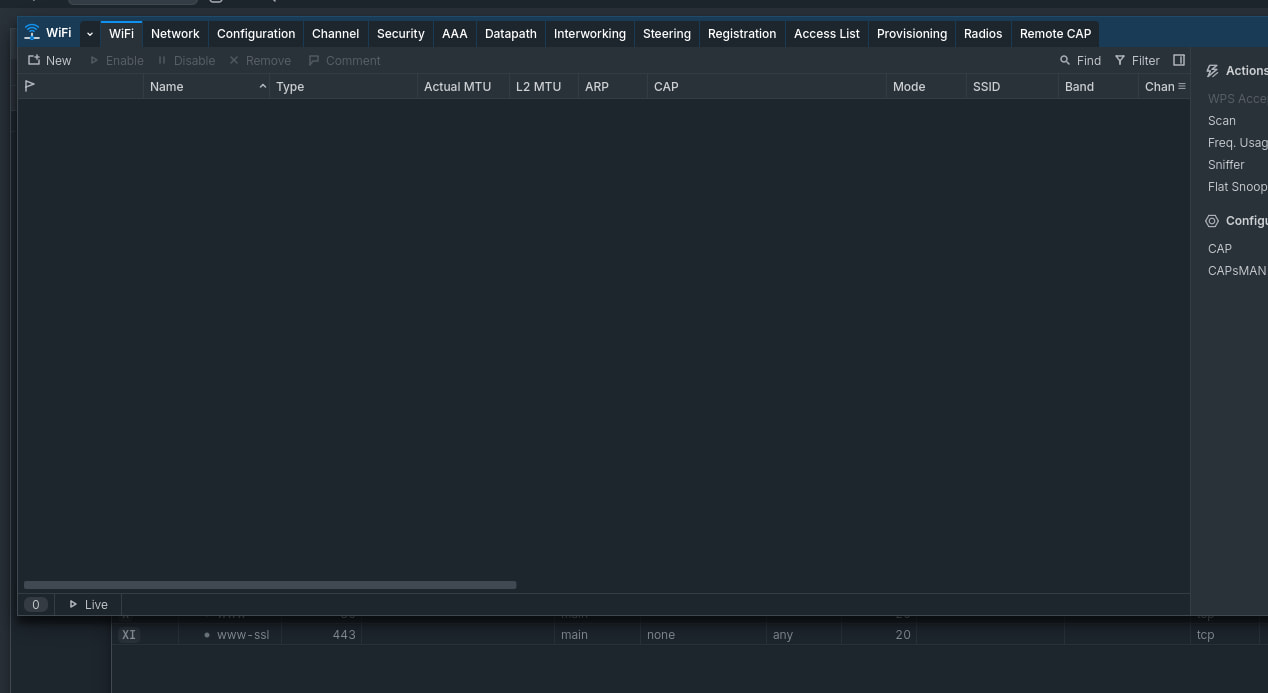
In the ATL when I go to WiFi it does not show me the interfaces of the cAP AC to enable them from there.
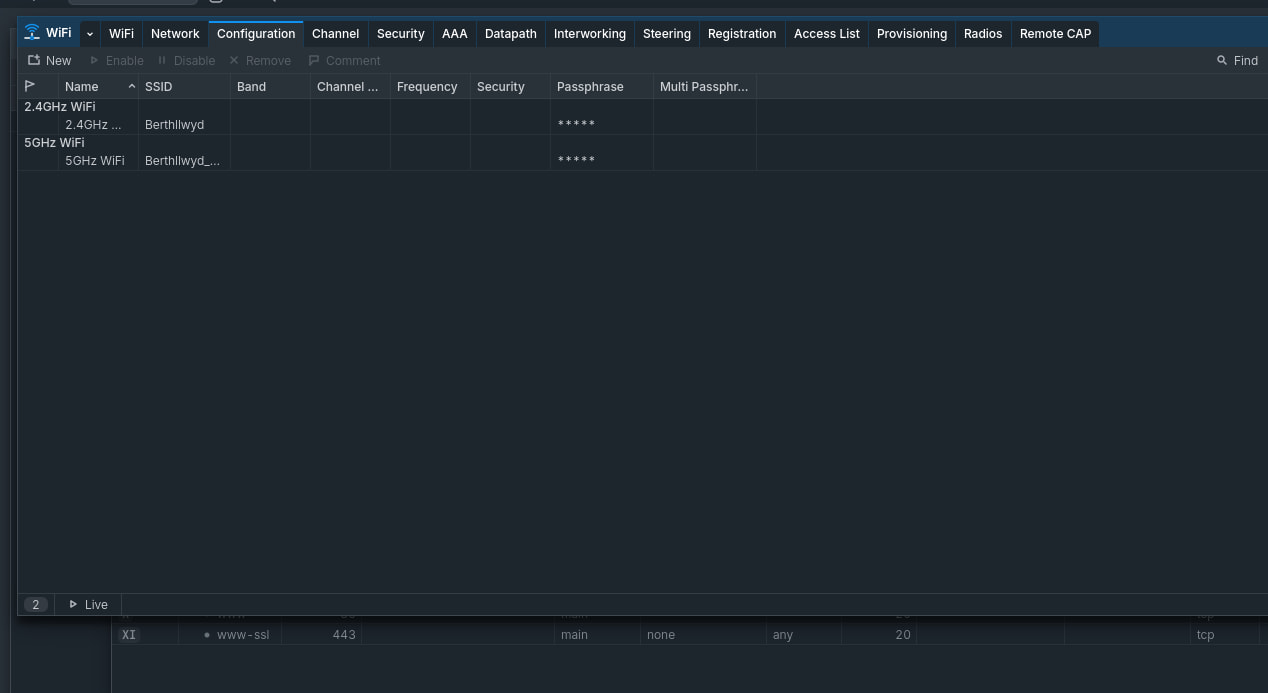
I've created configuration rules and provisioning rules following this MikroTik video with all the rules enabled but I seem to be stuck on getting any further.
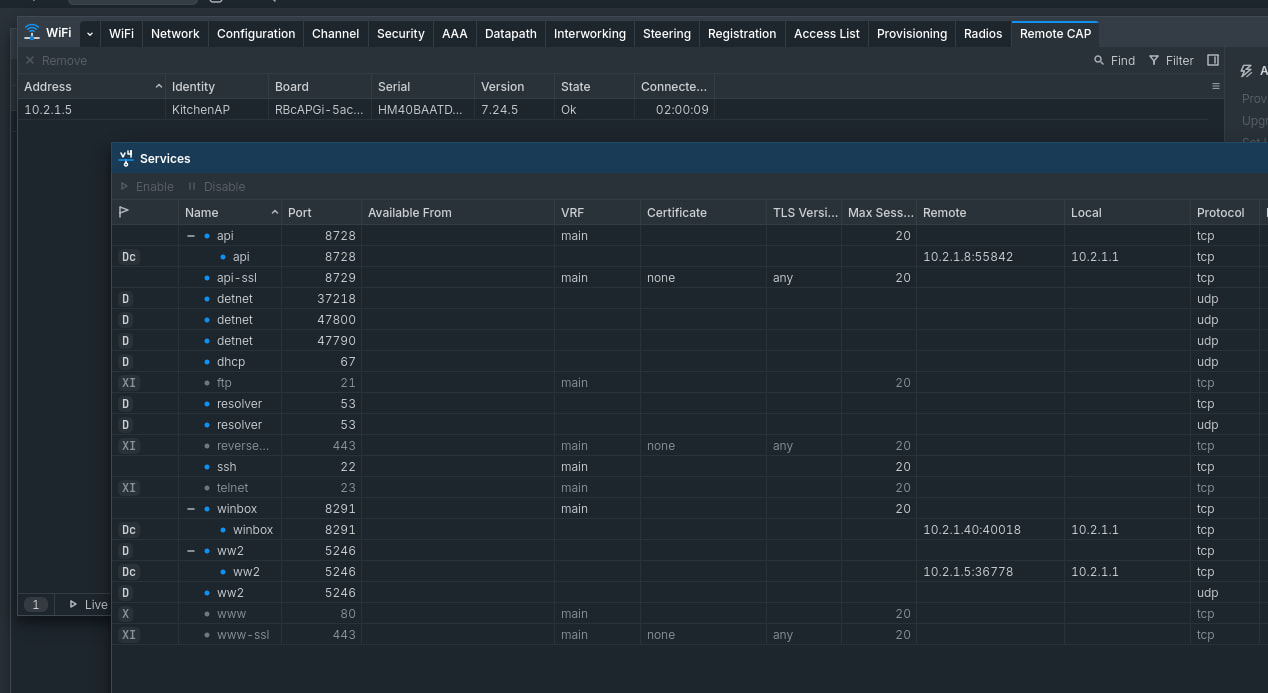
Both devices are running 7.24.5, could it be a firewall issue? Does the cAP require a specific port to to talk to CAPsMAN? If I look in services I can see a connection on 5246 to my cAP device.
Yes, the controller can manage the access points even without its own WiFi radios. The key step is that each access point must be put into CAPs mode first, after which it should appear in the controller's list of remote devices. Please check that both devices can reach each other on the local network, since provisioning traffic must flow freely between them. If an access point still does not show up, factory reset it and enable CAPs mode before applying any other configuration. Let us know what appears in the interfaces list on the controller once that is done.
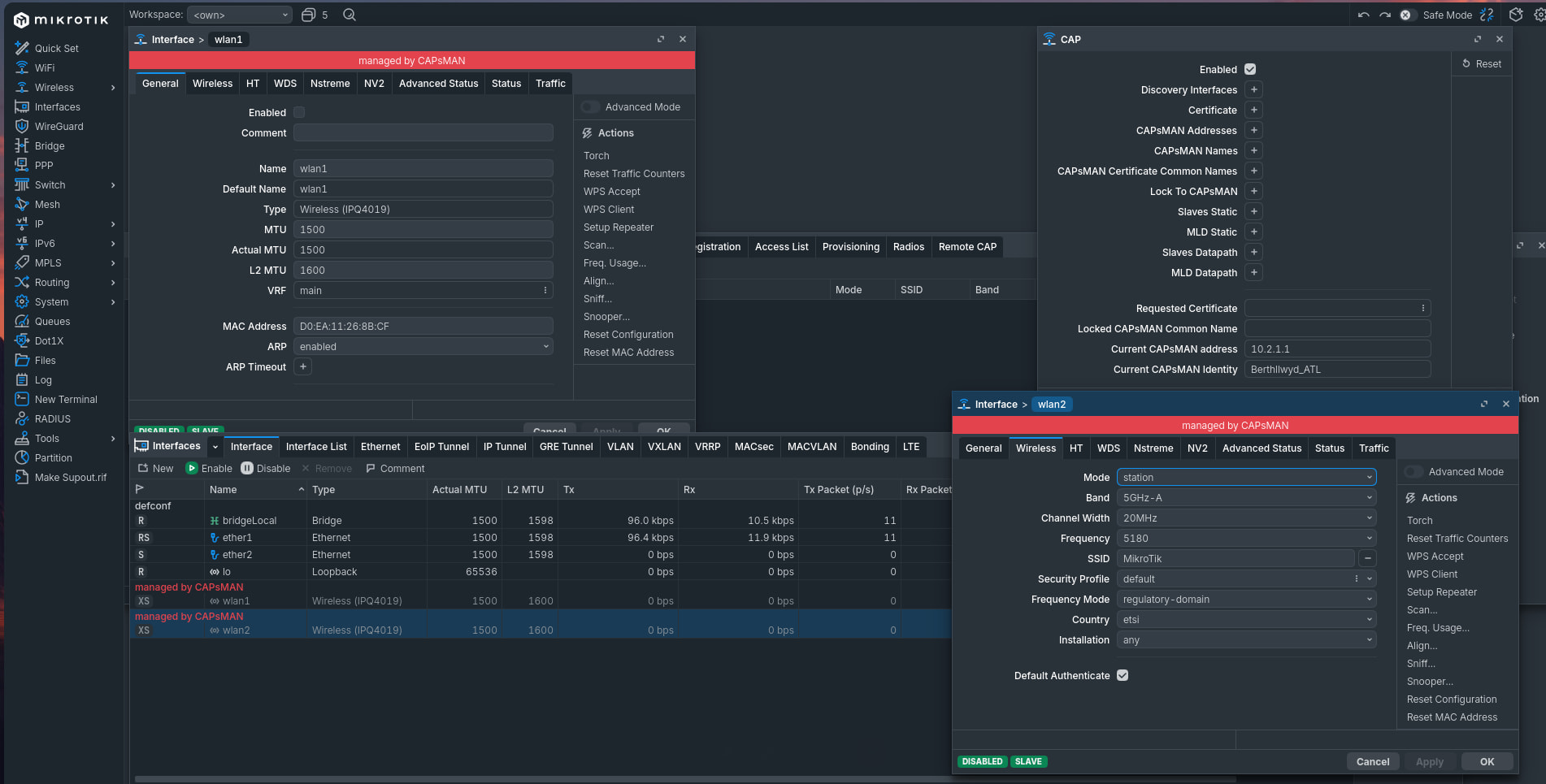
Ok, so I went back to the beginning an put the cAP to default and set up CAP mode again. Still nothing appearing in the WiFi list of the ATL unit despite provisioning from CAPsMan. I have attached screenshots showing the ATL and cAP.
I have reset the cAP unit again and now it doesn't even show under Remote CAP of the ATL unit.
I can use the telnet command to get to port 5246 on the ATL from the cAP so the port is open and available. I've even rebooted the device and disabled IPv6.
If I look at the connection tab there are lots of connections from the cAP to port 5246 established and also one on 5878, when I unplug the device they all slowly die. On plugging the cAP back in to the network connections reappear but the device does not appear in the Remote CAP tab on the WiFi settings
Ok, so looking through the log there was a duplicate certificate issue. Deleted all the certs, reset CAPsMAN configuration and reset the cAP.
cAP is now showing up in the Remote CAP table again, and I changed the identity from ATL unit which is the CAPsMAN manager. However under WiFi no interfaces are showing up.
If I look at the cAP it says the wlan1 and wlan2 are managed by CAPsMAN but are disabled. Provisioning doesn't make a difference.
I thought this was supposed to easy, I must be doing something wrong but I've followed several guides and always get the same result 
For now I've just set both my APs up in standalone mode. When I add one to cover the back garden I may look at this again but my TPLink device started playing up so I had no choice but to get it running somehow.