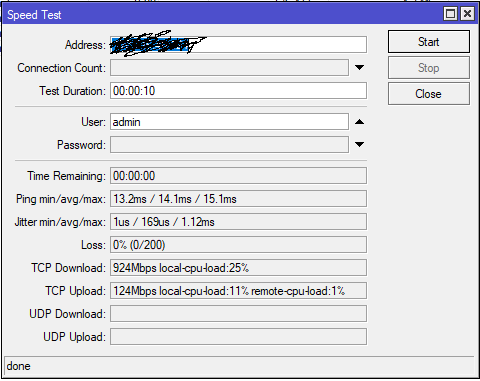
My internet speed is 1000 Mb/s / 100 Mb/s and I can achieve this by doing the test directly from the router.
However, when I do the speed test from inside the LAN, no matter what speed test site I use, I don’t manage to achieve similar speeds.
The PC on which I am doing the speed test has maximum queuing limits (1000 Mb/s / 1000 Mb/s), so queuing limits should not be a problem.
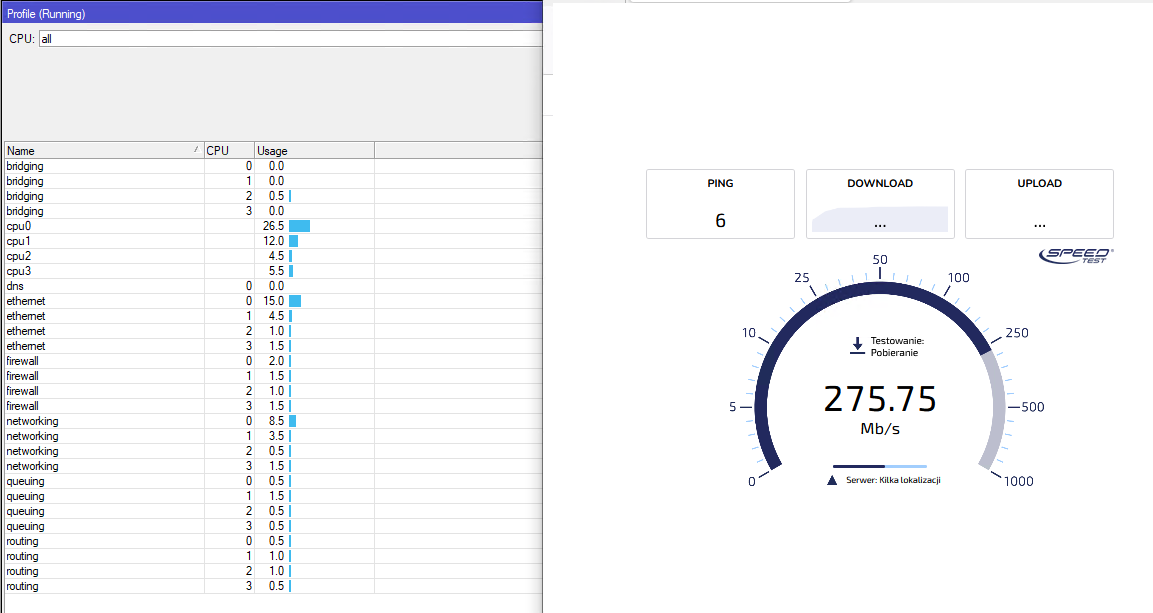
Max 2% and before you said it was hovering at 15-20% during test ?
Then one of the cores had to be way higher.
Or does your cpu have 50 cores ? I don’t think so…
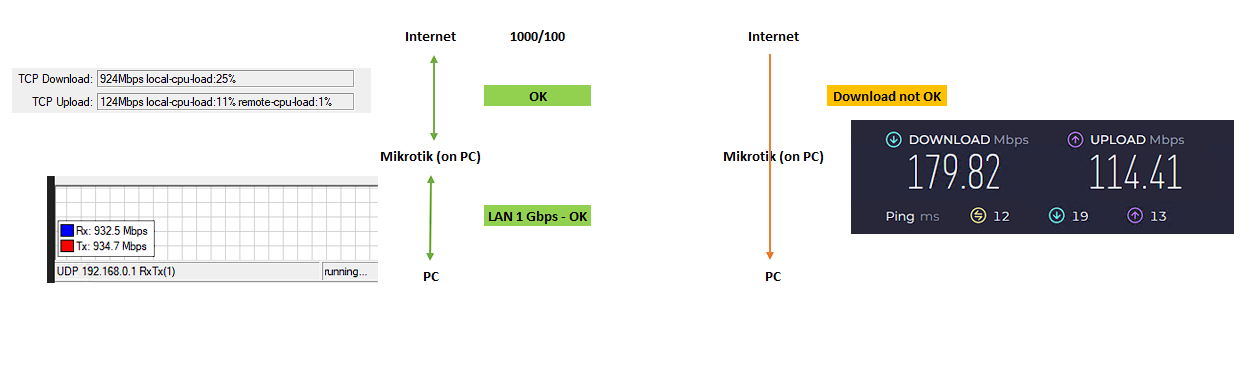
Draw a diagram of the network we are testing. Specify the devices and where the traffic is coming from.
Looks like the maximum speed for wifi
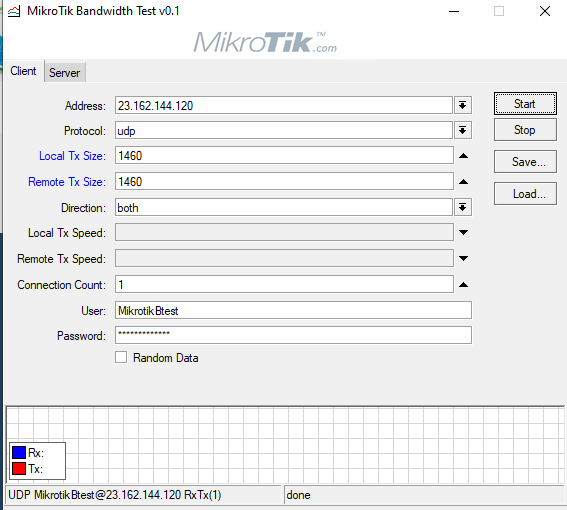
PS Mikrotik has a “btest” program for the computer
.
.
I tested LAN with internal btest.
.
.
Summary:
Mikrotik to Internet (WAN) = Bandwidth OK
Mikrotik to PC (LAN) = Bandwidth OK
PC to Internet = Bandwidth not OK (download only 150-250 Mbps - even if I turn off all queues).
.
.
Any suggestions?
Hello Ca6ko,
I did the bandwidth-test, but without result - see attachment.
I do not know if my settings are OK.
Now I need to wait 27h to repeat the test.
They are not … not entirely. You have to leave 2 empty lines after any text block (code, quote, list, etc.) to see one empty line. If one text block follows another, then I don’t think this trick works (and yours with white dot does).