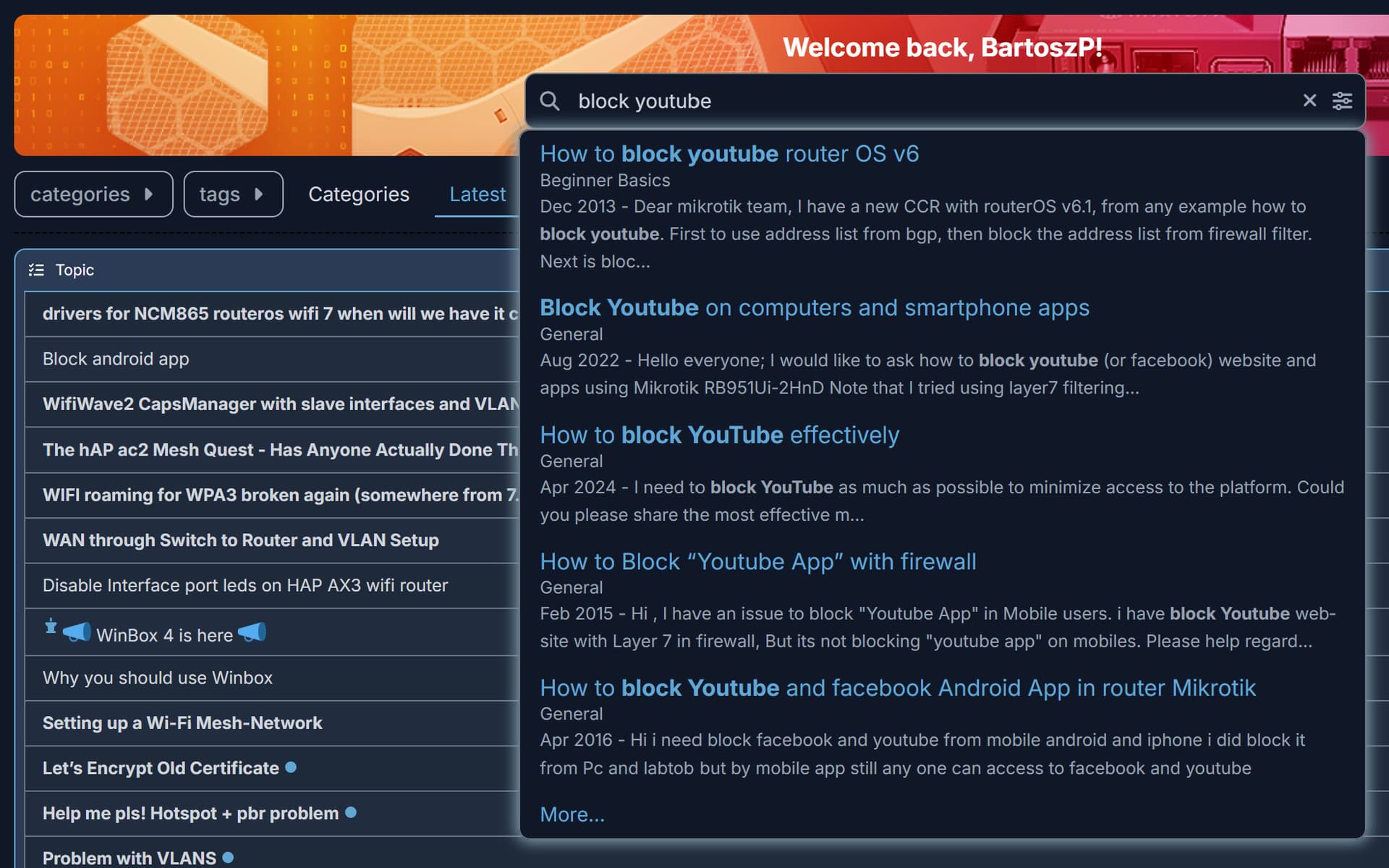
How to block android application with mikrotik?, i have problems when configure mikrotik to block application like youtube or any other social media, i need the script if any of you have it. I already try to block those application using layer 7 (regexp), content, and mangle but it didn't work, please help me
Welcome to the Forum,
Have you tried at least to search the forum for that problem. There are dozens of topics on that.
Thank you!
But I have already tried all the solutions I could find on this forum, and none of them worked on my router. I am using Mikrotik version 7.12, by the way. Before upgrading to 7.12, I was using 6.48, but none of the solutions worked there either, which is why I upgraded to v7 in the first place.
Do you have a sollution for this problem? Or if you have a forum answer that worked on your router, could you share it with me?
As I've written in almost every topic on this subject,
RouterOS can't do what you want it to do,
especially in the way you want it to, which is to look in plain text inside an encrypted protocol
{insert the usual and useless exceptions here}
Buy dedicated hardware for DPI...
If you want control, then have control.
Instead to block something, allow only approved sites,
and modify clients so they can't use or install software you haven't allowed.
But let's say you manage to block YouTube.
Then you also have to block all VPNs and other similar services because they'll still be visible with one click.
The mothers of all technologies are war, censorship and advertising...
Thank you for the answer!
The situation is that I’m trying to configure public Wi-Fi at my university, and I’ve been tasked with setting up the university router to block certain applications on Android and Apple devices. I don’t want any other websites or applications on the internet to be blocked by the rules I create. However, the problem is that I’ve already tried using TLS Host, Content, and Layer7 Protocol, but it still didn’t work. Do you have any other sollution than buy dedicated hardware or block all VPNs?
It wouldn't work as router is not the proper device for that task.
Most devices/programs use nowadays encrypted communication for everything and if only you can jump-in into that traffic, you can monitor it. If not then you see just a stream of bytes. You are able to catch only the VERY begining of a "conversation" but how to you want distinquish if https traffic to google.com is a DNS query or searching the internet if both goes to the 443 port?
The answers you're getting are correct, a Miktorik router is not (in itself) the most appropriate device for this job.
Of course, full decryption of the connections can be done, however in situations such as this it is not recommended. Two approaches are generally used instead:
-
TLS/SSL certificate inspection. In this case a device or service catches the exchange, and compares the certificate that the server presents to a database of certs. The usual suspect provide such devices and services. As you can image, keeping these cert lists up to date requires an effort, and obviously a subscription is involved.
-
Blocking by DNS filtering. Here you direct (and commonly force) clients to use a dns server that you specify and administer, which blocks domains that are required by the given service. Mikrotiks can do the DNS sdvertisement/redirection/forcing part and can also (in a somewhat limited way) do the filtering part with the adlist feature.
Just out of curiosity, however. What does the Uni have against these specific apps? Why not let people use whatever apps they want, even if it's stupid? Access to them obviously can't be prevented, if for no other reason then because everyone has mobile data.
If they're afraid of these "apps" sucking up all the bandwidth, then in my (admittedly limited) experience, it doesn't really matter what specific app is used to do that, and the appropriate thing is to apply proper queueing for QoS regardless of what app is used to initiate the connections - now for this Mikrotik has excellent built-in options.
1 Like
Be aware even if you implement NGFW/DPI inspection and blocking traffic by blacklist rules there are VPN/Proxy solutions which can bypass that (AmneziaWG, V2Ray, Xray...). IP whitelist rules can mitigate this (allow only) but such rules cannot be applied on any environment.
Forum users are kindly responding to help you understand the situation.
But unfortunately, what I wrote may not be the absolute truth, but you can't get around it.
You either control everything, or you control nothing. That's just the way it is.
The mothers of all technologies are war, censorship and advertising...
That is a bad situation to be in! Try to give the task back, maybe asking why they would want that...
Hi,
very easy... buy unifi cloud gateway ultra very cheap and very powerful device..or Cloud gateway max and upgrade your network to 2,5 Gbps lan for very very good price......
it can blocked any country, any apps like youtube etc....
1 Like
Hi,
Thank you for all the answers guys, i will evaluate this matter to my superior
Hi guys,
I’d like to give you an update regarding my issue with the task that given to me. My superior asked me to continue working on the task, and I managed to find the script. I’m sharing it here in case some of you might find it useful.
/ip firewall raw
add chain=prerouting src-address-list=CLIENT dst-address-list=!CLIENT content=youtube.com action=add-dst-to-address-list address-list=TRAFFIC-YT
add chain=prerouting src-address-list=CLIENT dst-address-list=!CLIENT content=googlevideo.com action=add-dst-to-address-list address-list=TRAFFIC-YT
add chain=prerouting src-address-list=CLIENT dst-address-list=!CLIENT content=ytimg.com action=add-dst-to-address-list address-list=TRAFFIC-YT
add chain=prerouting src-address-list=CLIENT dst-address-list=!CLIENT content=youtu.be action=add-dst-to-address-list address-list=TRAFFIC-YT
add chain=prerouting src-address-list=CLIENT dst-address-list=!CLIENT content=yt3.ggpht.com action=add-dst-to-address-list address-list=TRAFFIC-YT
add chain=prerouting src-address-list=CLIENT dst-address-list=!CLIENT content=youtubei.googleapis.com action=add-dst-to-address-list address-list=TRAFFIC-YT

/ip firewall mangle
add chain=prerouting src-address-list=CLIENT dst-address-list=TRAFFIC-YT action=mark-connection new-connection-mark=KONEKSI-YT
add chain=forward connection-mark=KONEKSI-YT action=mark-packet new-packet-mark=PAKET-YT

/ip firewall filter
add chain=forward packet-mark=PAKET-YT action=drop
Please forgive me for some foreign language in the script. I hope it can help those of you who are still struggling to find the right configuration.
Approaches as above consume a lot of resources, and with time, will be less and less effective, as more and more sites and services implement standards like ECH, HTTPS RR, etc.... while clients focus more on privacy and use DoH/DoT.
3 Likes
Like all other discussions on the subject, it always ends in failure after the first click on the VPN...
I hope your superior is not going to be mad at you once he/she finds out that this does not really work...
Or when they find that random other apps cease to work. E.g. gmail.
2 Likes
Hi guys,
I’m aware of the flaws in the configuration of the script above, and that script was only meant to block YouTube. When I asked my superior, he said that he only wants to block social media on the university Wi-Fi. So, I provided the script to block YouTube as an example. He doesn’t want any college students using the university Wi-Fi to access social media. He wants to block Instagram, Facebook, TikTok, or any other social media. It would be a very long script if I gave you the complete version to block all of them.
I’m aware that VPNs can bypass this configuration, and my superior is aware of that as well. However, we agreed that this will be a discussion for another day.
Thank you for all the answers and advice you’ve given me. I really appreciate it.
How can they put such obtuse people in charge of something that concerns the university...
Students are definitely smarter than that guy who wants to tilt at windmills.
Please, if you can, block him from social media too... 
He will come back at you telling you that some people want to visit a legitimate website where they can login using their facebook account, as they have always done. But it no longer works.
He will ask you to enable login using facebook, but still not allow the use of facebook as social media.
Good luck with that!
It seems that his world just collapsed .
If no one had told him it was impossible, he would have done it 