Can’t see MAC address of remote link although connection is fine.
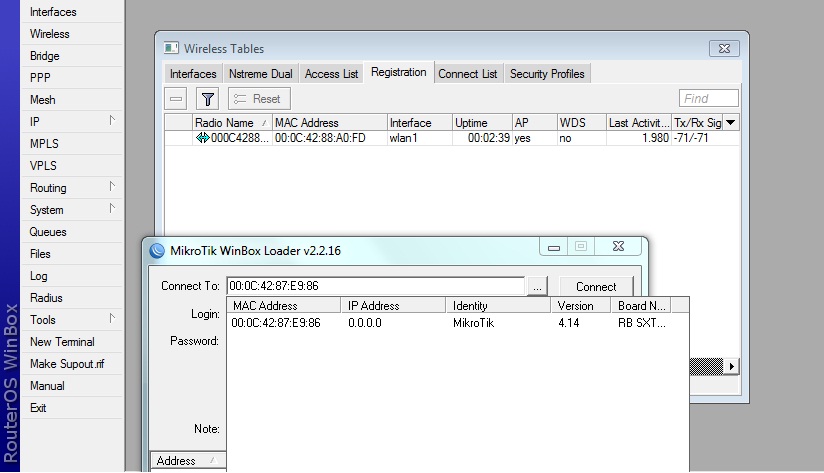
Do I need something more to enable somewhere?
Found it…
Problem was that ports wasn’t defined…
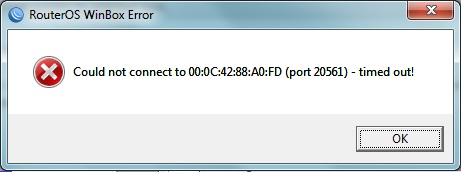
Now I added ports in bridge mode, Winbox see other side but MAC ping doesn’t work (which worked previously)

When I try to reaxh it over Winbox it say:
hmm.. I did ping from one side.. Form other side it seems OK…
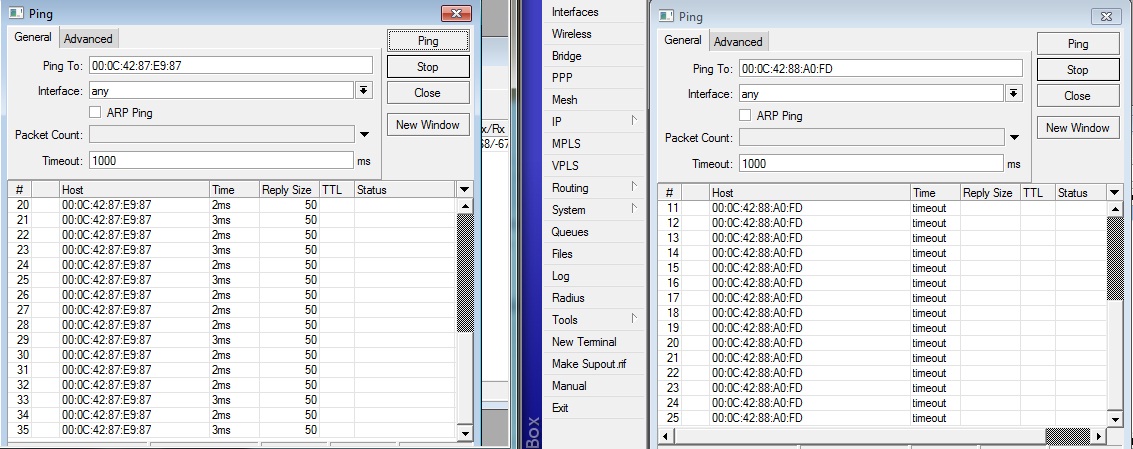
Still can’t figure why 
It’s all OK now… After restart it worked…
Hi,
Still i am facing same issue, I am able to see the remote device MAC address but not seen the IP, I try to connect via MAC not able to get connect to the Remote Mikrotik Box.
attached screen shot of the same, can any one advice the strong solution for this problem, either i reset device remotly or i can get some how access to remote device.
Regards
Nishit
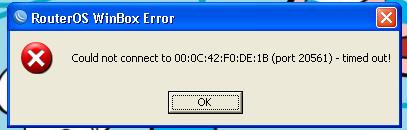
I see this issue randomly on some of our devices. The only way I have found to beat it is to MAC-Telnet to the remote device (from the local device) and use command line to add an IP address to the interface.
Winbox over MAC address is not very stable, you need to add an IP address and connect with that.
Hi,
I agree but due to mistake i disable the LAN Port so my IPs went down.
Regards
Nishit
If port is disabled, MAC address will also not work.