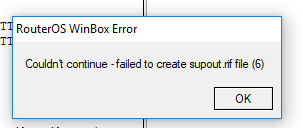
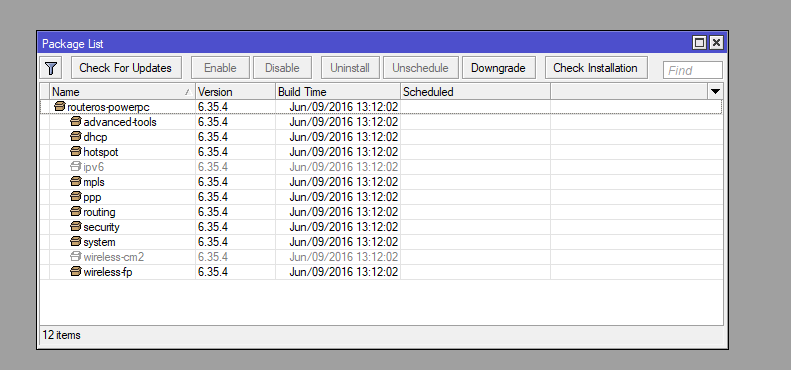
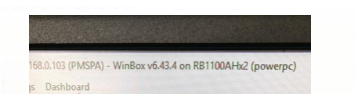
I have a RB1110AHx2 (powerpc) currently in version v6.3.5.4 with firmware 3.24. I am trying to upgrade to the routeros-powerpc-6.43.2.npk version and simply the update does not happen. I upload the file via upload as recommended files. I tried to generate the support file and I get an error message:
Couldn’t continue - faled to create supout.rif file (6)
Try intermediate upgrade to 6.37.x and report back. 6.37.x changed the wireless package names, so it might be that an upgrade from before 6.37 to 6.40.x doesn’t work because of that.
At this point I would probably recommend a netinstall to a 6.36 or 6.37 release and restore the config on that version, then upgrade to a newer release.
same results with more routers.
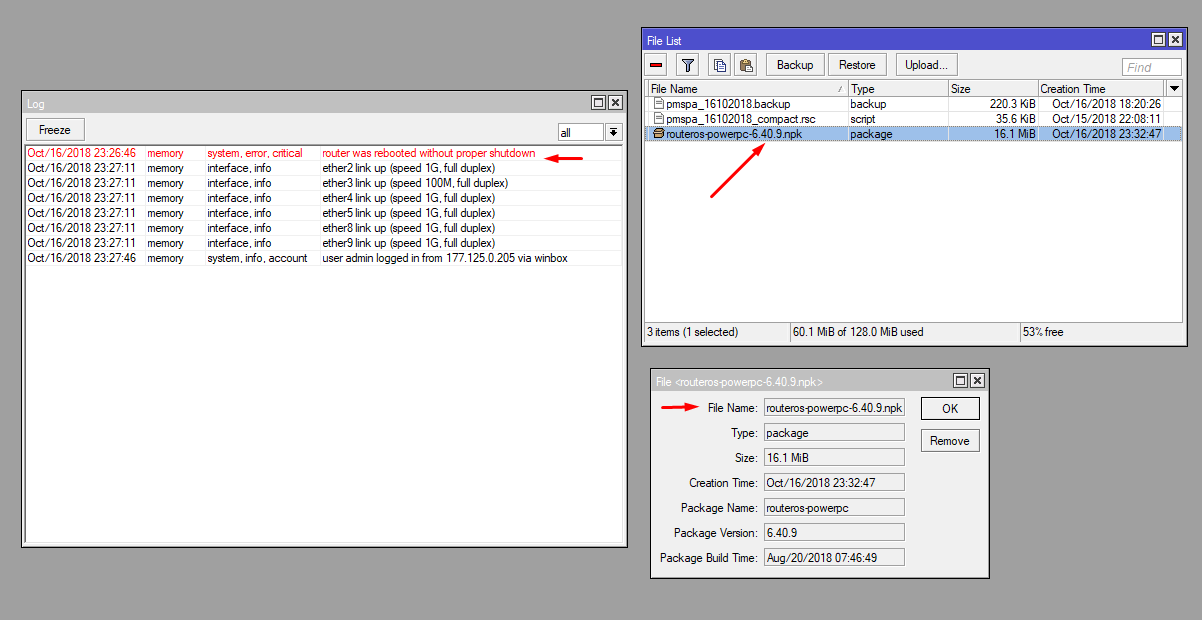
Package downloaded over winbox upgrade procedure. After reboot the upgrade package is still there and routeros can’t upgraded.
I’m changed logging to the disk, to keep log files.
Interesting:
09:31:34 system,info router rebooted
09:31:35 system,error,critical router was rebooted without proper shutdown
What causes this symptom?
I’m tried console update too
[admin@mikrotik] > /system package update
[admin@mikrotik] /system package update> check-for-updates
channel: stable
installed-version: 6.43.8
latest-version: 6.43.12
status: New version is available
[admin@mikrotik] /system package update> download
channel: stable
installed-version: 6.43.8
latest-version: 6.43.12
status: Downloaded, please reboot router to upgrade it
I have a remote 951G-2HnD v6.32.3 that was Pwned by at least 5 Hackers over the past year. Two of the last hackers actually cleaned up and blocked some of the abused ports, leaving little notes.
The router is +700 miles from me. I had to use the same exploit to regain access today. I locked it down remotely, and tried to update firmware to release. It acts like its going to update, but on reboot it’s on the same v6.32.3. It won’t do a Supout.rif- “Couldn’t continue-failed…”. I can’t turn on/off any packages, like wireless, they report that they will disable after reboot, but don’t.
The log only shows one or two lines of logs.
I have been trying older package versions of, so far without success.
I’m wondering if the hackers could have disabled firmware update using hacker tools?

 )
)