Why? Got my KNOT but the antennas will arrive on another day.
Would like to pre-configure ROS. Is this safe or will the KNOT turn into black smoke?
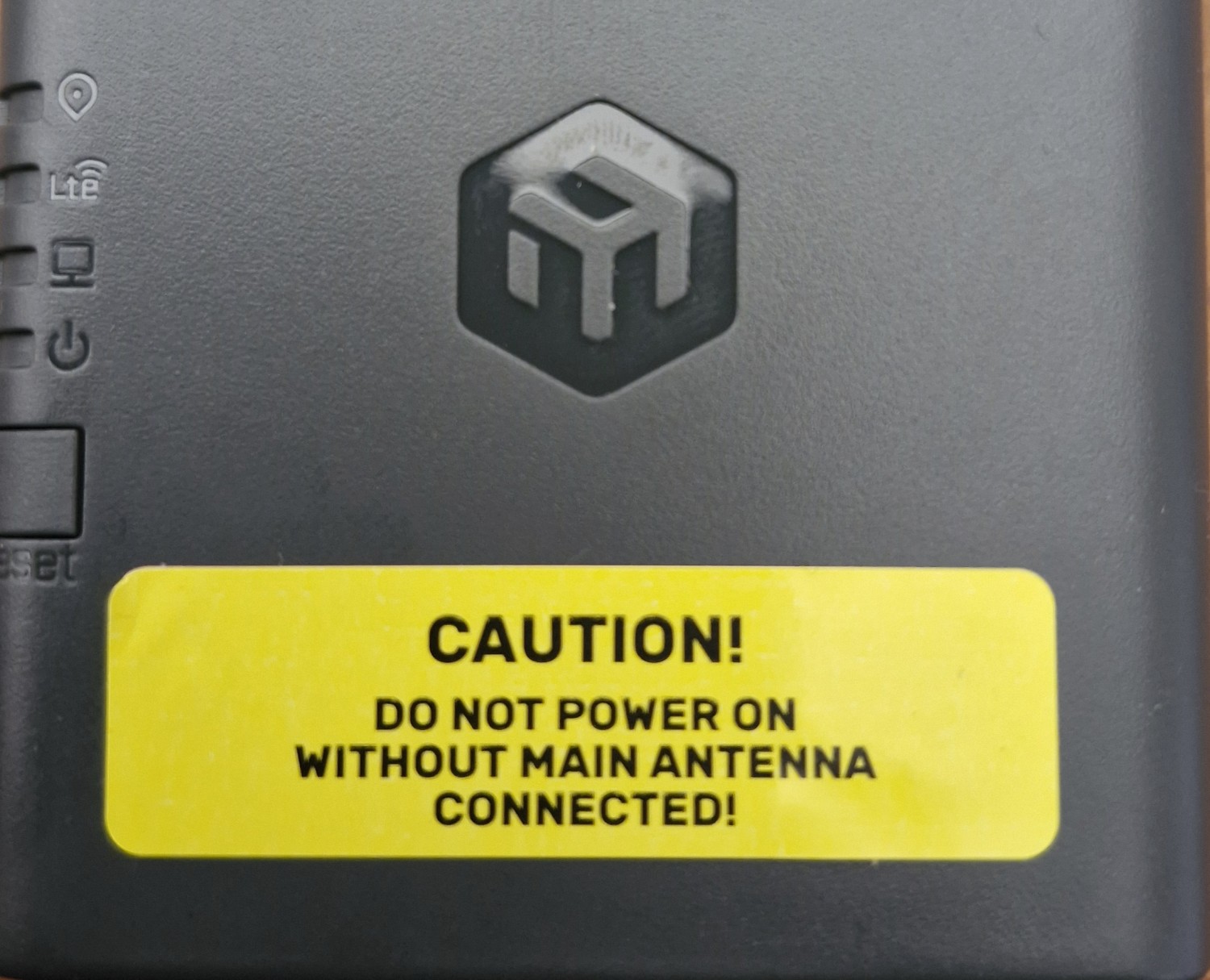
It is a standard disclaimer, the Ax3 has similar label.
Theory wants that you power a radio only with a load connected to it, be it an actual antenna or a dummy one like (example):
https://hamparts.shop/sma-dummy-load.html?
On low power devices, such as the knot, it is improbable that anything will burn, but you never know.
Please note that IF something will burn, it will be something difficult to troubleshoot and replace, see:
But if they bother spending money to put up a warning, there must be a reason...
If a bottle says "Acid: corrosive," do you stick your finger in it to see if it's true?
Wait a minute....... What @#$!!%&!.... didn't they put a stupid antenna in the box??????????
I wanted to buy it, I thought it had the LTE antenna built in........................
From product page:
- The unit requires external antennas – choose the models that match your environment and customize the KNOT to your specific needs
Of course, I would have read it in detail before buying it, but it makes no sense that it doesn't even have a basic antenna...
Absolutely. Or it could ship with a terminating resistor.
Yep, no antennas included. I found now an old WLAN-antenna and connected this as dummy.
I ordered 8 dBi Bingfu antennas (MTs antennas not available here).
They sould really put a smol, cheapo antenna in the box, instead of the sticker (or a dummy terminator).
I would guess that everyone going to fiddle with devices like the Knot has an unused old AP or router somewhere from which to borrow an antenna.
I don't want to do a detailed search now, but I doubt that an old "2.4 only" or "2.4 and 5" GHz antenna
will be suitable for all the frequencies used in LTE...
Content deleted by author.
I attached an old 2.4GHz antenna because of the sticker. The dedicated LTE-antennas will arrive in a few days. But now I can turn on the KNOT an do all the config stuff without damaging something inside. 
PS: I agree about farm stuff or vehicles etc… who use the KNOT.
But MT says:
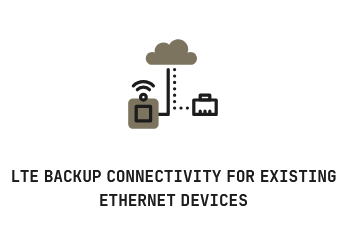
And for these usecase they should add at least a smol antenna (I think).
Bet they can add a cheapo China-antenna for a few cent. 
Agreed. IMO, the older KNOT still has advantages... which is a shame. And, given the older KNOT was much slower than LTE Cat4 included in "new KNOTs", some tiny stub antenna at Cat4 still outperform the older KNOTs. And without some antenna it's "horrible unboxing" experience since even I'd assume MikroTik included some antennas since it's not a RouterBOARD product where some integration is required... the KNOT looks "ready to use" if read the product page without any clear advisement "Antennas not included".
I like the design of the new KNOT, but certainly some compromises on features. And, I didn't know about the lack of antenna part until this thread. Like the lack of 2.4Ghz, since if KNOT inside some other equipment it be handy of the "embedded routers" actually could provide Wi-Fi to other components for that equipment's M&C. And lack of USB also limits integration possibilities.
In fact, the only bright spot is MikroTik ran it through PTCRB and AT&T certification, so at least they know how to do that, hopefully, for future LTE/5G devices for North America.
@rextended
I don't think that an antenna needs to be "tuned" to a given frequency to offer some 50 Ohm impedance, and the LTE radio should be low-low power, likely around 200 mW or so, surely below 1 W.
@all
A (good?) question could be whether the LTE radio does anything without a SIM inserted?
Unlike the mentioned Ax3 where not connecting the antennas or a load (because wifi is not used) could still be a risk because an upgrade or another "glitch in the matrix" could accidentally switch the radios on, the LTE radio could be doing nothing without a SIM inserted. Or it is "always on" when not disabled?
When using dummyloads as termination, also make sure that they are specified for the frequency being output. E.g. the dummyload mentioned above has specification “DC to 3GHz” and would be OK for this usage but (maybe) not for a WiFi (5GHz) device.
I recently installed a couple of L11UG-5HaxD devices and as I knew about this issue I connected dummyloads, but for one chain I used a 20dB SMA attenuator good for 5GHz (and on that a small antenna to test the config) and on the other I put a SMA-to-BNC adapter and a BNC dummyload.
But later I noticed that this was from the old 10Mbit ethernet networking and I am worried that this may have killed the transmitter chain by reflecting too much power. And unfortunately the new WiFi drivers no longer show the signal quality for each chain separately.
The warning label is incomplete.
CAUTION
IF YOU POWER ON THE DEVICE WITHOUT AN ANTENNA
YOU WILL LIKELY NOT BE ABLE TO BREED
SO DO YOU FEEL LUCKY PUNK
So I have two hAP routers, with the antennae relocated with 50cm RG316 RP-SMA ("extender") cables. By accident, I disconnected one of the antennae (so the router ran with left having an antenna connected and the right having just the extension cable connected) without powering down the router. Will this also have a destructive effect like not running with an antenna at all?
(I always thought that an antenna is just a coax cable that has the last piece of inner core exposed...)
The operation did not seem to have affected the signal levels on receiving devices, but not sure if this might have fried something on the board itself. Any way to check this?
Thx,
With RF (antennas) it's not that receiver will get fried every time transmitter is transmitting without proper load connected. But it might get fried.
Some factors which make it "not every time":
- actual antenna feeder cable. RF gets reflected on the open end and length between open end and receiver has to be "correct" down to fraction of wavelength. With 2.4Ghz that's fraction of 100cm ... e.g. a few cm ... if the length is such that amplitude of reflected signal is low, then receiver won't get damaged
- handling of half-duplex ... when both directions (Tx and Rx) use same frequency (such as in WiFi or TDD frequencies of 4G and 5G), then device needs a mechanism to shut off (and isolate) receiver during own transmissions. So reflected signal does not reach receiver directly, but rather the antenna "switch" ... which is made to handle Tx energy and hence 100% of reflected energy
In such networks it's much worse if there's an unrelated transmitter very close to receiver (e.g. multiple APs with antennas very close to each other) ... in this case the half-duplex handler doesn't help at all. That's why Audience (with it's dual 5GHz radios) uses physical antenna filters on 5GHz radios and the two are then permanently restricted to different parts of same band.
As to transmitter damage: yes, that's actually more likely to happen ... because without proper antenna attached the impedance after Tx port is unknown. And even if nothing is attached (i.e. open end of coaxial cable) it may happen that there's a resonance inside antenna cable which drops impedance towards zero (which means that transmitter "feels" a short circuit ... and RF transmitters usually don't come with overload or short circuit detection). If there's a proper load attached (e.g. antenna or terminator), then impedance will be close to 50 Ohm ... which is nominal for vast majority of RF technologies ...
Yes, trivial dipole antenna can indeed be thought of as unshielded core of coax ... but it's engineered to precise length which corresponds to frequency used so it does radiate at its maximum. If the unshielded length is not right, ability to efficiently radiate RF waves becomes less (which means it will start to reflect some of energy).
OTOH some coaxial cables are not ideally shielded so they leak some signal through cable shield. Normally this means higher cable loss ... but in this case it may save transmitter as some energy still gets radiated and is not fed back into transmitter. Extreme version of such cable is called "leaky feeder" and is often used in "long narrow" closed spaces (such as road or railway tunnels) to spread signal evenly without actually needing many traditional antennas.
When there are two Tx antennas (e.g. for 2x2 MIMO / 2 chain operation), then reference data (e.g. WiFi beacons) will be usually transmitted over both antennas ... so if only one antenna actually works, stations will receive reference data at half power (Rx level drops by 3dB) and will notice that MIMO is not available. So receiver won't really see any radical difference).
And no, there's no easy way of checking if one transmitter got damaged. Other than testing throughput and if result is less than half of what one expects (e.g. when using AX AP with 20MHz channels, one would expect throughput to exceed some 120Mbps when both chains operate nominally ... realistic max throughput over single chain with AX AP would be around 70-80Mbps). Another possibility is if observing connection status both on AP and station ... if it persistently reports only single stream active while trying to push towards high throughput, this indicates that one chain does not work properly. Mind that receiving side is relevant for such tests ... so you'd have to check this on station to assess if AP has both transmitters working as designed.
The new drivers (wifi-qcom) no longer report this kind of detail...
Not really, but if it works it works.
Loosely, running a (low power) device without antenna is not like shorting mains and have a fuse blow.
How long it has been runing without antenna, which kind of power it actually emitted, etc. are all factors that may easily turn a "nothing to see here, people, move on" to "damn I fried the radio".