CCR2004 - Allow remote Requests

Followed this introduction thru Nat Configuration (only used cli):

Was able to ping 8.8.8.8 from CCR2004 (cli) and pc on lan. However could not ping google.com

So DNS inspection compared to other working Mikrotik RB5009 (7.24.5) found DNS Allow Remote Requests.

When I enabled that on my CCR2004 (7.5) the browser works.

Is the tutorial missing something? ..or does something else happen when using Winbox vs cli during

router config?

Also, is there a way to display the CCR2004 ROS version in the Winbox titlebar?

Thanks all,

Bret

Winbox and CLI do the same. Some (new) stuff is only available through CLI, sometimes Winbox will get new functions later but not always (still miss the "fetch"-command of the GUI/Winbox).

"Allow remote requests" allows other hosts to use the router itself for DNS resolution (UDP/TCP port 53). You dont need this for normal DNS-operation, if the router routes DNS-requests to DNS-servers in the WAN (like 8.8.8.8). If you do stuff like DNAT-DNS-requests (redirect-rule) or point simply from the hosts to your router as DNS-server, then you need "allow remote requests" and allow this (UDP/TCP port 53) on the input-chain of the firewall/filter-tab.

PS: Dont make DNS-resolution available to the WAN, or your router will be used for DNS-Ampification-Attacks very fast.

With newer v4.x winbox, the ROS version and other stuff is displayed in the status bar at the bottom.

Also, with the CCR and other more professional devices there are usually no default firewall rules. :(
And the link you pointed at suggests you connect the WAN interface (ether1) to the ISP Wan port.

Don't do that until you have setup the firewall on the device.

If you have an existing router/gateway currently handling your internet you can plug the ether1 port into one of its LAN ports for a while.

The following has a default set of firewall rules you can modify as needed and import.

https://forum.mikrotik.com/t/buying-rb1100ahx4-dude-edition-questions-about-firewall/148996/4

Don't forget to update to latest (long term) versions of software due to recent CVE's making all older ones somewhat vulnerable. (Mainly applies when allowing some forms of router access winbox, ssh, etc from untrusted locations. )
... but that - at least initially - you should set EXACTLY as they are WITHOUT any change ...
Rule #8:
The twelve Rules of Mikrotik Club

"PS: Dont make DNS-resolution available to the WAN, or your router will be used for DNS-Ampification-Attacks very fast."

How can I check for this?

Thanks to all the responses. Appreciate everone's comments

I noticed the minute I connected the wan port I saw attempts to log into my device. I plug it in to

verify access to the WAN momentarily, but remove and continue configuring the firewall.

will take a look at the link for default firewall.

Seems like many of your suggestions revolve around whether the router is handling DNS requests.

In this case it is. Other cases DNS services are handled by other hosts.

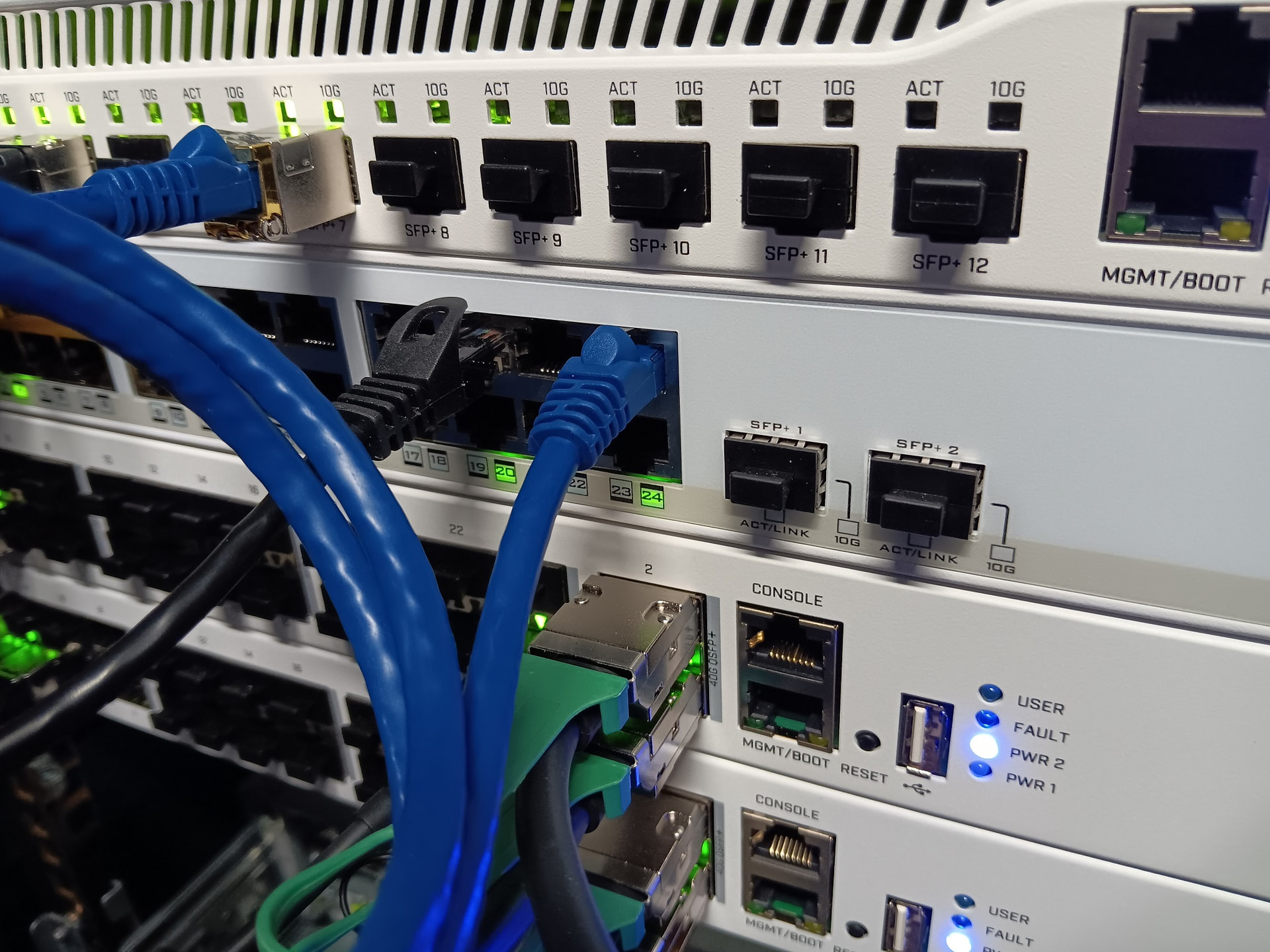
This is our standard Mikrotik setup for each one of our racks. I began rolling Mikrotik equipment

after discovering Cisco has licensing nonsense.

My current project is to document and become more familiar with using cli to roll-out new

CCR2004 and better understand Mikrotik lock down methods.

Great start. Thanks for the exceptional encouraging assistance.