Chateau Pro AX - slow wifi

So I got the new Chateau Pro

Basic setup, some extra NAT rules, guest wifi blocked off.

Channels are fine, not overrun. CPU at 1%, Memory 35% used

Wired it’s okay. I get the full ISP speeds. Wifi I get 96mpbs at best. Tried different channels. Even if my device is a meter away. I’m almost ready to toss it and get a dumb router again.

20250723.rsc (13.8 KB)

At what rate and on what band is the client connected?
And what exact client (and if computer, what nic) are you using?
How do you test?

Check the actually used channel first. Unset the antenna gain (though should not be the issue).

Android Samsung galaxy a71 phone and an Amazon Fire tablet


Signal is not bad, rate is terrible (96Mbps). Does it get any better when you are closer to the Chateau?
Are there any other slow devices connected to this radio?

-58dbm one meter away is actually pretty bad. I have this signal 6m away with one wall and furniture in between.

I can put the phone right next to the router, still 96mbps and -40dbm.

I got a ups next to the router. But no other wifi devices connected.

My guess is, channel 144 is not allowed in Austria and/or poorly supported or low power. Avoid going beyond 5710.

Should be fine, but I switched to channel 116 (and upgraded to 7.19.3) but still same 96mbps

Anytime I see speedtests consistently around the 96mbps mark I am looking for a 100Mbps ethernet connection somewhere. Doesn’t make any sense in your scenario, but usually when I see a consistent speed just under 100Mbps I usually find some port on some device somewhere that I am connected through that is stuck on 100.
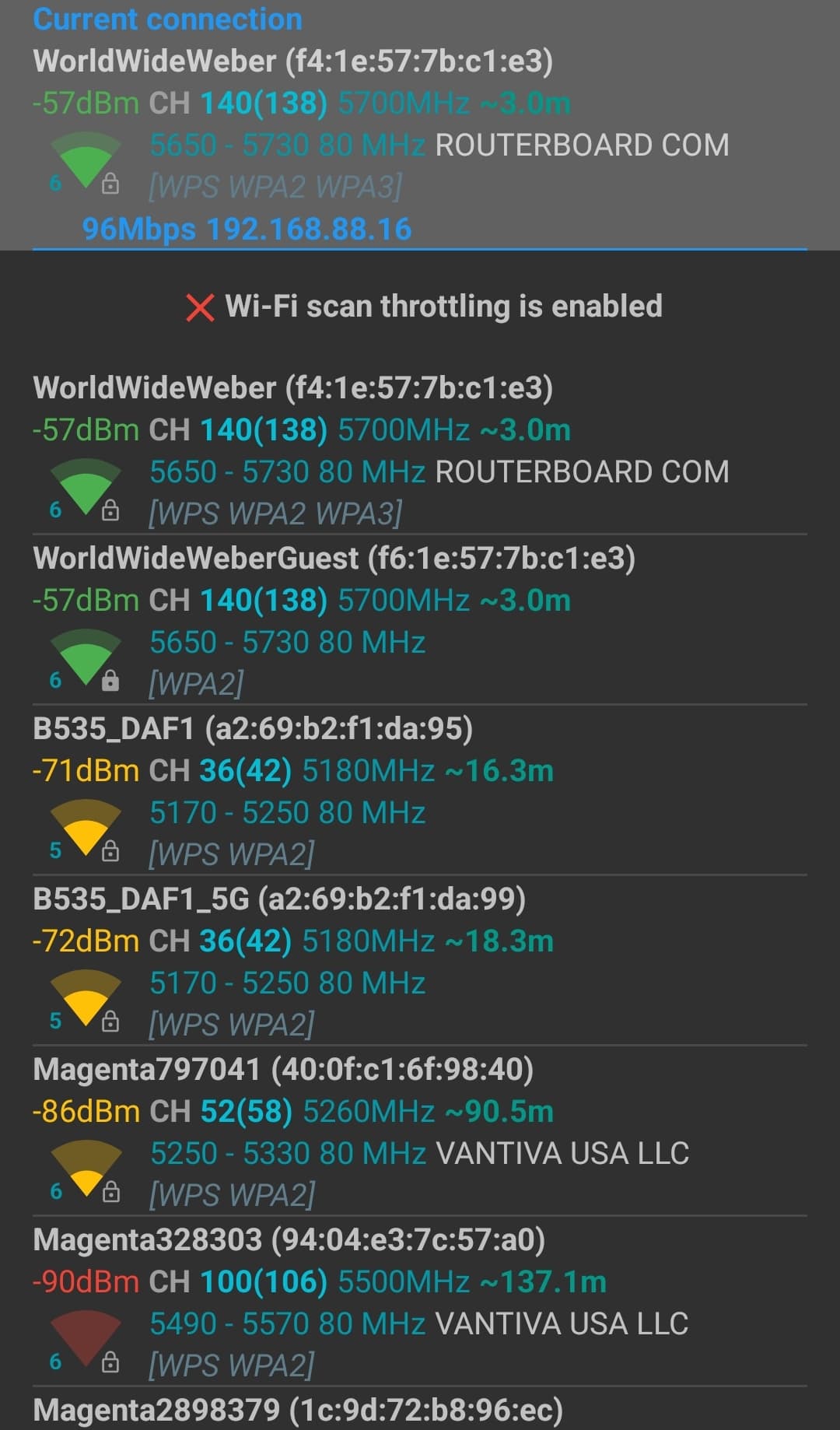
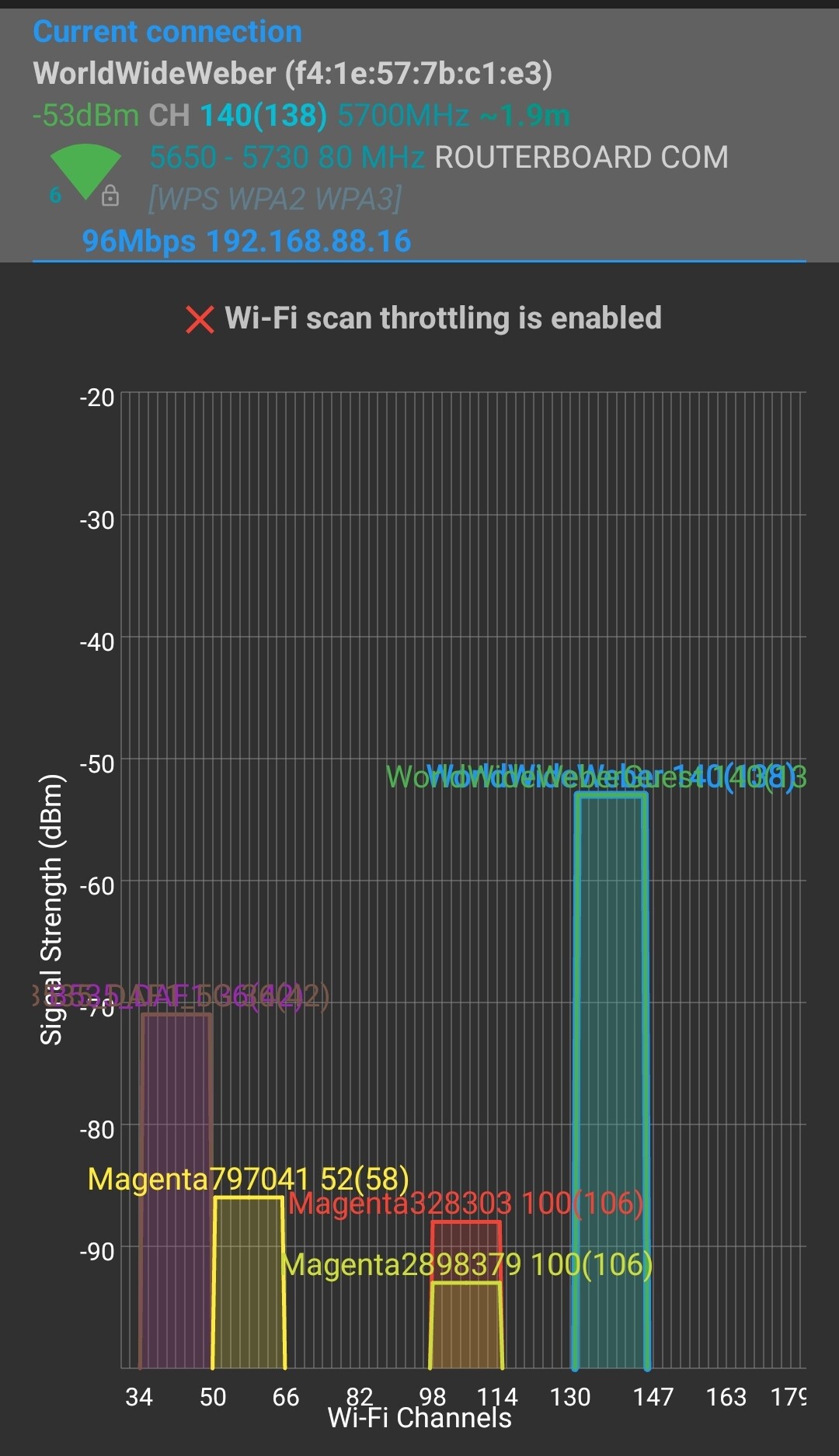
It seems like Wifi analyzer reports only 96mbps lol. Try Analiti instead of wifi analyzer. https://analiti.com/

Omg. I tried the guest wifi, it showed 433mbps and full 300 from ISP. Switched back to nonguest wifi and… 433mbps.

Sorry for any confusion, thanks for your help and input!