@Amm0 asked me to try the new CMR in 7.26beta1 without risking real routers on a beta, so I built a small CMR network out of CHRs. Everything below was reproduced on fresh VMs, and more than once: one agent found each item and another re-ran it before this post. It's one beta on x86 CHR, so treat these as early field notes, not a verdict.
The lab. Four CHRs, all 7.26beta1, built with quickchr on QEMU and linked by named sockets, with OSPF on every link. Only the controller has the cmr package; the other three use the built-in /cmr/client. One client can reach the controller only via OSPF, two hops away, and one has no controller address and has to find it by discovery. The blue note is what CMR was set up to watch and do:
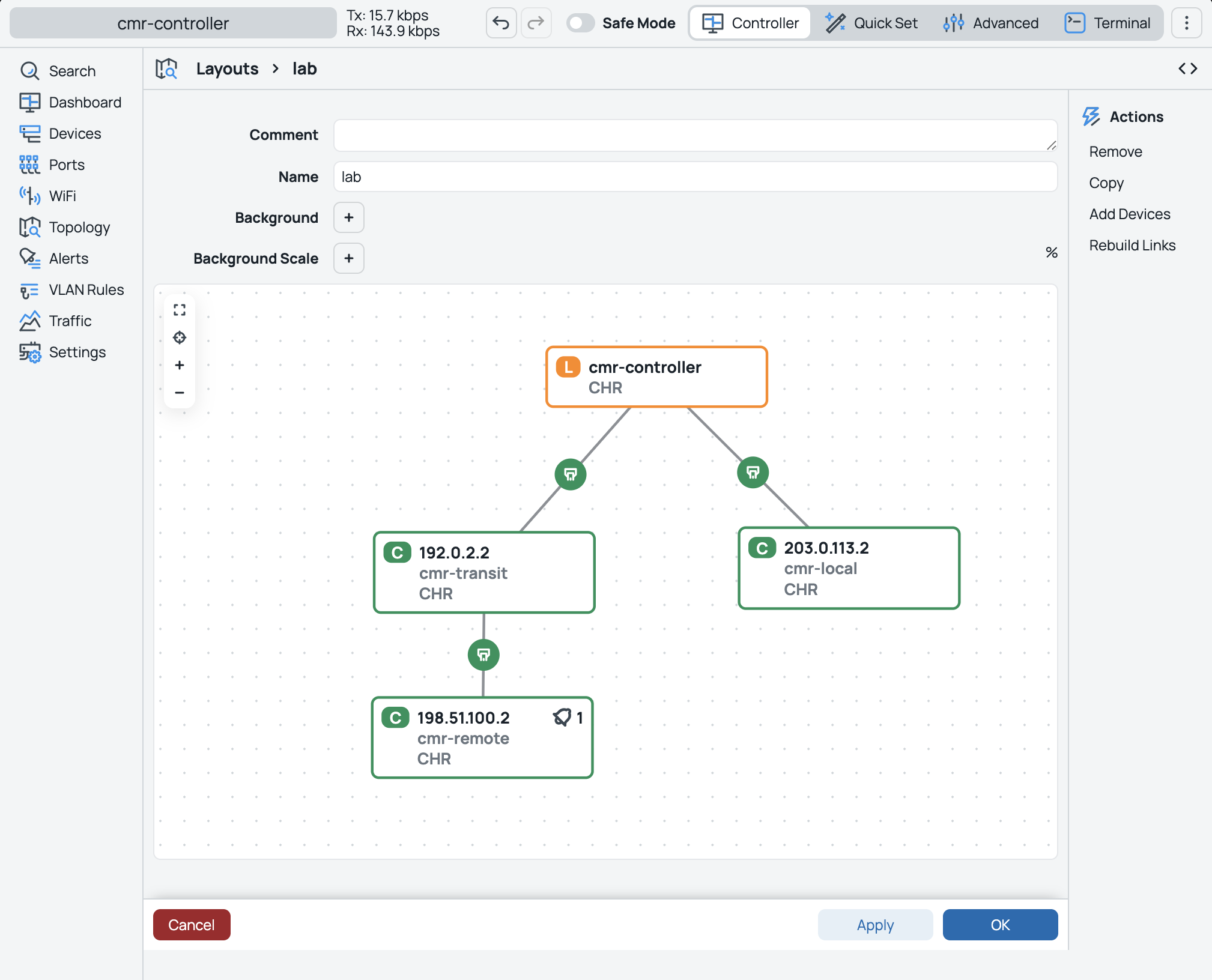
The CMR side. On the controller:
/cmr/set enabled=yes track-topology=yes fetch-comments=yes auto-labels=all
On the clients (no extra package needed):
/cmr/client/set enabled=yes controller-addresses=192.0.2.1   # cmr-transit, direct
/cmr/client/set enabled=yes controller-addresses=10.255.0.1  # cmr-remote, via OSPF
/cmr/client/set enabled=yes                                  # cmr-local, discovery
Each client then shows up in /cmr/device. With the clients left at their default pairing requirement, the controller has to prove it knows a login on each one, so I paired each from the controller with that router's own credentials, then labelled them:
/cmr/device/pair [find identity="cmr-remote"] username=quickchr password="…"
/cmr/device/set [find identity=cmr-remote] labels=lab,remote
Alerts are rules matched by label. Two examples; the rest are in the diagram:
/cmr/alert/add name=lab-cpu labels=lab cpu-above=85 severity=high \
  action.log="CPU [identity] [cpu-usage]"
/cmr/alert/add name=lab-down labels=remote disconnected-more-than=10s severity=high \
  action.log="DOWN [identity] [address]" \
  action.http-url="http://10.0.2.2:<port>/cmr" action.http-method=post \
  action.http-headers="Content-Type: text/plain" action.http-body="DOWN [identity] [address]"
Plus a pinned upgrade rule (never triggered), a topology layout, and a fleet script:
/cmr/upgrade/add name=lab-pinned labels=lab channel=7.26beta1 strategy=sequential fail-policy=stop
/cmr/layout/add name=lab
/cmr/layout/add-devices [find name=lab] labels=lab
/cmr/layout/rebuild-links [find name=lab]
/cmr/device/run-script labels=lab script=":put \"hello\""
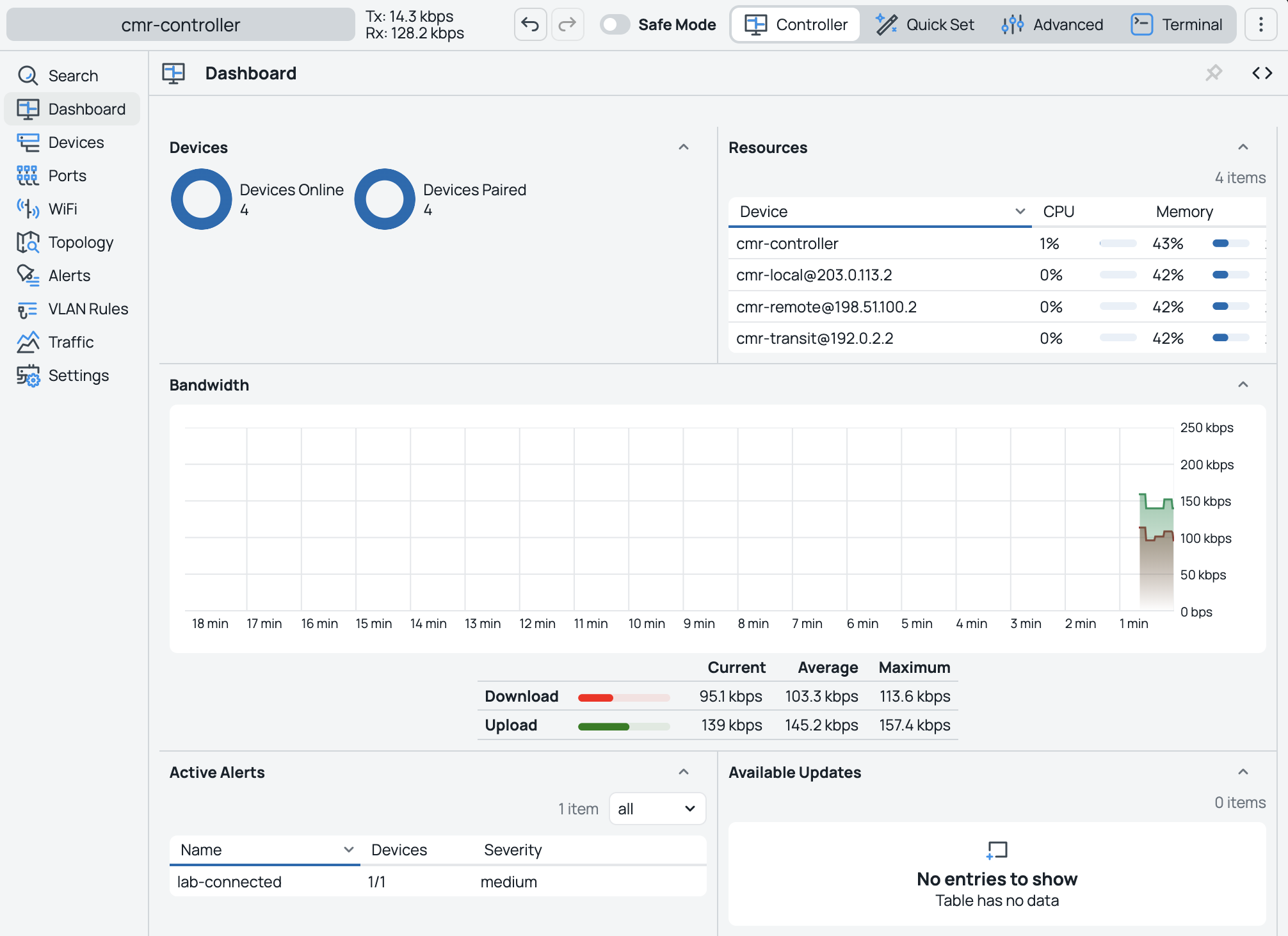
The whole lab is one script: bun run examples/cmr/cmr.ts --hold boots it, pairs everything, and leaves it running so you can poke at it in WinBox. The example and full evidence are on GitHub, marked as a beta lab.
What worked. Most of it, first time:
- Package on the controller only, clients built in,
cmrservice on tcp/54321 - Routed pairing to a loopback two OSPF hops away, and discovery with no address configured
- All six pairing combinations: client
none/password× per-devicenone/password/confirm - Labels and auto-labels;
run-scriptreturned onesuccessline per router; the layout came out as four nodes and three links matching the cabling - Alerts for a log regex, a new bridge,
disconnected-more-than,connectedandrebooted. Webhooks arrived at the host asDOWN cmr-remote unknownand thenUP cmr-remote 198.51.100.2, withaction-failures=0 - The pinned upgrade rule was picked up by every labelled device
- Binary backup: save, then
/cmr set enabled=no, then/system/backup/loadbrought everything back - Clients reconnect with pairing intact after a clean reboot, a hard power-off, and a controller reboot
What didn't, or what I'd ask about:
1. Export leaves out the controller settings. /cmr/export, /cmr/export verbose and /export verbose include the alert, layout and upgrade rules, but no /cmr set line. That means enabled=yes, packages-directory=…, track-topology, auto-labels and so on are all missing. Device labels from /cmr/device/set labels= aren't exported either. Binary backup does restore them. So for now, an .rsc alone won't rebuild a controller.
2. Client pairing-requirement=confirm is in the manual but not in the beta.
/cmr/client/set pairing-requirement=confirm
# syntax error (line 1 column 37)
Completion offers only none and password on the client, and :parse rejects it too. The controller offers all three (globally and per device), and per-device confirm works. There is a /cmr/client/push-button, which I didn't test.
3. The first bridge on a device doesn't fire interface-change=added. On a client with no bridges, adding one leaves the rule at fired=0 (watched for 90 s). Adding a second one fires within about 10 s. It happened on all three clients I tried, with interface-type=bridge and with no type at all. It's per device, not per rule: a rule created after a device already had a bridge caught its next one straight away. If the device already has a bridge before CMR starts, a later addition alerts.
4. Question: client disable/enable clears its pairing, but a reboot doesn't. After /cmr/client/set enabled=no and then enabled=yes, the client reconnects as waiting-for-pairing,connected (password required), and the controller marks it p (remote-pending). It stayed that way for the 45 s I watched, and pairing again with credentials fixed it. A reboot or power cut keeps the pairing. The manual says disabling removes the CMR-managed (Y) config, but it says nothing about pairing. If this is intended, a line in the docs would help, because it's easy to trigger while troubleshooting.
Small notes, not bugs: the default packages-directory=cmrpkgs points at a directory that doesn't exist on a fresh install. A new value has to be an existing directory ending in /, so once changed you cannot set the default back without creating that directory. And the read-only default upgrade rule (channel=stable) shows 7.24.5 as available, with the U flag, on 7.26beta1 devices, which is a downgrade.
Not tested: WiFi provisioning and radio alerts (CHR has no radios), VLAN provisioning, application traffic, DHCP-option discovery, push-button pairing, real upgrades, ARM, and anything after beta1.
If anyone has CMR running on real hardware, I'd like to know whether #3 shows up there too. And if MikroTik already has these on the list for beta2, I'll happily re-run the lab and strike them out.
Appendix: export from controller
# 2026-10-06 05:24:56 by RouterOS 7.26beta1
# system id = SBeIlUcmr4E
#
/cmr alert
add action.log="CPU [identity] [cpu-usage]" category=performance cpu-above=85 labels=lab name=lab-cpu severity=high
add action.log="MEM [identity] [mem-usage]" category=performance labels=lab mem-above=80 name=lab-memory severity=high
add action.log="DISK [identity] [hdd-usage]" category=performance hdd-above=80 labels=lab name=lab-disk severity=high
add action.log="REBOOT [identity]" category=availability labels=lab name=lab-reboot rebooted=yes severity=medium
add action.log="IFACE [identity] [iface-name]" category=network interface-change=added interface-type=bridge labels=remote name=\
    lab-interface severity=medium
add action.log="LOG [identity] [message]" category=logging labels=remote log-regex=CMR-LAB-PROBE log-topics=warning name=lab-log \
    severity=medium
add action.log="VERSION [identity] [available-version]" category=version labels=lab name=lab-available severity=medium upgrade-available=\
    yes
add action.log="UPGRADE [identity] [upgrade-state]" category=version labels=lab name=lab-upgrade-done severity=medium upgrade-done=\
    success
add action.http-body="DOWN [identity] [address]" .http-headers="Content-Type: text/plain" .http-method=post .http-url=\
    http://10.0.2.2:62899/cmr .log="DOWN [identity] [address]" category=availability disconnected-more-than=10s labels=remote name=\
    lab-down severity=high
add action.http-body="UP [identity] [address]" .http-headers="Content-Type: text/plain" .http-method=post .http-url=\
    http://10.0.2.2:62899/cmr .log="UP [identity] [address]" category=availability connected=yes labels=remote name=lab-connected \
    reset-on-disconnect=yes severity=medium
/cmr layout
add file="" name=lab
/cmr layout node
add device=cmr-controller layout=lab name=cmr-controller x=387 y=4294967152
add device=cmr-transit@192.0.2.2 layout=lab name=cmr-transit
add device=cmr-remote@198.51.100.2 layout=lab name=cmr-remote x=198 y=148
add device=cmr-local@203.0.113.2 layout=lab name=cmr-local
/cmr layout link
add layout=lab node1=cmr-controller node2=cmr-transit
add layout=lab node1=cmr-controller node2=cmr-local
add layout=lab node1=cmr-transit node2=cmr-remote
/cmr upgrade
add channel=7.26beta1 fail-policy=stop labels=lab name=lab-pinned strategy=sequential
/interface bridge
add name=cmr-lab-loopback
/interface ethernet
set [ find default-name=ether1 ] disable-running-check=no
set [ find default-name=ether2 ] disable-running-check=no
set [ find default-name=ether3 ] disable-running-check=no
/ip address
add address=10.255.0.1 interface=cmr-lab-loopback network=10.255.0.1
add address=192.0.2.1/30 interface=ether2 network=192.0.2.0
add address=203.0.113.1/30 interface=ether3 network=203.0.113.0
/ip dhcp-client
add interface=ether1 name=client1
/ip firewall filter
add action=drop chain=input comment=cmr-lab-isolation dst-port=54321 in-interface=ether1 protocol=tcp
add action=reject chain=output comment=cmr-lab-isolation dst-port=54321 out-interface=ether1 protocol=tcp reject-with=tcp-reset
/routing ospf instance
add name=lab router-id=10.255.0.1
/routing ospf area
add instance=lab name=backbone
/routing ospf interface-template
add area=backbone interfaces=ether2 type=ptp
add area=backbone interfaces=ether3 type=ptp
add area=backbone interfaces=cmr-lab-loopback passive
/system identity
set name=cmr-controller
/system note
set note="Disposable quickchr CMR lab"
/user ssh-keys
add info=quickchr@examples-cmr-d4af322ce69-controller user=\
    quickchr
 "... but it was a bit more sophisticated with the
 - the current models are extreme good at HTML, and code-for-containers. So