Hi,
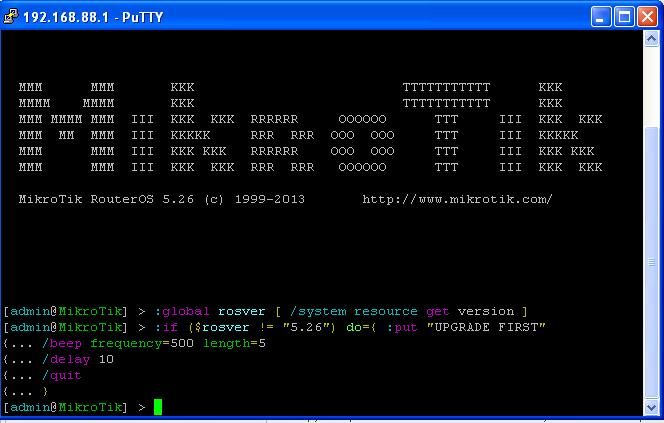
what is a difference between Winbox New Terminal and PuTTY SSH? I need to know because of automating my scripting, kinda like here, these tools fail for the same reason.
RouterOS used for tests is 5.26.
Let’s have the following piece of code:
:global rosver [ /system resource get version ]
:if ($rosver != “5.26”) do={ :put “UPGRADE FIRST”
/beep frequency=500 length=5
/delay 10
/quit
}if I copy and paste it in Windows to Winbox > New Terminal, it works ok:
[admin@sc-rb433-235] > :global rosver [ /system resource get version ]
[admin@sc-rb433-235] > :if ($rosver != “5.26”) do={ :put “UPGRADE FIRST”
{… /beep frequency=500 length=5
{… /delay 10
{… /quit
{… }
[admin@sc-rb433-235] >if I copy and paste it in Windows the same way to PuTTY SSH (or try to transmit it with a configuration script), it gets broken with
[admin@sc-rb433-235] > :global rosver [ /system resource get version ]
[admin@sc-rb433-235] > :if ($rosver != “5.26”) do={ :put “UPGRADE FIRST”
{… expected closing brace (line 2 column 1) {… /beep frequency=500 length=5
{…
{… /delay 10
{… /quit
{… }…it somehow smells like a whitespaces problem… …???
BTW: is there some proven-to-work method how to make configuration changes (some 50 lines) over a hundred of RB’s?