Please could you provide some guidance to the issue below.
I have a 3 X CSS610-8G-2S+ switches connected in my network. They all connect via a Single mode fibre and single mode SFP module connected to SPF port1. Note, I have tested both SPF ports. My switch configs are the same with different IP’s configured.
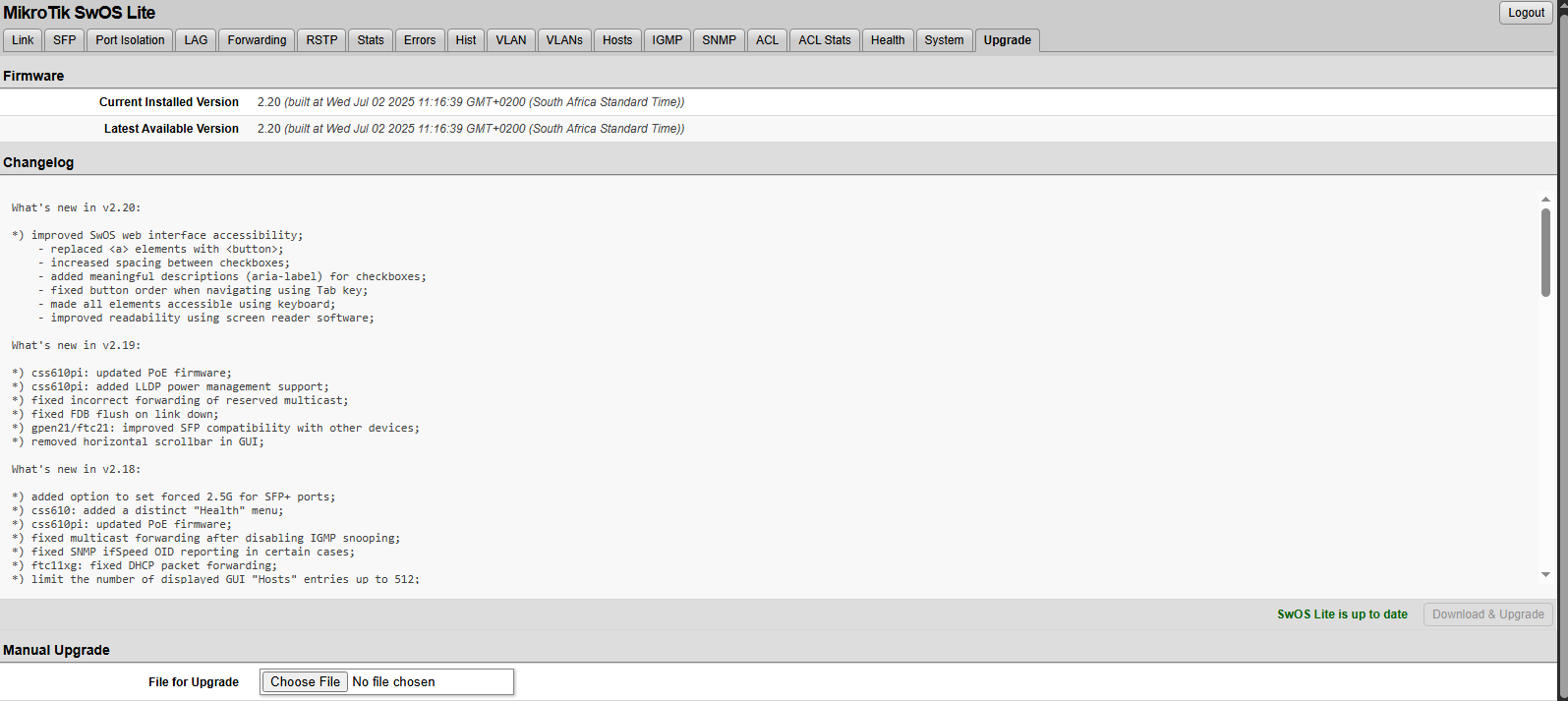
What happens is, I am able to ping the Switch over the network and devices behind each switch. After about an hour or so. Pings to the switch drop, however I am still able to ping devices behind the switch. Each switch connects to a CRS326-24S+2Q+ as my fibre core. Using Winbox, I’m able to see traffic passing the interface. However I cannot ping the CSS610 switch. if I power cycle the switch, I’m able to ping the switch for a while and then it stops responding. I can connect to a device behind this switch and ping the switch and even log into the switch vi the browser. But cannot ping it from the Core network. This is happening to all 3 CSS610 switches. All CSS610 switch have firmware version 2.20 installed.
Let me know if there any more configuration info required.
See below my switch configs. My SFP ports on all switches are configured the same. I also have VLANs configured and setup. Sorry i can only upload 1 at a time.
Frame with no VLAN is usually, not only in MT's world, treated as virtually (sic!!!) tagged with PVID=1 or better to say member of VLAN with tag=1, however it's only a convinient assumption as frame with VLAN tag (no matter of tag value) is not the same as frame with no VLAN tag from networking point of view.
There is no common agreement among vendors if frame with no tag belngs to the stream of VLAN frames with tag=1 or if VLAN frame with tag=1 belongs to the stream of non tagged ones. Both direction on inclusion are not the same.



 of
of