Dear guys,
1 of our RB3011UiAS is disconnecting clients from pppoe and reconnect them after about 30 min or some hours.
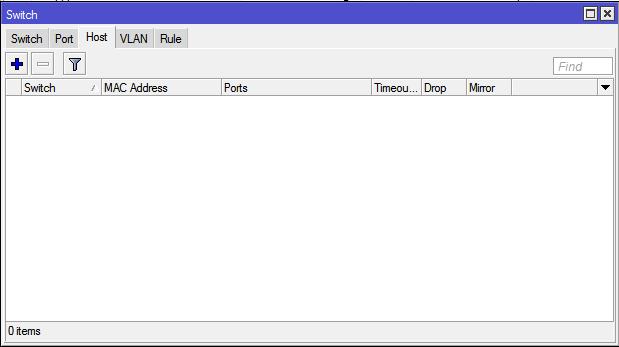
Analyzing on various sections, I have seen menu/switch/host with empty records (other ones are all full of connected MACs). Does someone can help me?
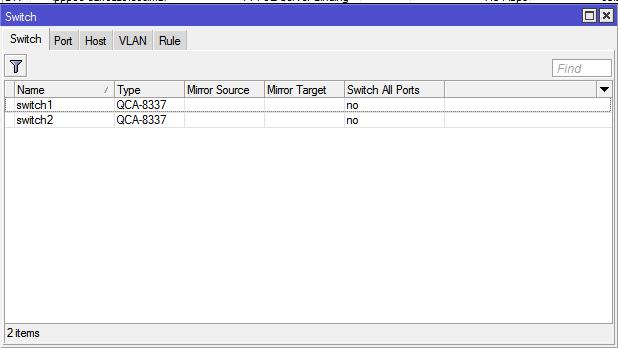
Yes, I know. On this RB I don’t have any master/slave function because not interested.
But in other RBs there is no problem as the topic (disconnecting pppoe clients every from 30min to 5 hours) with also no master/slave function enabled.
Enable ppp debug logging and generate supout.rif file after these disconnects and send it to support@mikrotik.com. Maybe we can tell something more about your problem from these logs.
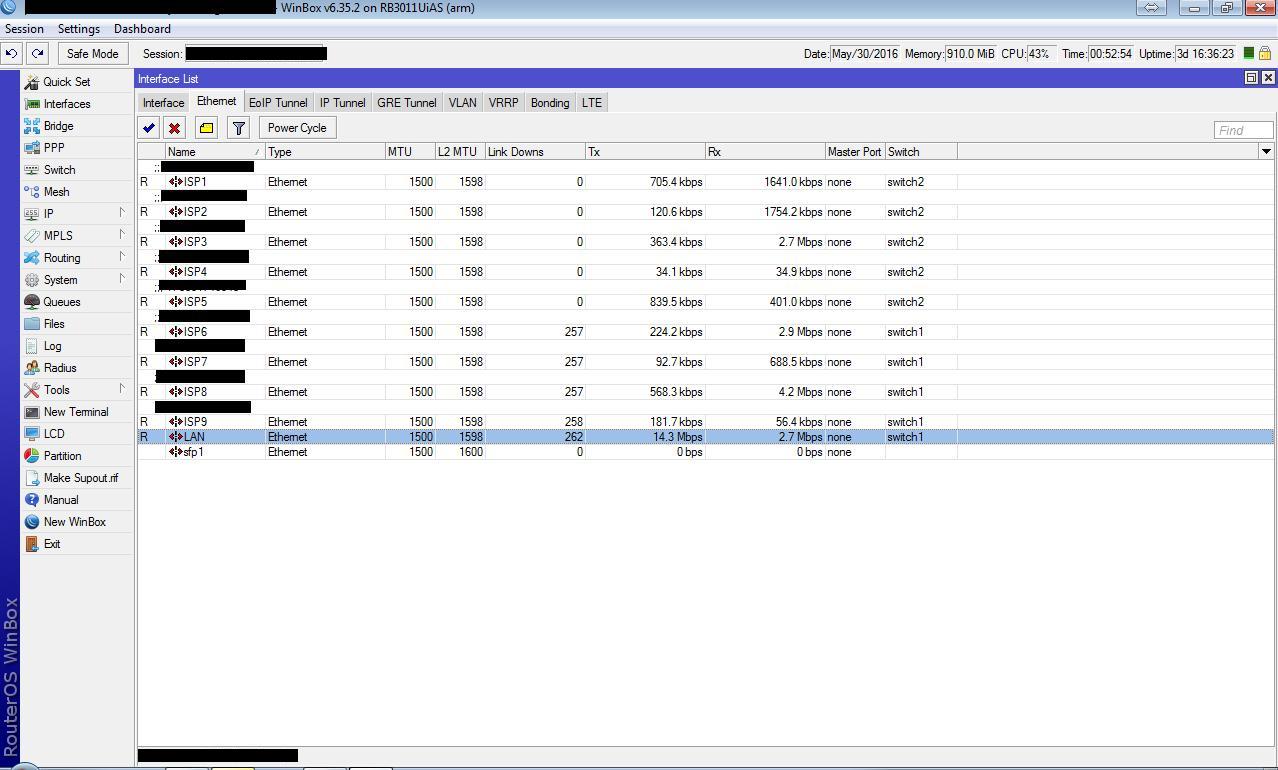
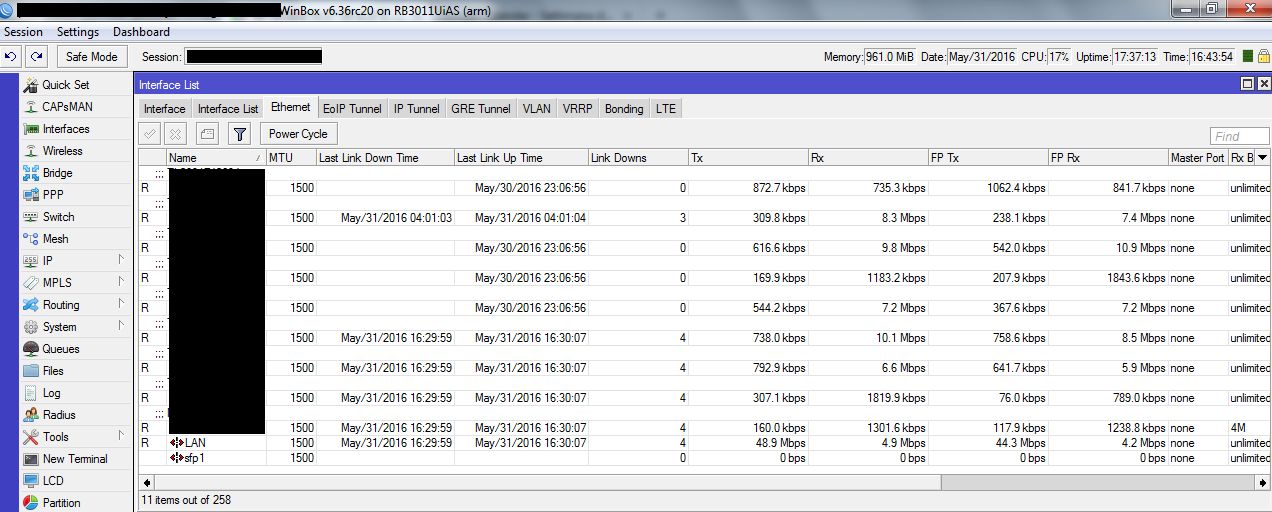
Update! Enabling “link downs” column, we can see about 3 disconnections per hour after last machine reboot.
Could that confirm an hardware failure?? Don’t look at CPU % it was a rare peak, usually it is 7-25% max
Thanks
We solved only through a new official OS by Netinstall http://wiki.mikrotik.com/wiki/Manual:Netinstall and after updating (as e-mail received from support) to last RC version. Only now there are residual re-login of customers group, but it appear without a specific cluster. But since we use UBNT Rocket at moment (https://www.ubnt.com/airmax/rocketm/) we need to investigate if there is caused by them or what other.
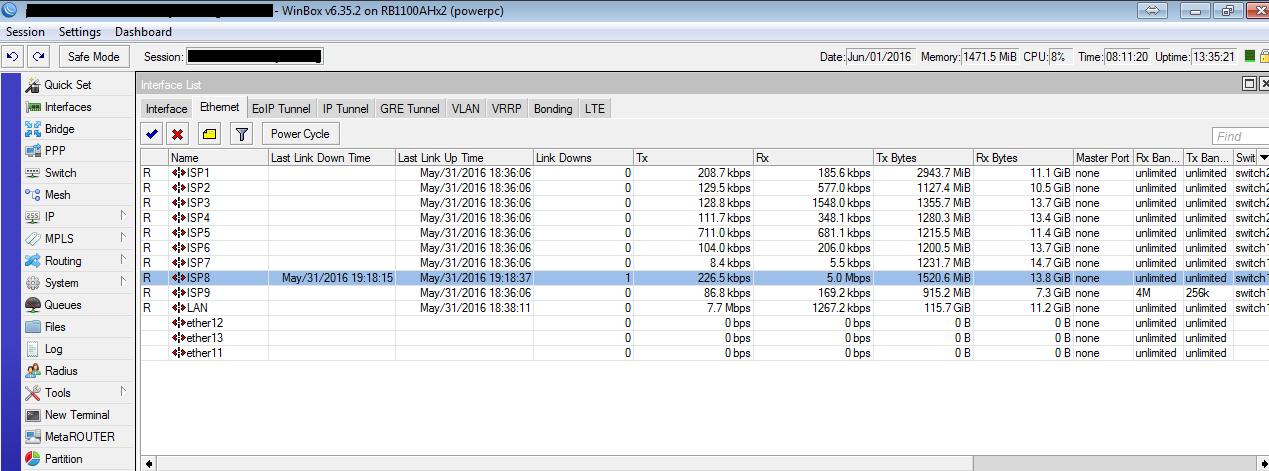
P.S. host section was empty because that ports on RB3011 are not software bridged nor setted as master/slave (as you can see on previous screenshot there are 9xISP and 1xLAN with PCC). We are sure now of no failure for it because tested on an older RB1100AHx2
Sorry, guys. I think…it was solved, because after last setup of previous post, RB3011 was about 8h without problems.
But…now about 1 down every 4 hours, but there is. With identical configuration on RB1100 on the same place, no problems.
Attached screens.
 (other ones are all full of connected MACs). Does someone can help me?