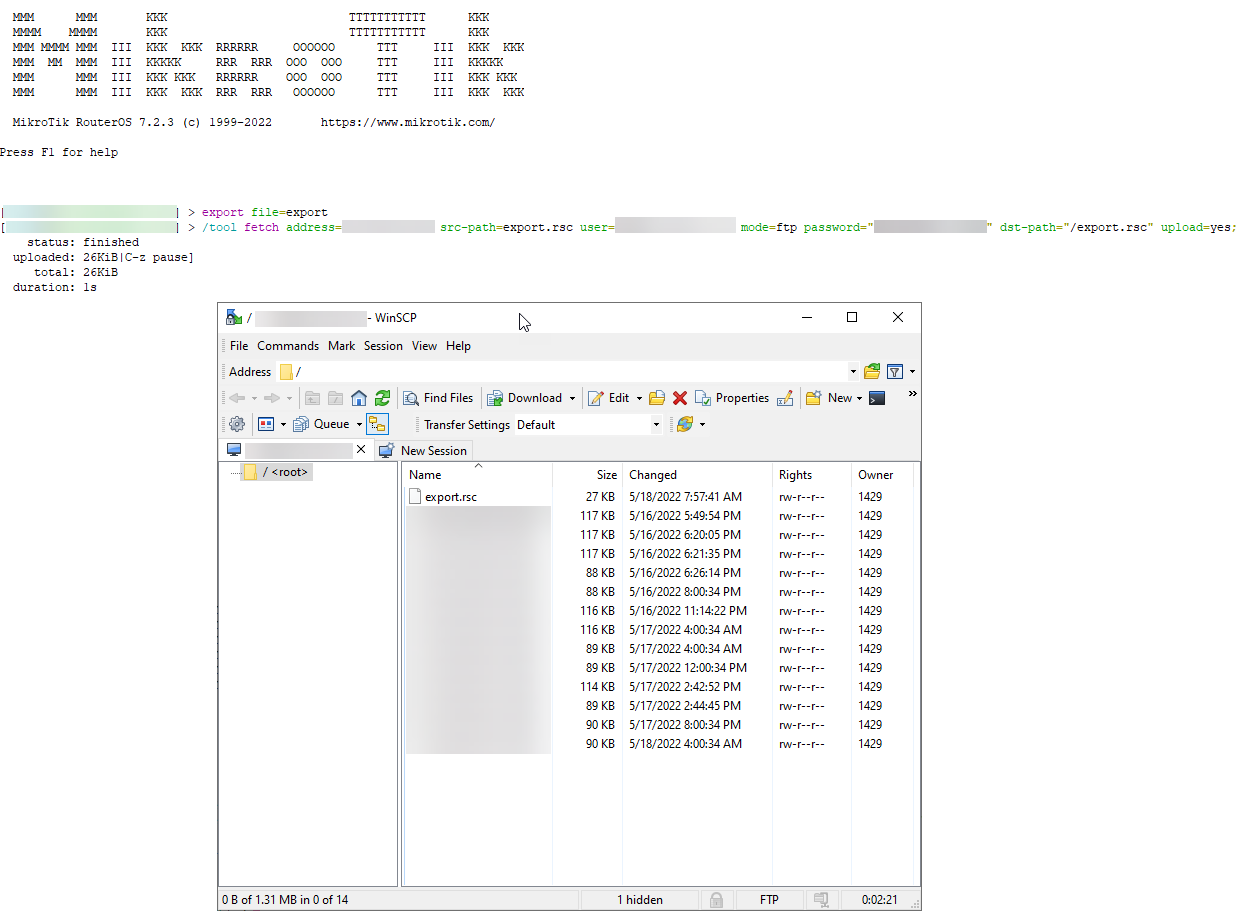
WinBox is giving me many “fetch” errors, I have very limited access to the server I am working on and can’t change any windows ips or network configurations.
Putty using telnet connects without issue, I have a TFPT server running and waiting, I just need the correct command.
Export file=filename is what I use in winbox, I need to direct this to my TFTP server (or FTP)
Cisco example copy running-config tftp://10.10.10.10/filename.txt
what would be the equivalent for the MikroTik?
thanks for your help!