Hi all,
Any idea why fast track is not working here? Only special thing I can think of is that I bridged a VLAN (VLAN20) with my WAN-uplink because I can get multiple public IP’s from my ISP. So devices in that VLAN20 get a public IP. That said:
The flows I test are speedtests that cross that bridge towards the Internet: VLAN10 (RFC1918 address space) is natted (masqueraded) to the bridge.
So typical home setup. Where do I start checking for a cause next?
Br,
Jeroen


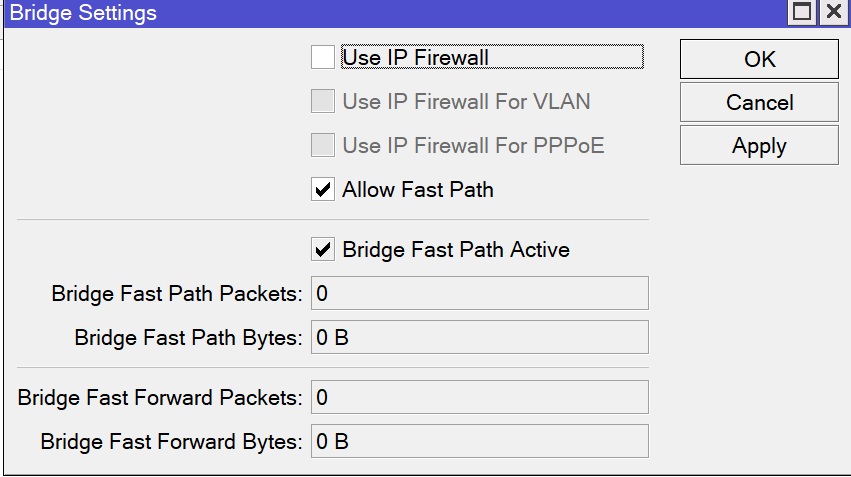
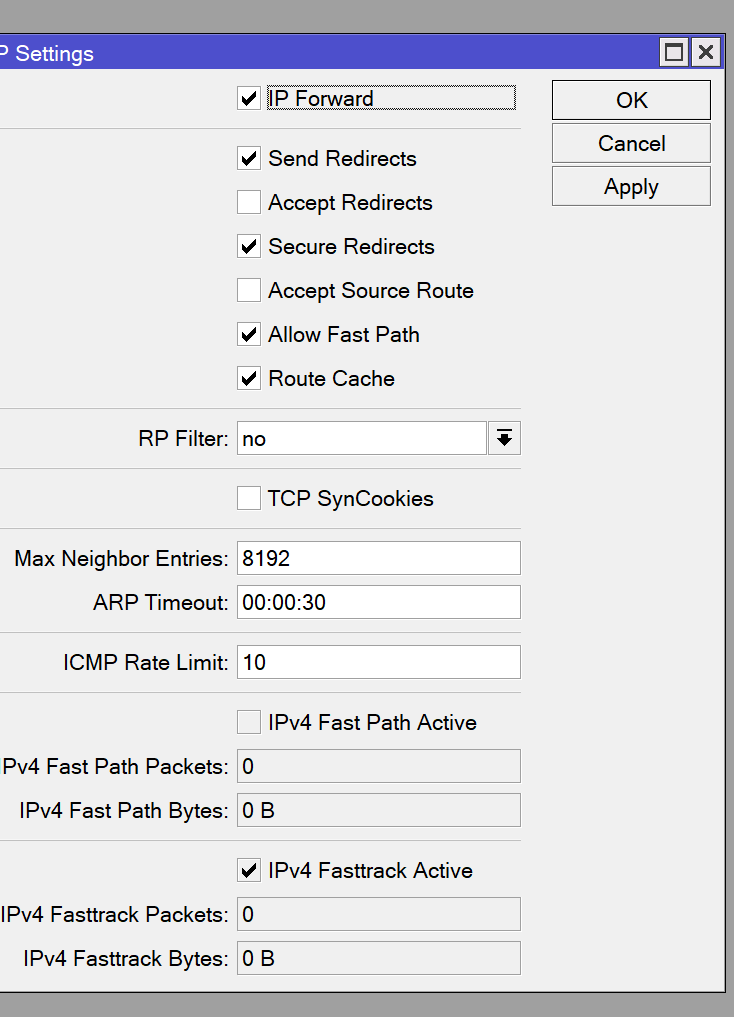
That’s not limited to your RB850GX2. On my RB5009 I have a setup with all the ports in the same bridge, using exclusively VLAN with Bridge VLAN Filtering. My WAN port (SFP+) is also part of the bridge and has its own VLAN, and my internet connection is PPPoE over this VLAN. All ports are hardware offloaded (with H flag in the ports table). Everything works fine except for the fact that Fasttrack appears to be non-functional. Since using this setup, almost a year now, I’ve never seen the fasttrack counters increased above 0:
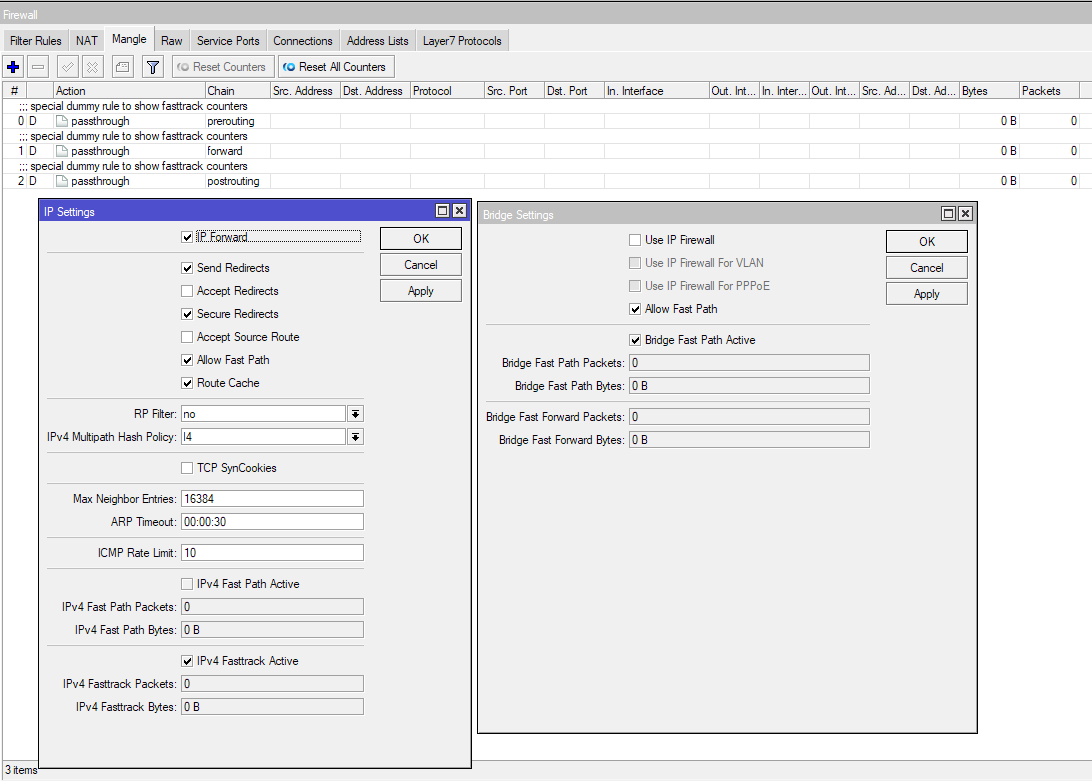
In the connection tables the connections still have the “F” flag but all the fasttrack counters are 0. There might be something with the setup, maybe because all ports are in a hardware offloaded bridge, or maybe because everything on the bridge uses VLAN, that triggers some internal decision which makes the connections with fasttrack flag to avoid going along the fasttrack path.
This doesn’t affect me much because the RB5009 is fast enough for all my needs and 2/3 of my traffic is IPv6 anyway.