Good evening everyone,
I'm a recent Mikrotik user, using it as my main router at home. Since then, I've had many problems with online Xbox games.
UPnP alone isn't enough for the Xbox to have NAT Open.
After much trial and error, I started testing with EIN, but without much success.
During testing, enabling and disabling everything possible, I verified that I can get NAT Open (if I enable the "randomise-ports=yes" function in Source Nat EIN).
Honestly, I don't understand why. It's not a matter of blocked ports or anything like that. I've done exhaustive tests on this.
My only hypothesis is that EIN doesn't actually work correctly on Mikrotik when the internal port is the same as the public port.
Below is my basic configuration
Firewall
/ip firewall filter
add action=fasttrack-connection chain=forward comment="Forward: FastTrack " connection-state=established,related hw-offload=yes protocol=tcp
add action=accept chain=forward comment="Foward: Accept (dstnat/ein-dnat)" connection-nat-state=dstnat,ein-dnat
add action=accept chain=input comment="Input: Allow established/related" connection-state=established,related
add action=accept chain=forward comment="Forward: Allow established/related" connection-state=established,related
add action=accept chain=input comment=Loopback in-interface=lo
add action=accept chain=input comment="Input: vlan1" in-interface=vlan1
add action=accept chain=forward comment="Forward: vlan1 -> Wan-Core" in-interface=vlan1 out-interface-list=Wan-Dmz
add action=drop chain=forward comment="Forward: Drop Default"
add action=drop chain=input comment="input: Drop Default"
EIN Problems (randomise-ports=no)
/ip firewall nat
add action=endpoint-independent-nat chain=srcnat comment="EIN srcnat udp" log=yes log-prefix="EIN srcnat udp" out-interface-list=Wan-Dmz protocol=udp randomise-ports=no
add action=endpoint-independent-nat chain=dstnat comment="EIN dstnat udp" log=yes log-prefix="EIN dstnat udp" in-interface-list=Wan-Dmz  protocol=udp randomise-ports=no
add action=masquerade chain=srcnat comment="Masquerade Wan-Core" out-interface-list=Wan-Dmz
EIN Working (randomise-ports=yes)
/ip firewall nat
add action=endpoint-independent-nat chain=srcnat comment="EIN srcnat udp" log=yes log-prefix="EIN srcnat udp" out-interface-list=Wan-Dmz protocol=udp randomise-ports=yes
add action=endpoint-independent-nat chain=dstnat comment="EIN dstnat udp" log=yes log-prefix="EIN dstnat udp" in-interface-list=Wan-Dmz  protocol=udp randomise-ports=no
add action=masquerade chain=srcnat comment="Masquerade Wan-Core" out-interface-list=Wan-Dmz
For now, I'm using it this way to be able to play.
But honestly, I don't like it; I'd prefer to have control without using Randomize on (EIN srcnat udp).
It's important to remember that between each test, it's crucial to terminate all established sessions on the Mikrotik.
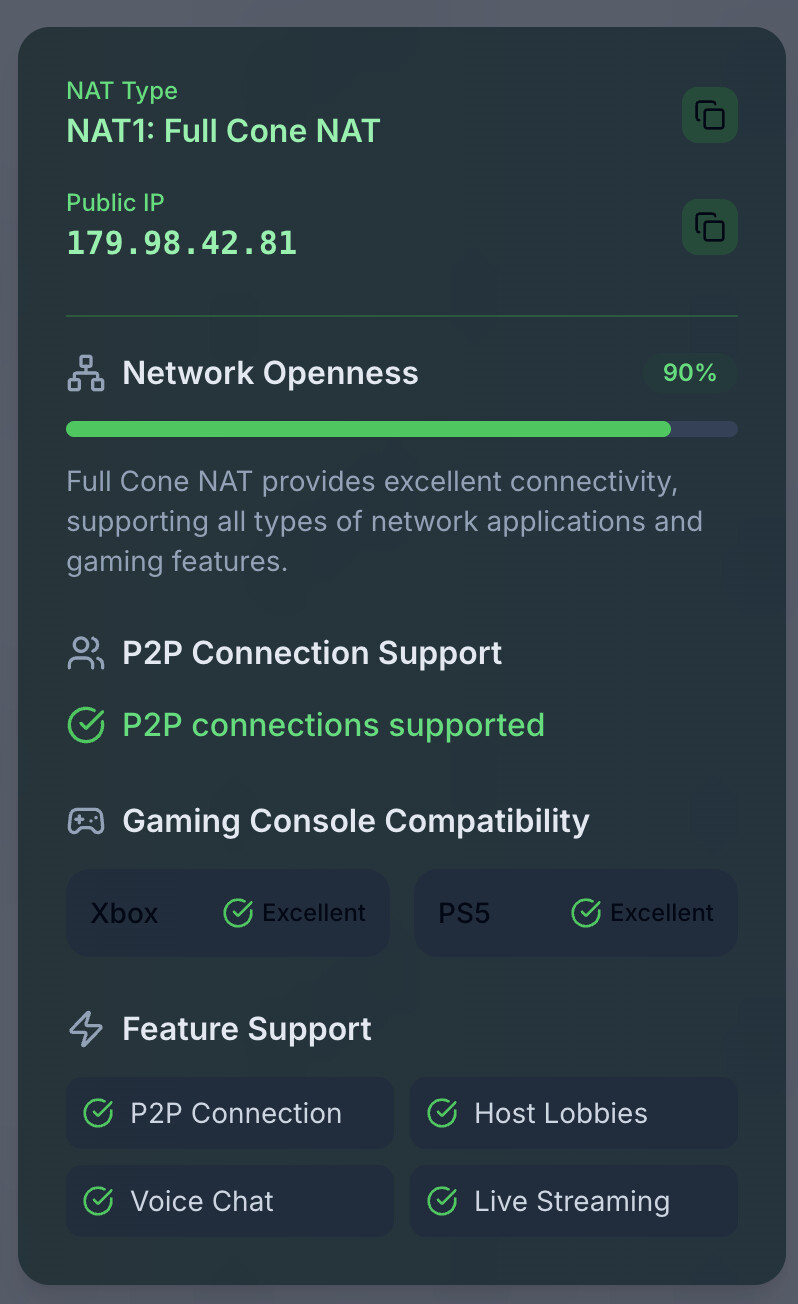
With Randomize, sessions are set to a default time of 3 minutes.
Without Randomize, sessions are limited to a maximum of 10 seconds.
[admin@MikroTik-R1] > /ip firewall connection print detail where src-address="192.168.200.51" and protocol=udp
Flags: E - expected; S - seen-reply; A - assured; C - confirmed; D - dying; F - fasttrack; H - hw-offload; s - srcnat; d - dstnat
47 SAC s protocol=udp src-address=192.168.200.51 src-port=53370 dst-address=52.171.225.232 dst-port=3544 reply-src-address=52.171.225.232 reply-src-port=3544 reply-dst-address=179.98.42.81
reply-dst-port=35982 timeout=2m47s orig-packets=4 orig-bytes=356 orig-fasttrack-packets=0 orig-fasttrack-bytes=0 repl-packets=3 repl-bytes=411 repl-fasttrack-packets=0
repl-fasttrack-bytes=0 orig-rate=0bps repl-rate=0bps
For UDP, RouterOS uses two different timeouts in connection tracking:
-
udp-timeout(default ~10 seconds)- Used for “simple” UDP flows where RouterOS does not treat the flow as a long-lived bidirectional stream.
-
udp-stream-timeout(default ~3 minutes)-
Used when RouterOS considers the flow a bidirectional stream.
-
In this case, the connection tracking entry is marked with the
A(assured) flag and promoted to use this longer timeout.
-
I hope this information helps in investigating the problem; and that in the future we can have the EIN working correctly (without workarounds).
Samy