I didn't run exhaustive tests.
I didn't even test it on a mobile phone or anything like that.
I just tested it in two different browsers in same PC, with and without incognito mode.
But for those simple tests, the result was quite satisfactory.
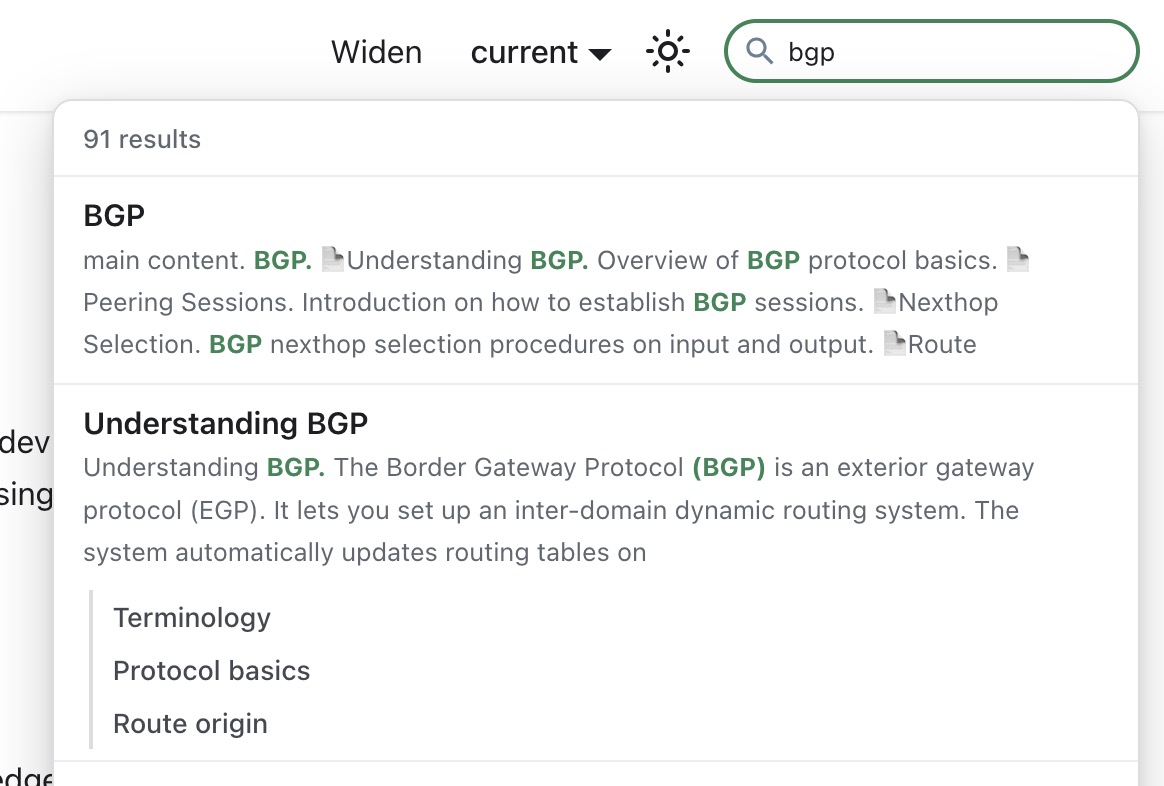
E.g. I click in the searchbox and type BGP and immediately hit ENTER.
It shows me the page for ARP! Trying again and entering BGP I see that it first suggests the ARP page as a match but shortly thereafter it changes that to the BGP page and when I hit enter after that, it shows the correct page.
Well, with all due respect and in theory, it should not be possible to submit a search before the index is loaded.
Or, if you prefer, the ENTER should be cached in such a way that it does nothing untiol the index is loaded.
Well you may know the details of the implementation and say "of course" but it is not what I expect from a searchbox. Especially when it first matches on a totally irrelevant result... (the page ARP does not contain the word BGP at all!)
Agree, and this is the best proposed solution IMHO. I would also add in addition to caching user's search requests, also display a spinning ball, or a simple message informing user to wait while index is being fetched/updated.
[edit:] just be honest, and users will appreciate and will be thankful to know what goes on.
But it does not work correctly! When I type only a B and wait a while, indeed it returns some matches of articles that contain a B. Fortunately only as whole-word match it seems.
But when I then type a G (search box now contains BG) I get lots of matches of articles that nowhere contain BG. And some that contain BGP. So now it suddenly isn't a whole-word match anymore.
When I add the P, I get only articles that contain BGP. Good.
Indeed it would be best when the entered characters are really PROCESSED before the next one. So when BGP is typed it first performs the search for BGP and then loads the first article, instead of doing the search for B, ignoring the G and P for now (because it is still searching) and then opening the first article found so far because of the ENTER.
Most search engines use a min-character setting. Like 3. This makes usually sense to require a 3-char search word. 1 char and 2 char usually makes no sense anyways. searching for "B" or "BG" - how relevant should the result be?
I only did this to examine what it would do when "search happens immediately when you type the first letter" as @mrz told us.
What I actually did was typing BGP and ENTER. I think that is a normal use case and a normal query. But it showed the page for ARP, and when I reported that, this "it searches for each letter" discussion started.
FT (as in Fast Transition on wifi)
An example of a two letters search that can't be easy found on actual search.
If you search just for "ft" in search box you won't find anything you need it on first, second, third time you press "show more results".
If you put "fast transaction" in search box, you won't find anything you need.
If yo combine "ft wifi", then... and just at the end, in cli session you will find something.
Considering ft is used on winbox, cli, webfig...
And in no one of those, the is any clear reference that FT means "Fast Transaction"...
It would be expected that in Manual would be easy for a noobie user to understand:
"What this FT thing does?"
NOTE: "FT" was just an example of an attribute with just two letters that need better results on search. I believe that exists some more...
For more information about this product, specifications, pictures, downloads and test results please visit our web page: https://mikrotik.com/product/netmetal_ax
But that is the NetMetal ax, not the ac²...
The top most link is right, so it's subtle, but rosetta scans the page for links so the ETL build caught it, since not all hardware pages had have links to product pages in the top-most section.
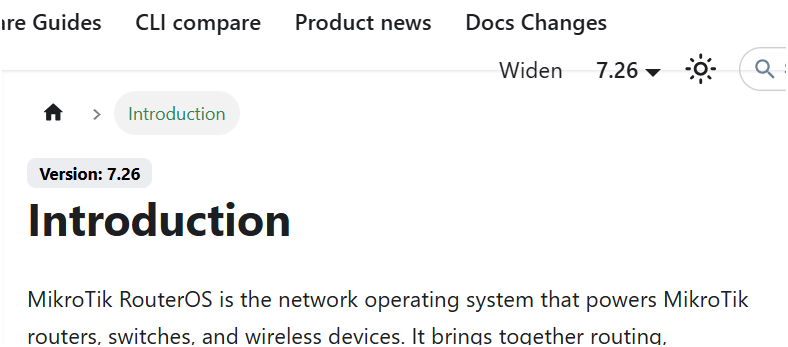
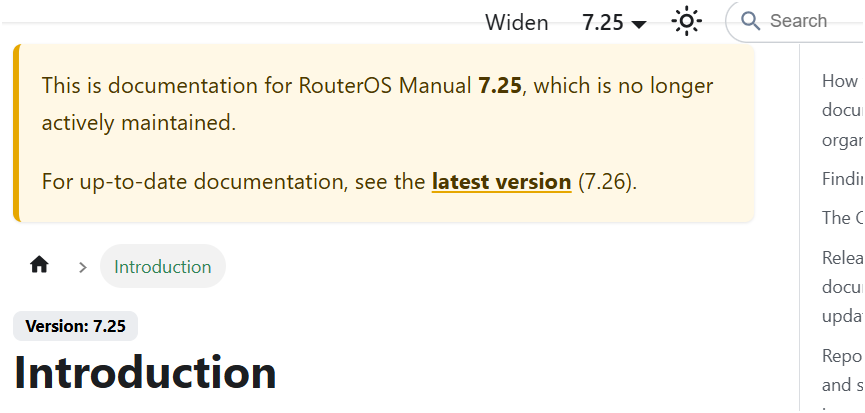
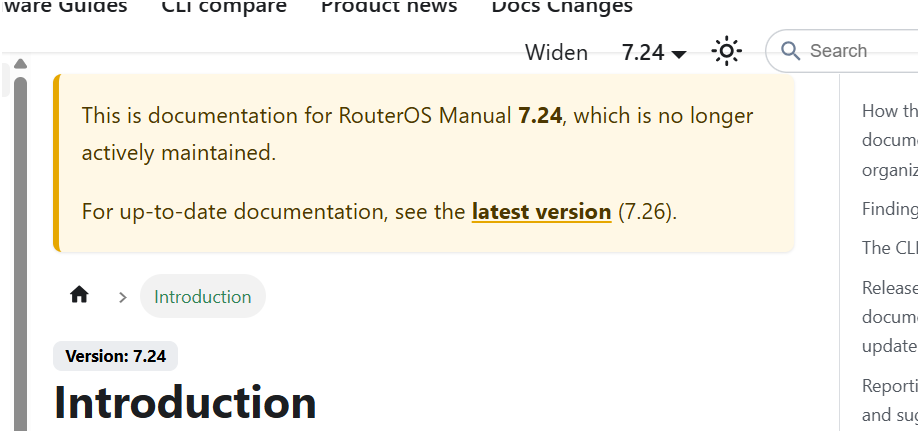
And 7.25 is still an RC, yet it displays the message "This is documentation for RouterOS Manual 7.25, which is no longer actively maintained. For up-to-date documentation, see the latest version (7.26)." referring to a beta version as the latest.
It is quite unclear (maybe not in your native language) that the "which" in "which is no longer actively maintained" refers to "This documentation" rather than to the RouterOS version.
 , it should not be possible to submit a search before the index is loaded.