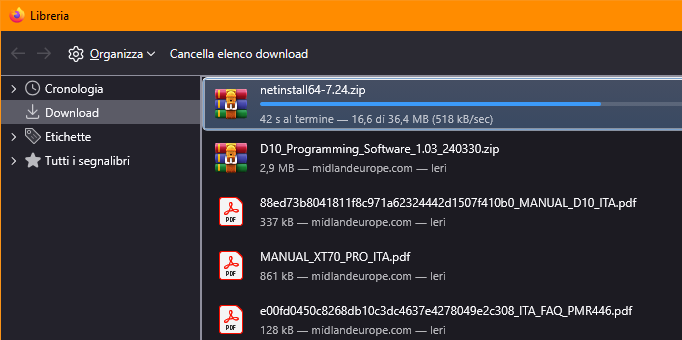
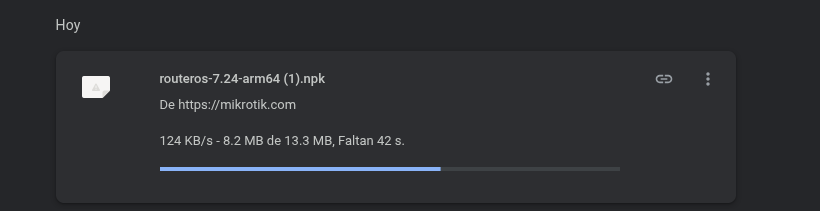
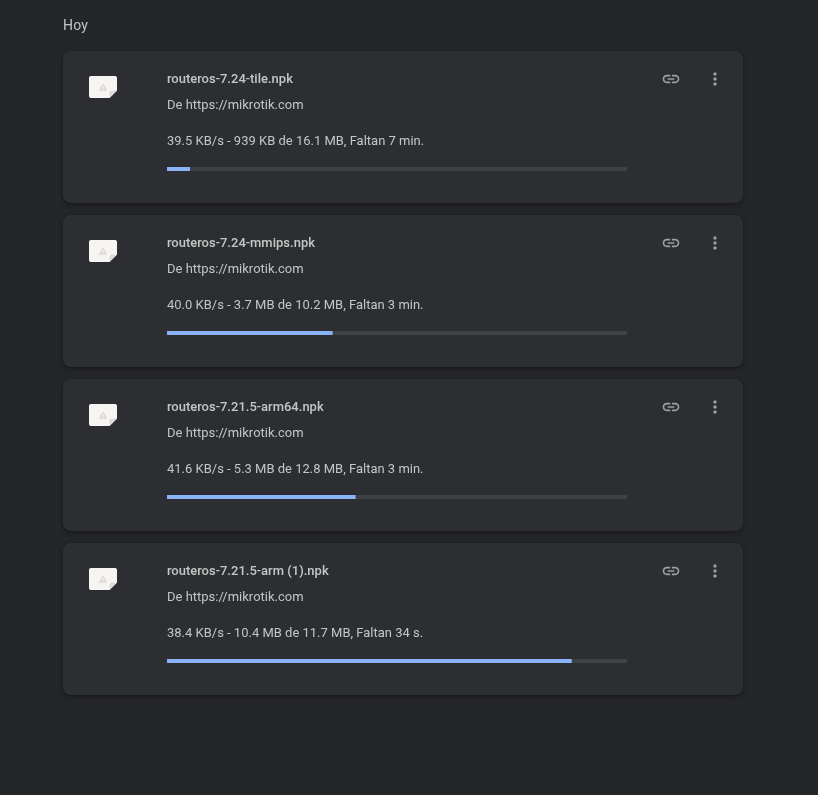
This is regarding main MikroTik site. Using different ISP's, locations, and VPN's, I noticed the same exact pattern when downloading MikroTik firmware and WInBox:
Downloads are very slow (often sub-50KB/sec)
NetInstall downloads often fail and require up to 10-15 attempts to be re-downloaded
WinBox downloads often fail and and require up to 10-15 attempts to be re-downloaded
Again, this was tested from different physical locations using different ISP's from different parts of the world, Chromium and Firefox, OpenVPN, and WireGuard protocols from different VPN providers.
If there were any problems, the (user) forum would be full of reports.
Since there aren't any, and all the problems seem to happen to you, ask yourself the cause...
And an anonymous "Me too" who doesn't explain what the problem is, and where it comes from, is useless.
It could simply be a fake click from a bot...
I just reread the entire 7.24, unless I missed something, which is easy,
it doesn't say anything similar to what the OP wrote...
And everything's working fine for me, both in IPv4 and IPv6...
I have to add to the discussion, while i was having "slow" download speed of both packages, approximately 200-300kbps.
RouterOS ARM64 7.24 and wifi-qcom 7.24, downloaded them manually from https://mikrotik.com/download/changelogs?channelFilter=stable the last update 7.23.3 i did from the winbox -> system -> packages -> RouterOS check for updates -> update. Same for the RouterBoard i didn't have any issues either and around the same speeds anyway.
They downloaded without issues and they applied without issues too.
I don't think the problems are related...
One is the direct download from the Winbox and NetInstall from website,
the other is the packages within RouterOS...
Sometimes, updates for WinBox 4 (happened with 4.1 to 4.2 and 4.2 to 4.3) are really slow, while my bandwidth is OK with anything else on the same computer.
It was not always, and I don't have the issue anymore on computers I update WinBox on, only a few weeks ago,
Happened only with WinBox 4 on different computers (Windows, Linux, different ISP),
I've never had issue with RouterOS update from /system/package/update/check-for-updates, neither downloading RouterOS packages from mikrotik.com/download
Maybe some CDN stuff ? I'm not expert in such domain,
The download start at 1024k, fall slowly to ~500k.
They simply optimize bandwidth for everyone...
Why should I get ~128MBps?
But between saying it's limited to 500kBps,
and saying it constantly drops, impossible to download files except after 15-20 attempts, and that it maxes out at 50kbps, well,
this doesn't reflect what's happening "where I live" (i.e., the 512kBps limit).
The biggest issue for me was the failure rate for NetInstall package. There was no AV. This happened with many NetInstall firmware versions in the past. For PC and laptop configurations where no other downloads failed in the last 365 days, NetInstall package was quite an outlier... WinBox package download failed only a few times. RouterOS and WiFi-QCOM packages never failed. NetInstall packages failed to download a lot. They usually stopped about half way through.
To get this back on topic a bit.
I wanted to download some images this morning to my PC and am issues with download speeds/failures
So I'm just going from Mikrotik's Download servers to a PC via web browser. Sometimes the download will be quick as shit (5+MB/s) other times it will start quick, download a few MB, then seemingly halt and eventually timeout.
Downloads done through Winbox seem to be their usual steady pace 0.1-0.5MB/sec. Granted I've only got a couple of devices here to test that with.
If I keep it one at a time it seems to be going slow (100-150kB/s) but stable. @MatiasMK88 Try download a few at once see what happens. Or maybe the All packages ARM64 being 48MB that gave more grief.
I had a look with Wireshark. I ran 6 simultaneous downloads, I can see the traffic flow and every few seconds we get a burst of TCP errors. Could be anything i suppose, the errors themselves don't really bother me but the cyclical nature I find interesting.
The server I was downloading from was global-balancer-e.mikrotik.com 159.148.147.251 and I can't think of a way to force a different server.
Should have thought to use a VPN. I might test that tomorrow.