I have HAP AX3 and WIFI on 5Ghz cannot go past 300 Mbps even when I’m standing next to the router.
I’m testing via MacBook PRO 2019 or Samsung S23 Ultra. My RouterOS version is 7.12rc1, I even tried config reset to default but no difference.
My ISP link is supposed to be 600 Mbps, is there any solution to this?
p.s. My WIFI channels are not congested, I check via phone app.
You should not check ISP speed by trying random speedtest website/app. You should ask your ISP which server to use to check wire speed. The speedtest server should be installed on ISP side. That’s the only way to properly check link speed between your hardware and your ISP. Speeds between your hardware and other servers on the Internet are highly depends on ISP worldwide channels and overall network connectivity.
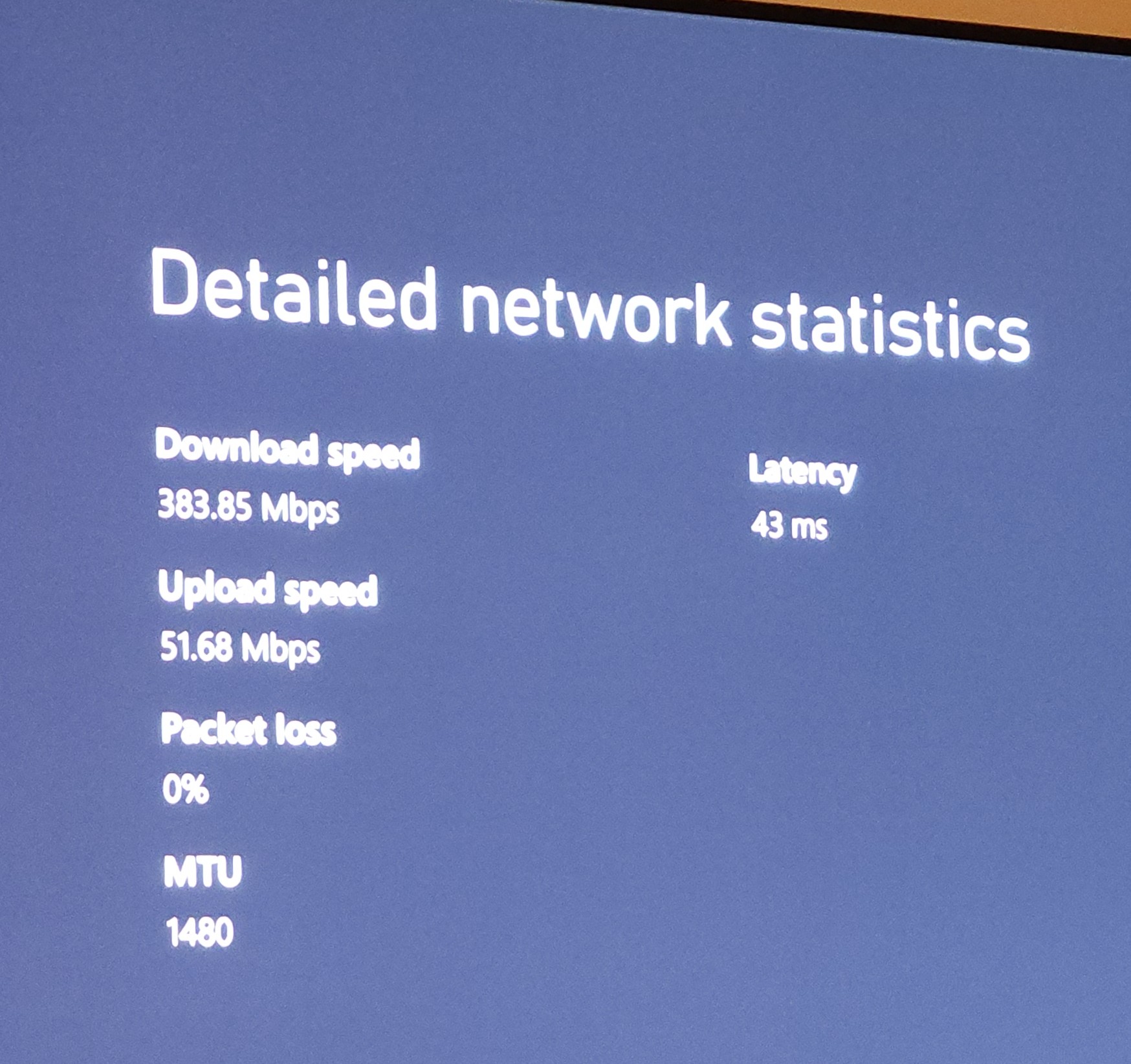
43 ms latency shows that you are using some faraway sever for testing. E.g. ping to gateway of my ISP is 0.9 ms.
Yes but speed test is actually to my ISP via phone and ping is like 10ms. On xbox where I’m using ethernet I cannot pick which server to test with. But speed is similar on both anyway.
Your current measurements does not anyhow shows problem with the router. Try to get ISP technicians first, let them show you the real channel speed via their own hardware (usually they come with an notebook with Ethernet port). They will show you the real channel speed, you will see what they use for testing. Then proceed with the same measurements on your device.
If you test, use internal iperf3 server and make sure all steps in between are not limiting you.
E,g when testing from laptop I do
Laptop - switch - NAS with iperf3 container: gives me about 950Mb, which is the practical limit for Gb Ethernet.
So I know that path is not my bottleneck.
Laptop - AX3 - switch - NAS with iperf3 container.
Then I get around 800Mb (sometimes a bit more, it varies a bit).

 Admin can close the thread.