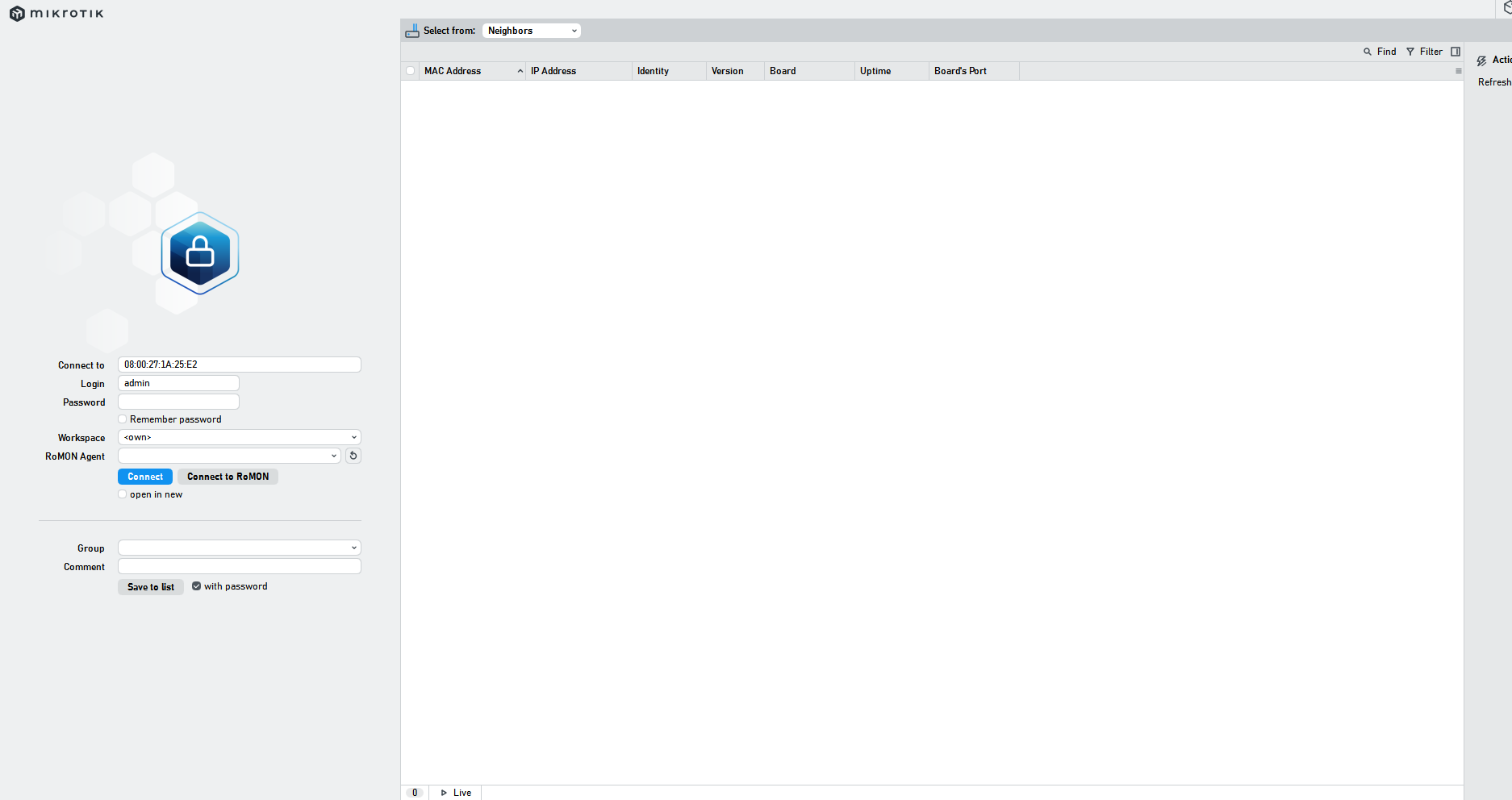
Hey, I'm begging for help. I don't know what's going on.
What I did to encounter the problem:
Downloaded WinBox
Downloaded RouterOS and created a virtual machine with RouterOS in VirtualBox
Looking for the MAC address in WinBox failed.
Problem:
After turning on the RouterOS machine in VirtualBox, WinBox doesn't detect it and, despite refreshing, still doesn't show any MAC addresses, even though it should (I think).
Specifications:
I'm using:
Windows 11 Home
VirtualBox with RouterOS
WinBox
What did I do?
I tested whether the problem persists after disabling the Windows Firewall (it does).
I made sure to set the adapter to Bridged, as recommended.
I also tried downloading the CHR with the full RouterOS package, as per the tutorial, but the problem remains.
What I want to achieve:
I want to be able to see the Bridged adapter from VirtualBox through WinBox, connect, and change things in it.
Yes, but I tried disabling it for the private network, and nothing changed, and giving VirtualBox all permissions. But I'll disable the firewall completely and try again.
What I did to encounter the problem:
Downloaded WinBox
Downloaded RouterOS and created a virtual machine with RouterOS in VirtualBox
Looking for the MAC address in WinBox failed.
Problem:
After turning on the RouterOS machine in VirtualBox, WinBox doesn't detect it and, despite refreshing, still doesn't show any MAC addresses, even though it should (I think).
Specifications:
I'm using:
Windows 11 Home
VirtualBox with RouterOS
WinBox
What did I do?
I tested whether the problem persists after disabling the Windows Firewall (it does).
I made sure to set the adapter to Bridged, as recommended.
I also tried downloading the CHR with the full RouterOS package, as per the tutorial, but the problem remains.
What I want to achieve:
I want to be able to see the Bridged adapter from VirtualBox through WinBox, connect, and change things in it.
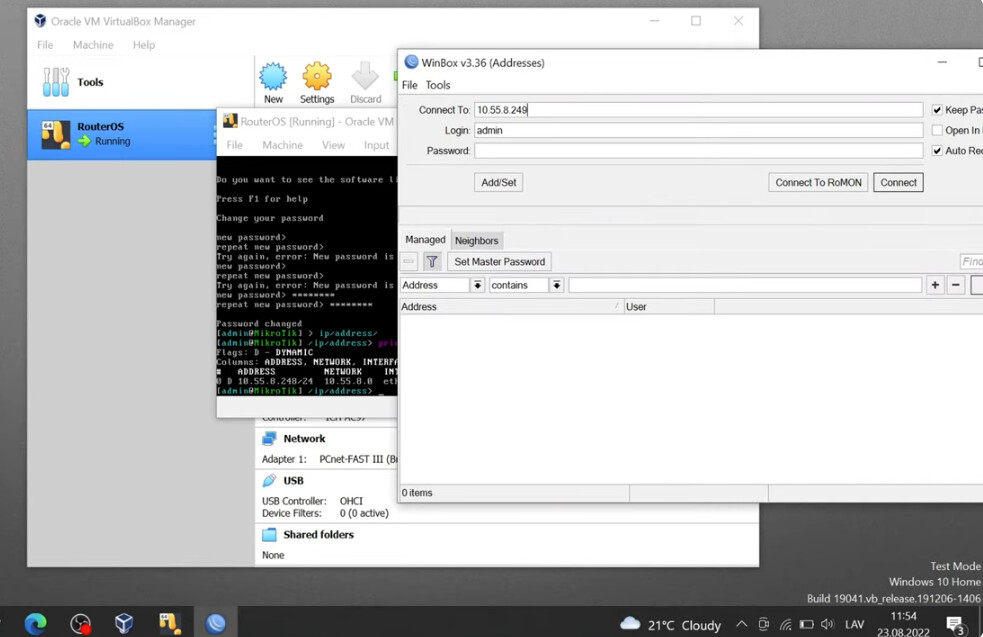
If you watch the MikroTik video, Normis uses CHR (not the RouterOS x86 ISO) and instead of mac address, he uses the ip address from the CHR viewed from virtual box window to connect. Whether it is possible to see the mac address as a neighbor with virtual box, I don't know; I haven't tried myself. But in the video, the mac address isn't showing up in the neighbors display. Edit. See rextended's post where he noticed that the Neighbors tab isn't selected.
Did you rewrite things with copy and paste???
You need to provide details, not unnecessary lines.
Details include, for example, the versions of the software used, the links where you downloaded the files.
You might also simply not have added an active network interface to the virtual machine, etc.
Sorry I forgot to mention this. I'm using RouterOS 7.20.8
VirtualBox 7.1.8 r168469
On RouterOS, only one bridged cable is connected, but Promiscuous Mode is denying.
I'm a newbie, so I don't understand some things that might be important, but at school, we suddenly installed an x86 OS out of nowhere, and for some reason, it works with a Mac address there, but not here.