Buster2
February 18, 2026, 8:01pm
1
Hi,
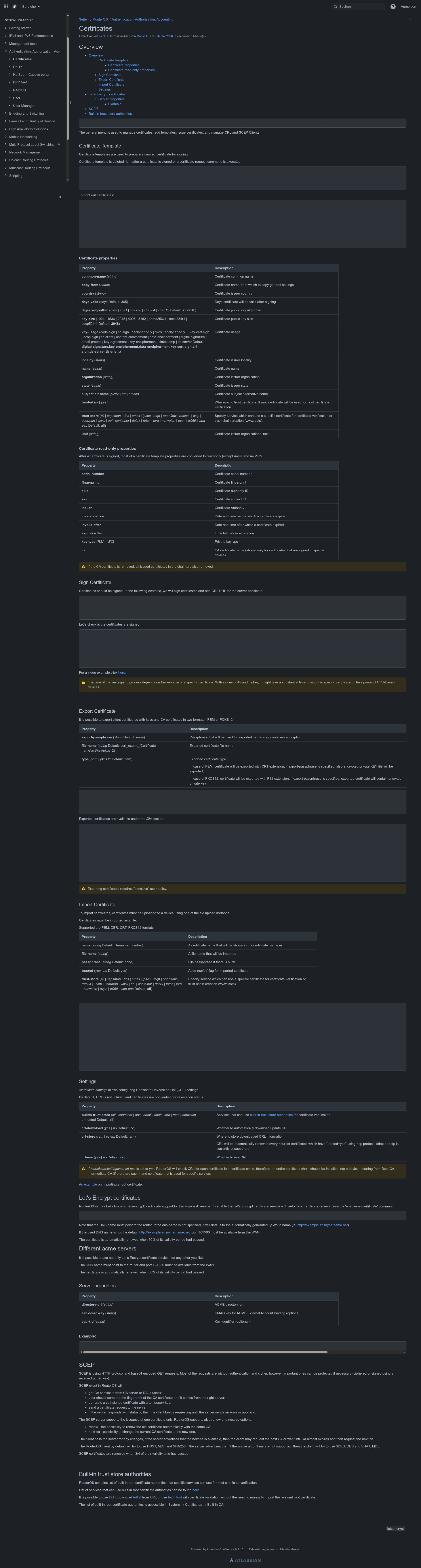
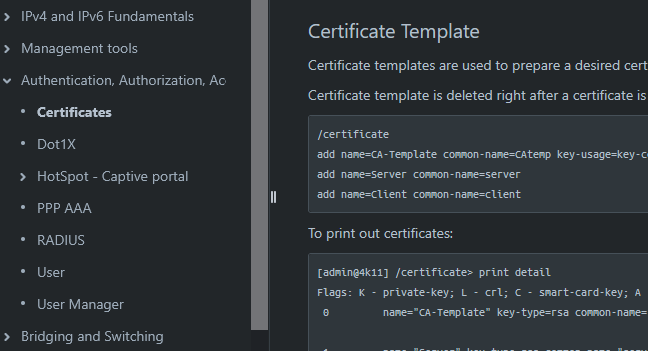
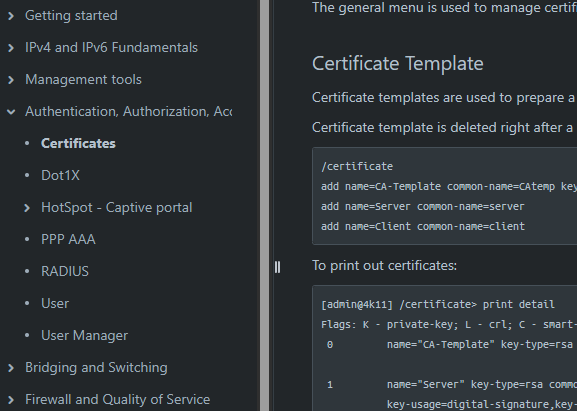
i'm on Linux KDE with darkmode enabled and viewing Certificates - RouterOS - MikroTik Documentation i cannot see code blocks as font color is the same as background color.
AI says it's a common problem on Atlassian Confluence. Can you fix it please. Thanks.
Best regards
Where? On my device, with Firefox and dark mode on, I can see everything "clearly"...
patrikg
February 18, 2026, 8:33pm
3
Any Dark Mode Plugin in the Browser, thats collide with the Dark-mode css ?
Buster2
February 18, 2026, 8:33pm
4
chromium engine based Vivaldi browser
I've no extension that changes CSS and running in incongnito mode disables darkmode, but same problem:
Can somebody confirm with other chromium based browser?
Vivaldi:sound Google & Co.,season , based on Google technology...
Didn't the Norwegians and Icelanders have a composer of their own, without bothering the Italian Vivaldi?
Could they have called it "Grieg" or "Guðmundsdóttir"?
optio
February 18, 2026, 10:41pm
7
Probably, but not such famous Opera
PS.
@Buster2 MT help pages are looking ok on Vivaldi running on macOS, no such issues as from your screenshoots.
Buster2
February 18, 2026, 11:09pm
8
okay, thx for help. i opened a bug report with Vivaldi.
They could but Italian is so melodius and everything sounds so cantabile (isn't it Italian word) that no one objects. Except some Italians
My hart rejoices when I imagine someone saying precceding sentence in Intalian + proper Italian gesticulation:Potrebbero, ma l'italiano è così melodioso e tutto suona così cantabile (non è una parola italiana?) che nessuno si oppone.
infabo
February 23, 2026, 8:28am
10
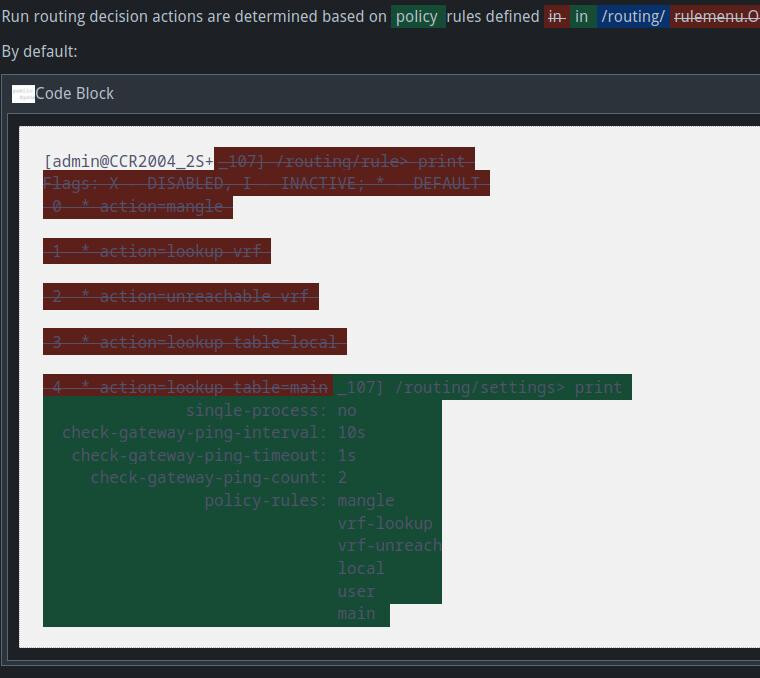
When looking at diff in a history the code block is very hard to read:
Yes, on all browser I try...