
anyone can help me…I have build authentication hotspot based mikrotik with freeradius…but theree was problem that noticed “server radius not response” when i input username n password…
thanks for response
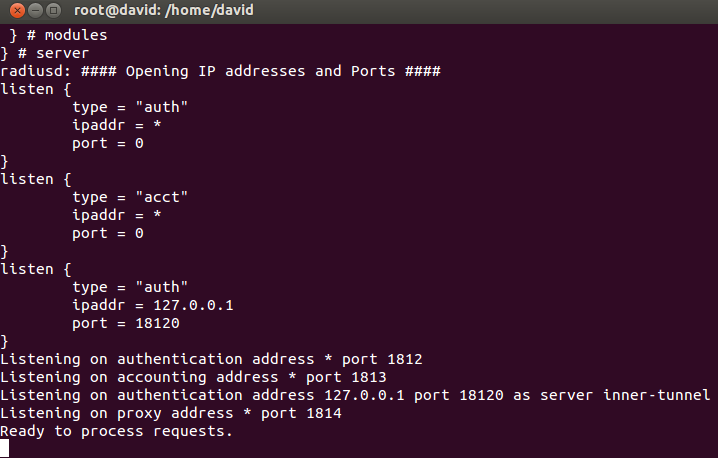
Add a logging radius item in the mikrotik for see what happend. Maybe you not have the mikrotik router as a nas in the freeradius.
Send from my mobile phone using Tapatalk.
thanks for your response..how i can do for yours instruction ? I am a newbie in mikrotik…
can you explain it to me?? thanks alot
Execute this code in your routerboard
radius print.
Send from my mobile phone using Tapatalk.
Hi everyone,
I encountered an issue when implementing Hotspot with Radius Server. Their all configured on the same router RB2011UAS.
- In Radius configuration :
I selected “Hotspot” and set ip address to 127.0.0.1 and shared secret to “12345”.
In Radius incoming config, I choose “Accept” with port 3799.
- In Hotspot server cnfiguration :
In Hotspot Server profile, I choose Login by : HTTP CHAP and cookie and I choose to use Radius.
- In user manager configuration :
I add a router with IP address 127.0.0.1 and shared secret to “12345”.
I add also a user.
But when a user attempting to login, he receives a error “The Radius server is not responding”.
Can anyone help me for this issue? It seems that Hotspot server and Radius server are not communicating.
Thank you
Hi everyone,
I find a solution. I reset the configuration and after this I reconfigured the Radius Server and the Hotspot server. Now it is working.
Thanks
Dear adken123
Did you find a solution for Radius non responding issue as I do face the same in my property, Radius is working fine for 1 day then start to not response 2 day!!
Hi adken123
I also face with same problem as you are. I use CCR1009 with ROS 6.15 and use Userman to manage user login through Hotspot and it work fine for one day and after that client computer can’t login to Hotspot through Userman and I can’t login Userman admin via web. I can login to CCR1009 by Winbox but with user “admin” and no password seem like it come from factory but all my configure still there.
I need to reboot it and it back on operate but on the next day it happen again then I remove Userman and use ROS hotspot via Winbox to manage user instead and it work fine until now.
As for my investigate when Userman has plenty of client connected which about 30 user up this will happen.
Do someone face with this problem and how to resolve it.
Thanks,
Parinya.
Dear Parinya;
Hi adken123
I also face with same problem as you are. I use CCR1009 with ROS 6.15 and use Userman to manage user login through Hotspot and it work fine for one day and after that client computer can’t login to Hotspot through Userman and I can’t login Userman admin via web. I can login to CCR1009 by Winbox but with user “admin” and no password seem like it come from factory but all my configure still there.I need to reboot it and it back on operate but on the next day it happen again then I remove Userman and use ROS hotspot via Winbox to manage user instead and it work fine until now.
As for my investigate when Userman has plenty of client connected which about 30 user up this will happen.
Do someone face with this problem and how to resolve it.
Thanks,
Parinya.
where I can find the ROS hotspot in the winbox to manage the users?
Hi amobasher
In Winbox you need to go to
IP → Hotspot
You should create a Hotspot server in “Server” tab and the easy way to do it is click on “Hotspot Setup” and follow it default value which you already did for DHCP, IP Address, IP Poll. (Which you should already did it if you will use Userman)
Then during the hotspot setup it will automatic create on default user for you name “admin” with no password. After finish this for first time the Router will disconnect and you will need to logon your hotspot with admin user. If everything was fine you could access to internet or your router after logon success.
Logon your Winbox and go to IP → Hotspot → Tab User then create user as you want.
Dear Parinya,
Thank you for your reply:
Hi amobasher
In Winbox you need to go to
IP → Hotspot
You should create a Hotspot server in “Server” tab and the easy way to do it is click on “Hotspot Setup” and follow it default value which you already did for DHCP, IP Address, IP Poll. (Which you should already did it if you will use Userman)
Then during the hotspot setup it will automatic create on default user for you name “admin” with no password. After finish this for first time the Router will disconnect and you will need to logon your hotspot with admin user. If everything was fine you could access to internet or your router after logon success.
Logon your Winbox and go to IP → Hotspot → Tab User then create user as you want.
I got your point but using the winbox for creating the users is ok however you will miss the good features which is available in the Radius user manager such as (Validity, Logs, the users card template … etc.).
anyhow I do follow up with the support to develop a new patch to solve this issue with the radius server and they refer that it will be available in Ver. 6.16