Can anyone suggest how to connect to a wireless network with a Spanish accented ‘o’ character (o-acute) in the SSID? I can’t get my Mikrotik mAP-2n to connect to the network - the network name is “Enjoy_Barceló” (a hotel wifi network so I can’t change the SSID name).
I have tried using the unicode character equivalent by doing this:
/interface wireless set [find name=“external-wlan”] ssid=“Enjoy_Barcel\C3\B3”
But it just continues to show “Searching for network” as the interface status.
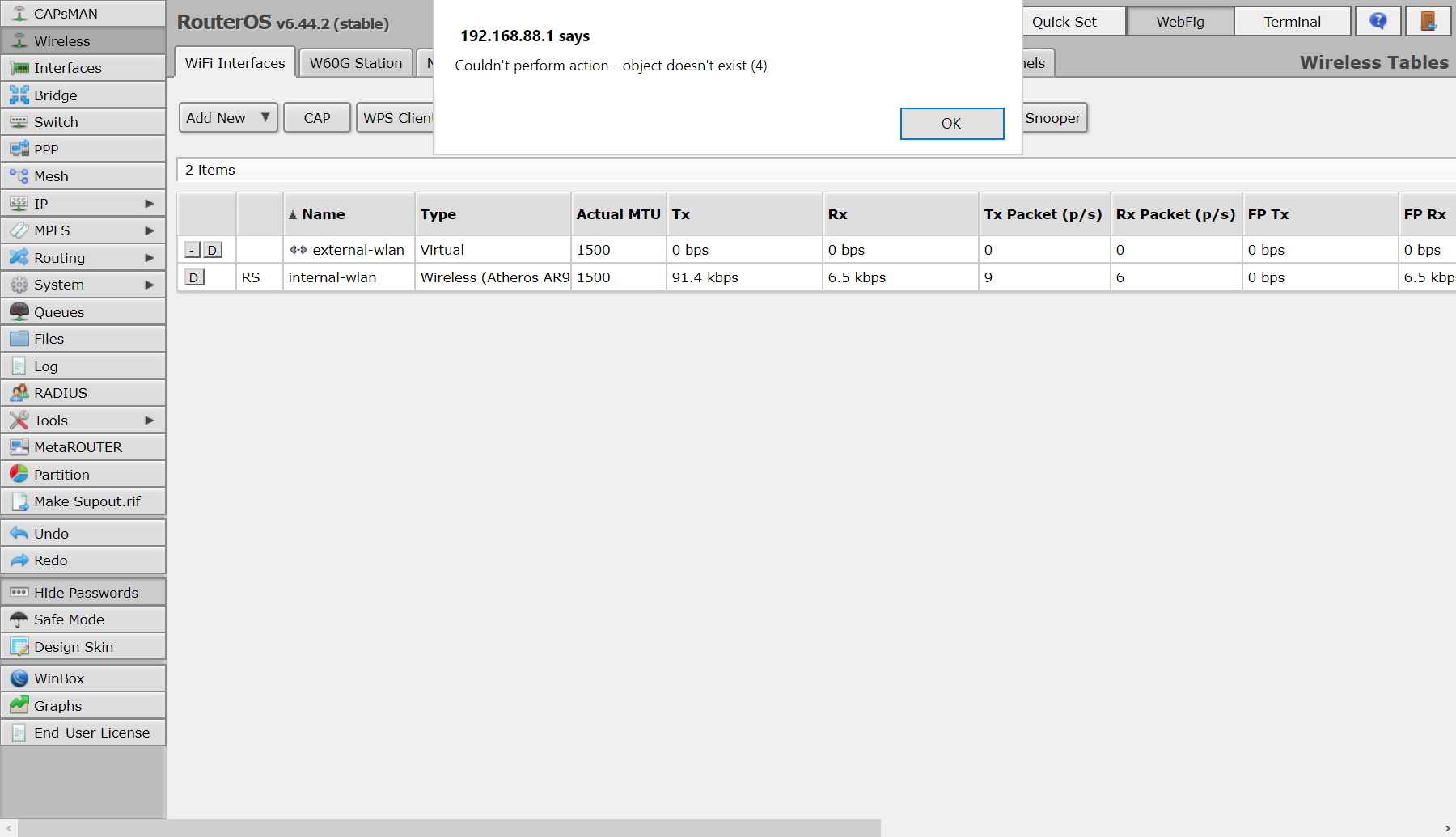
I believe this is because the external-wlan device is a virtual device. I’m using the mAP-2n as a travel router so it connects to hotel wifi network (external-wlan) and provides local wifi to my devices (internal-wlan). internal-wlan is an ‘ap bridge’ and external-wlan is a ‘station’.
Try “/interface wireless scan ”) in terminal, it will show SSID with non-ascii characters like \xx, so you will know what exatly you should use. Truth is, I expect it to be the same \C3\B3 you used, but maybe not. Do it with internal-wlan if external-wlan doesn’t support scanning.
Thanks for your suggestions. You were right, the security profile was not configured correctly for the third-party network - after I enabled debug logging for the external-wlan interface these messages in the log helped to identify the problem:
03:25:17 wireless,debug debug: external-wlan: 00:18:0A:6E:61:80 not acceptable for security profile: does not have matching group ciphers
03:25:17 wireless,debug debug: external-wlan: failed to select network
03:25:18 wireless,debug debug: external-wlan: must select network
I enabled all ciphers in the security profile and now the network connects without issue.
I guess the “searching for network” message is somewhat misleading as that was the source of the confusion. If Mikrotik are listening: it would be more helpful if this showed a message about the actual issue instead of just “searching for network”. But regardless, i’ve worked out the issue now.