I wonder if someone can help me. Two remote sites are connected to each other via a MetroLAN VPN (i.e. an ISP has their own VPN for the two sites)
Site1 is on 10.1.1.1 and site2 is on 10.1.1.2
Site1 LAN IP’s are 192.41.100.0/24
Site2 LAN IP’s are 192.168.4.0/24
I can ping both routers from both sides. I can also ping network printers from both sides. But, I cannot ping, or connect to SMB (Windows shares) from Site1 to Site2. On a PC from Site2, I had to add the gateway IP, 10.1.1.2 to Eset Nod32 Endpoint Security, then I could ping 192.168.4.117 from 192.41.100.13.
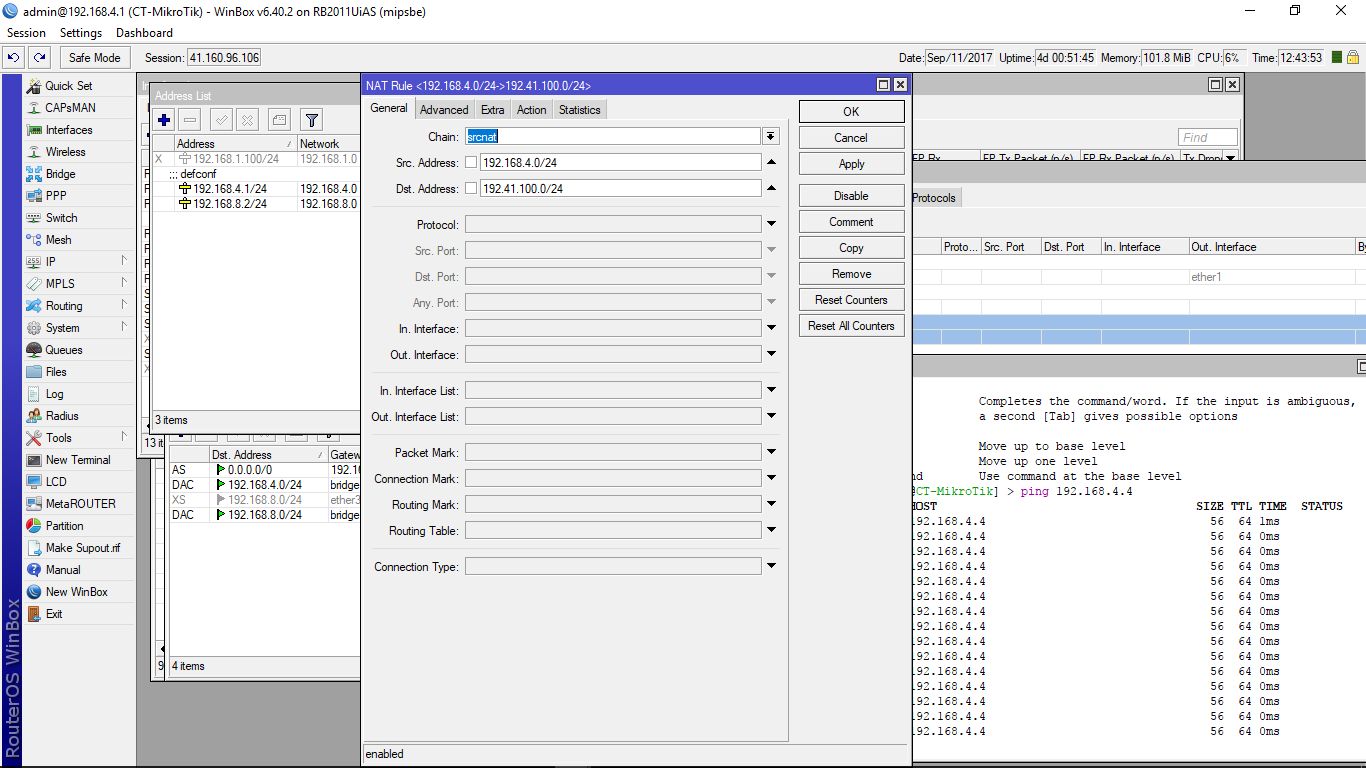
But, instead of having to do this on each PC, is there a way to NAT both networks so they “appear” as local on any PC, on either side of the VPN?
I guess NAT could be used, not sure, or is there another way?
Yes, NAT can probably help you. If you add masquerade rule for traffic from remote site (tunnel) to local, everything will appear as comming from router’s internal address, i.e. from local LAN.
I don’t see complete config of that router, but it has more than one IP address, right? Based on first post, in addition to 192.41.100.x it should have at least 10.1.1.1. And when you try to access remote subnet from the router itself, it won’t choose 192.41.100.x as source. Packets may come through VPN just fine, but then the added srcnat rule won’t match, because it’s for src-address=192.41.100.0/24.