I want to chase the other articles of the writer who wrote in the following picuture.But when I type "http://wiki.mikrotik.com/wiki/",it just list the pages which I don’t concern.where I can refer the catalogue of all the articles in the Mikrotik wiki?
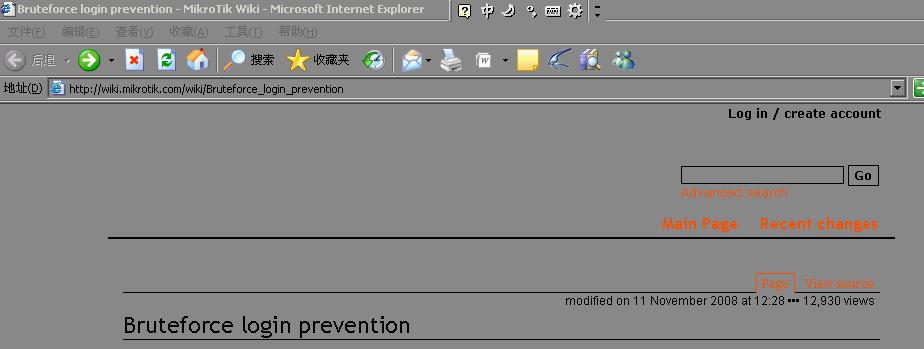
http://wiki.mikrotik.com/ works fine for me…
have you tried another web browser?
michael, why is your computer changing the colors of the webpage to gray  you are missing some important content this way
lists of articles:
haha,this is my peculiar way to save eyesight,and it’s potent indeed. Yes,you are right,it will miss some button or gif in some sort of webpages but it is worthy to me. If I working in front of the normal desktop which of course colorful and gorgeous my eyes only bear less than two hours,and now I can work more than eight hours a day in terms of this “prussian blue” background. Certainly,I won’t cross some beautiful webpages to switch back normal background every now and then.
I just want to find the articles which of this writer or of this sort.I can’t chase it in the Mikrotik wiki mainpage or the links you gave.
You can see authors of this article with the “history” link like this:
http://wiki.mikrotik.com/index.php?title=Bruteforce_login_prevention&action=history
then you can click on “contribs” next to each author to see his other work.
Most articles are not made by one person, but put together piece-by-piece by many people.