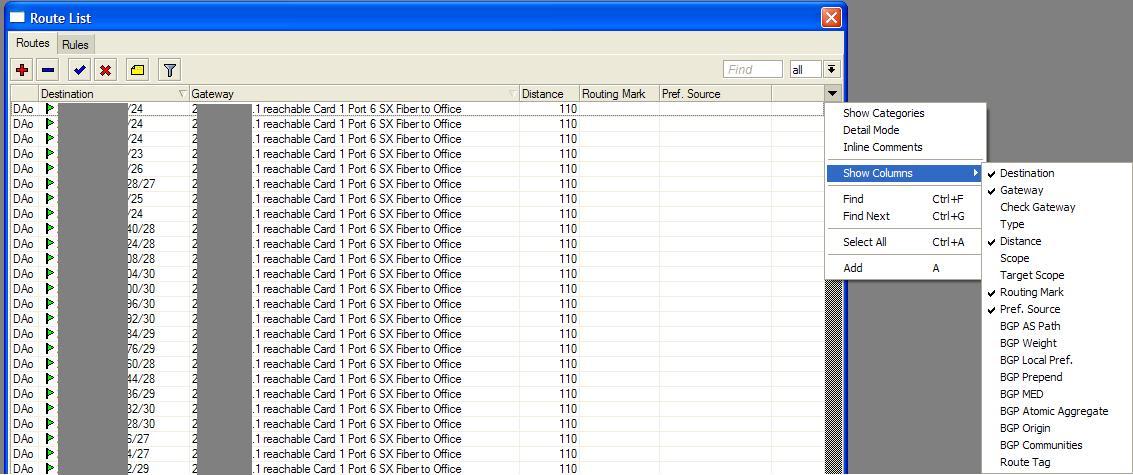
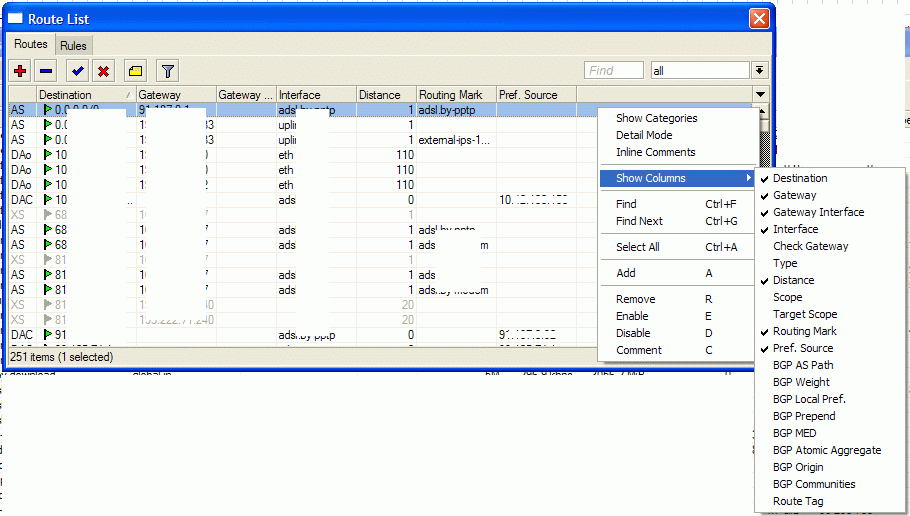
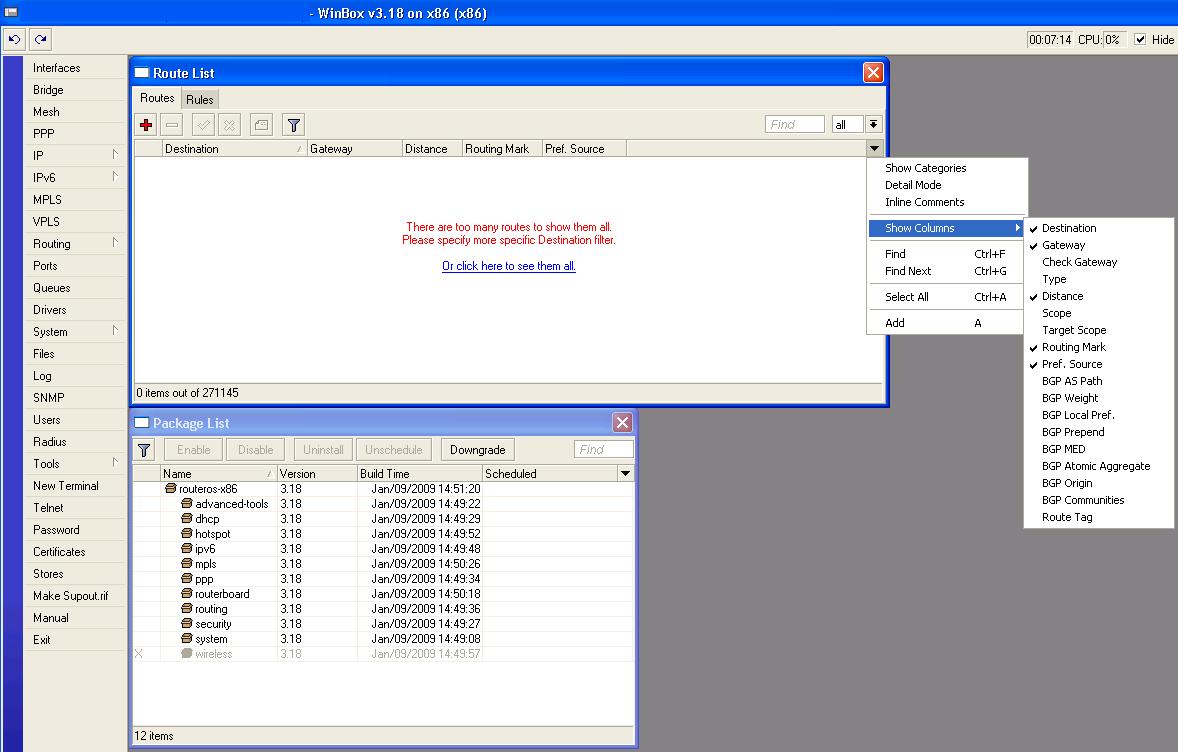
This is inconvenient because now I am unable to sort the routes by Interface, but only gateway. Is this a bug, intended or am I overlooking something obvious?
The screenshot I posted is of a x86 box running v3.18 with routing-test package installed. I think I noticed this on earlier versions as well. Checking a different x86 box running v3.16 with routing-test package installed and it also shows the problem. I was hoping v3.18 would fix it, but it hasn’t.
What version is your screenshot of and is it a x86 box?
So…I’ve found that disabling routing-test and running the routing package brings back the Interface column. Is this something that is going to be fixed in the next routing-test release or is MikroTik planning on doing away with the Interface column?
What are the drawbacks to running routing vs. routing-test? Any OSPF or BGP surprises I should be aware of?
Now the Interface column is gone again in v3.18 running the standard routing package. It was there last night…powered down the router to move it to it’s new location today and now the Interface column is gone again.
Went ahead and downgraded to v3.14 running standard routing package and now have my Interface Column back!
Any thoughts on this problem from the guys at MikroTik?
checked on all platforms using RouterOS 3.18 + standard routing package - all /ip route in winbox showed interface column with correct values in it.
edit:
but, see your /ip routing field if you are using routing-test dont you see anything suspicious there like:
[admin@Mikrotik] > ip route print detail
Flags: X - disabled, A - active, D - dynamic, C - connect, S - static, r - rip, b - bgp, o - ospf, m - mme,
B - blackhole, U - unreachable, P - prohibit
 3 A S  dst-address=172.16.1.0/24 gateway=172.16.22.2 reachable bridge1 distance=1 scope=30 target-scope=10
and same in winbox - you have additional text in gateway field that indicates what interface is used for that rule. Therefore - interface column is obsolete if you are using routing-test package.
So, I’m not sure I understand what you are saying. First you say you’ve checked v3.18 and the Interface column is there. Then you confirm v3.18 running routing-test no longer has an Interface Column. Correct?
Now try loading routing-test to your x86 box run it for a couple hours, load OSPF, BGP tables etc. Confirm the Interface Column is gone. Then disable routing-test and run standard routing package. Reboot once or twice and the Interface Column will disappear again even though you are running v3.18 with standard routing package.
Interface Column should NEVER become obsolete. It is very important for us to be able to sort our routing table by Interface as well as gateway! They are not always one in the same! For example I need to be able to sort all the gateway addresses that we have on one Interface. This can no longer be done without an Interface Column.
Thank you for partially confirming the bug we are seeing on several x86 boxes running v3.18! Do you think the next release will have a fix for the vanishing Interface Column problem?
run a “/system package print” so we can actually see that it’s standard routing package. My guess is that you installed the right package but it’s not enabled. I can confirm that with routing-test it’s normal for the routing table to look different, I think it has to do with the recursive gateways and such now.
indeed, if you have enabled routing package, then you are able to show interface column (in scenario - you installed routing-test package, winbox is saving session info, and then you install and enable routing package, as result, interface column is available to you, but is not show, so do “click clikc” and enable that column)
if you have routing-test package active - there is no interface column available, just of field that shows through what ip address with what interface route is available
I went ahead and upgraded back to v3.18 with standard routing package from v3.14 with standard routing package. This is what I see. Where is the Interface Column? Are there any packages installed that I should remove?
Great, thank you. To add a bit more information the Gateway Column is now blank when I populate the routing table. No IP addresses or “reachable” comments.
What is a good v3.x package that I can downgrade to while you look into this? I really need to get this router back online. I need OSPF, BGP and routing filters to work. Or sould I just drop back to where I was with v2.9.48?
Seems that when you connect to the router with a test package, it will download the appropriate winbox files for the layouts, but when you downgrade again, winbox files are not updated …
Ah ok, I didn’t find the files, so I just downloaded winbox again from the router and that fixed it. What a relief to have the Interface Column back! Thanks!
BTW, you guys aren’t going to eliminate the Interface Column are you? I don’t see any benefit in removing it.