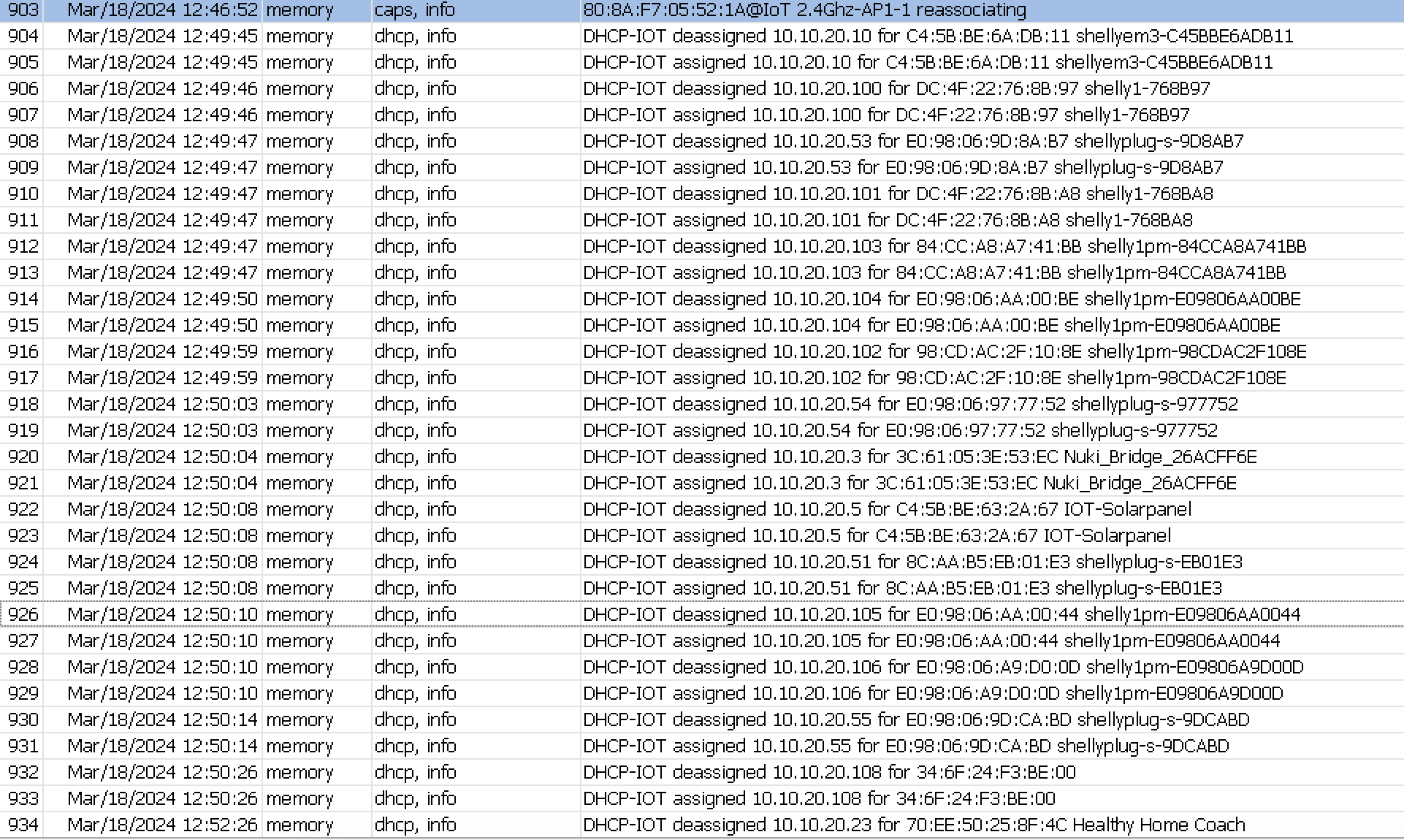
I have a RB5009 setup as my main router with a DHCP server enabled. The lease time is set to 3 days. I have ethernet ports 1-8 bridged and my SFP+ port is used as my WAN connection to my ISP. I turned my old asus router into an access point for now and turned off DHCP server and router functions. This serves as my wireless access to my laptop, desktops, IOT devices, etc.
Almost all devices connect wirelessly without a problem. I have a device such as my controller to a sprinkler system that connects over wifi. I see the DHCP server lease an IP address to my controller but it does not last for more than 2 minutes. My log shows the device gets assigned an IP and then de-assigned less than a minute or two. Once de-assigned, its gets reassigned immediately. I initially thought it was isolated to one device, but now I see (2) thermostats that show the same pattern. Any thoughts?
Log from sprinkler controller:
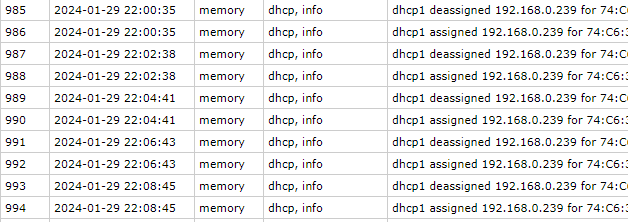
Thermostat:

# 2024-01-29 22:24:00 by RouterOS 7.13
# software id = CYUY-IY5X
#
# model = RB5009UPr+S+
# serial number = XXXXXXX
/interface bridge
add name=local
/interface wireguard
add listen-port=13231 mtu=1420 name=wireguard1
/interface list
add name=WAN
add name=LAN
/ip pool
add name=dhcp ranges=192.168.0.100-192.168.0.254
/ip dhcp-server
add address-pool=dhcp interface=local lease-time=3d name=dhcp1
/interface bridge port
add bridge=local interface=ether1
add bridge=local interface=ether2
add bridge=local interface=ether3
add bridge=local interface=ether4
add bridge=local interface=ether5
add bridge=local interface=ether6
add bridge=local interface=ether7
add bridge=local interface=ether8
/ip neighbor discovery-settings
set discover-interface-list=none
/interface list member
add interface=sfp-sfpplus1 list=WAN
add interface=wireguard1 list=LAN
add interface=local list=LAN
/interface wireguard peers
add allowed-address=192.168.100.2/32 interface=wireguard1 public-key="XXXXXXXXXXXXXXXXXXXXXXXXX1="
add allowed-address=192.168.100.3/32 interface=wireguard1 public-key="XXXXXXXXXXXXXXXXXXXXXXXxX2="
/ip address
add address=192.168.0.1/24 interface=local network=192.168.0.0
add address=192.168.100.1/24 interface=wireguard1 network=192.168.100.0
/ip cloud
set update-time=no
/ip dhcp-client
add interface=sfp-sfpplus1
/ip dhcp-server lease
/ip dhcp-server network
add address=192.168.0.0/24 dns-server=198.168.0.1,1.1.1.1,8.8.8.8,8.8.8.4 gateway=192.168.0.1
/ip firewall filter
add action=accept chain=input comment="defconf: accept established,related,untracked" connection-state=established,related,untracked
add action=drop chain=input comment="defconf: drop invalid" connection-state=invalid
add action=accept chain=input comment="defconf: accept ICMP" disabled=yes log=yes protocol=icmp
add action=accept chain=input comment="defconf: accept to local loopback (for CAPsMAN)" dst-address=127.0.0.1
add action=accept chain=input comment="WG handshake" dst-port=13231 log=yes protocol=udp
add action=accept chain=input in-interface-list=LAN
add action=drop chain=input comment="drop all else"
add action=fasttrack-connection chain=forward comment="defconf: fasttrack" connection-state=established,related hw-offload=yes
add action=accept chain=forward comment="defconf: accept established,related, untracked" connection-state=established,related,untracked
add action=drop chain=forward comment="defconf: drop invalid" connection-state=invalid
add action=accept chain=forward comment="internet traffic" in-interface-list=LAN out-interface-list=WAN
add action=accept chain=forward comment="Remote to LAN" in-interface=wireguard1 out-interface-list=LAN
add action=accept chain=forward comment="port forwarding" connection-nat-state=dstnat disabled=yes
add action=drop chain=forward comment="drop all else"
/ip firewall nat
add action=masquerade chain=srcnat comment="defconf: masquerade" out-interface-list=WAN
/ip service
set telnet disabled=yes
set ftp disabled=yes
set www address=192.168.0.0/24,192.168.100.0/24
set ssh disabled=yes
set api disabled=yes
set winbox address=192.168.0.0/24
set api-ssl disabled=yes
/ip ssh
set strong-crypto=yes
/system clock
set time-zone-name=America/Chicago
/system note
set show-at-login=no
/tool bandwidth-server
set enabled=no
/tool mac-server
set allowed-interface-list=none
/tool mac-server mac-winbox
set allowed-interface-list=none
/tool mac-server ping
set enabled=no
/user settings
set minimum-password-length=8