I have a Mikrotik LHG LTE18 kit (LHGGM&EG18-EA) external router which worked correctly until a few days ago.
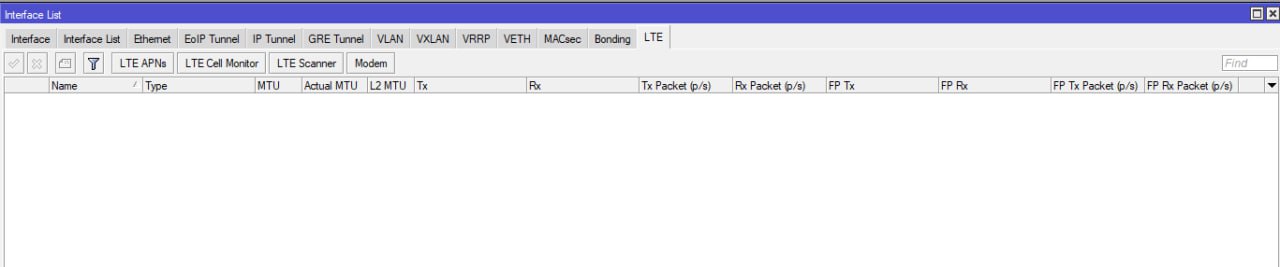
Now connecting with Winbox to the router we see that the LTE module has disappeared from the list of available interfaces and obviously the connection does not work:
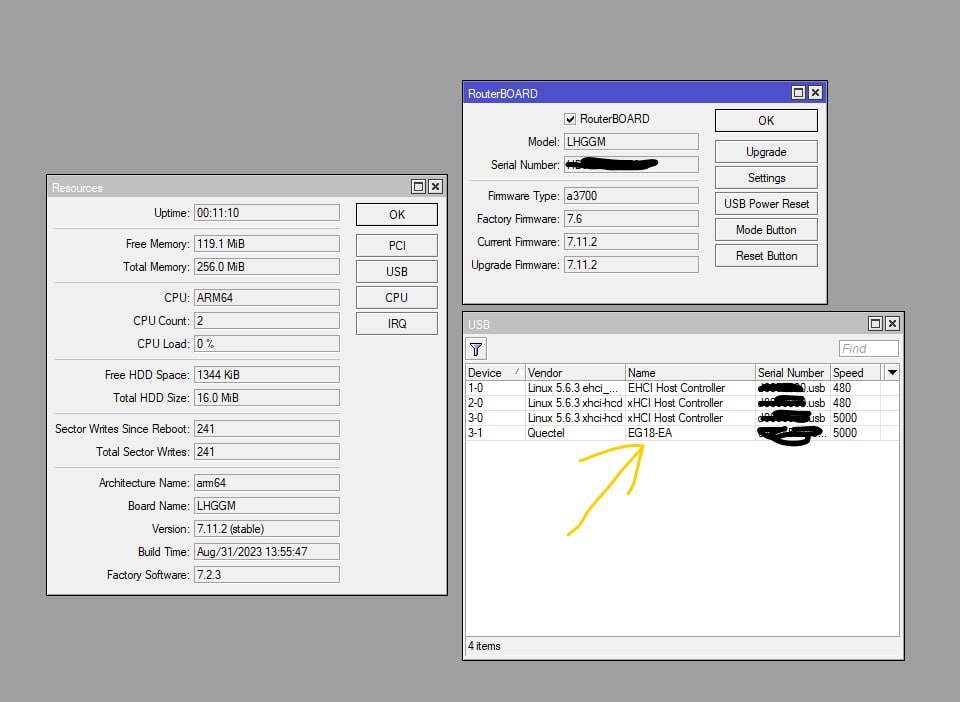
If instead we go to “resources → USB” we see that the LTE device (Quectel EG 18-EA) continues to appear and then disappears among the listed devices. It almost seems like the LTE module can’t communicate with the main board:
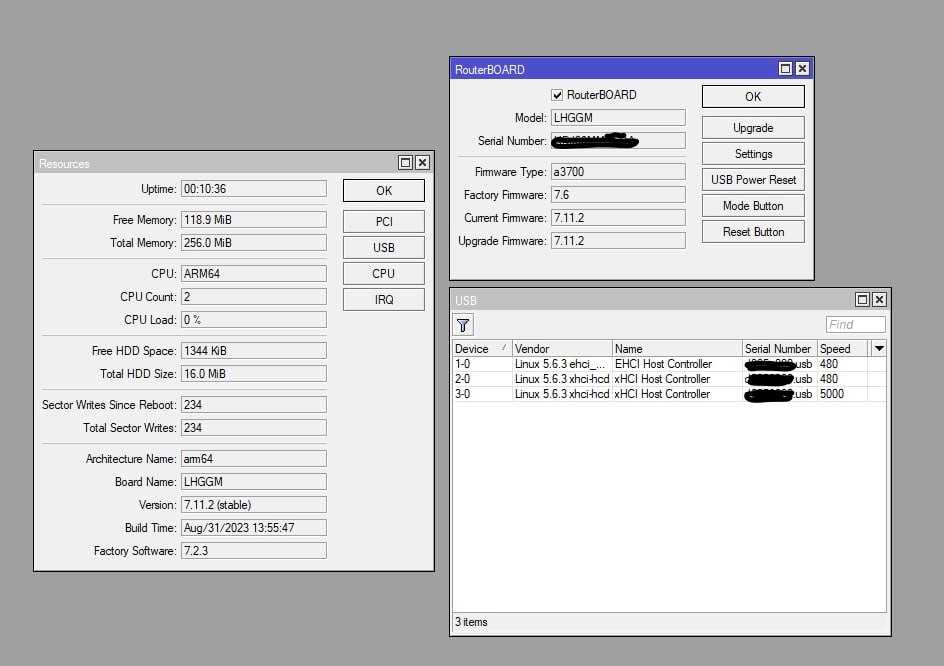
After a few seconds the board appears and then disappears:
What can I do to solve the problem?
That’s called a bootloop on the LTE module, it appears then disappears on the router’s system. You can try to factory reset it from the router if it can still accept ATcommands before it bootloops:
/int lte at- lte1 input=“at+rstset”
This will factory reset the LTE module if comms between the router and modem still works before the module restarts again. If not, then you will need to remove the module from the router (if it is removable), put it in a converter board so you can connect it to PC via USB. I don’t know which connector the module uses in this model, it may be an M.2 or mPCIe. So you’ll need the appropriate converter board to USB.
You can’t do much on the router side if the module is in a bootloop. You can try to reset-configuration the router and see if it helps. Also try to troubleshoot the problem first. Add the necessary logging info:
/sys log add topics=lte,!packet
Restart the router. Capture the log after a few minutes of the module appearing, disappearing, then reappearing on the USB list:
I wanted to update the post so it can help someone else in the future.
You can try to factory reset it from the route
It didn’t solve anything.
You can’t do much on the router side if the module is in a bootloop.
In fact there is not much we can do.
I contacted Mikrotik support. The next day the technician wrote to me to send the “supout.rif” file to them after doing some other commands. I did it.
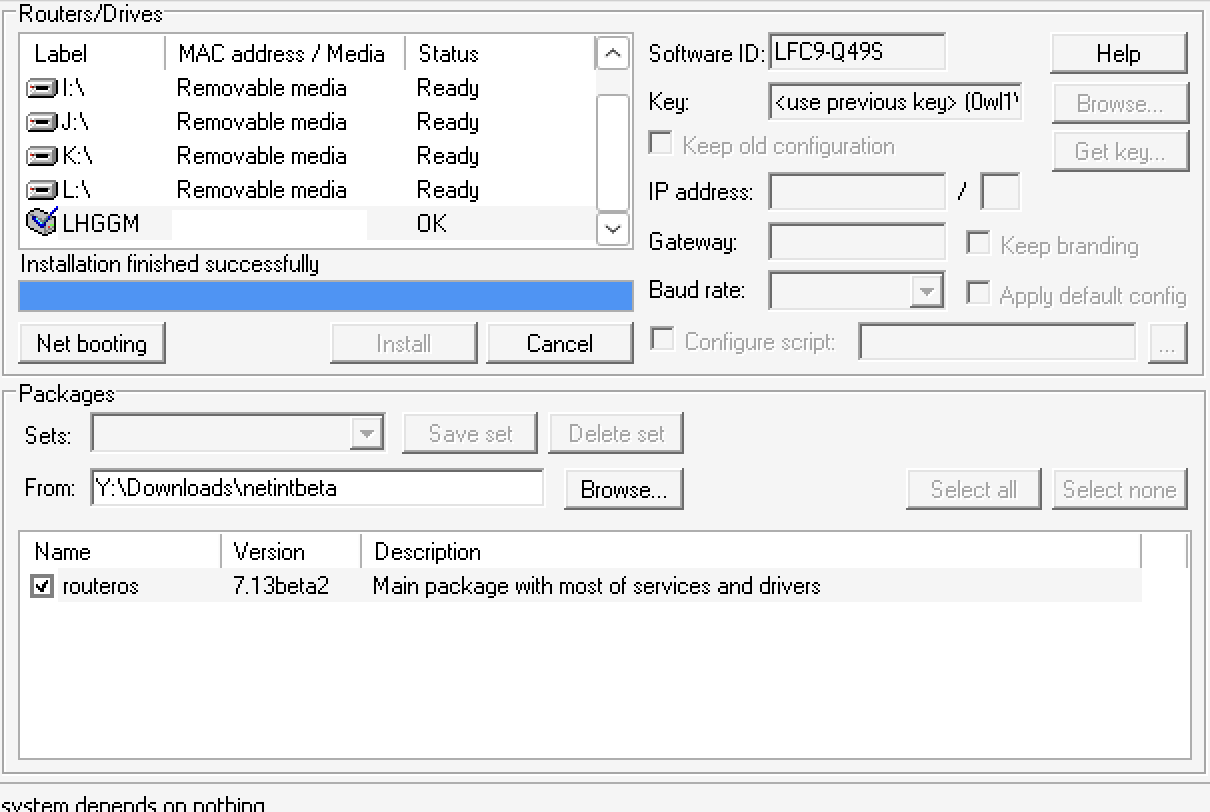
Subsequently he wrote to me saying that: “Your modem unfortunately is in a boot loop. To fix this, we need remote access to the device and network share disk in your network, that is reachable from LHG.”
He attempted in various ways to restore the functioning of the LTE module but in the end it was not possible to resurrect the LTE.
He suggested I send the router with RMA to the seller to be repaired.
Therefore, anyone who encounters this problem should know that it is not possible to solve it via software but that it must be sent for repair.