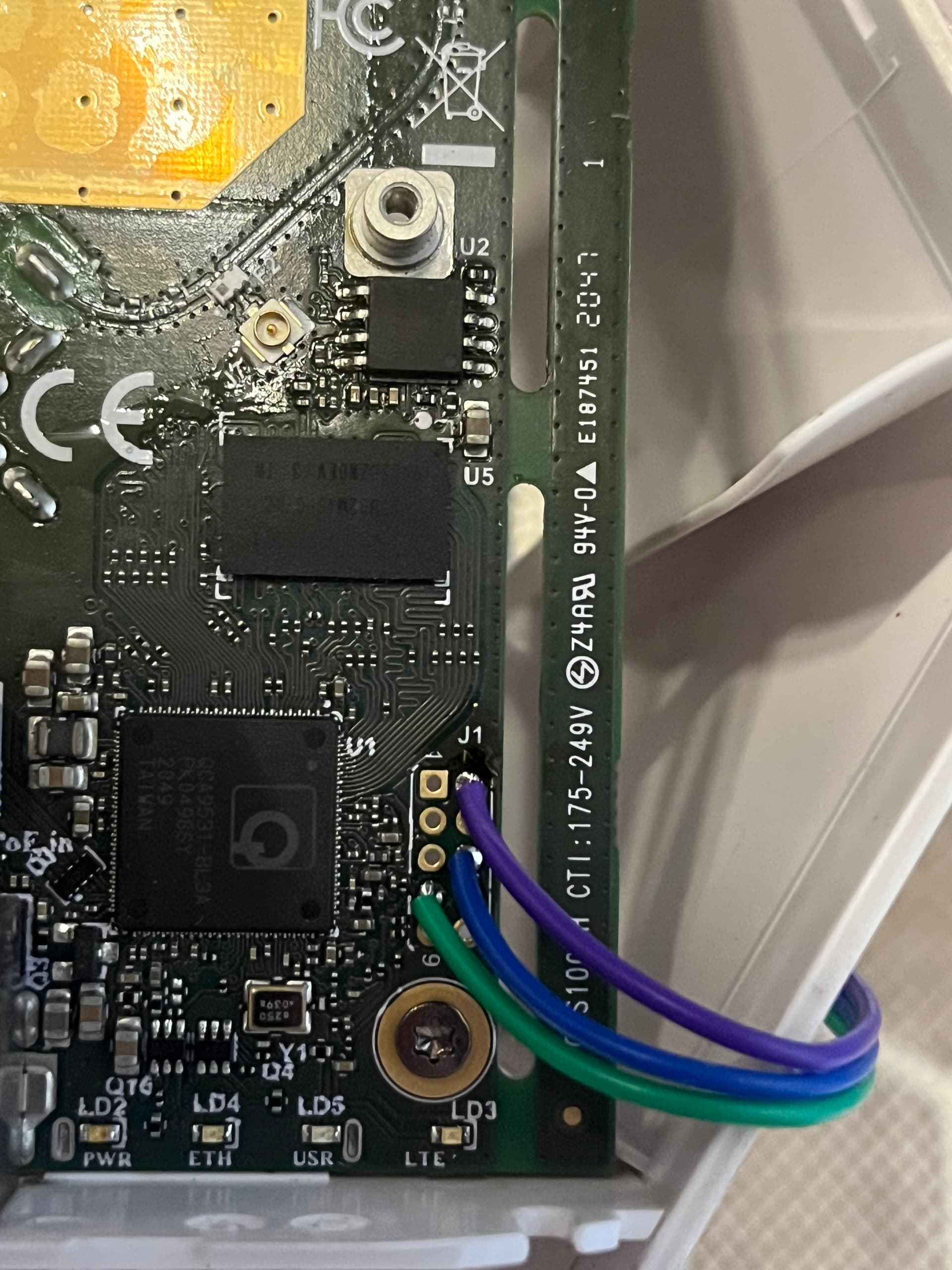
I buy LHG LTE6, which is in a permanent reset loop. In serial console i’ve only 2 lines with kernel panic and information about reset to 5 sec. Looks like someone try to load openwrt and damage file system in flash. Does anyone have a flash dump 25Q128 to RBLHGR?? Mainly i need working bootloader to be possible comunication via serial console. Please help
Yes, netinstall not see device, Eth not up link. When i powered on device with pushed reset button all leds light, after 5 sek USR, LTE, ETH start blinking, after next 5 sek bilnk only USR and after next 5 sek device is rebooted. Until this time eth port not up link.
I will try again, have you tried the other bootloader?
One loads keeping reset button pressed and giving power, the other loads pressing the reset button (and keeping it pressed) immediately after giving power.
I just try and i catch moment start second bootloader, cable in PC was detected but netinstall not detect device. Package is sended to device but any answer from LHG
The different behaviour of the second bootloader could be good news.
But then maybe you are having netinstall setup troubles.
It Is not at all easy to have netinstall run correctly even on a perfectly working device, ideally you should try your PC running netinstall on another surely working Mikrotik device to make sure that It Is working as expected.