Limit upload speed on a port.Am I doing it wrong?(pics adde)

I want to limit the upload speed on port 60000.
I’ve marked the packets, and added the queue, but things don’t work as expected. The upload speed still has some burts, and at the same time, the download speed drops severely to bytes/s.

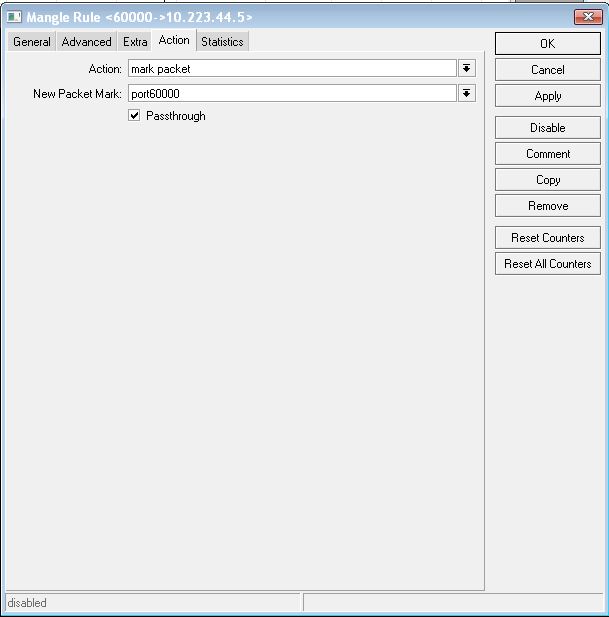
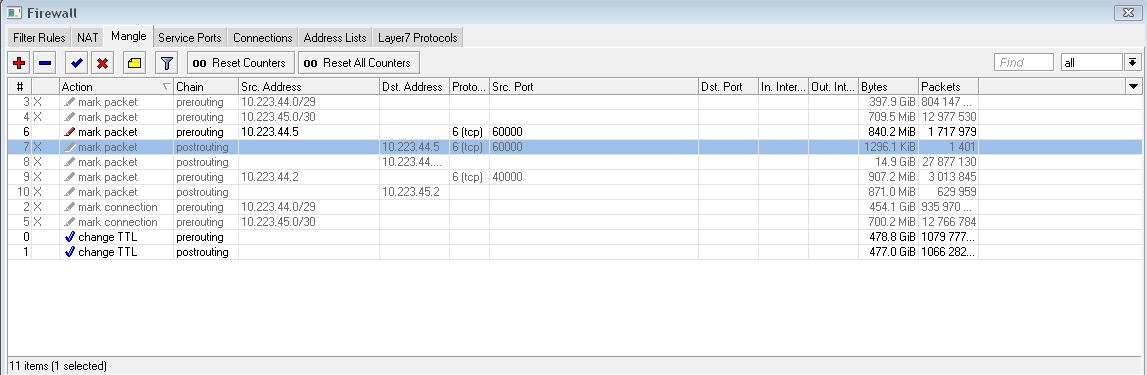
1,2,3-packet marking
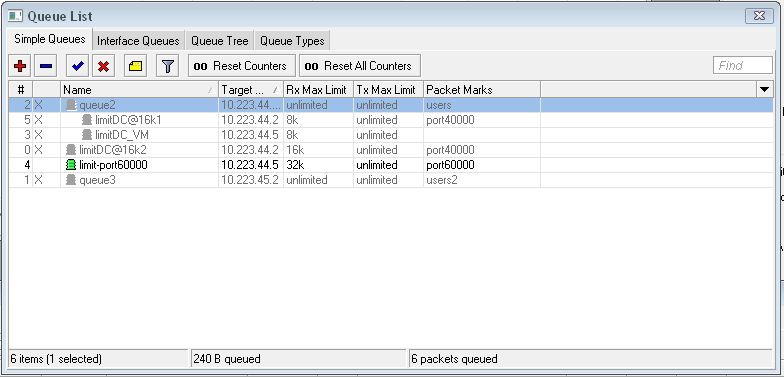
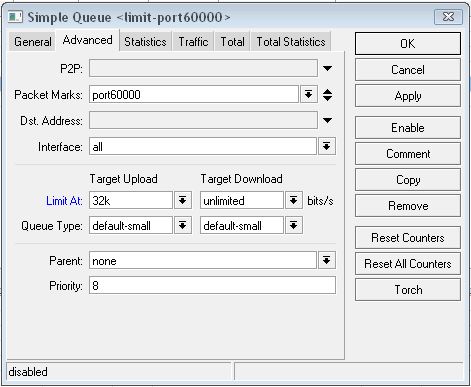
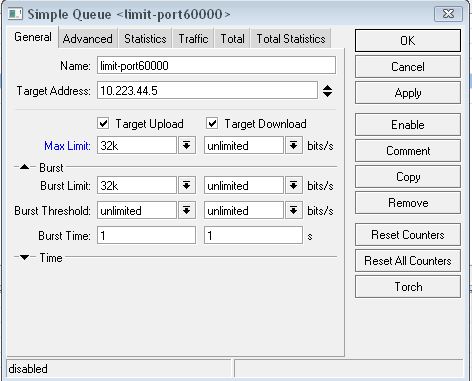
4,5,6-adding the queue

Any idea of what am I doing wrong?
3.JPG
1.JPG
2.JPG

Instead of screenshots that don’t show all the necessary information, can you post the output of “/ip firewall mangle export” and “/queue export”?

the rest of the attachments.
6.JPG
5.JPG
4.JPG

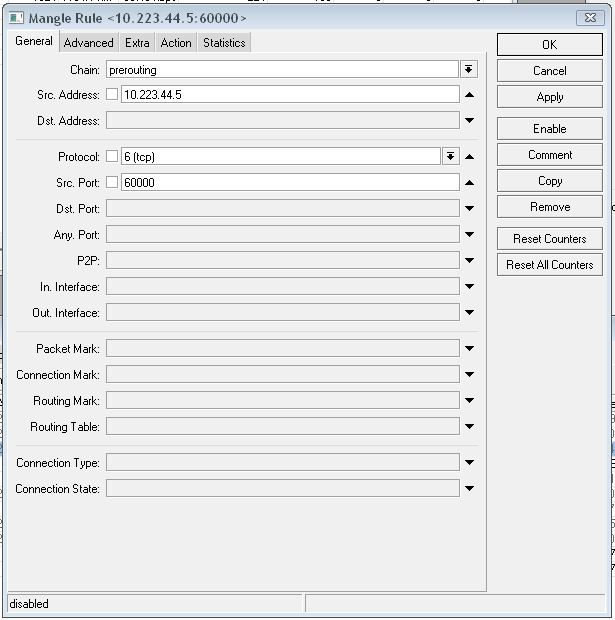
add action=mark-packet chain=prerouting comment=“” disabled=no
new-packet-mark=port60000 passthrough=yes protocol=tcp src-address=
10.223.44.5 src-port=60000


add burst-limit=32k/0 burst-threshold=0/0 burst-time=1s/1s comment=“”
direction=both disabled=yes dst-address=0.0.0.0/0 interface=all limit-at=
32k/0 max-limit=32k/0 name=limit-port60000 packet-marks=port60000 parent=
none priority=8 queue=default-small/default-small target-addresses=
10.223.44.5/32 total-queue=default-small

Upload/download is from the point of view of the router. Upload is traffic TO the target (so, from the client’s point of view, download) and download is traffic FROM the target (so, from the client’s point of view, upload).

http://wiki.mikrotik.com/wiki/Manual:Queue#Simple_Queues

direction (One of both, upload, download, none; default: both) : allow to enable one-directional limitation for simple queues (disable other direction)

  • both - limit both download and upload traffic
  • upload - limit only traffic to the target
  • download - limit only traffic from the target

Thank you for the explanation.
However, there is also something else that I’m doing wrong, because after I added the limit to the download instead of upload, I get no input on the graphs, everything is on 0 bps.

I guessing that is has something to do with the chain that I’ve selected(prerouting). I read some explanations on the chains, but these things are a bit too complex for me, at least, at the moment.

The prerouting chain should be fine for your purpose. Are the byte and packet counters increasing on that mangle rule?

Please post the new queue that you configured.

add burst-limit=0/32k burst-threshold=0/0 burst-time=1s/1s comment=“”
direction=both disabled=no dst-address=0.0.0.0/0 interface=ether2
limit-at=0/32k max-limit=0/32k name=limit-port60000 packet-marks=
port60000 parent=none priority=8 queue=default-small/default-small
target-addresses=10.223.44.5/32 total-queue=default-small


yes, the packet counter is increasing on the selected mangle rule.

interface=ether2

Is that address actually behind ether2? Beyond that I don’t know why it isn’t working, sorry.

yes, it is behind ether2, but I’ve even changed it to “all” and still nothing shown on the graphs.

nobody knows why doesn’t it work? :frowning:

Maybe someone is willing to do a test and limit ApexDC++'s upload and then share the config with me.
I’ve tried many ideas and none of them worked right.
Do you ever get the feeling that you’re being ignored ?

What exactly is the port 60000 service ?
TCP, UDP or what ?

It’s TCP.

I’m trying to limit ApexDC’s upload speed, but I believe that the same rules apply when trying to limit other applications.