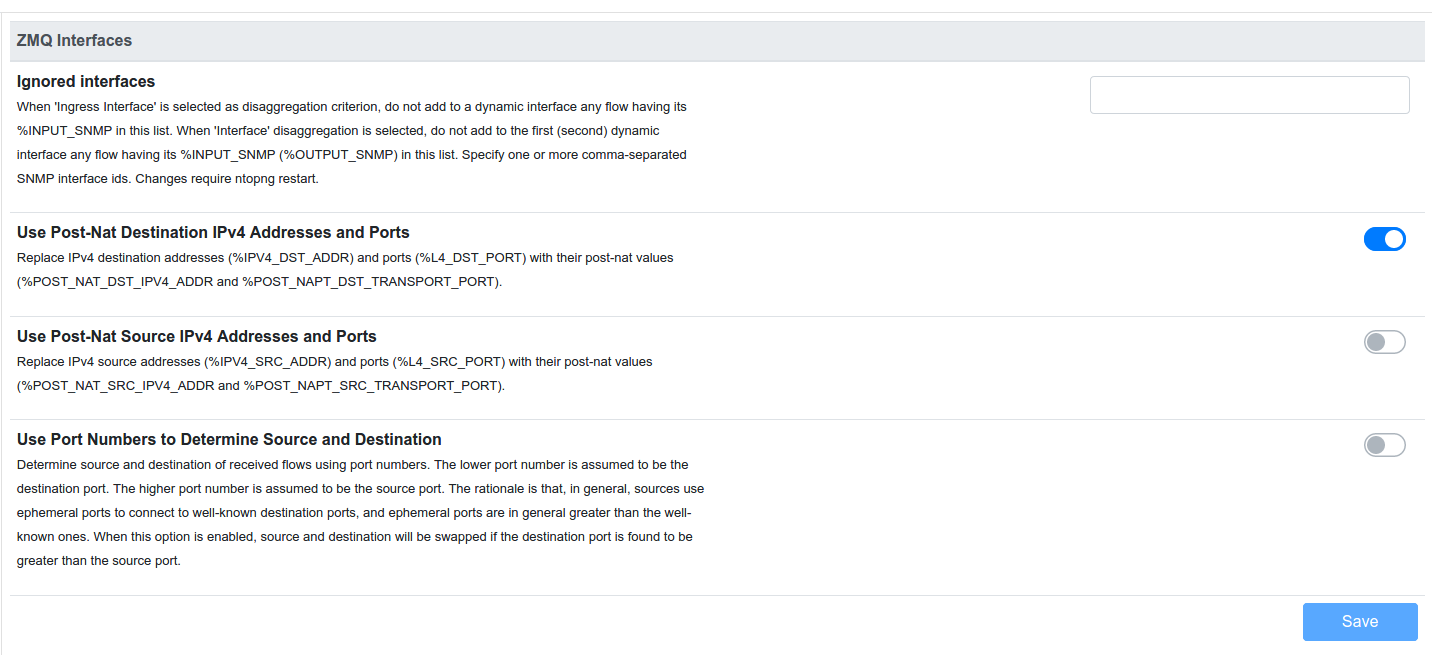
The solution turned out to be simple however involved third party application. By using the Packet Sniffer tool and Wireshark, I could achieve my goal without, as appeared, taxing the router. Thank you Sob and others for responding.
Hello
Just mentioning, in case it helps you, that I managed to get ntopng working with the MikroTik Traffic Flow (NetFlowv9)
This is including the internal client → external server usage (after nat) in ntopng
The NAT information required to do so is in the exported flows and the solution uses a modified version of the cloudflare goflow connector.
The information and stats in ntopng is very helpful.
Give us a shout if you want info.
Thanks
Jeff
Interesting Jeff, I am familiar with Ntopng through pfSense … yes, I am and thank you for sharing!
Cool, no problem
The fork is here
https://github.com/dandare100/goflow/tree/zmq
The changes in this fork are
- Add the NAT information from the received flows into the protobuf data structure. It didn’t cater for these 4 fields
- Export flows to ZMQ
I am not sure how technical you are, so please shout if I can help you to build the above for your architecture
The resultant artifact of the build is a single binary that is run to collect these flows from the MikroTik and export them to ZMQ. It works very well.
My setup is as follows :
Mikrotik exports the flows to the goflow collector running on a digital ocean droplet.
The goflow connector transforms these flows into json and places it onto ZMQ
The ntopng instance collects these flows as per normal and keeps the stats for the defined retention period
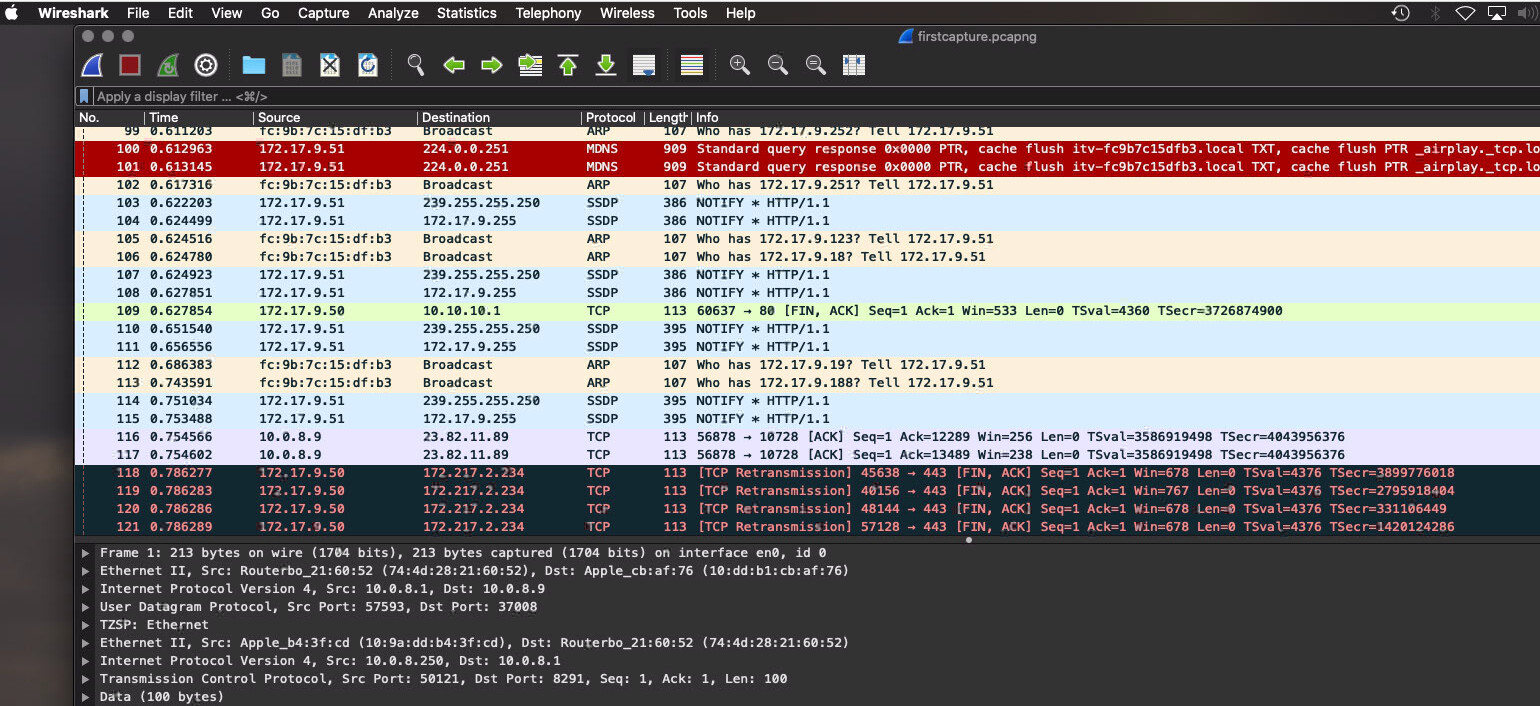
To enable the client traffic logging, you just need to enable the “Use Post-Nat Destination IPv4 Addresses and Ports” setting in the Interface setting for the zmq interface. (Attached).
This allocates the traffic to the client counters instead of the routers public IP.
Thanks
Jeff