I’m trying to set up a mikrotik as wireguard client, with no success. I have no experience with wireguard at all.
The config that is claimed to work on linux (I did not test it my self) is as follows:
[Interface]
PrivateKey = KF****GI=
Address = 10.2.0.2/32
DNS = 10.2.0.1

[Peer]
PublicKey = wq****o=
AllowedIPs = 0.0.0.0/0
Endpoint = 195.x.x.x:51820
How does this translate into mikrotik?
My attempt looks like this:
/interface/wireguard
add name=wg1 listen-port=51820 private-key="KF***GI="

/interface wireguard peers
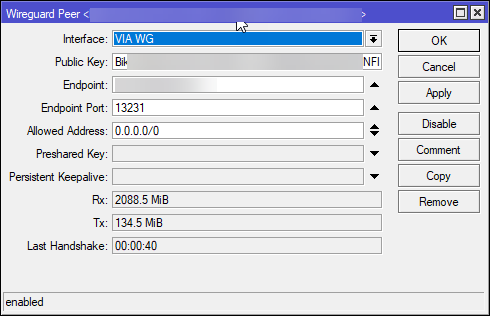
add allowed-address=0.0.0.0/0 endpoint-address=195.x.x.x endpoint-port=51820 interface=wg1 public-key="wq****o="

/ip address
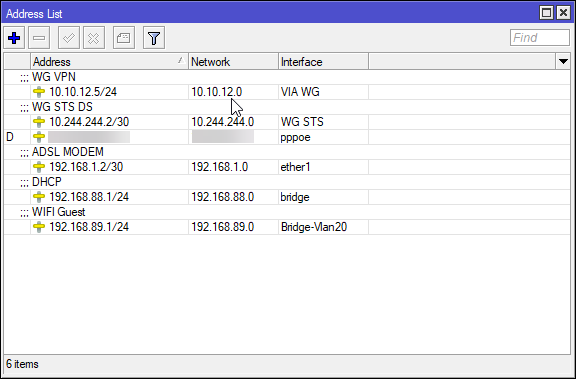
add address=10.2.0.2/32 interface=wg1

/ip route
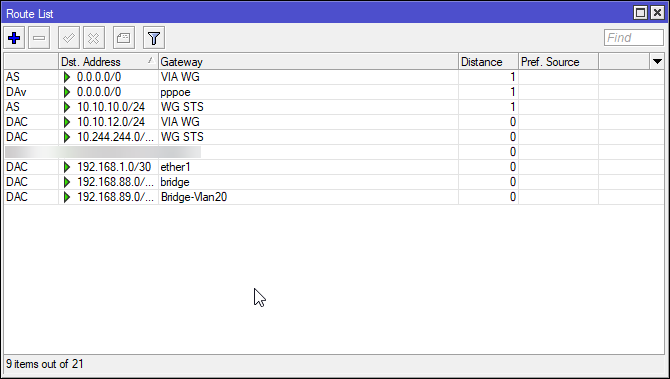
add dst-address=8.8.8.8/32 gateway=wg1
Well the wg1 interface has status running. But apart from that I see no signs of this working.
So I tried
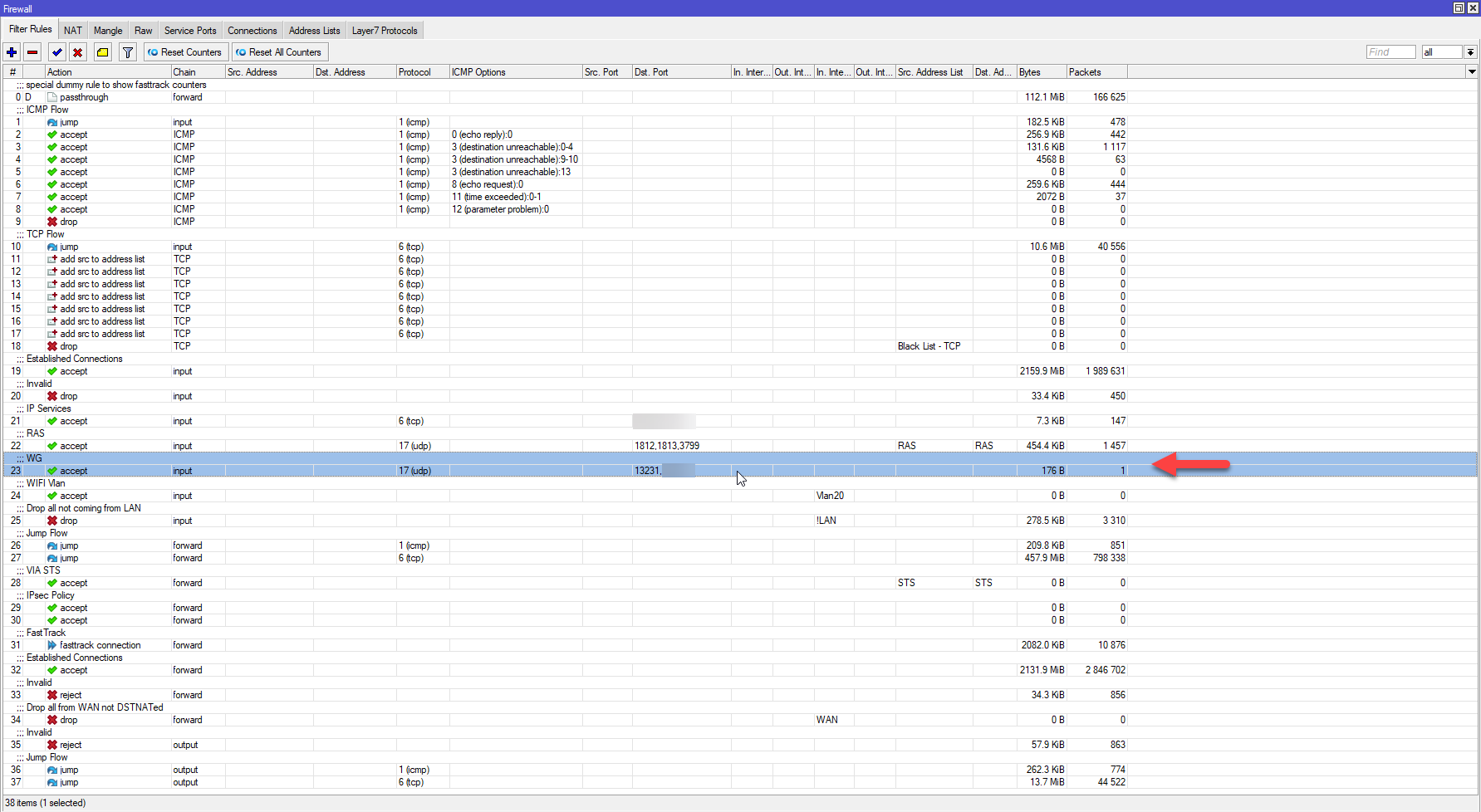
/ip firewall mangle
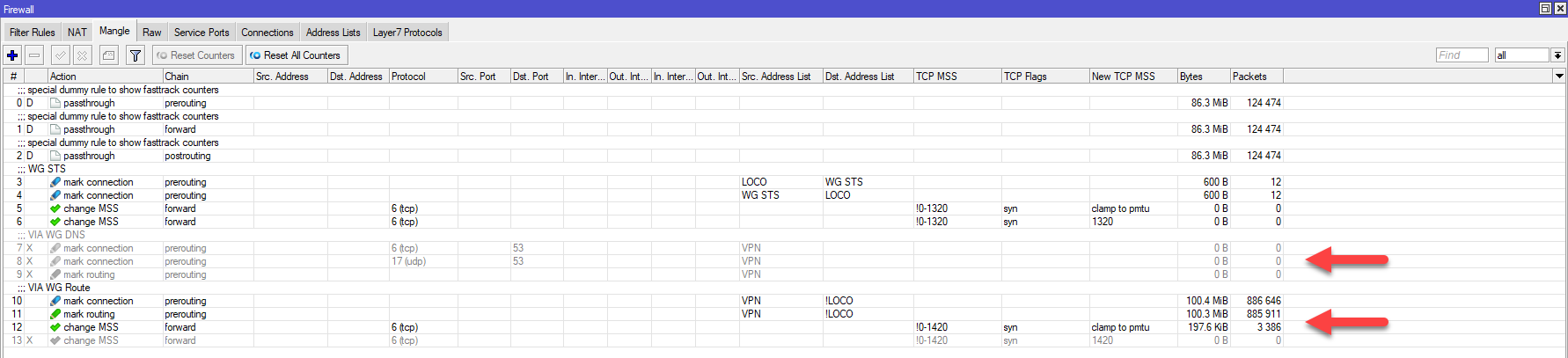
add action=log chain=output dst-address=195.x.x.x log=yes log-prefix="WG: "
That rule has 0 matching packets when I ping 8.8.8.8 (from the router). So it looks like the router doesn’t even try to connect to the other endpoint.
Well, so what could be wrong? Routing? I tried
/ip route
add dst-address=8.8.8.8/32 gateway=10.2.0.2
Route comes up as invalid, hence disabled.
Then I tried
/ip route
add dst-address=8.8.8.8/32 gateway=10.2.0.1
I don’t know if 10.2.0.1 can act as a gateway, but it should work as a dns server, hence it should exist. Anyway, that route can’t do anything as long as the interface ip has a /32 subnet mask. So I changed that to /30.
Now, the ping returns status “22 (invalid argument)” rather that “time out” which was the status before this change. The mangle rule still has 0 matching packets.
Then I deleted the first route added (the one with “wg1” as gateway). And the ping status jumped back to “time out”. I tried to set preferred source to 10.2.0.2, but still ping times out, and 0 matching packets on the mangle rule.
Sure there could be that the ISP has blocked the connection. But I’d guess that even if that was the issue, the mangle rule should have had at least one matching packet. The problem must be something with my config. Where did I mess this up?