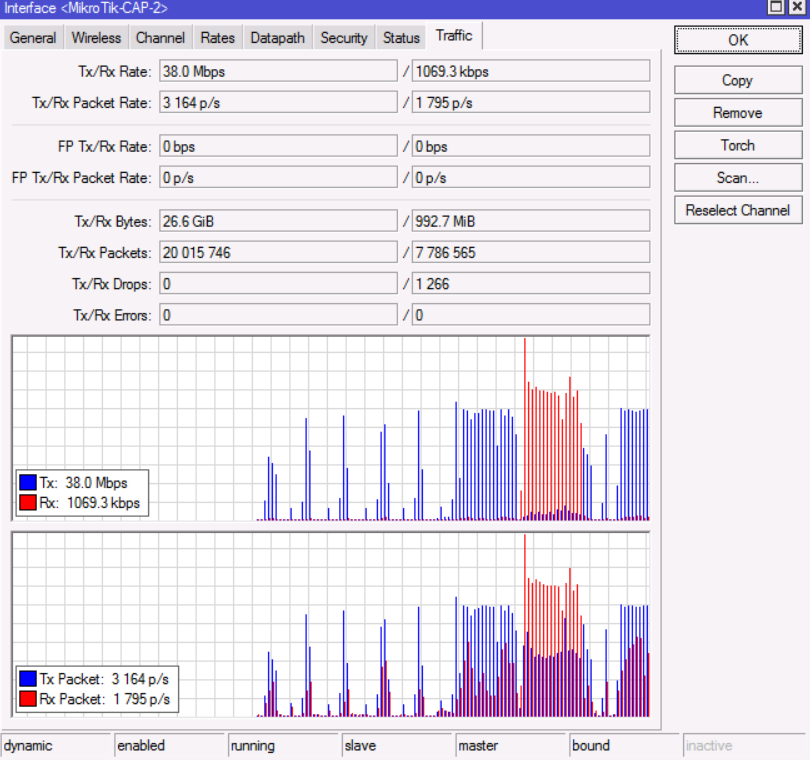
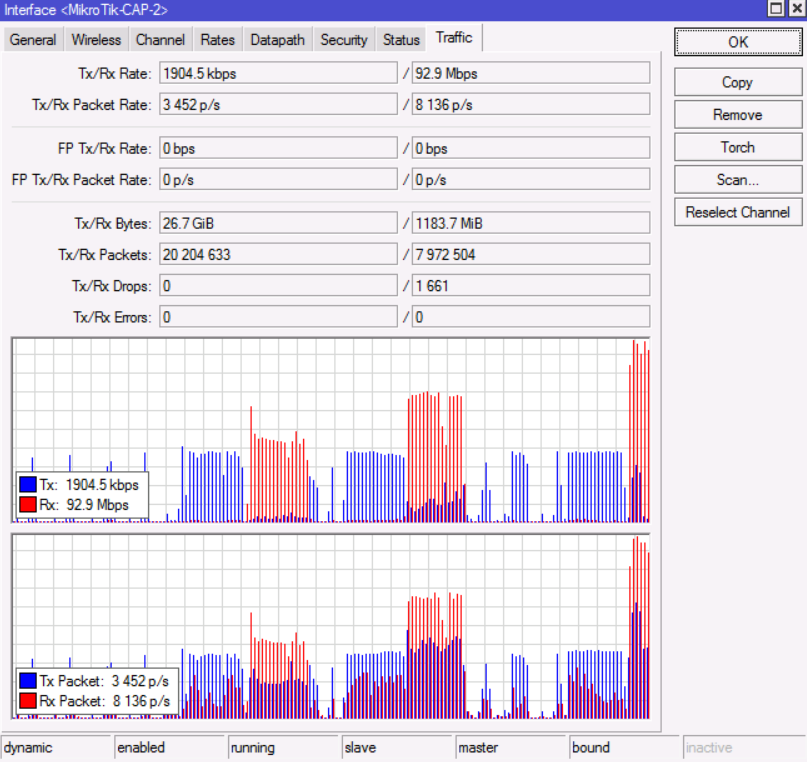
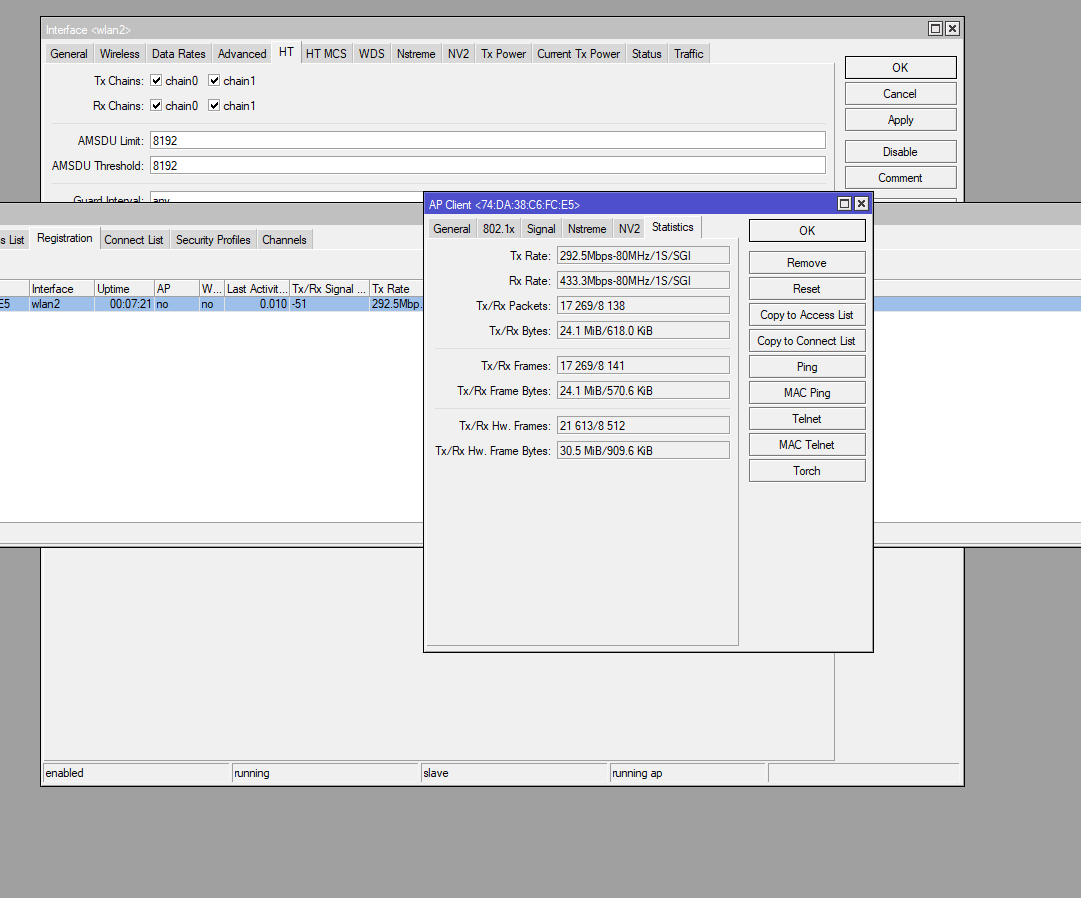
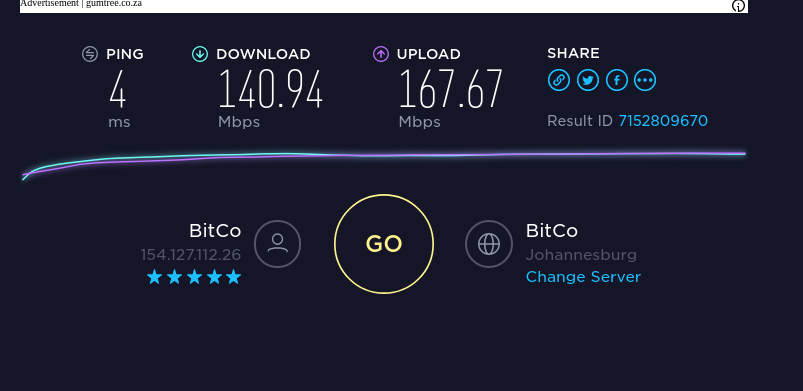
So we’ve received the new CAP AC’s as a Distributor a week ago. So far this unit is exceeding my expectations with Download of 192mbps and Upload of 183mbps which is amazing for such a cost effective unit. We have a 500mbps business premium fiber line.
So my question so far is;
What speeds did you guys get?
Maximum clients connected without speed dropping to much?
Maximum clients connected in regards to CPU and RAM usage?
What settings do you guys use on the wireless side for optimal performance?
So far i love the look of the square case more than the round one. However i can’t seem to replace the case with square one. Scared i might break of a pin and then I have to pay for it haha. This thing is so far a beast. Would want to see some case studies on it.
I use this device for almost two weeks now as a replacement for a 750Gr3 and a HAP AC and works without breaking a sweat:
CAPsMAN manager for one AP and the CAP AC wireless with CAPsMAN forward
Wireless LAN and seperate wireless guest network
Gateway with firewall for internet access
IPsec tunnels to servers
VPN access for clients (IPsec/L2TP and OpenVPN)
I’ll get around 36 Mbps down and 80 Mbps up with 10-20 connected clients. The speed is limited by the internet connection not the CAP. It works flawless the whole time.
It’s an amazing device for the price indeed. Thanks for sharing.
So far i’ve connected 23 devices and had no speed drop. Still getting full capable speeds of near 200 down and 200up depends on traffic on our network. I’ve run out of devices to connect to it though.
No problem, i’ll do that for you guys. Just give me till Monday when i’m back at the office.
Settings i’ve used is factory reset with no config.
Bridged everything = DHCP Client
20/40/80mhz eeeC
Auto Frequency
Wireless Protocol=Any
Security Profile
SSID
Enable Chain 0 and 1
Default TX Power
South Africa as Country
DNS=Allow Remote Requests
Just a simple basic setup without firewall filters.
Received mine today and am not seeing the performance that you are, unfortunately. Signal levels are fine but the throughput isn’t there either on the 2.4 or 5GHz frequencies. Testing with a MacBook Pro on a 40MHz wide 5GHz channel and I can’t get a PHY link above 400Mbps, and TCP throughput is below 100Mbps in both directions.
Have emailed MikroTik with the full configs and a support file to see if this is an obvious problem. My interface config is:
Noise floor is around -98dB for an SnR in the 30s.
On the plus side, the square design is very nice - discreet for residential use which is where this is (hopefully) going to end up. I haven’t tried to change the case yet.
Interesting - can you post your radio configs (assuming that is over Wi-Fi)?
I swapped the round case for the square one yesterday - the square one is a lot easier to get on and off. But the instructions to remove the round cover were fine, and I didn’t feel like any damage was going to be caused.
I’ll send performance results pictures soon. We’re experiencing issues with the RB962, RB952, CAP AC’s etc ever since updating them to 6.41.3. Netinstalling all back to 6.40.5 now.
[quote=Askey307 post_id=648957 time=1521457417 user_id=108000] [quote=normis post_id=648952 time=1521456521 user_id=5]
The people who reported speed problems above:
what kind of client device did you use for your test (model, brand) I’ve experienced with RB962 and new CAP AC with Linux Mint Lenovo E530 and Edimax USB AC dongle. Same test pc with all devices before and after.
what chip does this device use ? HAP AC=MIPS 74kc v5.0 and CAP AC ARMv7
have you tested RouterOS v6.42rc latest versions? Haven’t tested with rc firmware yet.
[/quote]
[/quote]