I have cAp ax router and cannot understand how to enable 2.4GHz interface. There are 2 interfaces in the wifiwave2 list, but the second is disabled. When I reset the router - the default script apply process fails.
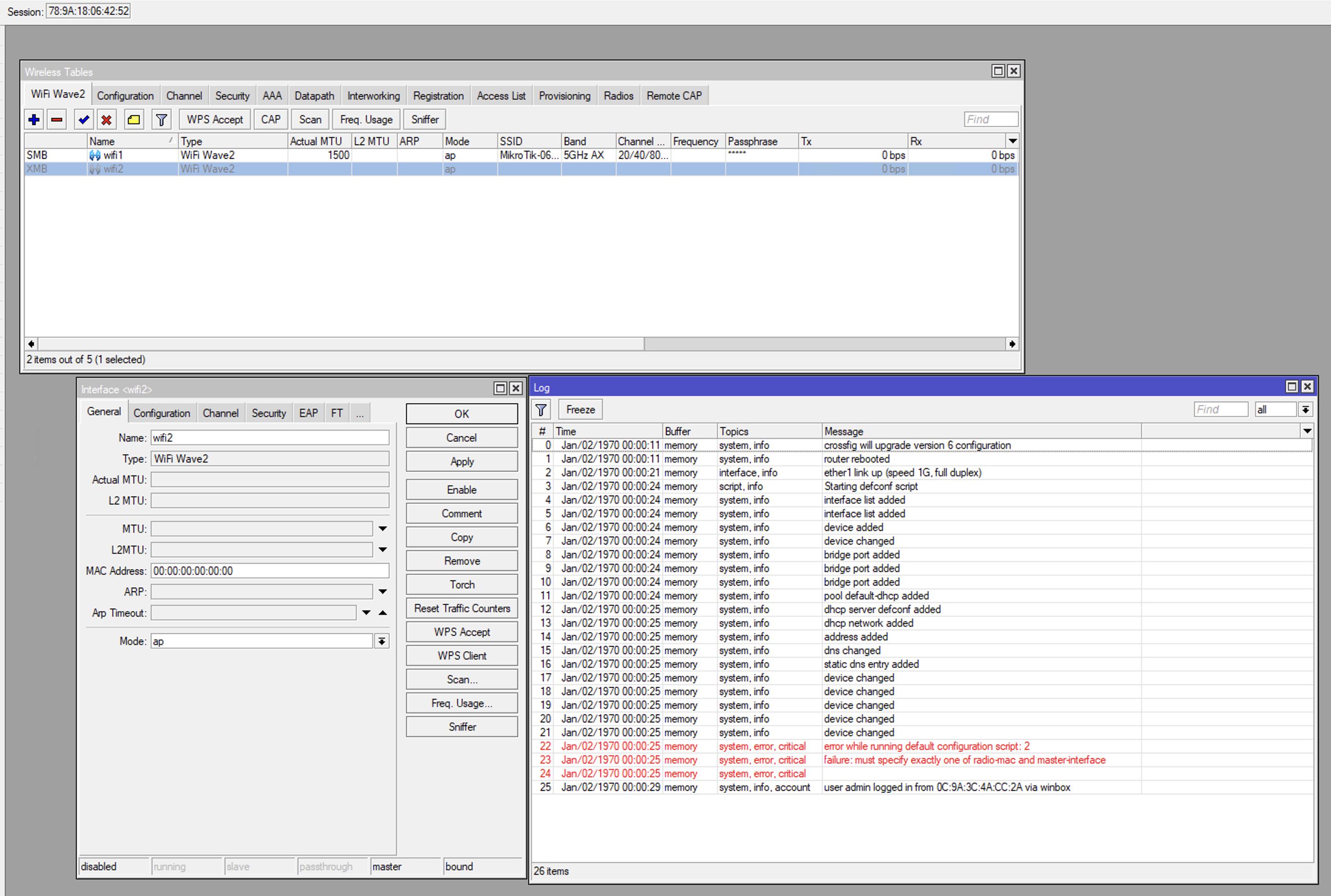
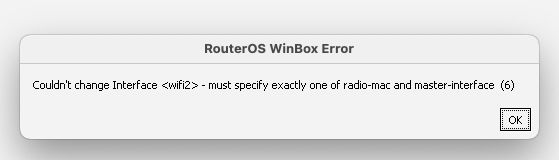
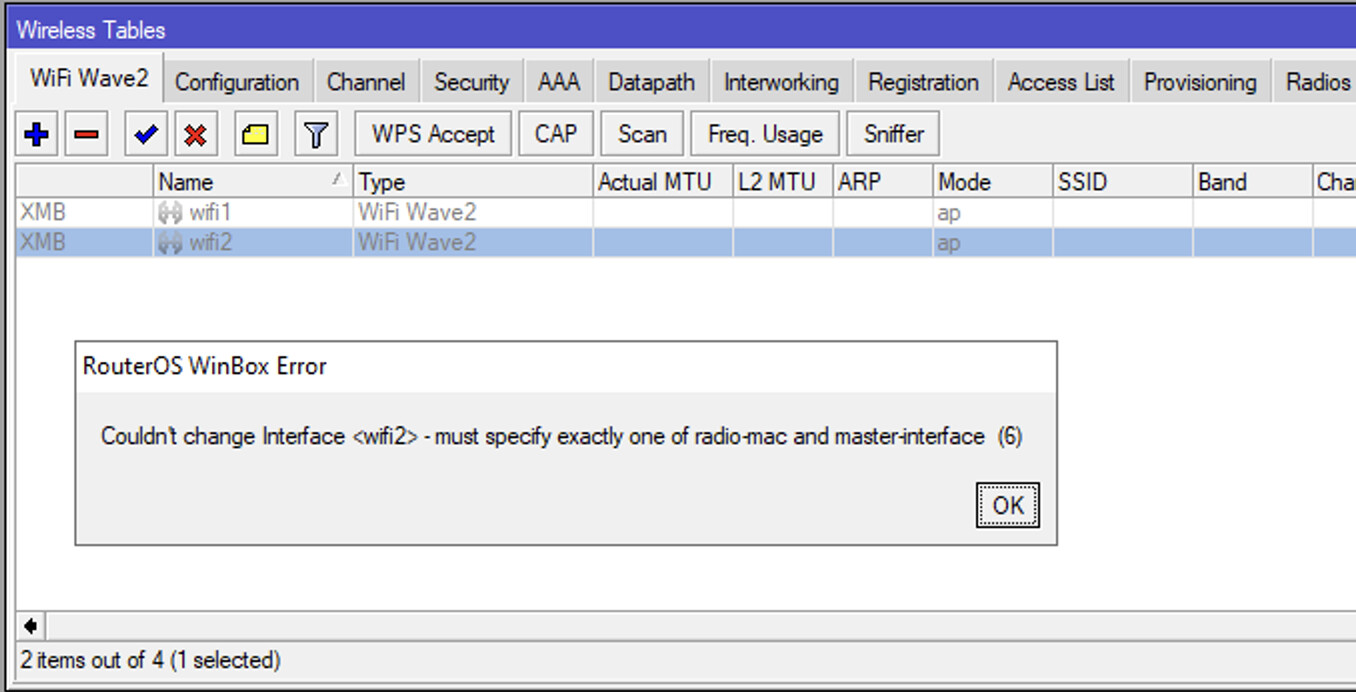
When I try to set up the interface manually (saying, put the mac-address manually) - it fails as well with “must specify exactly one of radio-mac and master interface”.
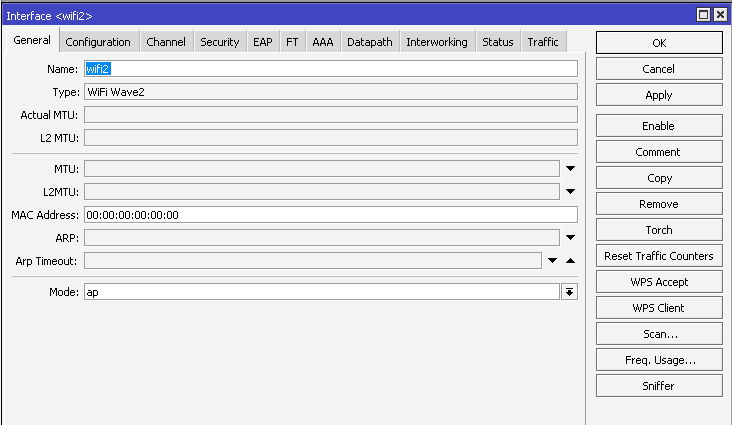
When I perform reset without any configuration - I cannot enable the interface as well.
Dont have a capax but suspect tha wlan1 is 2.4ghz and cant be changed and wlan2 is 5ghz and cant be changed.
If you need virtual wlans, 2.4ghz master is wlan1 and 5ghz master is wlan2 etc…
If not happy with capax, I will pay postage to send to me, what to make a video (demolishing capAX products with a hammer).
The real juice is wifi6E and wifi7. Wont waste my time farting around with AX, its implementation has been one of the worst IVe seen.
By that I mean rolling out wave stuff before the latest AX ( having two different versions) was a planning disaster.
At least the MAC address is incorrect…can you correct that?
Looks broken, I’d RMA.
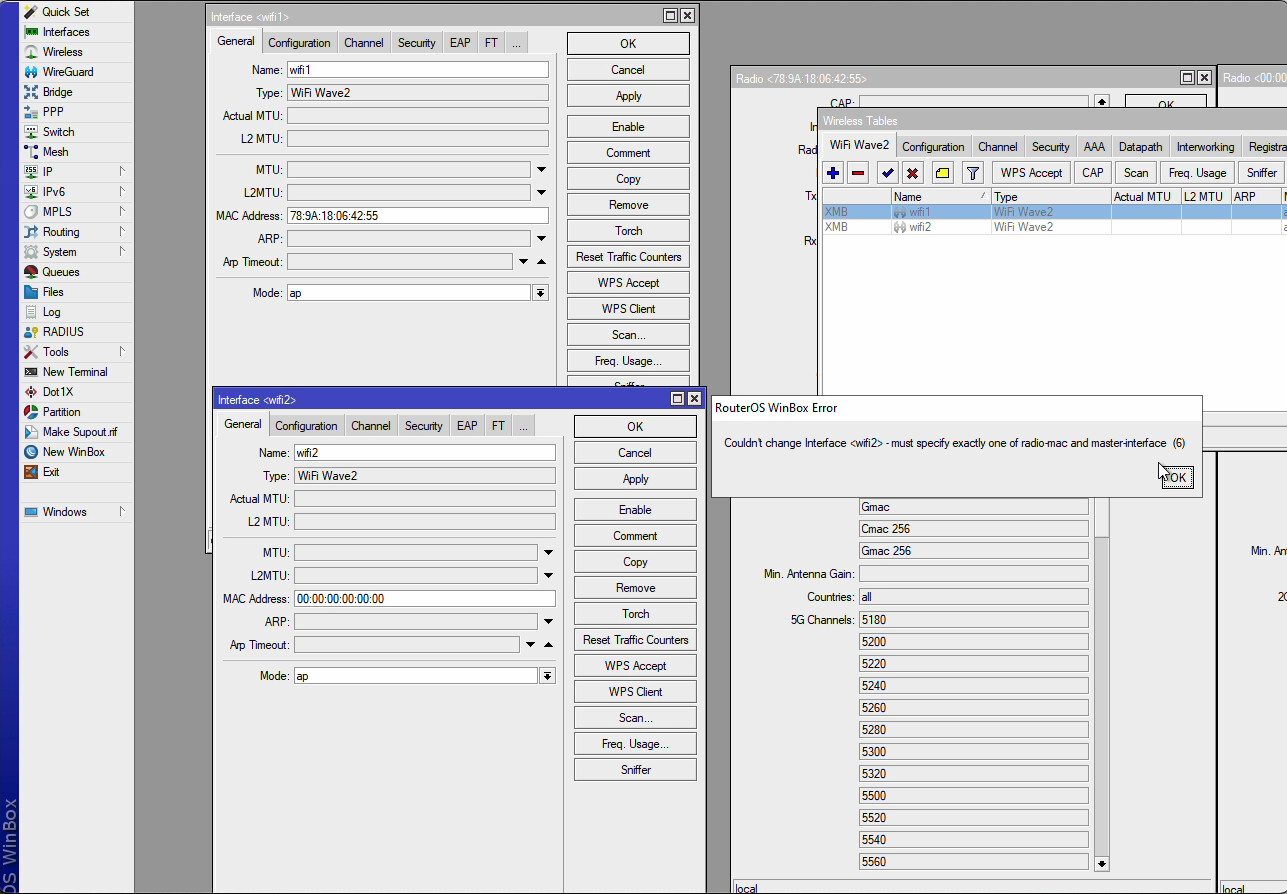
When I’m trying to change the MAC, I have an error “ must specify exactly one of radio-mac and master interface”
Sorry, I didn’t catch that.
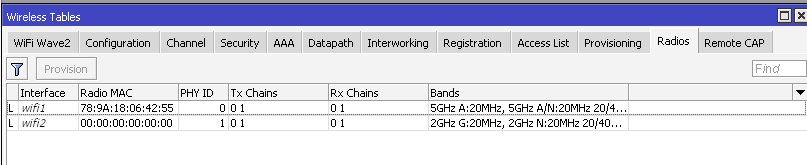
Actually wlan1 is 5GHz interface (I can see that at Radios tab and when set up it locally or by CAPsMAN).
I would:
- Uninstall wifiwav2 package and install it next
- Reset, no default configuration
- Netinstall
- RMA
When I’d uninstalled wifiwave2, there were no wifi interfaces at all. When I put the npk package back I had the same problem. What I hadn’t tried is to do the reset without wifiwave2 package.
Official doc says the router works only with wifiwave2.
Saying at this video (10:24) the guy just upgraded the firmware to v7.10 and enabled 2 interfaces. When I enable 2.4Ghz wlan - it fails.
did that - no luck. I'd formatted the drive and used NetInstall - did not help as well 
Your Radio MAC is set to 00 so the default script does not work. It looks like a hardware problem, please contact technical support. The error message says that you cannot set the universal MAC 00 must be set individually. The interface MAC and radio MAC are the same from the factory.
Try to set MAC 78:9A:18:06:42:56, (1 more than wlan1).
Try using winbox to set the MAC of the interface.
If that doesn’t work, try telnet
set [ find default-name=wifi2 ] mac-address=78:9A:18:06:06:42:56 radio-mac=78:9A:18:06:42:56
I’m just not quite sure in which subsection this command should be entered. By all logic /interface/wifiwave2/actual-configuration>
I’d tried to set up MAC address at the very early steps - got an error.
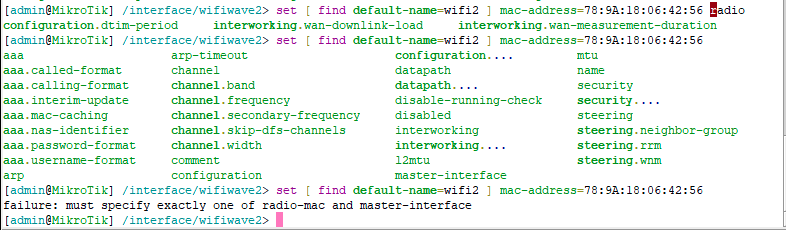
The same stuff happens when try to do that with winbox. Before I press Apply:
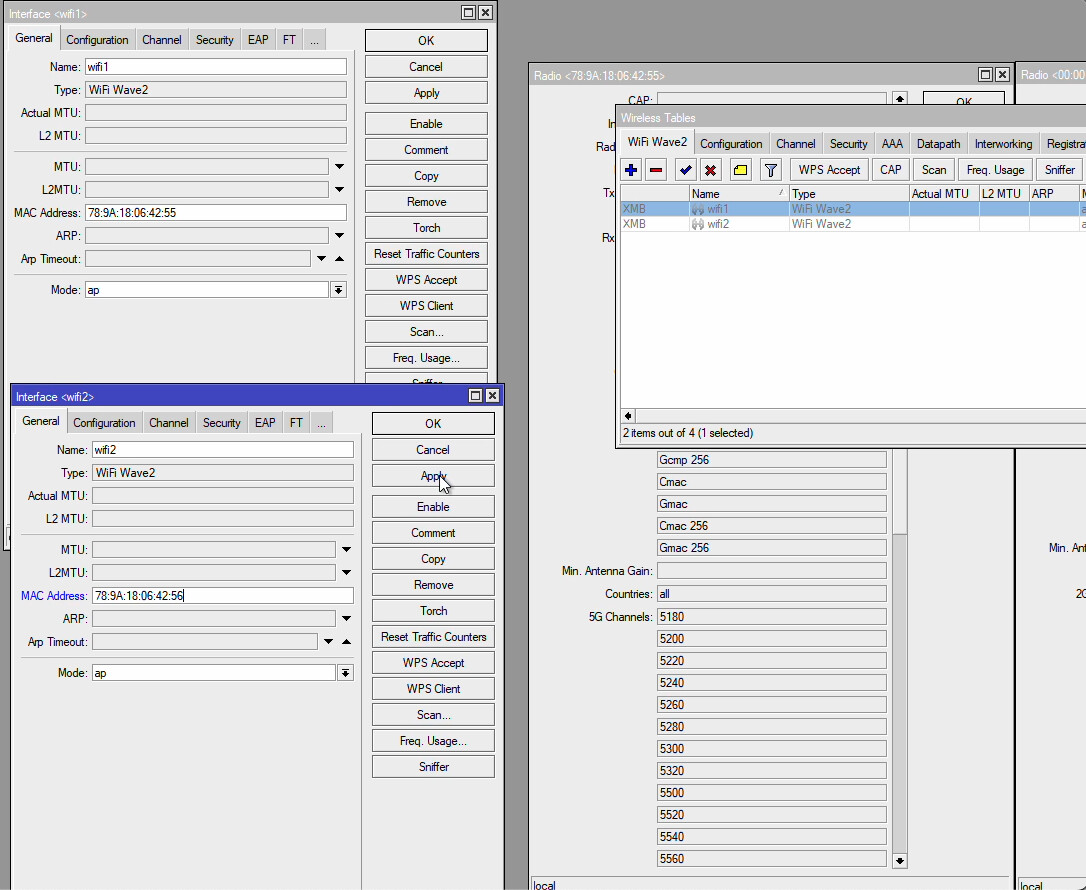
After I pressed Apply:
Try the command first.
/interface/wifiwave2/set master-interface wifi1
then
/interface/wifiwave2/set [ find default-name=wifi2 ] mac-address=78:9A:18:06:42:56
Doesn’t help contact tech support.
We had sent the supout file to the support and they advised us to replace the device 
Hammer wins again!! 