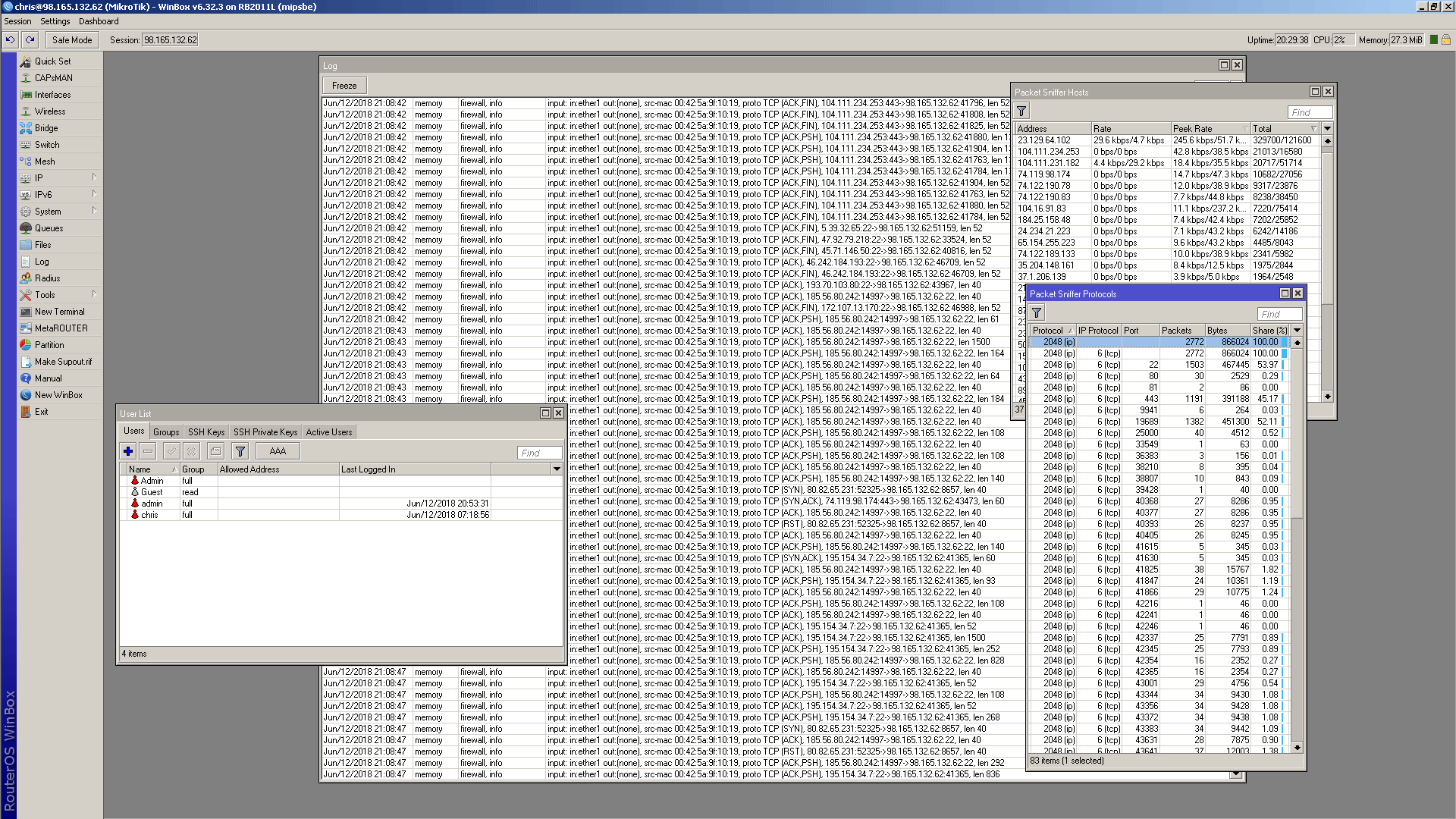
Ive decided to play with all these bad things floating around like VPNFilter. I have setup a 2011 router on old firmware from last year and removed all firewall protection and opened up all the ports and exposed it directly to the internet..
I want to hopefully get infected with VPNFilter and I want to play with it.
I wont put anything on the LAN side. I do have a Deepfreeze frozen PC that I could just reimage if need be…
It just sounds interesting and fun. I want to see how to eradicate it and just watch and see what it tries to do. I want to see it do MIM and other things.. It sounds really interesting. Its apparently a state sponsored malware..
I wonder if Mikrotik has honeypot routers, pretty sure they dont or they would already capture all the previous exploits before it would spread like they did.
Any official statement regarding this from mikrotik?
Oh, oops. I did not mean to cause MT any headache Im just doing it for fun and education. I would think MT does do this.
So far ive got a few hours of direct exposure to the wild internet with all my ports open using a OS from 2015 and it still seems to be ok. Im getting tons of SSH brute force attempts that are interesting to watch. Bots try out like 20 user/passwords then give up. So far nothing very interesting.
I am assuming if it gets compromised by VPNFilter it will scan or check the LAN side. So I have a PC on that side running Winpcap & Wireshark looking for anything from the LAN.
So right now nothing can brute force the user password. This means the only way to compromise it is with a real exploit. I will let this run a few days and if nothing gets in I will create the default MT admin user with no password and then see what happens.
Im just really interested in what a compromised router is like. How to detect the issue. What to look for. Then I want to see how to fix it. VPNFilter is VERY interesting and im very interested in what that does and how that works.
Well yes, there are a bunch of ways to be serious about what im doing But im also busy and doing a lot of real work. So, I cant set that all up yet. I need to really make a FreeBSD ( my fav ) image and use that on the LAN side to really look at whats happening and to real pcapture.
So im just doing it for fun.. Right now im just trying to get infected.. Its just sorta casual fun..
It does not appear to be compromised yet and iver got 24 hrs on it now. ZILLIONS of SSH bruteforce attacks by obviously different bot nets tho. I have not left any user name defaults open yet.
There is something a bit suspicions. The “Check System” now goes 1%, never advances to more then 1% and comes back immd and says its ok. Thats kinda weird as normally it takes a few seconds and you see it progress in %. CPU is spiking a bit higher at 4-5% where before it was always 0-1%. Im also lost some available RAM.. So MAYBE its been compromised. Not sure yet, and tonight I cant go check…
I will keep things posted here. Im going to be really busy and at times out of town in the next 2 weeks. But rest assured its still sitting there and im still letting it collect malware..
So far im impressed. Maybe VPNfilter requires a default username/password. Nothing so far seems to have had a effect.
I do agree… But .. I want some fun to occur.. What happens when you just leave a MT router completly defensless ? As I mentioned, this is more of a fun pursuit rather then a serious thing… BUT.. I will do the serious stuff in a week or so once I have more time…
In the meantime… I Believe the router is now infected with something. Its CPU is not 50-85% and im getting 2000 IPs in 4 hours hitting it.. I have not done much work to figure out whats going on yet. It does pass the “check packages” test..
I will analyze some flow and see what its doing.. It might be participating in a bot net as its outbound traffic has really increased…
HmmMMmMm… This might be illegal.. It might be against my ISP ToS too… Hmmmm…
Here, you guys can come look and play with it if you want to… You can make changes if you want, poke at it if you want. Just post what you did and what you found.
HAHAHAHA… “Hes dead Jim”… So the 2011 only had its power light on this morning. hahahaha… A power cycle brought it back to life tho… I dont have time right now to explore it further right now.. I will look later..
Its back online at the above IP if anyone wanted to poke at it tho
This poor router..
I do think tho that it would have been pretty good with reasonable user/passwords.. Leaving admin open to the world is what has killed it..
You BAD person ! hahahahaha… Well your among 3900 IPs.. So your IP is obscured.. hahahaha..
Well.. Its alive right now.. Its spitting out 2Mbps- 10mbps for no apparent reason.. hahaha..
Its corrupted.. Now to try and see what its got… Hmmm… I have done a support.rif for you MT guys, maybe you can tell me what its got ? and i did a export
Both attached..
This was not a real test as i just left open all ports, disabled all firewalls, left open all services and set up user acct with no password and took a old version of the OS.. So its important for anyone reading this to understand that no normal Mikrotik install would EVER end up like this. Well hopefully not at least.. supout.zip (366 KB) corrupted.rsc (15.6 KB)
I could not figure out what it had… The issue seemed to clear and not come back on power cycle. I had lost a bunch of discspace and could not up or downgrade.
So I NAND formatted, netinstalled 6.42.3, created a second partition to make later recovery easier and have set it up again on the same IP above with the same user/pass if you want to poke at it and look at logs or ANYTHING..
So this will be a more interesting test. This is the current RouterOS exposed big time to the net directly. I would think this might survive this unless something changes actual router settings. There should be no exploits I know of that effect the current version ?
Well its up and running.. We shall see..
The last thing I will try in this series of tests will be to use a secure password but everything wide open.
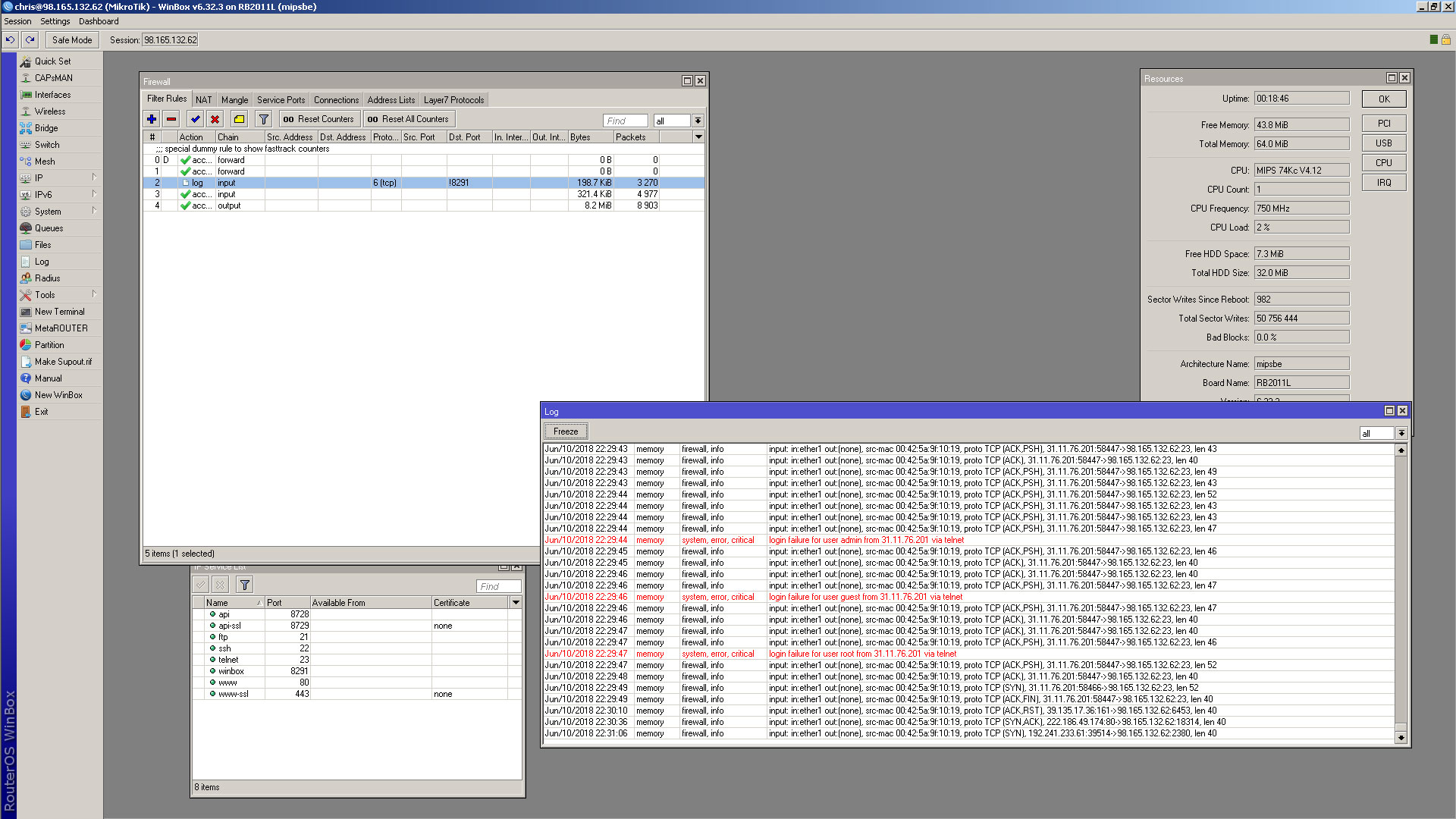

 Im just doing it for fun and education. I would think MT does do this.