Let me help you. The current v7 ARM64 download links to:
https://cdn.mikrotik.com/routeros/7.20.4/routeros-7.20.4-arm64.npk
So, if you want to download let’s say 7.19.6 ARM64 - replace…
All of the files are in the CDN.
Let me help you. The current v7 ARM64 download links to:
https://cdn.mikrotik.com/routeros/7.20.4/routeros-7.20.4-arm64.npk
So, if you want to download let’s say 7.19.6 ARM64 - replace…
All of the files are in the CDN.
Wow! 6r33z3
Some real expert knowledge and seriously good input!
I like how the new website looks but it has some wrinkles that needs to be ironed out and @6r33z3 pointed most of them.
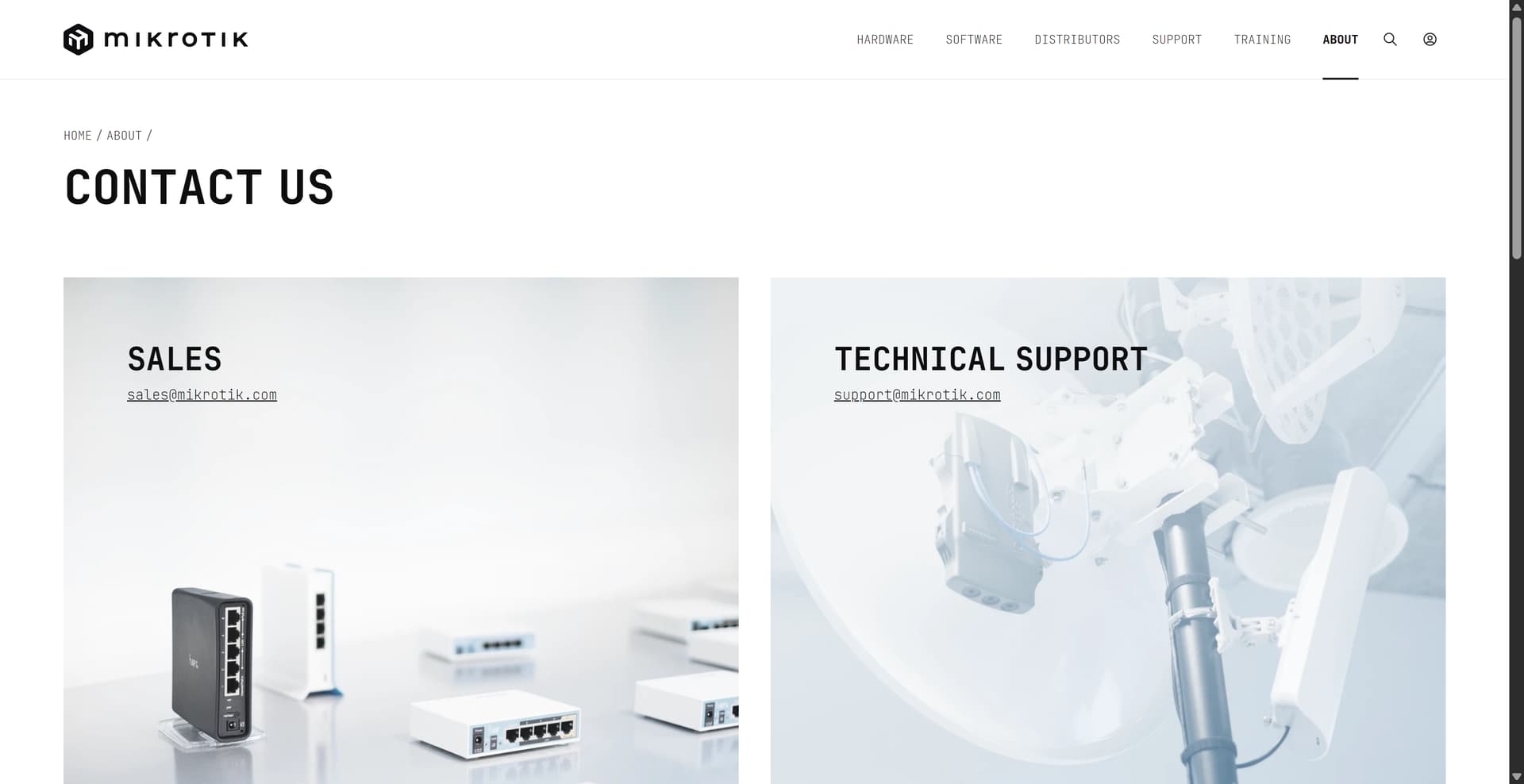
I think that the support page needs improvement because the email and link to support is all the way at the bottom of the page and a lot of people will have trouble to find that.
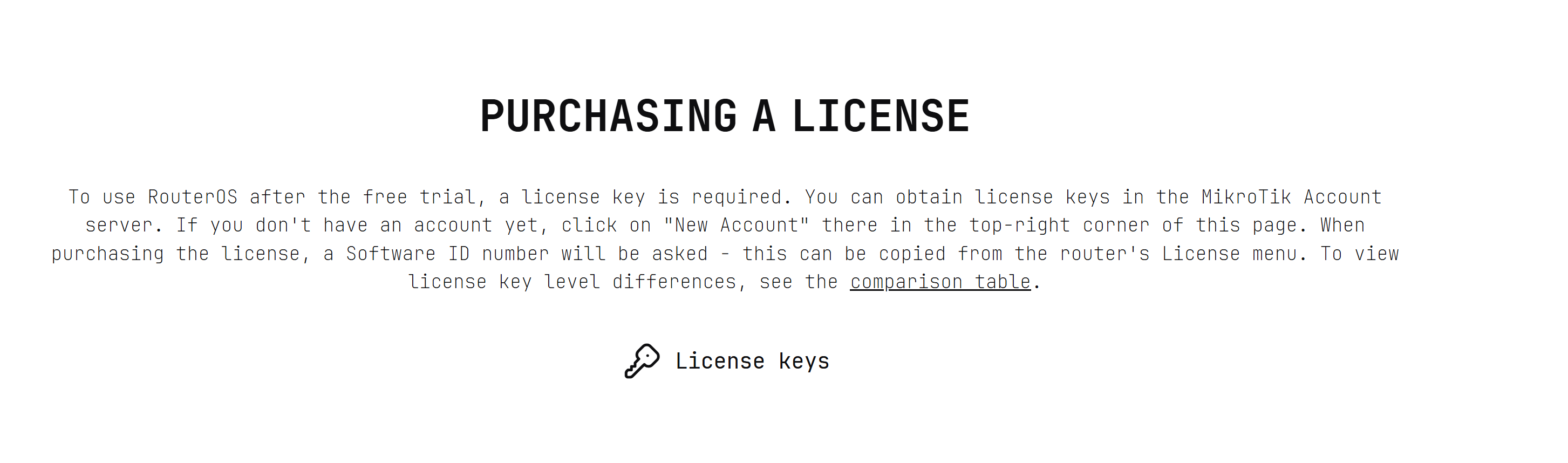
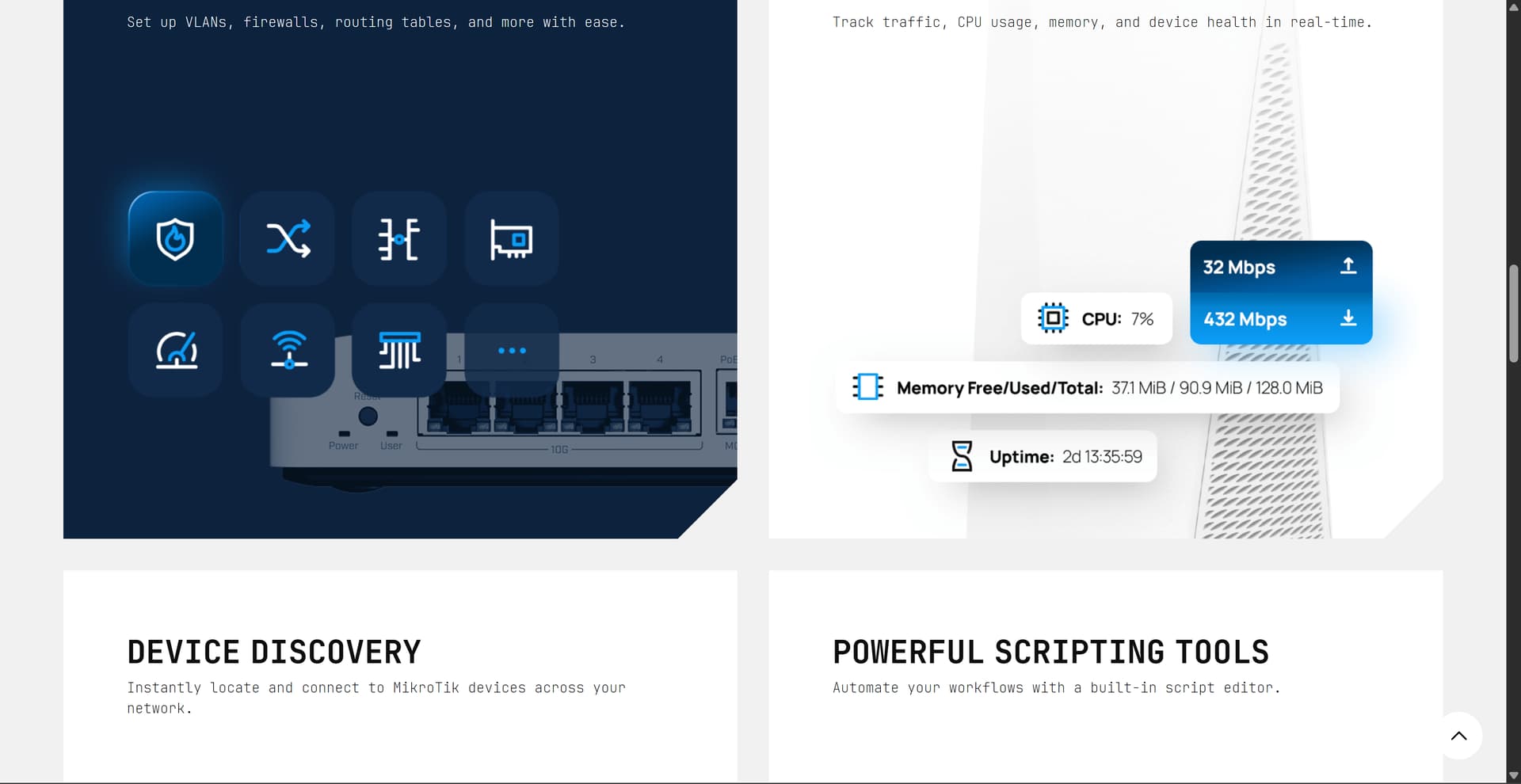
Another example is the License key. If I click on RouterOS I need to scroll all the way down to find info about that and I think that this is not the most ideal location for that.
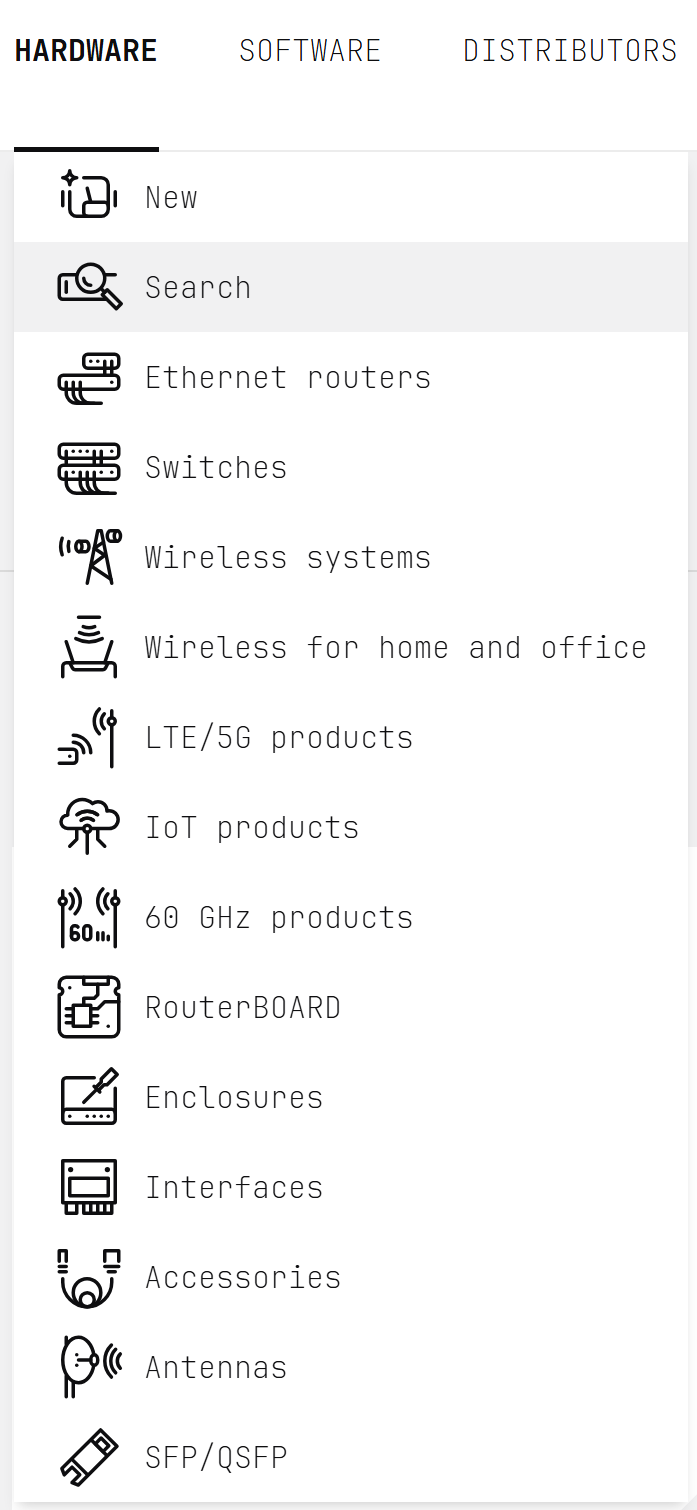
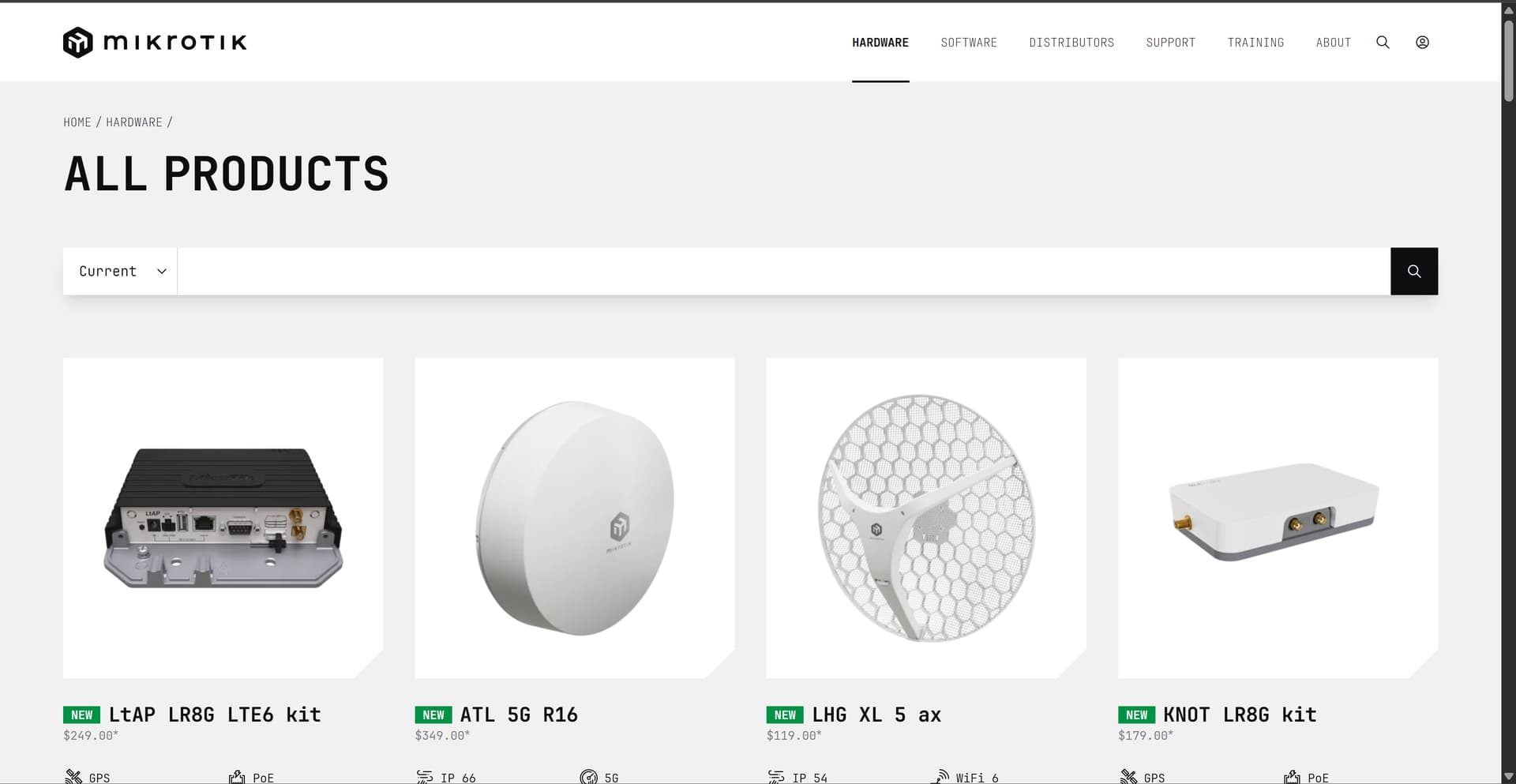
And last thing is the Hardware page. When I click on search i get list of all the hardware without categories but man, those pictures are sooooo big. I would like to see either a list as we had on the old website or smaller images so I can fit more than 4 products on my sreen.
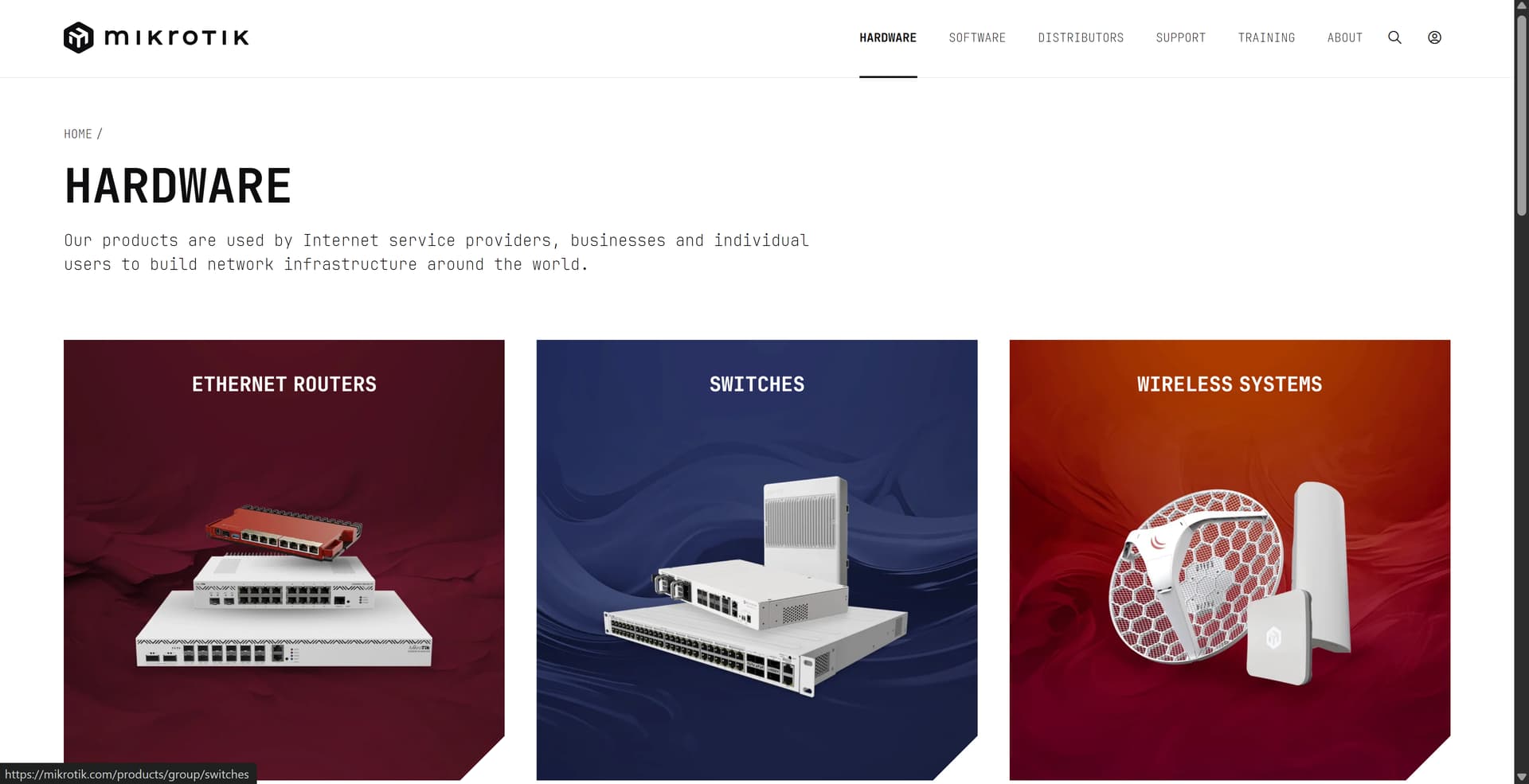
And the other thing under this section is button VIEW ALL i thought that it would show me list of all products but it showed me list of all categories and again why are they soooo big so I fit only three on my page and have to scrol also I miss a button show all devices here as the search section does.
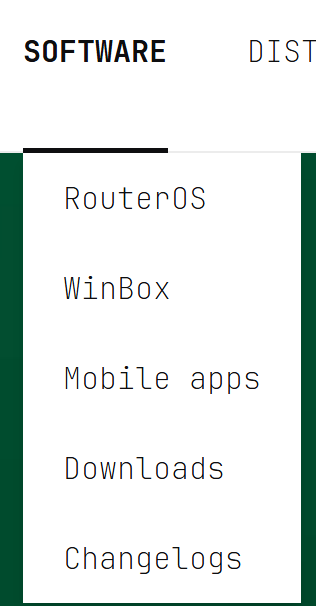
I think that the size of the objects on the page is the most crucial issue as shown bellow from the WinBox and Contacts sections.
Apart of that great work MT.
EDIT:
I just noticed this in the support secrion. If I want to compare multiple devices together and switch to the support the dude icon is displayed over that compare icon.
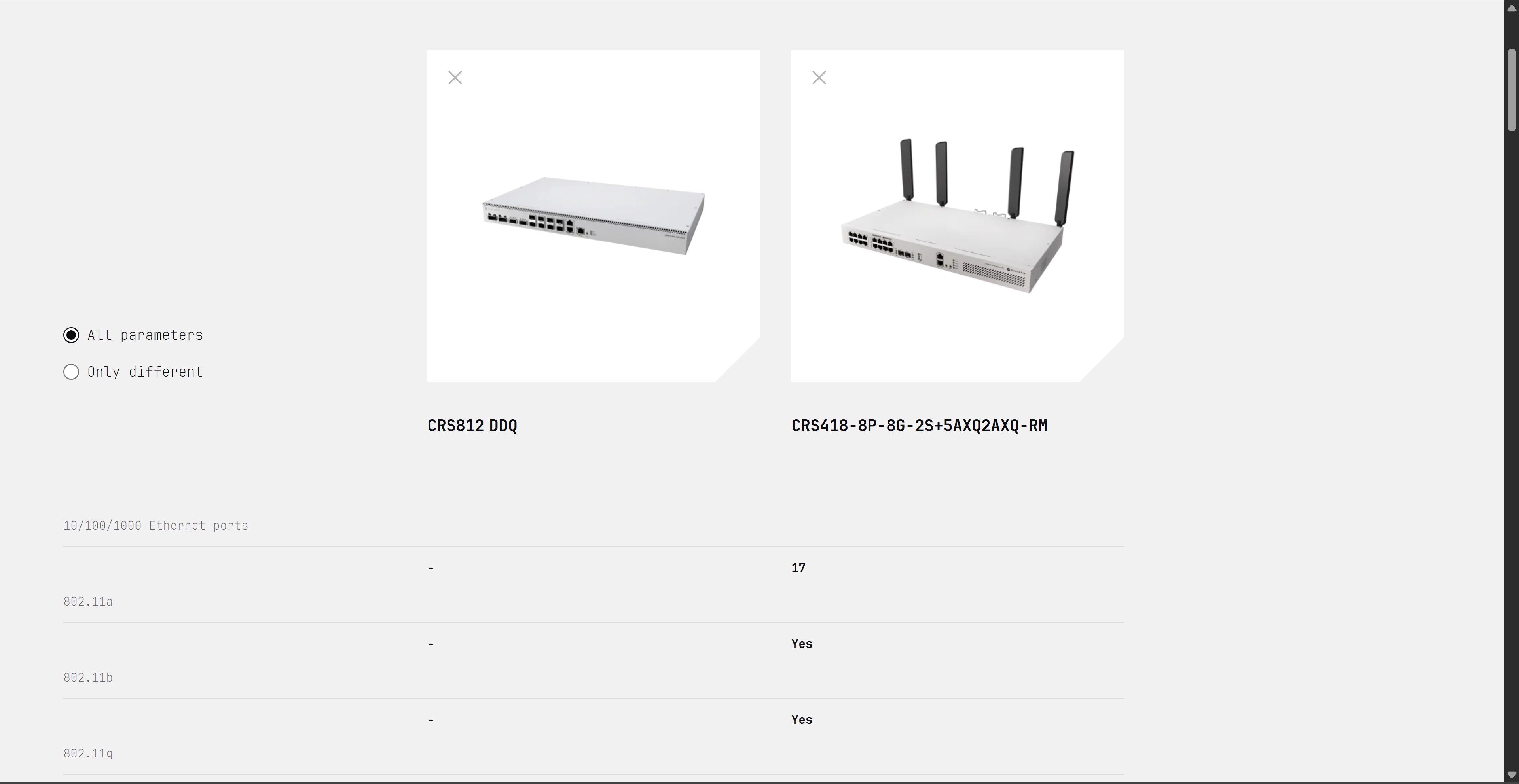
And again. Why is everything under that compare section so big. I cant see more than 4 rows and what is this table:
| Column 1 | Column 2 | Column 3 |
|---|---|---|
| 10/100/1000 Ethernet ports | NOTHING | NOTHING |
| 802.11a | - | 17 |
| 802.11b | - | yes |
| 802.11g | - | yes |
Hi @kasparskr , I wonder would it be easier to enable the directory indexing for https://cdn.mikrotik.com/routeros/, similar to common industrial practice at https://cdimage.debian.org/debian-cd/ or https://cloud-images.ubuntu.com/?
From a CDN point of view - I’d also like to recommend to isolate the CDN supplying website’s static assets and the CDN supplying download assets for easier management / maintainance / CORS etc. but that’s more of an infra/arch design-of-choice than website.
I agree with what DuctView and 6r33z3 says.
Although I understand that regular users don't need to download older versions, not all of us are regular users. Some are ISPs, large fleet managers, etc., and will certainly not update immediately to the latest version... even if there are known CVEs (it's our job to ensure that they cannot be exploited).
I think it's fine that only the latest versions are visible on the site... but it would be even better if the various firmwares, bb-upgrade, routerboot and additional packages could be found on, for example, directory indexing or a dedicated page in the account management section or a link that is only visible when logged in... without having to fiddle with the URL in order to download them.
Just list older versions on the client(?) portal (https://mikrotik.com/client/) - problem solved.
When you think old software is so bad, why don’t you fix “stable” software that has critical bugs (like webfig not working in latest stable)?
Also, sometimes older software is a requirement as a stepping stone because you have made incompatible changes. E.g. 7.19.6 is required to load existing exports with BGP configuration and then one can upgrade it to 7.20.x
Merely importing the config into 7.20 will not work. Please fix that as well!!
There is a typo in the title of this message, or has the company name been changed?
Could be allergic to anything resembling tiktok ;-).
If you are not a Micro$soft user as you say, you would have found that the archive has not gone anywhere and the files are also available to those who know where to look. It is not obvious because for most regular users, there is no need to use old software, like I wrote.
That’s horrible: patronizing your users, who are also your most important beta testers.
I know how to find the old SW, as most of your frequent forum readers will know it. Still why would you make it more painful as it needs to be. No one is downloading an old version just for fun. Sometimes newly introduced bugs are not fixed by MT for a long time.
Stay transparent, that’s a strength of MT.
Yes, archives are necessary. When I upgraded to 7.20.x from 7.19.6, my PPPoE servers stopped working, and I was only saved because I could download the 7.19.6 version to restore the production router.
Please, this is a real need. We all know that new versions fix bugs, but they can also introduce new ones, and we must be able to roll back if needed.
Thank you,
Eric
There are not enough older options in that list. People who want the latest release can do that from the router itself. “Power users” such as myself are coming to the website 1) specifically to get an older release or 2) hardware versions that I haven’t downloaded yet, for hardware not connected to the Internet (or it’s been borked and needs a different release).
I also don’t see the point of showing every release of 7.20, especially if subsequent release supposedly fixes something.
If it were me, it’d be something like the last 2-3 releases of the current version (7.20.2, 7.20.3, 7.20.4), for obvious reasons (i.e. the new point release breaks something on certain hardware or use cases), then 2-3 previous solid releases (7.19.4, 7.16.2, 7.15.3 are my personal favorites). Hopefully those could be determined by download statistics and/or customer feedback.
FWIW, 7.19.4 has been the most solid version I’ve used in a long time. That should be considered 7’s “Long Term” option. (By the way, there’s a space missing between Long and Term on that button.)
I was excited at first to see launch of a new web design when I had to just visit the mikrotik website…
This design is very poor, rather terrible. Who is leading the ship, leading decisions over there? Take the criticism…do better…
Website feels childish, feels for home-lab. Not for a mix of home, professional and MSP end-users….. Would MikroTik rather be catering to home users? It certainly feels like it.
First rule of designing website: Readability and usability. If end-user CANNOT read or find what they’re looking for within 30-seconds, they go elsewhere.
Font choice is poor. Eligibility is terrible.
The fact of removing “archived” RouterOS downloads from being visible… poor. Other vendors [Fortinet, Sonicwall, Palo] all let you grab older firmware/releases. IE: Fortinet COOKBOOK.
sad state. Sorry MikroTik – this is not it. We are continuing our journey to augment our technology. This year your competitor has been growing leaps and bounds, now stepping directly on you with “Route the world”.
PS: Why not follow your own “branding” guidelines. Much better font choices.
At least for fortinet: behind a user registration wall and other hurdles. Nothing is simpler than Mikrotik: public downloads
On websites of most network vendors I can’t find info even after 30 minutes, but they are still in business. So, website is not that much important nowadays.
You’re thinking Cisco and HPE.
Fortinet doesnt require login. Their Cookbook is public….
Nice, add more filters on products, like 2.5G, or wifi gen, storage size, usb port, cpu type, sfp, sfp+, eth interfaces count
And use a normal font
Thanks for the info, I'll have a look.
edit: it took me 2min of research: https://docs.fortinet.com/document/fortigate/6.2.0/cookbook/102085/downloading-a-firmware-image
Firmware images for all FortiGate units are available on the Fortinet Customer Service & Support website.
To download firmware:
Log into the support site with your user name and password.
And it is probably the same for other than fortigate products.
if normis is concerned about security, or wants to keep berating the MikroTik users and treating the way with reply to others mention… perhaps that logic is to also put the “older” RouterOS releases behind a login.
Regular end-user [Consumer] can just grab the latest known good. Let us professional’s take the wheel at our own risk.
I see where you’ve gone with this (matching marketing slicks from this past year), and for the most part, I think it looks good.
I agree with others that the font is hard to read, particularly as body copy in the smaller sizes. Otherwise it creates a retro, edgy look, and matches up with the iconography.