Mounted nfs share from unraid nvme storage in Rb5009 as i wanted to use nfs mount in /app storage. But it's not listing in /app settings. Then decided to check performance using /disk/test and resulting 66Mbps
But the same share through smb mount giving 2Gbps speed in /disk/test. Both unraid server and rb5009 connected in same vlan through crs310-8g 2.5g switch.
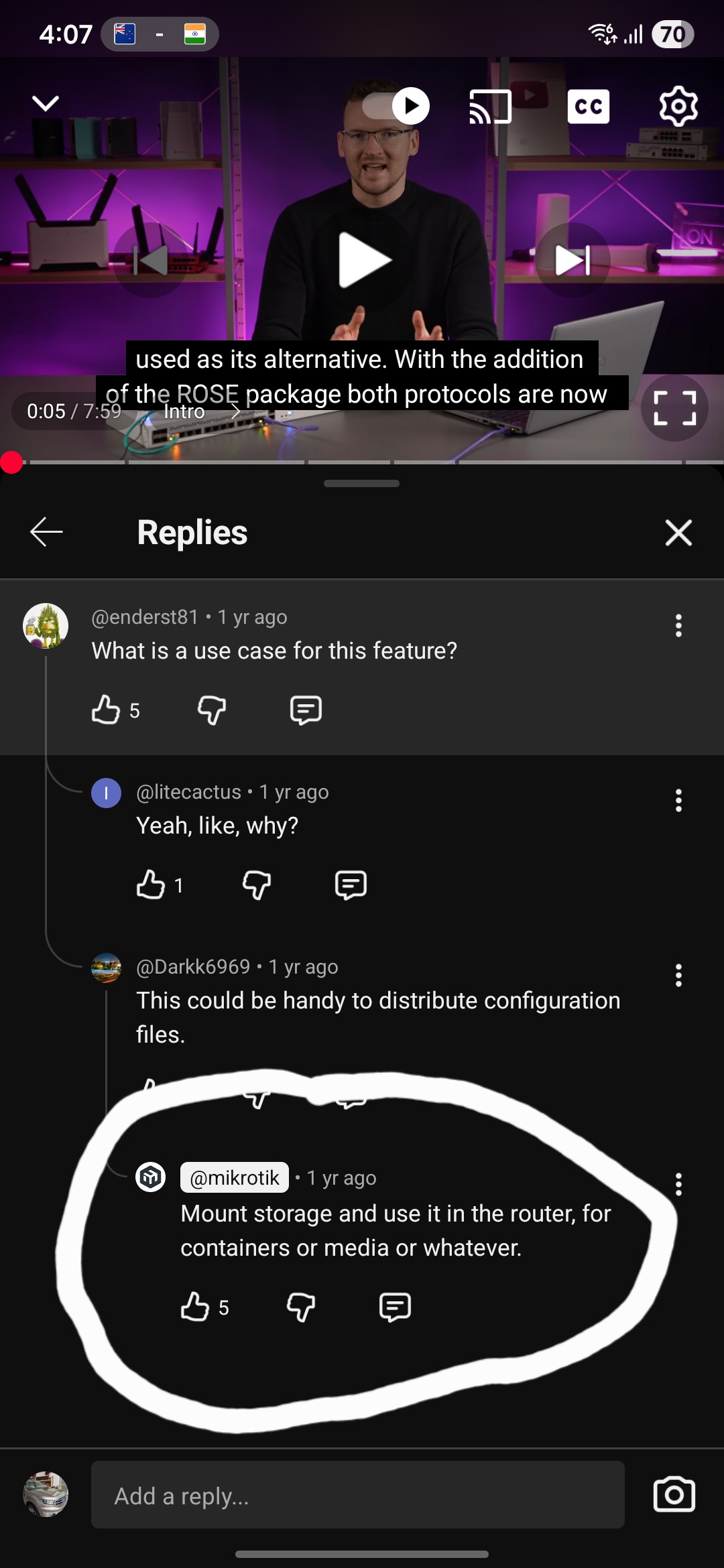
/app storage has to be a raw disk formatted with ext4 or btrfs. it cannot be done on NFS.
however, there exists a loopmount feature where you can create a disk of type “file”, that exists on some other storage (presumably can also be on an NFS mount), and that disk can then be formatted as ext4 and have a “slot” name, which you can then see in /app.
That extra layer probably does not make it faster… but you should test it from a container.
From what I understood no containers apps can be hosted/ran from anything like a remote nfs/smb on the way its implemented on RouterOS ? The data-partitions/config-settings can.
It is advisable to closely read the documentation… it says:
Step 1: Storage Selection
Choose the storage disk for application installation. The system automatically detects available formatted disks (nvme1, usb1, disk1, etc.). If no suitable disk appears, it must be formatted with ext4 or btrfs and mounted via /disk menu.
The storage must be a storage disk. Formatted as ext4 or btrfs. Not a location in the filesystem tree that could be an NFS mount. It is not clear to me why this is, maybe to avoid having to deal with disks that do not have Unix-like attribute support (e.g. FAT32), one would think NFS was ok.
I don’t know the reason for your NFS performance problem. It may be just the test, when I try it here I see much better performance for write than for the (default) read.
NFSv3 also uses some high ports for the RPC communications, you may have to open as well, the command rpcinfo -p will give you the list. By default and off the top of my head, these ports are 32000 and higher.
I ran pi-hole for a few days on my ax2 and honestly it was good, on the other hand I tried Technitium and it was garbage. I also ran Alpine and installed iperf3 which gave me pretty good results as a basic network tool. Would I use it in any serious use case prolly not, but for curiosity it scratched an itch. I think it's very immature in it's implementation atm ie I would want to be able to use cloudflared as a back-end for pi-hole etc. Technitium I couldn't get DoH working out the box without conflict, silly things like that. I could go on but I wont. I'll give it another go in a few months again.
We did some testing on full linux setup (linux server, linux client) and we found out that nfs4 can have much worse performance than nfs3 ... and that's even common knowledge (or perhaps not so much, it did surprise us). I don't know if it's possible to select NFSv3 when setting up NFS client in ROS, but you may want to try that. NFSv4 comes with some additional functionality (when compared to NFSv3) and if you don't require that functionality, NFSv3 might be better choice.
You may be able to force it in the server, in /etc/default/nfs-kernel-server, add --no-nfs-version 4 to the variable RPCMOUNTDOPTS and restart nfs-kernel-server