Hello everyone,
Recently I bought my first MikroTik RB4011 (firmware 6.47.7) and I’m new to this forum. Problem is: I cannot get access to internet via this router.
My situation:
My ISP gave me the next settings:
Networkaddress: ###.###.18.112
Gateway: ###.###.18.113
Free to use IP-addresses: ###.###.18.114 - ###.###.18.118
Broadcastaddress: ###.###.18.119
Netmask: 255.255.255.248
In my old situation I plugged a switch to the ISP-router and plugged multiple routers to this switch, all with a static IP (###.###.18.114-118) on the WAN-port of those routers and gateway ###.###.18.113, so to every router I could connect a server with it’s own LAN all with internetconnection.
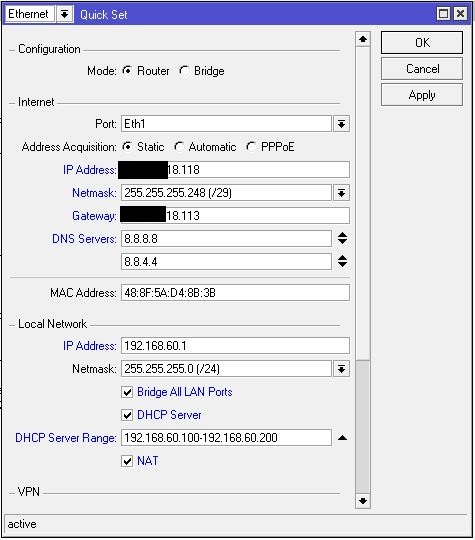
With the MikroTik I thought it should be possible to connect the WAN port (ether1) to the ISP-router and connect all my servers to bridged ports, but I don’t get internetconnection. So I tried to simplify things. My MikroTik is now connected to the switch that is connected to the ISP-router. First I removed the default configuration and after that I run “Quick set” configuration which I set as below:
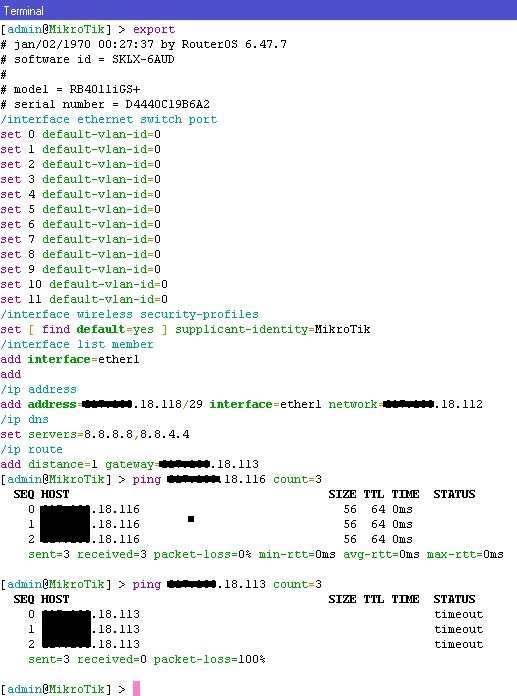
With this config I am able to ping the other routers (IP: ###.###.18.114-117) connected to the switch, but I am not able to ping anything further. What am I doing wrong?
Thank you for your time and help, let me know if I should add any more info (this is my first post, please be gentle)
if you do a ‘ip routes print’ in a terminal if look in winbox, do you see an entry for 0.0.0.0/0 and is it pointed to ether1 or the public IP you set for ether 1?
As satman1w also noted, you need a NAT rule set up as masquerade to allow you to go from private IP to public IP (aka internet)
# jan/02/1970 02:16:24 by RouterOS 6.47.7
# software id = SKLX-6AUD
#
# model = RB4011iGS+
# serial number = D4440C19B6A2
/interface ethernet
set [ find default-name=ether6 ] name=lan
set [ find default-name=ether1 ] advertise=1000M-full l2mtu=1500 name=wan
/interface ethernet switch port
set 0 default-vlan-id=0
set 1 default-vlan-id=0
set 2 default-vlan-id=0
set 3 default-vlan-id=0
set 4 default-vlan-id=0
set 5 default-vlan-id=0
set 6 default-vlan-id=0
set 7 default-vlan-id=0
set 8 default-vlan-id=0
set 9 default-vlan-id=0
set 10 default-vlan-id=0
set 11 default-vlan-id=0
/interface wireless security-profiles
set [ find default=yes ] supplicant-identity=MikroTik
/ip pool
add name=dhcp-pool-lan ranges=192.168.60.100-192.168.60.200
/ip dhcp-server
add address-pool=dhcp-pool-lan disabled=no interface=lan lease-time=1d name=\
    dhcp-lan
/ip neighbor discovery-settings
set discover-interface-list=!dynamic
/ip address
add address=###.###.18.118/29 interface=wan network=###.###.18.112
add address=192.168.60.1/24 interface=lan network=192.168.60.0
/ip dhcp-server network
add address=192.168.60.0/24 comment=lan dns-server=192.168.60.1 gateway=\
    192.168.60.1
/ip dns
set allow-remote-requests=yes servers=8.8.8.8,8.8.4.4
/ip firewall filter
add action=accept chain=input connection-state=established
add action=accept chain=input connection-state=related
add action=drop chain=input connection-state=invalid
add action=accept chain=input in-interface=lan
add action=drop chain=input
add action=accept chain=forward connection-state=established
add action=accept chain=forward connection-state=related
add action=drop chain=forward connection-state=invalid
add action=accept chain=forward in-interface=lan
add action=drop chain=forward
/ip firewall nat
add action=masquerade chain=srcnat out-interface=wan
/ip route
add distance=1 gateway=###.###.18.113
/system ntp client
set enabled=yes primary-ntp=2.2.2.2 secondary-ntp=3.3.3.3
and this is the output of “ip route print”:
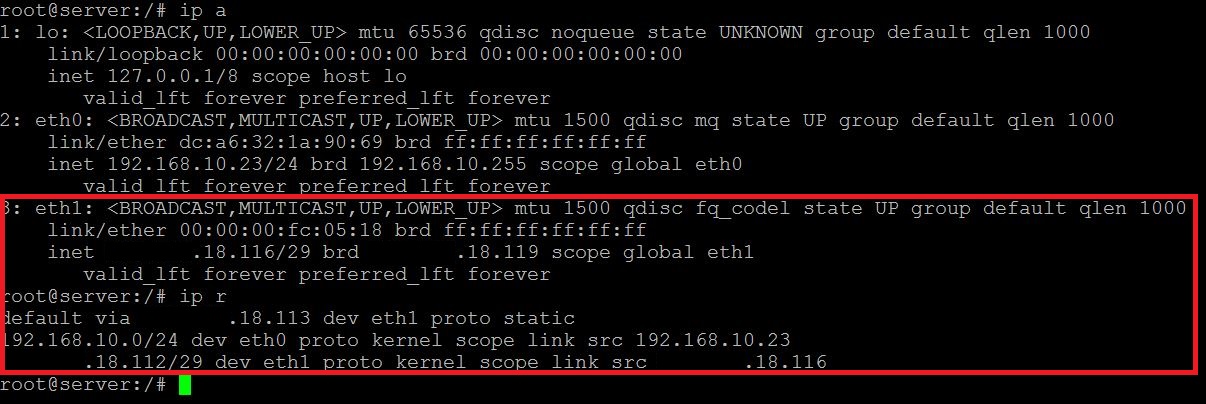
on another linuxbox I have below settings and this works like a charm:
from the Mikrotik I can ping this linuxbox at ###.###.18.116 but nothing else.
on this linuxbox the output of traceroute is:
on a forum a read somewhere that I have to set nexthop, but I don’t know how to do this.
O.K.
let’s start from beginning
your router has address x.x.18.118/29 on ether1.
ether1 is connected to your provider.
without any additinal routes you sgould be able to ping Def.Gw. on your prowiders network
ping x.x.18.113 - can you?
if you can, add default route 0.0.0.0 to x.x.18.113
now you should be able to ping 8.8.8.8 - can you
if you can, add private address to your lan interface (ether6) 192.168.60.1/24
setup NAT from private network to wan interface
connect any computer with address 192.168.60.x/24 with DG set to 192.168.60.1 to ether6 and ty to ping
router on 192.168.60.1 - if you can, you have connectivity to router
ping 8.8.8.8 - if you can the job is done
if you cannot something is wrong with NAT settings…
hopefully I have guessed all the addressess you are using…
My network:
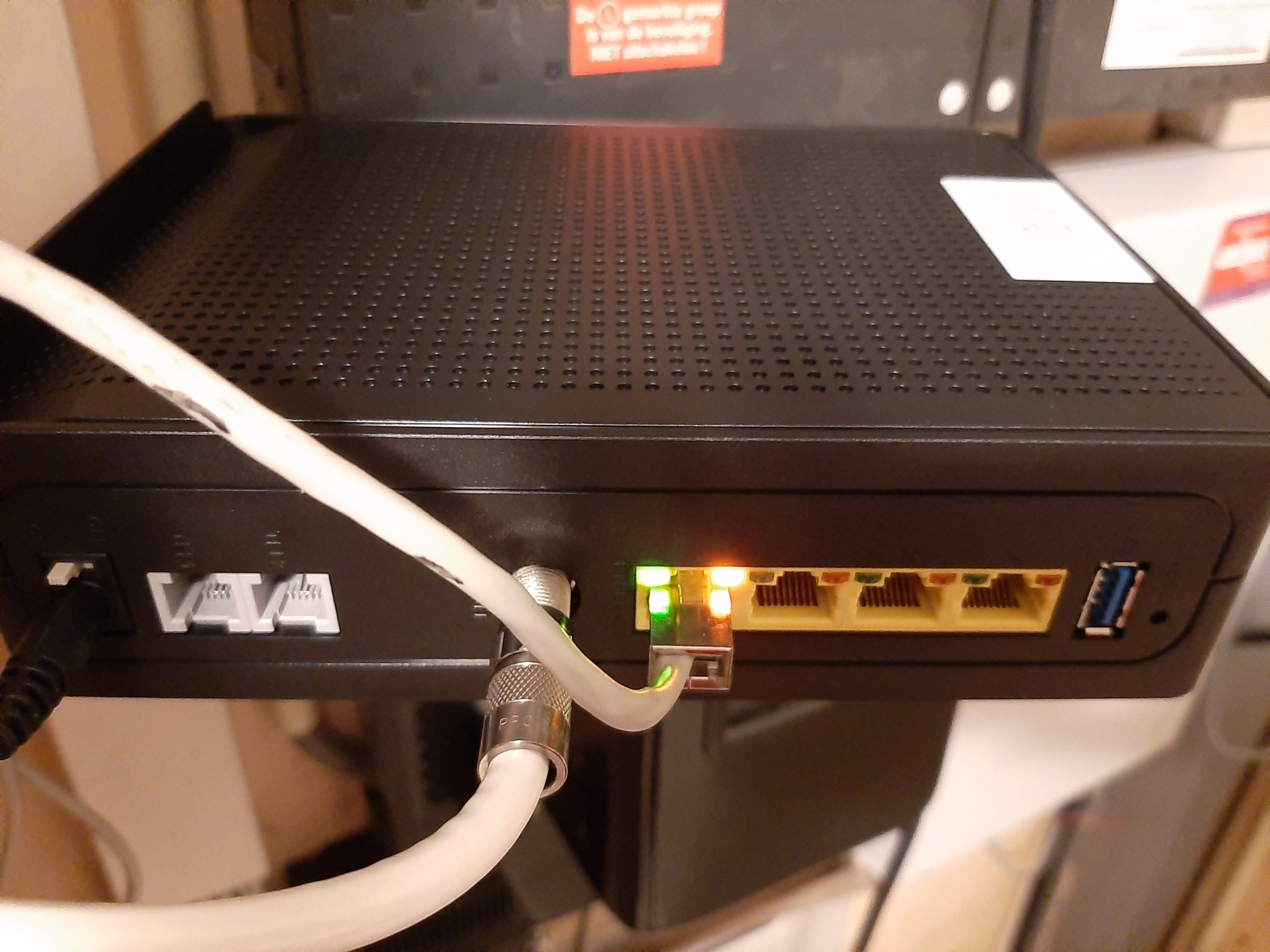
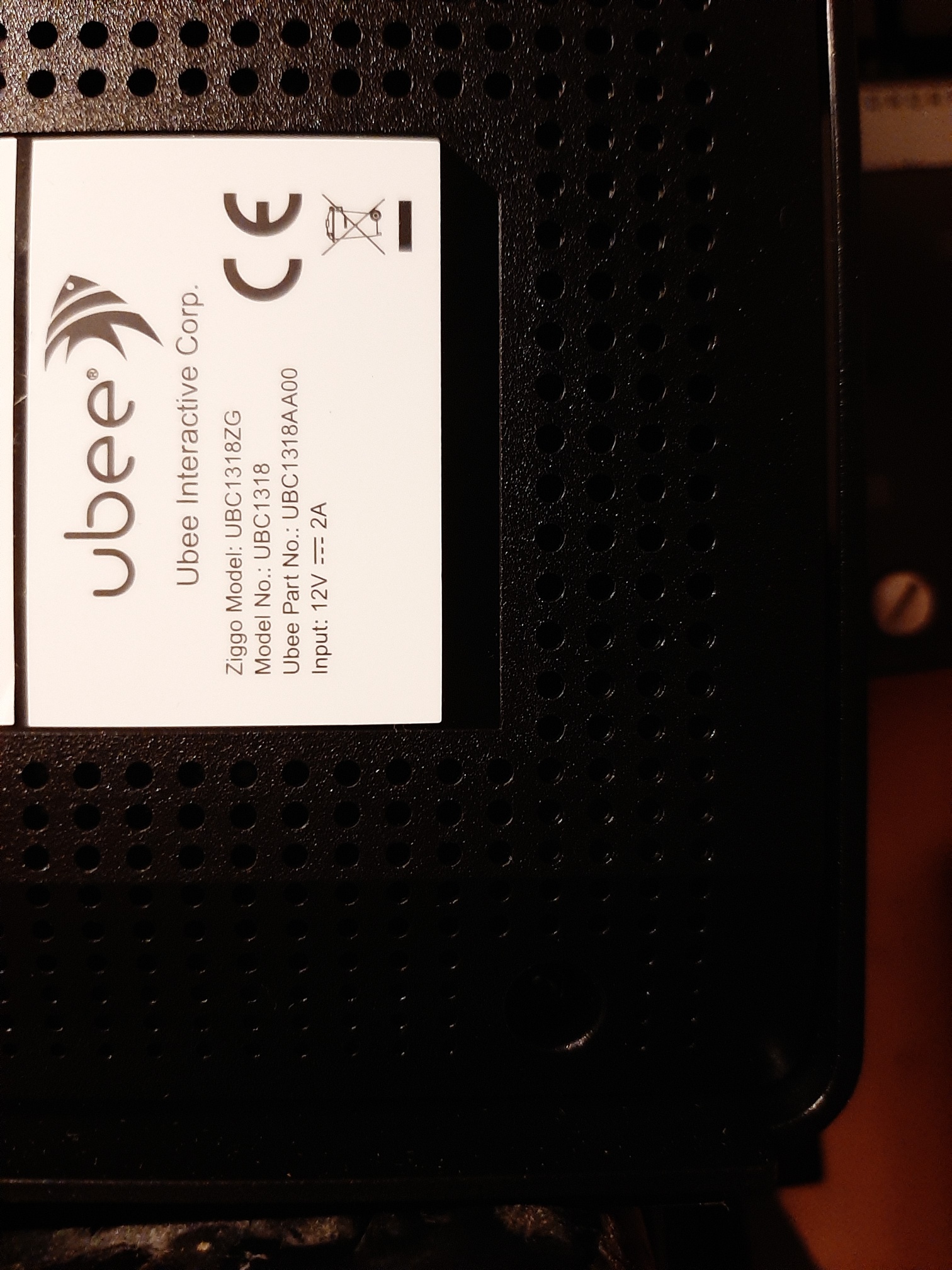
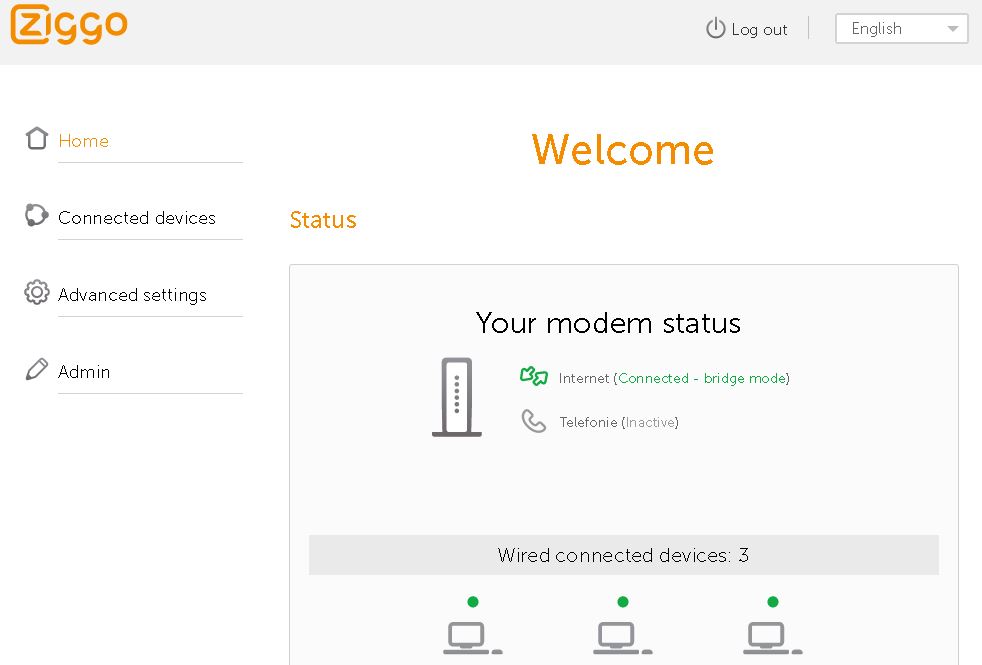
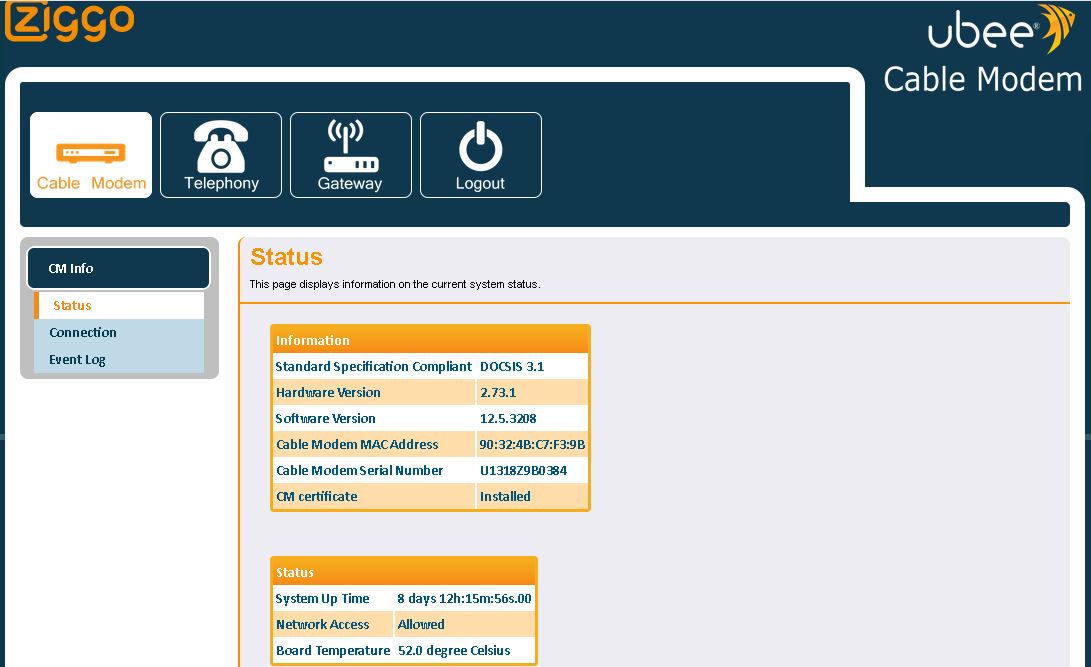
The modem from my ISP:
I cannot make any relevant change in the settings of this router:
The UTP-cable is attached to a switch
To the switch are connected multiple routers:
an old PC running NethServer (CentOS) at IP ###.###.18.115 (eth1) to which a home lan (eth0) is connected
a raspberry pi4 (Ubuntu) at IP ###.###.18.116 (eth1) to which a business lan (eth0) is connected
a linksys E8350 router at IP ###.###.18.117 (wan-port) to which (lan-port) a raspberry pi4 (RasPBX) is connected
a Mikrotik RB4011iGS+ (RouterOS 6.47.7) at IP ###.###.18.118 …
What I tried before is to connect the UTP-cable from the ISP-modem directly to the Mikrotik (so all other devices were unconnected) but even that didn’t work.
I checked and re-checked and double-checked I hadn’t made any typo’s.
But still can’t get internet connection at gateway ###.###.18.113 while that works at all the other routers.
As I can see you have some kind of Cable modem from your provider and it is in a bridge mode so it is not “dialing a connection” by itself.
If it is anything like adsl modem you have to etup pppoe on modem to connect it to provider, OR if it is bridged (it looks that yours is), you have to set up the connection on your side (in your case - on mikrotik).
If your Linux machine CAN ping outside your network, is it possible that pppoe client is set there?
Yes, it is a cable-modem. I don’t need to setup pppoe. On all the routers / linux-boxes I fill in the correct IP, subnetmask, gateway and dns-addresses and then I have a internet-connection outside my network.
So, I think it has to do with another setting, but I don’t know what?
Maybe there is something other! Did you have any other device configured with this IP address, some ISP has an log ARP age and there need some time to clear old MAC and to accept new one, so your gateway show as unreachable!
@ingdaka
The ip ###.###.18.118 is not in use by another server or router; I can set another router to listen to this IP-address and I can set my computer to listen to this IP-address, it’s all working, but not when I try to do the same with the Mikrotik…
@satman1w
I tried the ip ###.###.18.114, but it’s the same result, no internetconnection…
…one more just to be sure..
I would try to disconnect EVRYTHING fom providers equipment, then connect ONLY Mikrotik (different ethernet port…) and set it up from scratch..